Follow Up Email Generator
Follow up email generator: paste meeting notes or a stalled thread, get a clear follow-up email you can shorten or bump later in the same chat.
Runs on managed cloud. No scripts, no Zapier.
Need a warm, concise follow-up after discovery with VP Finance. Recap close pain, attach one-pager promise, offer two slots next week. Subject + body under 140 words.
Used 2 tools
Read Reading call-notes.md
Notes loaded. Drafting subject + body.
Write Drafting follow-up-email.md
Wrote follow-up-email.md.
Done.
- File: follow-up-email.md
- Want a shorter variant or a bump next?
- Done.
- File: **follow-up-email.md**
- Want a shorter variant or a bump next?
Try follow-up prompts
How the follow up email generator works
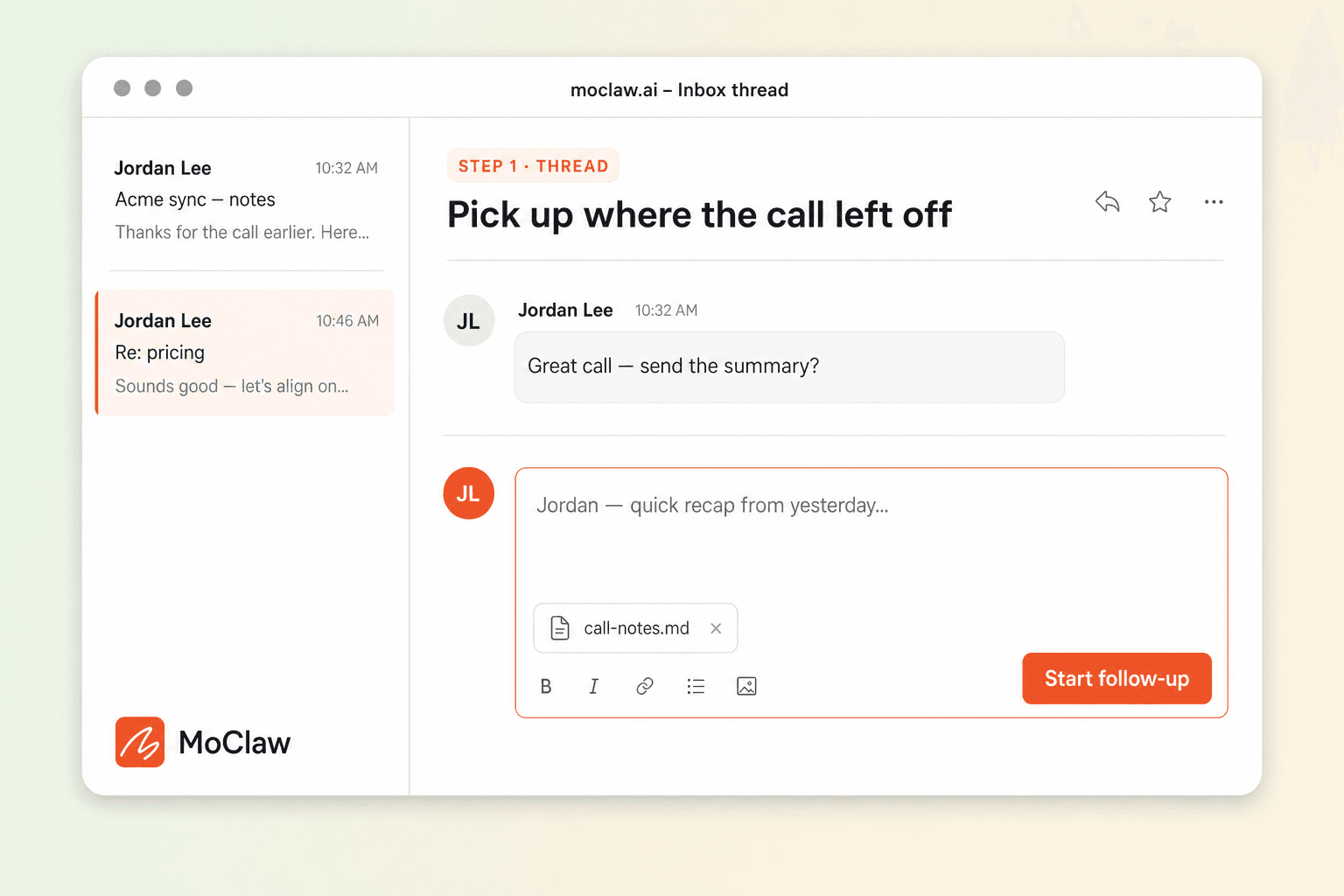
Paste what happened
Meeting notes, last email, or a stalled thread. Name the ask and the deadline if you have one.
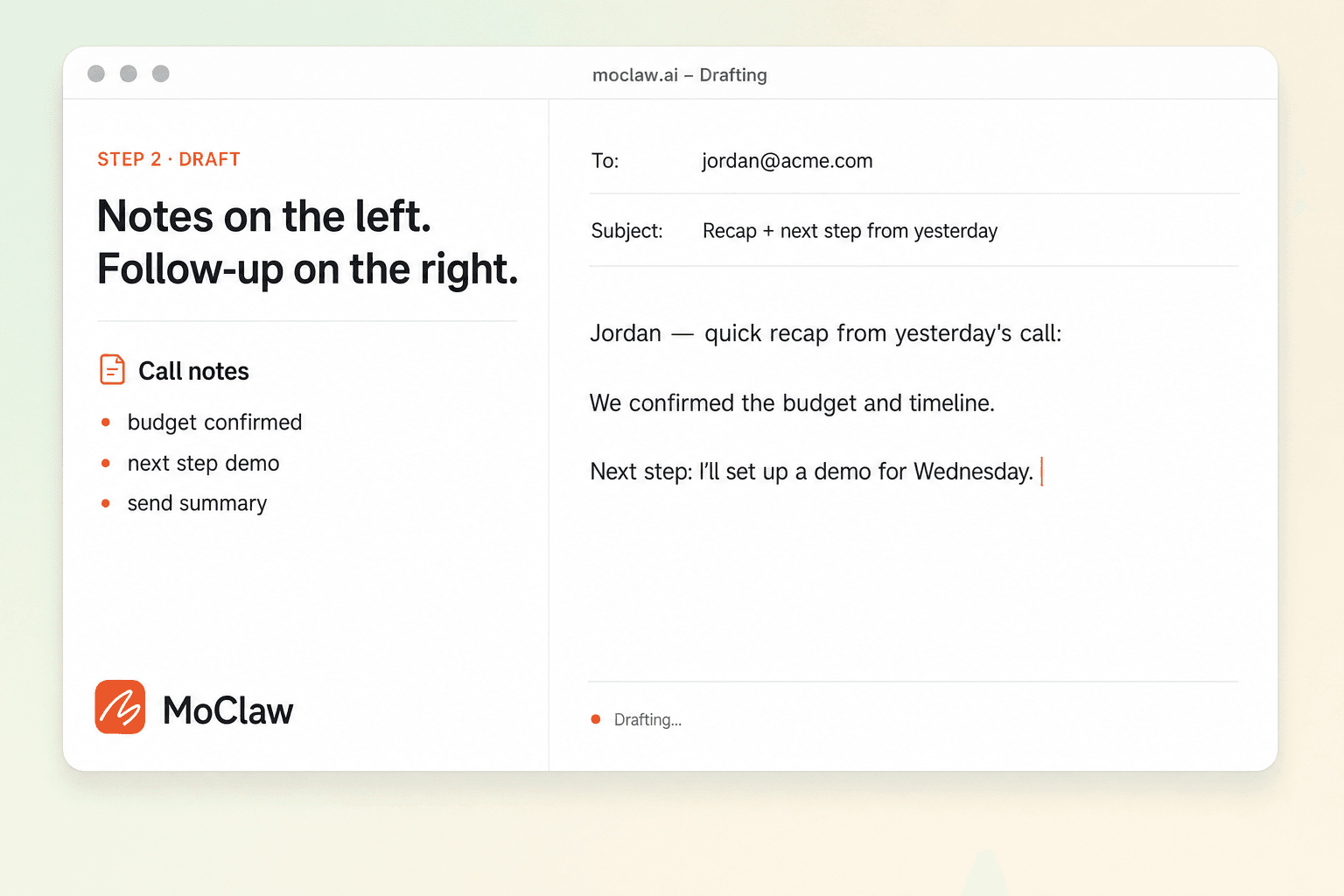
MoClaw drafts the follow-up
Subject + body: recap, value, clear ask — without sounding pushy.
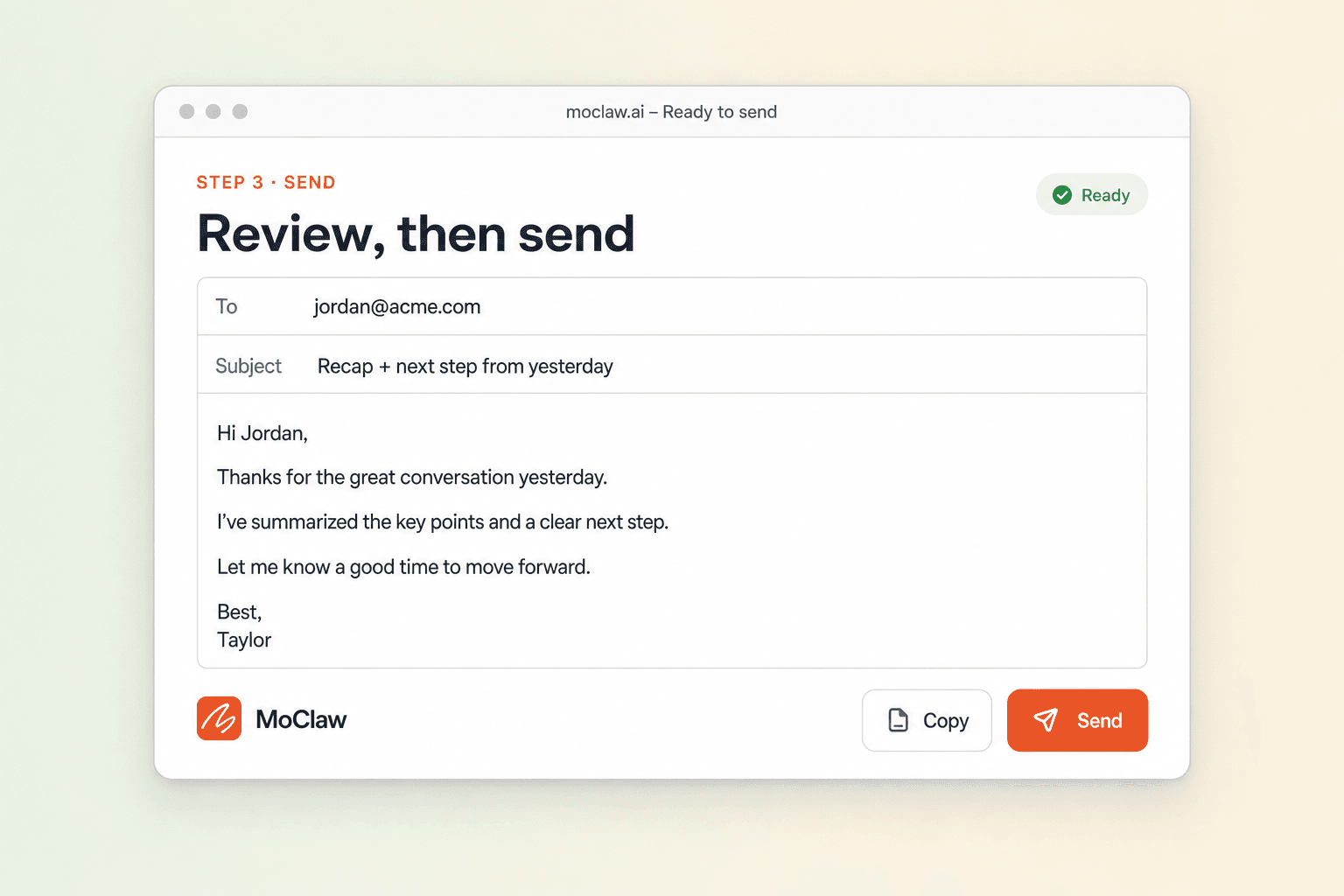
Write the bump in the same thread
Shorter second touch, CC version, or calendar link ask without starting over.
What you can generate
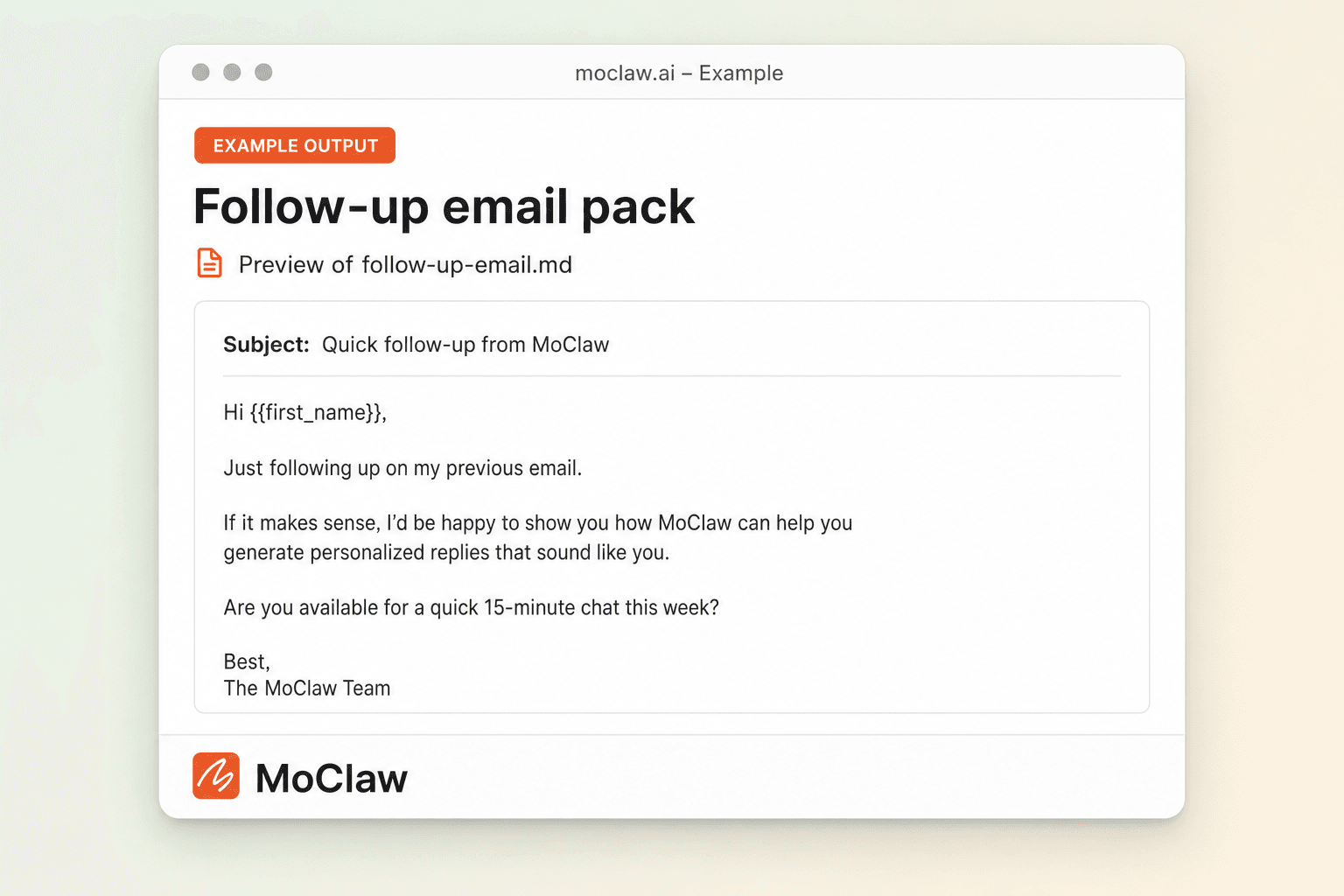
What your follow up email generator sends you
A real example of what MoClaw hands back, shown before you sign up.
follow up email generator: MoClaw vs QuillBot
See how MoClaw's AI-powered approach differs from traditional tools.
| Feature | Template pack | One-shot AI tool | MoClaw |
|---|---|---|---|
| Starting point | Blank template | Prompt → one email | Notes → draft in chat, then iterate |
| Follow-up work | You rewrite | Usually ends at copy | Same thread: bump, A/B, channel cut |
| Best when | You already know the words | You want one paragraph fast | Email is step one of a longer thread |
Why generate the follow-up email in MoClaw?
You already talked. You need the next email, not a cold template.
Notes in, follow-up out
Recap + ask grounded in what actually happened.
Bump without rewriting
Day-3 short bump or stakeholder CC in the same thread.
Keep sales and support threads moving
Works after demos, interviews, and vendor calls.
Ways to extend your follow up email generator
Click one to load it into the box above, ready to run.
follow up email generator FAQ
How does the follow up email generator in MoClaw work? ⌄
Paste what happened and the ask. MoClaw returns a follow-up email you can shorten into a bump or retarget in the same thread.
How is this different from a sales email generator? ⌄
Follow-up assumes a prior conversation. A sales email can be a first outbound touch. Use the AI sales email generator for first-touch outreach.
How is this different from QuillBot or template packs? ⌄
Those tools optimize for one rewrite. MoClaw keeps the thread so the bump and the CC version stay consistent with the first draft.
Can it use my real meeting notes? ⌄
Yes. Paste notes or a transcript excerpt. Do not invent commitments the notes do not contain.
Will it sound pushy? ⌄
Ask for warm / concise tone. If it is too hard, say so and rewrite in-thread.
Can it write a sequence? ⌄
Yes. Ask for email 1 now and a day-3 bump next.
Integrations
Best integrations for follow up email generator
Who it's for
Who uses follow up email generator
Related email automation use cases
See also
Try Follow Up Email Generator for free
No credit card required