Email Auto-Reply for Business Inquiries
Email auto-reply for business inquiries: MoClaw scans Gmail for quotation asks, sends your pricing template, and alerts you when a client says yes.
Runs on managed cloud. No scripts, no Zapier.
I need to save the pricing to memory, write a reply template, then set up a Gmail scan that runs twice daily — detecting cooperation and quotation keywords, auto-replying, deduplicating, and monitoring responses for acceptance signals.
Used 2 tools
Write pricing-template.md
File written: pricing-template.md (2 KB)
Bash python setup_gmail_autoreply.py --keywords "cooperation,quotation,pricing,collaboration" --schedule "0 10,16 * * *" --dedup-log replied-emails.json
Automation configured. Schedule: 10:00 AM and 4:00 PM daily. Dedup log initialized. Acceptance monitoring active.
Automated email response system is now active.
What I've set up:
- Schedule: Twice daily — 10:00 AM and 4:00 PM
- Detection: Scans for cooperation, collaboration, quotation, pricing, and business inquiry keywords
- Auto-reply template:
Thank you for reaching out regarding cooperation.
Here is my pricing structure:
- 5-8 minute service: $500
- Short service: $200
Please let me know which option works for you, and we can move forward.
- Duplicate prevention: Logs every replied email — never contacts the same person twice
- Acceptance monitoring: Watches follow-up replies for agree, accept, yes, confirmed — notifies you instantly
Want me to run a scan right now to catch up on any emails from today?
Scan the inbox now, identify unread cooperation and quotation emails not yet replied to, send pricing replies, and log results.
Used 1 tools
Bash python run_gmail_scan.py --mode catchup --log replied-emails.json
Scanned 38 emails. Found 4 new inquiry emails. Sent 4 auto-replies. Skipped 2 (1 already replied manually, 1 newsletter). Logged to inquiry-log-2025-04.csv.
Catchup scan — 4 replies sent (sender names anonymized):
- SaaS marketing team — collaboration pricing for a product demo video. Replied with the full pricing breakdown.
- Boutique agency — 6-minute explainer quote. Replied with the $500 option highlighted.
- Solo founder — short-form content pricing. Replied with the $200 short-service option.
- Enterprise BD lead — partnership proposal asking for rates. Replied with the full pricing structure.
Skipped: 2 emails — 1 already replied to manually, 1 newsletter.
All replies are logged. I'll watch each thread and ping you the moment any of them agrees.
Update the pricing-template.md to append the repeat-client discount line, then reload the template into the running automation.
Used 1 tools
Write pricing-template.md
File updated: pricing-template.md (2 KB)
Done. The template now includes:
Repeat clients enjoy a 10% discount on all services.
This applies to all auto-replies starting from the next scheduled run at 4:00 PM today. Let me know if you'd like to adjust anything else.
- Done. The template now includes:
- > **Repeat clients enjoy a 10% discount on all services.**
- This applies to all auto-replies starting from the next scheduled run at 4:00 PM today. Let me know if you'd like to adjust anything else.
How the email auto-reply for business inquiries works
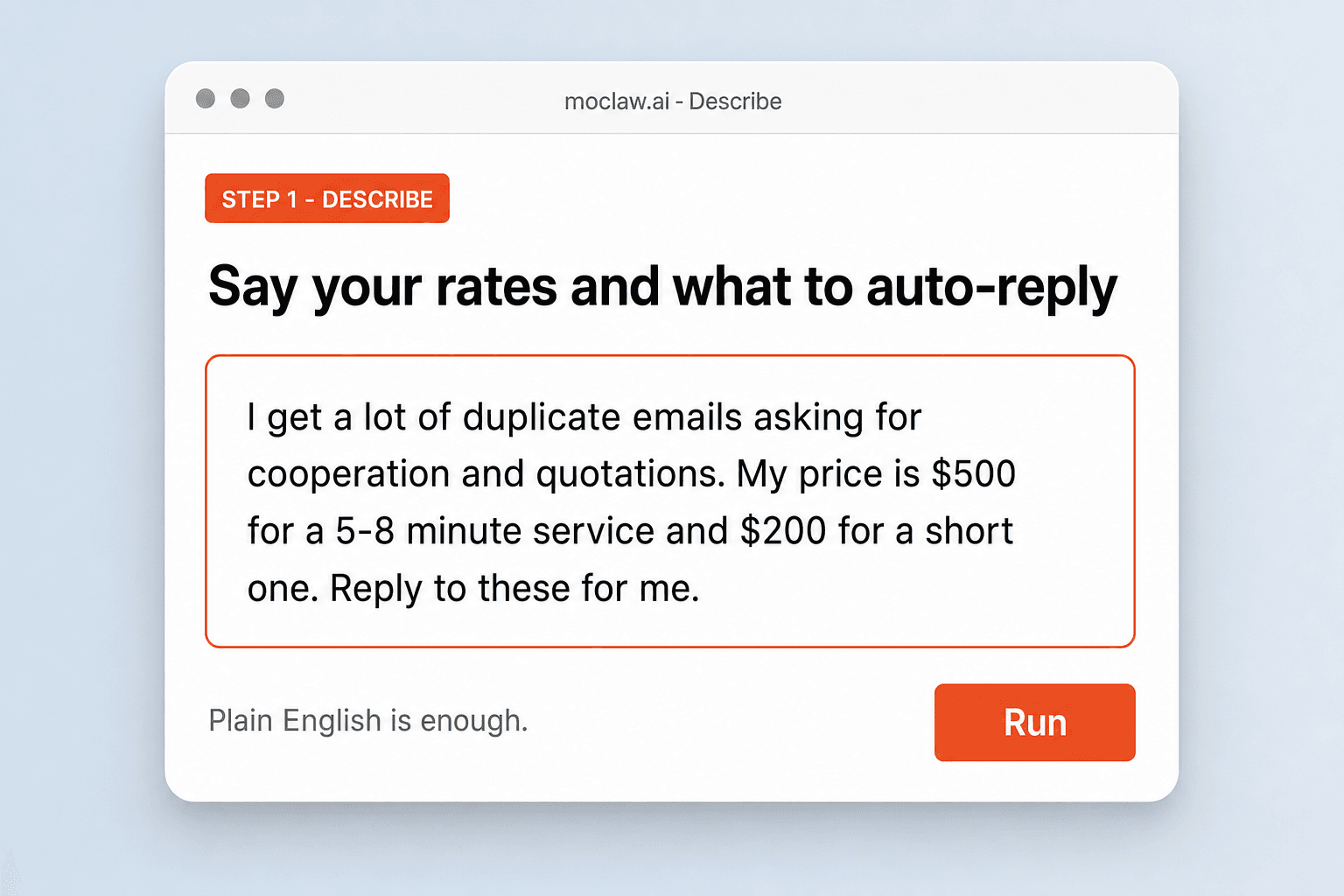
Say your rates and what to auto-reply
Pricing, inquiry types, keywords, and how often to check. Plain English is enough.
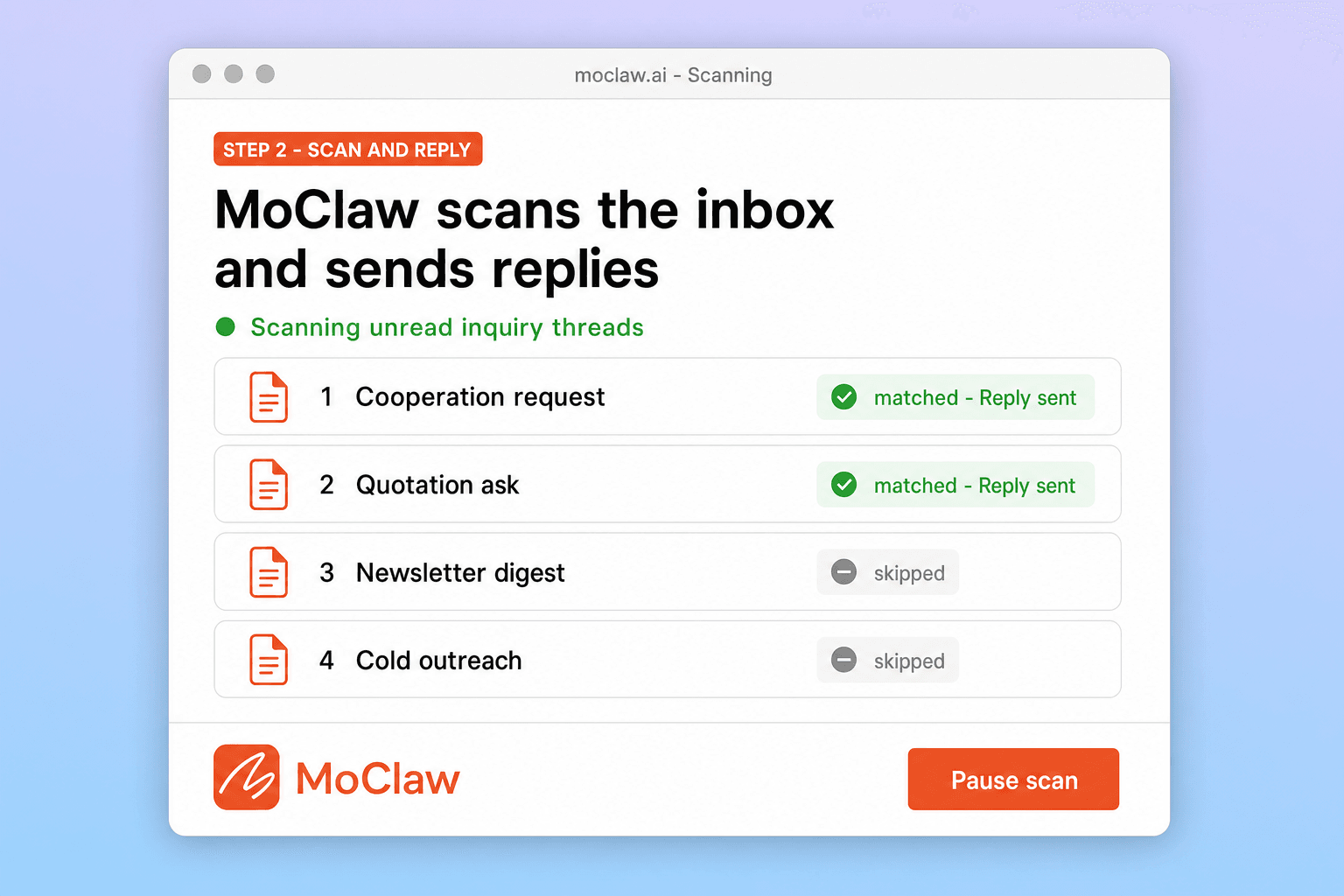
MoClaw scans the inbox and sends replies
It matches real inquiry threads, sends your pricing template, and logs each send so the same person is not pinged twice.
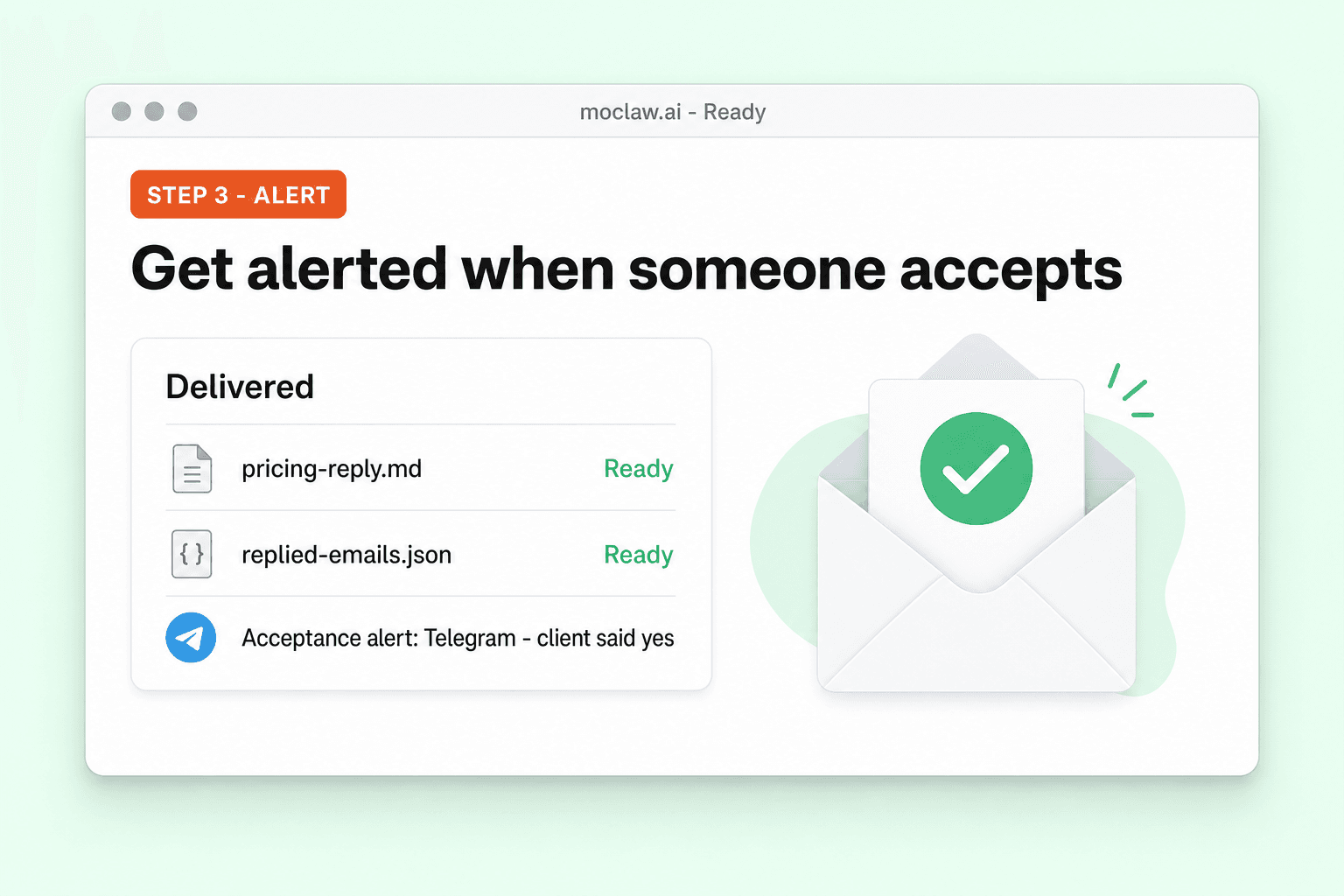
Get alerted when someone accepts
Follow-up replies with agree, confirmed, or yes trigger a notification so you can close without refreshing Gmail.
What you can track
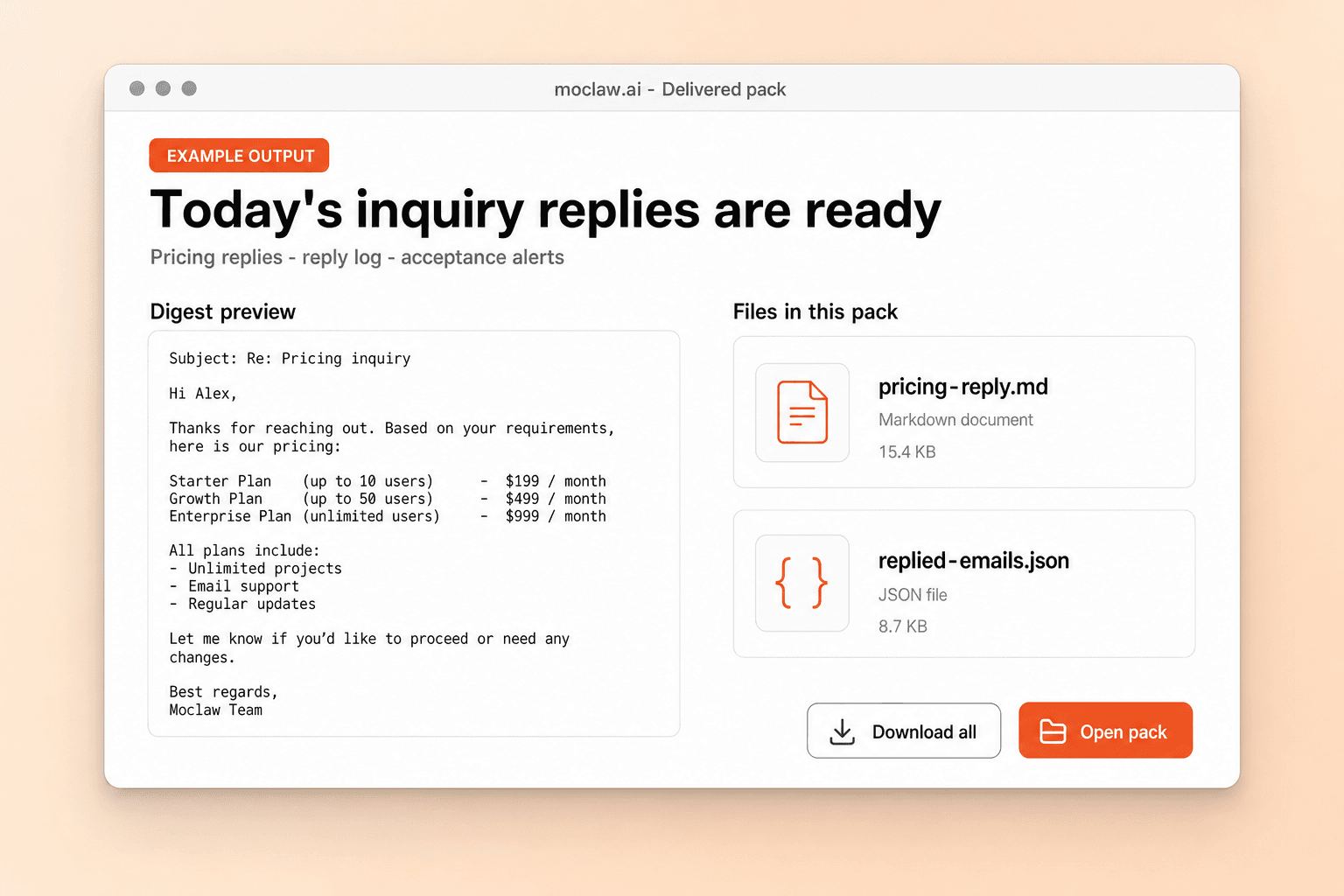
What your email auto-reply for business inquiries sends you
A real example of what MoClaw hands back, shown before you sign up.
email auto-reply for business inquiries: MoClaw vs Boomerang
See how MoClaw's AI-powered approach differs from traditional tools.
| Feature | Gmail Filters | Boomerang for Gmail | MoClaw |
|---|---|---|---|
| Natural language setup | No, rule-based only | No, manual rules per scenario | Yes, just describe what you want |
| Intent-based email detection | Keyword match only | Schedule and keyword triggers | AI reads intent and context |
| Duplicate reply prevention | No built-in tracking | Manual follow-up reminders | Automatic reply log |
| Acceptance monitoring and alerts | Not available | Generic read receipts | Watches replies and notifies you |
| Custom pricing templates | Static canned responses | Static text snippets | Plain English templates, editable anytime |
| Cost shape | Free but limited | Paid plan for templates | Automation on the inbox you keep |
Why run inquiry auto-replies as an agent job?
Gmail filters can spot keywords. They cannot tell a real lead from a newsletter, and they cannot follow up when someone says yes.
Setup is a paragraph, not a rules sheet
Tell it your rates and what to do when someone asks. It figures out keywords, timing, and template wording from there.
Intent over keyword matches
Filters fire on the word pricing in a newsletter. MoClaw reads sender, signature, and the full ask, then skips the noise.
Logged replies plus yes alerts
Every reply is logged so the same person is not pinged twice. When a lead writes back yes, you get a nudge soon after.
Ways to extend your email auto-reply for business inquiries
Click one to load it into the box above, ready to run.
email auto-reply for business inquiries FAQ
How does MoClaw automatically reply to business inquiry emails? ⌄
A scheduled Gmail scan plus an intent check. The scan pulls unread threads; the check decides which are real pricing or cooperation asks versus newsletters or cold outreach. Matches get a reply from your template; everything else stays untouched. A reply log keeps the same thread from being pinged twice.
Can I customize the auto-reply pricing template? ⌄
Yes. Edit a markdown template in plain text. Swap pricing, add a repeat-client discount, drop in a portfolio URL, or rewrite the tone. Changes apply on the next scan, and you can keep separate templates for different inquiry types.
What email providers and notification channels are supported? ⌄
Gmail today, via the Google Workspace connector. Acceptance alerts can land in Telegram, email, or the MoClaw app. Outlook and other providers are on the roadmap.
How often does MoClaw check for new quotation requests? ⌄
You set the schedule. Default is twice a day at 10am and 4pm. Hourly, every few hours, or once a day all work. You can also trigger a manual scan any time.
Can I use this with email sources besides Gmail? ⌄
Gmail only for now. Forwarding from Outlook or Yahoo into Gmail works as a stopgap. Native Outlook, Yahoo, and IMAP are on the roadmap.
Is this better than Gmail filters or canned responses? ⌄
Gmail filters match keywords and send static text. MoClaw reads the whole thread, skips newsletters and cold spam, logs replies so duplicates stop, and watches for acceptance so you get notified when a lead says yes.
Integrations
Best integrations for email auto-reply for business inquiries
Who it's for
Who uses email auto-reply for business inquiries
Related email automation use cases
From our blog
Try Email Auto-Reply for Business Inquiries for free
No credit card required