LinkedIn Post Generator
LinkedIn post generator: describe a topic or paste a link, get a post draft you can tighten, rehook, or turn into a carousel outline.
Runs on managed cloud. No scripts, no Zapier.
Need a LinkedIn post for B2B founders on spreadsheet month-end pain. Direct tone, strong hook, short lines, one example, soft comment CTA. Under 220 words.
Used 2 tools
Read Reading topic-notes.md
Notes loaded. Drafting structured output from the brief.
Write Drafting linkedin-post.md
Wrote linkedin-post.md with sections ready to edit.
Done. Draft is ready.
- File: linkedin-post.md
- Ask for a tighter cut or the next asset in this thread.
- Done. Draft is ready.
- File: **linkedin-post.md**
- Ask for a tighter cut or the next asset in this thread.
Try follow-up prompts
How the linkedin post generator works

Describe the topic or paste a source
A win, opinion, launch, or URL. Say the audience and tone if it matters.
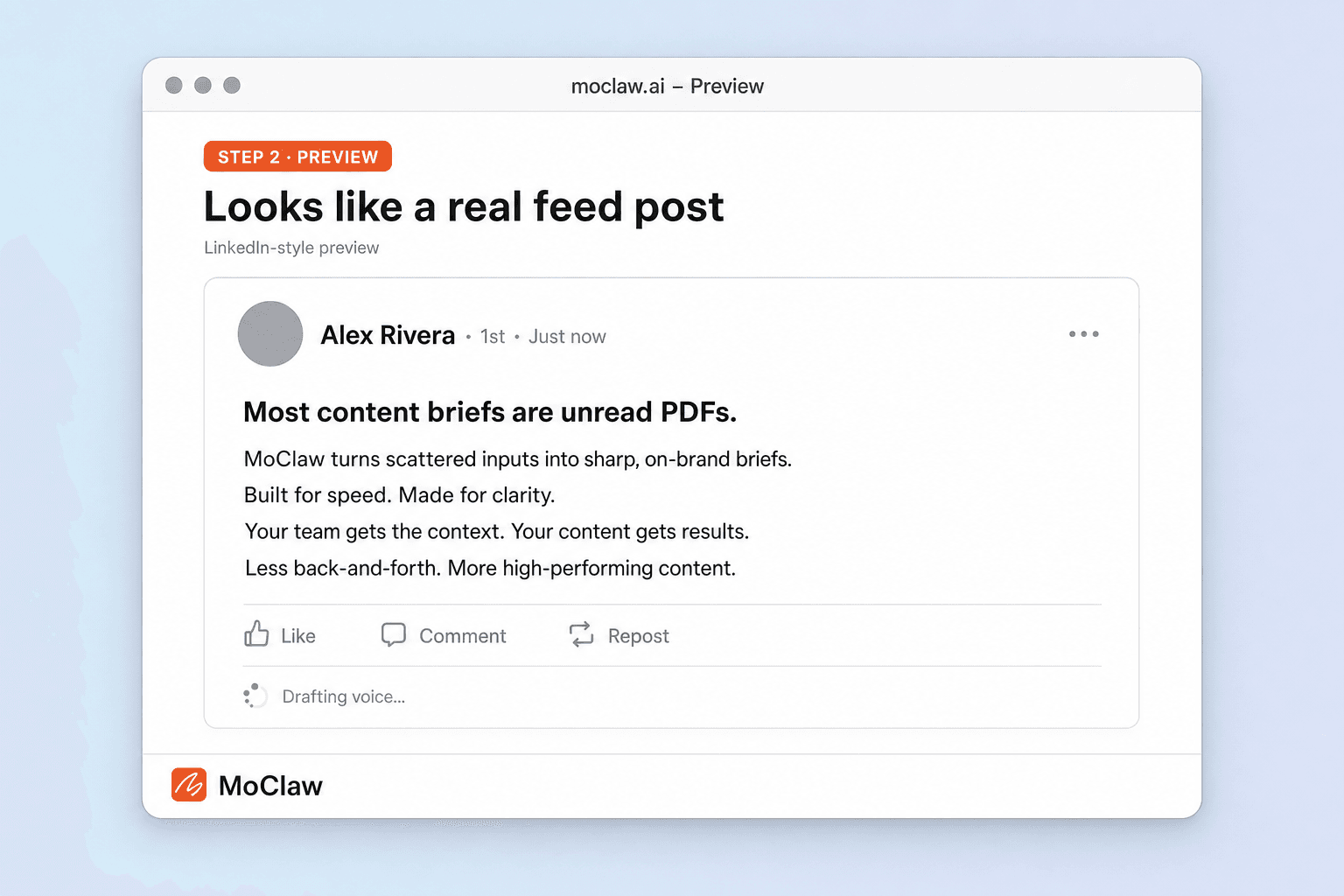
MoClaw drafts a LinkedIn-ready post
Hook, body, and a clear close — written to skim on mobile.
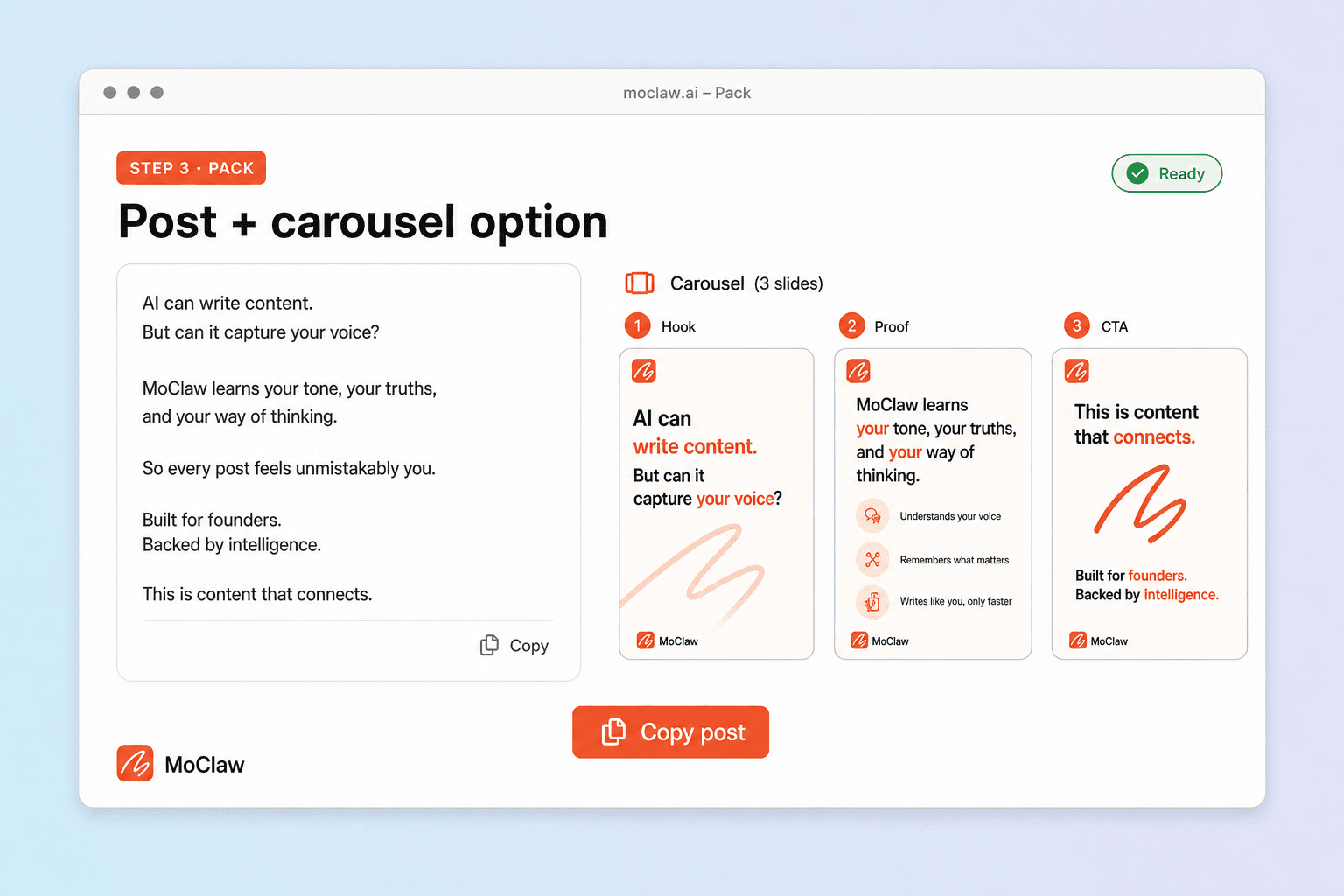
Tighten or extend in the same thread
Shorter hook, carousel outline, or a comment seed without a new tool.
What you can generate
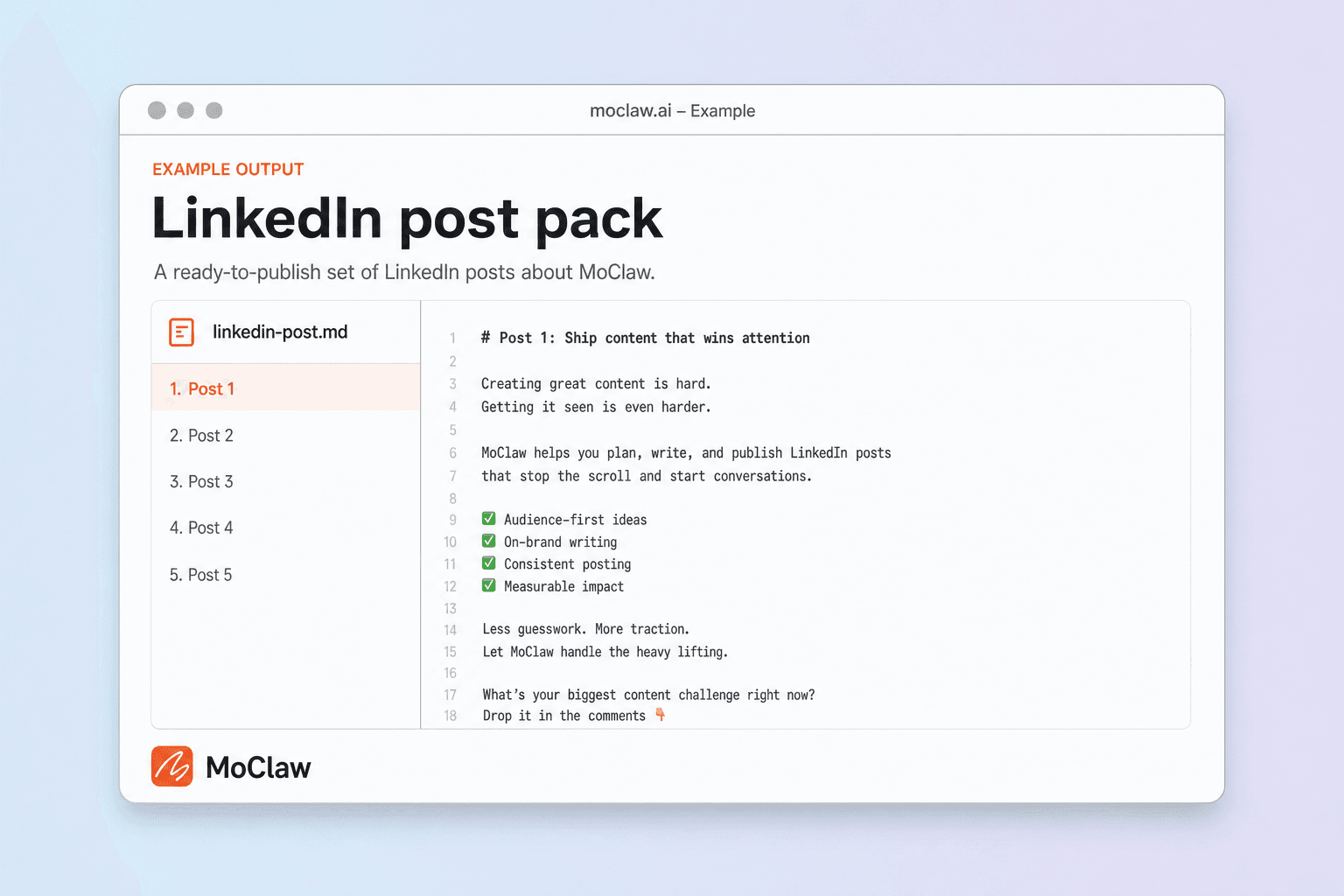
What your linkedin post generator sends you
A real example of what MoClaw hands back, shown before you sign up.
linkedin post generator: MoClaw vs Typegrow
See how MoClaw's AI-powered approach differs from traditional tools.
| Feature | Template / suite | One-shot AI tool | MoClaw |
|---|---|---|---|
| Starting point | Empty sections | Prompt → one export | Brief → draft in chat, then iterate |
| Follow-up | You rewrite | Usually ends at download | Same thread: cuts, variants, next asset |
| Best when | You already know the copy | You want a one-shot draft | The draft is step one of a longer job |
Why generate the LinkedIn post in MoClaw?
You need a draft with a real hook, not another empty social template.
Topic or link in, post out
Hook + body + CTA grounded in what you typed.
Cuts without losing context
Shorter open, founder voice, or carousel outline in-thread.
Keep the content loop going
Ask for a follow-up post or comment prompt next.
Ways to extend your linkedin post generator
Click one to load it into the box above, ready to run.
linkedin post generator FAQ
How does the LinkedIn post generator in MoClaw work? ⌄
Describe a topic or paste a link. MoClaw returns a LinkedIn-ready draft you can shorten, revoice, or turn into a carousel outline in the same thread.
Is this free? ⌄
You can try MoClaw with the free trial credits. The generator is a use-case entry into chat, not a separate paywalled widget.
How is this different from Hootsuite or Typegrow? ⌄
Those tools optimize for social publishing workflows. MoClaw is an agent thread: draft the post, then ask for a carousel, a follow-up post, or a sales email from the same idea.
Will it sound like generic AI? ⌄
Give tone notes (direct, founder, skeptical). Ask for a rewrite if the first draft is flat — that is the point of keeping the thread.
Can it write from a URL? ⌄
Yes. Paste the link and ask for a fresh hook that is not the article title.
Can it do carousels? ⌄
It drafts slide outlines and captions. It does not design the Canva file unless you ask for an export path you already use.
Integrations
Best integrations for linkedin post generator
Who it's for
Who uses linkedin post generator
Related document automation use cases
See also
Try LinkedIn Post Generator for free
No credit card required