Agent Memory vs Chat History: Why It Matters

Learn how agent memory differs from chat history, why persistent context matters for recurring AI workflows, and privacy risks to verify before trusting it.
Table of Contents
For about a year, the first two minutes of every AI session were the same. I'd re-explain who I am, what project I'm on, how I want things formatted. I run a one-person consulting practice. The context never changed. I just kept typing it.
So when tools started advertising memory, I assumed the re-typing was over. It mostly wasn't, and the reason is that agent memory and chat history are not the same thing, even though the marketing blurs them. I'd been treating them as one. That cost me an afternoon when a scheduled task ran on instructions I assumed it had kept, and it hadn't.
I'm Vera. This piece is about that difference: what agent memory actually holds, why recurring work depends on it, and where it can quietly go wrong. I'm not going to tell you it transformed anything. I'll tell you what it is and what I'd verify before trusting it with a standing task.
Key Takeaways
- Agent memory and chat history are different: history records what was said, while memory preserves reusable context across sessions.
- Recurring AI work depends on persistent context, workspace state, and schedules, not just a long transcript.
- Memory can go stale or store the wrong instruction, so users should periodically review and reset it.
- Privacy controls matter: before trusting memory, check whether you can view, export, and delete what the assistant stores.
Agent Memory in One Sentence
Here's the shortest version I can give: agent memory is the information an AI assistant keeps and reuses across separate tasks and sessions, your preferences, your context and the state of work it's done before, so it doesn't start from zero every time.
Chat history is narrower. It's the transcript of what was said in a conversation. Useful, but it lives inside one session's context window, and when that window fills up or the session ends, it stops doing work for you.
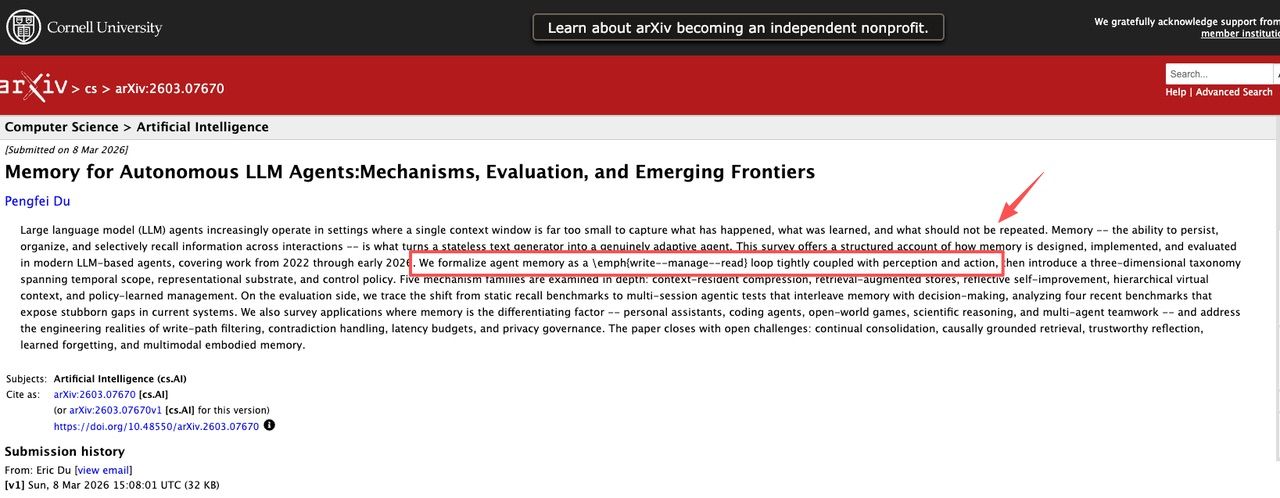
Researchers describe the gap more formally. A 2026 survey on memory for autonomous LLM agents frames memory as a write–manage–read loop running alongside the agent's actions, not a single transcript, but something the system stores, organizes, and selectively pulls back. The plain-language takeaway: memory is what turns a stateless responder into something that can pick up where it left off.
If you only ever ask one-off questions, you don't need any of this. If you hand off recurring work, it's the whole game.
Memory vs Chat History vs Workspace Context
When people say a tool "remembers," they usually mean one of three things. They behave differently, and knowing which one you're leaning on is what saves you the afternoon I lost.
Saved conversation history
This is the transcript. The tool can scroll back through what you said earlier in the same thread, sometimes across threads, if it stores them. It's the most common kind of AI assistant memory, and the shallowest. It tells the assistant what was said, not what matters. ChatGPT-style memory mostly lives here: a handful of facts pulled from past chats. Fine for continuity. Not enough to run a standing task on.
Persistent user preferences
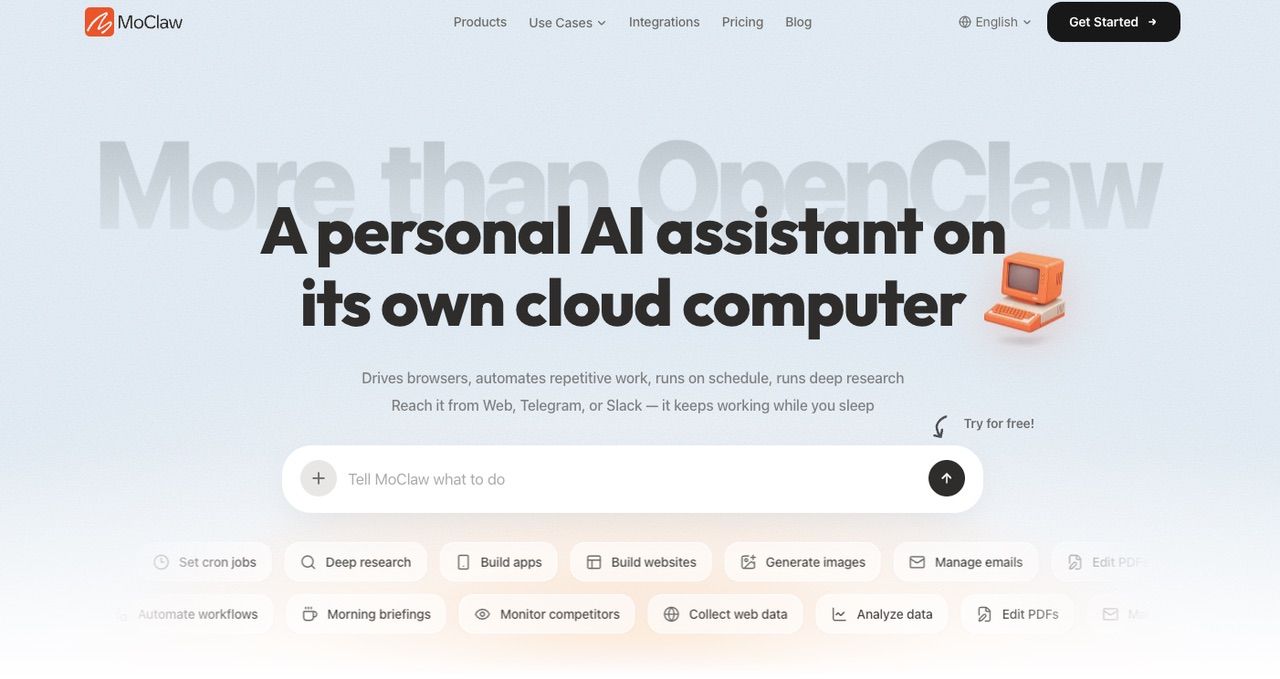
One step up: durable facts about you that the assistant reuses without being re-told. Your name, your formatting rules, your co-founder's name, which three competitors you track. MoClaw, for example, accumulates this from your files, writing style, and stated preferences over time rather than asking each session. This is the layer that kills the two-minute re-explaining ritual. It's also what people are picturing when they search for a persistent memory AI agent, and it's the one I'd test first.
Workspace state across tasks
The deepest layer, and the one that separates an agent from a chatbot. Workspace state is everything the agent has set up to do work: files it created, a spreadsheet it's been appending to, a half-finished research doc, the output of last Monday's run. It isn't a memory of conversation. It's a memory of work.
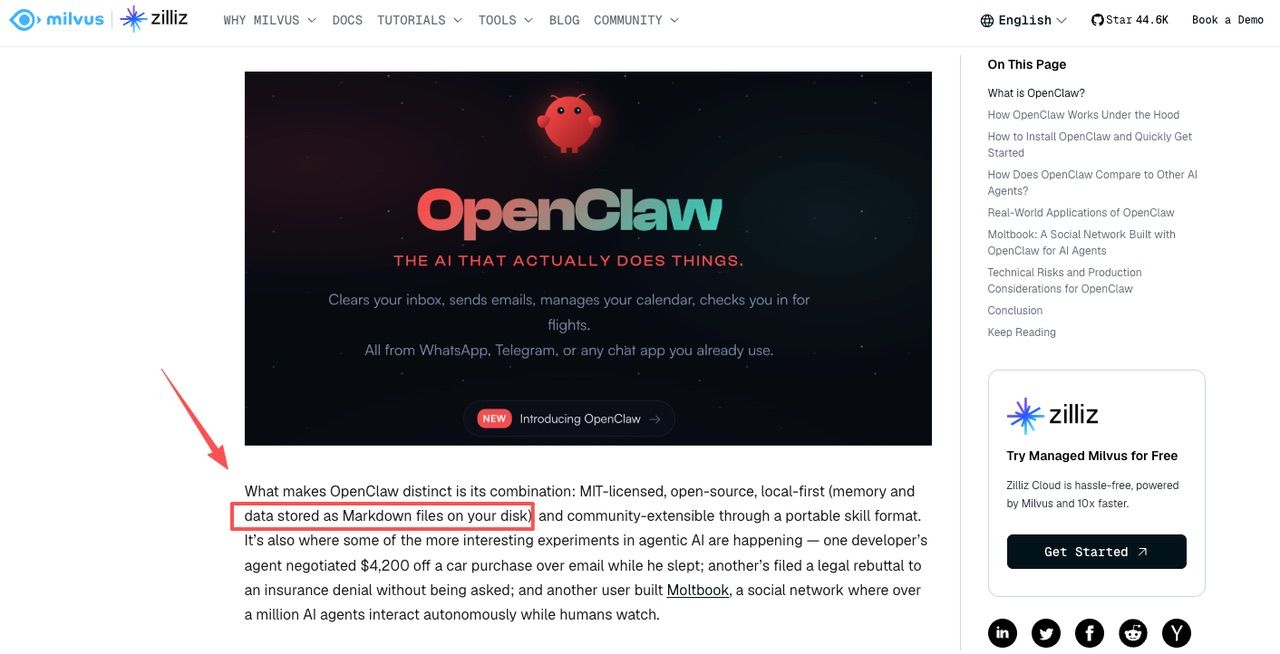
This is where cross-session context actually lives. A self-hosted agent like OpenClaw stores it as Markdown files on your own machine, which means OpenClaw memory is yours to own and yours to maintain. Restart it wrong, let a compaction step run, and people lose context (there's a small cottage industry of fixes for exactly that). A managed agent keeps the same state on a cloud machine instead, so you don't babysit it. Different trade: control versus not having to think about it.
| Memory type | What it holds | Survives session end? | Who uses it | Key limit |
|---|---|---|---|---|
| Chat history | Transcript of what was said | No (or shallow) | Most AI assistants | Fills up; loses work state |
| Persistent preferences | Durable facts about you | Yes | Agents with memory features | Can go stale without review |
| Workspace state | Files, outputs, task progress | Yes | AI agents with cloud/local storage | Requires compaction and maintenance |
Why Recurring Tasks Need Persistent Context
A one-off question doesn't need memory. "Summarize this PDF": answer, done. The need shows up the moment a task repeats.
Take the thing I actually hand off: a Monday competitor check. For it to run without me, the agent has to hold a stack of context between runs, including which sites, what I care about (pricing and feature changes, not blog posts), the format I want back, and what it found last week so it can flag what's new. Chat history can't carry that. The thread from last Monday is gone, or buried under everything since. What carries it is persistent context that survives across sessions.
MoClaw runs each assistant on its own cloud computer with persistent memory and scheduled work, which is the combination that makes a recurring task possible: a place to keep state, plus the ability to wake up and use it on a schedule. I'm describing the mechanism, not selling it. The point is that "remembers me" and "can run my Monday task unattended" are different requirements, and only the second one needs all three layers stacked together.
The honest limit: more memory is not strictly better. An agent that hoards every stray instruction will eventually act on one you've forgotten about. Which is the next problem.
How Do You Hand Off Memory Between Different Coding Agents?
Everything above assumes one agent keeping its own memory. The harder case shows up the moment you switch tools mid-task: you quit Claude Code because it stalled on a refactor, open Codex in the same directory, and now you're re-explaining the architecture, the two approaches that already failed, and the question you never resolved. The memory existed. It just belonged to the wrong vendor.
ai-memory by Fabio Akita is the clearest attempt at that specific problem. It's a Rust binary, MIT-licensed, created on 21 May 2026, and it was still shipping fast in mid-August 2026 with v1.28.0 released on the 17th and four minor versions in the eleven days before it. What it builds isn't a vector store. It compiles sanitized lifecycle observations into a plain markdown wiki inside a git repository, which means the memory is grep-able, openable in Obsidian, and backed up by rsync like anything else in your checkout.
The handoff mechanism is worth understanding because it explains why cross-vendor continuity is fiddly rather than free. ai-memory installs two things per agent: an MCP server entry and lifecycle hooks. When a session ends it turns the relevant observations into a summary, and the next agent's SessionStart hook receives a bounded handoff as injected context. Supported harnesses at the time of writing include Claude Code, Codex, Cursor, Gemini CLI, OpenCode, Devin CLI, Kimi Code, Kiro CLI, Grok Build CLI, and a dozen more.
The catch is that harnesses don't agree on their own lifecycle. Codex has no true session-end hook, so you run ai-memory finalize-session yourself when you want a closing summary. Grok Build CLI and Zero ignore SessionStart stdout entirely, so the handoff has to be pulled back through the MCP tool memory_handoff_accept instead of arriving automatically. Claude Desktop, Zed, and VS Code Copilot get MCP access with no hooks at all.
None of that is a flaw in the project; it's the shape of the problem. Every vendor designed its hook surface for its own product, and a memory layer that spans them inherits every gap. Treat automatic cross-vendor handoff as a property you verify per pair of tools rather than a feature you switch on once, and the disappointment stays small.
A different technical route is worth knowing about, because it changes what "remembering" means.
lemmalog by Jordy Zomer, published 27 August 2026 and at 207
stars by the 31st, is a Rust Datalog engine that treats an agent's memory as a deductive database
rather than a retrieval index. Facts get asserted at the ingestion boundary; rules derive consequences
from them; every derived fact keeps provenance back to the episode that produced it, and a why() call
returns the proof tree. It also exposes itself as an MCP server, so more than one harness can query the
same store.
The bet there is not that the agent remembers more, it is that you can check what it concluded and why. That matters most in the failure modes above: a stale instruction is much easier to find when the system can show you which fact produced it. Weigh it against the maturity, though. The author's own status table is unusually honest about what is built versus what is planned, and the project is days old, pre-release, and heavy on ideas from database research; treat it as a direction the field is exploring rather than something to put behind a standing task this week.
Where Memory Can Go Wrong
Memory is also a liability. The failures I've either hit myself or watched other people hit:
- Stale instructions. This was my afternoon. I updated what I wanted out loud in a chat, but the standing task kept running on an older saved preference. The fix was boring: check what the agent has actually stored, not what I last said.
- Silent drift. Preferences accumulate. Six months in, an agent can be carrying assumptions you set once and never revisited. Worth a periodic read-through.
- Wrong thing remembered. It keeps a one-off detail as if it were a standing rule. Mildly annoying, occasionally wrong in a way that matters.
- Memory is not judgment. A good memory of your context does not mean the agent should act on it without you. Remembering your login is not permission to use it.
- Security surface. Persistent, writable memory is something an attacker can target. Agent memory is now studied as its own security problem, separate from the model itself. For a solo operator that mostly comes down to one rule: don't store secrets you wouldn't want surfaced.
None of these is a reason to avoid memory. They're reasons to know what's in it.
Privacy and Reset Controls to Verify
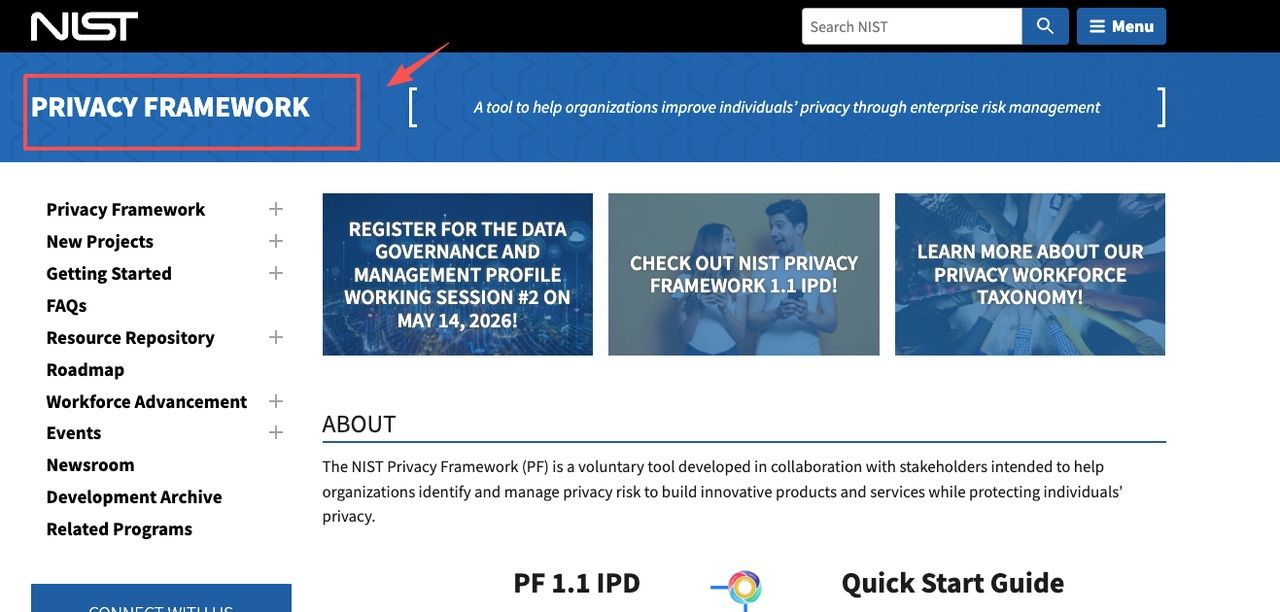
Before you let an agent remember you, it's worth knowing what you can see, export, and delete. The principle underneath this is old and well-documented: NIST's Privacy Framework and most privacy law lean on data minimization and defined retention: keep only what's needed, delete on a schedule. A memory feature should give you the controls to actually do that.
What I check on any tool before trusting it with standing context:
- Can I see what it has stored about me, in plain terms?
- Can I export it? (MoClaw lets you download your memory at any time, and that's the bar I'd set.)
- Can I delete specific items, or wipe all of it?
- What's the retention policy when I close the account?
- Is my data isolated from other users, or pooled?
For the record, MoClaw states that each assistant runs in a dedicated private environment, your data isn't mixed with other users, and your memory is downloadable on demand. I'd still read the current privacy policy yourself before a real handoff, because features and policies change, and I'm describing what I checked, not guaranteeing yours.
FAQ
What should users avoid storing in agent memory?
Anything you'd be unhappy to see surface somewhere unexpected. Passwords, financial details, client data covered by an agreement, anything regulated. The rule I use: AI assistant memory is for context that makes the work better: your preferences, your projects, and your formats, not for secrets. If storing something would make a breach worse, keep it out.
Can a persistent memory AI agent act without supervision?
Memory and autonomy are separate things, and it's worth keeping them separate in your head. Memory is what the agent knows. Autonomy is what it's allowed to do unprompted. A scheduled task uses persistent context to run on its own, yes, but that's a permission you grant, not something the memory does by itself. I keep an approval checkpoint on anything that sends, pays, or posts.
How should users think about reviewing or resetting memory?
Treat it like a folder you own, not a black box. Every so often, open up what the agent has stored as cross-session context and read it. Delete what's stale. Reset entirely if a project ends or the assumptions no longer hold. I do a quick read-through roughly monthly, less a routine than a reaction to having been burned once by a preference I forgot I'd set.
If an agent has persistent memory, does it automatically share that context across different chat channels?
Not necessarily, and this is worth checking before you assume it does. Memory stored from a Telegram conversation isn't automatically the same pool as memory from a Slack thread or a web session, depending on how the tool is built. Some agents keep a unified memory layer across all entry points; others silo it by channel. If you use multiple channels for the same recurring work, it's worth testing: send the same context from two different entry points and see whether the agent treats them as the same job or starts fresh. I hadn't thought to check this until a task I'd set up from the web interface didn't carry over when I switched to Telegram. Took me longer than it should have to figure out why.
Where Things Stand
So that's the distinction I wish I'd had a year ago. Chat history tells an assistant what was said. Agent memory lets it hold your context across sessions and carry recurring work between runs, a real capability, and also a thing you have to keep an eye on. Whether it's worth turning on depends on whether you actually hand off repeating tasks. If you don't, skip it. If you do, the memory is the part that makes the handoff stick. That's where I've landed. Yours might be different.
Continue Reading
More Guide
HUMAN.md: Teaching AI Agents Who You Are

PILOT AI Review: What to Verify First

What Is Hermes Bot Mode? Bots and Routines
Gemini Spark Review for Inbox Monitoring

Turn a YouTube Video to Notes: course2md

How to Opt Out of Mistral AI Training
The Zentor editorial team writes about workflow automation, AI agents, and the tools we build. Default byline for industry overviews, listicles, and collaborative pieces.
Ready to put this into practice?
MoClaw runs browser tasks, research, and schedules automatically. Try it free.
References: 2026 survey on memory for autonomous LLM agents · MoClaw, for example · OpenClaw stores it as Markdown files · MoClaw runs each assistant · NIST's Privacy Framework