AI Agent Skills vs Zapier: Beyond Trigger Automation

Zapier alternatives for AI agents compared: see when trigger-based automation is enough and when agent skills handle messy, multi-step work.
Table of Contents
Most Zapier alternatives for AI agents split into two groups. One group is trigger-based workflow automation, the kind that fires a fixed action the moment an event happens. The other is AI agent skills: packaged instructions that let an agent carry out open-ended, multi-step work you describe in plain language. They look like competitors. They are mostly doing different jobs.
Key takeaways:
- Trigger automation (Zapier, Make, n8n) is rule-based. An event fires a defined sequence. It is reliable and mature for moving data between apps.
- AI agent skills handle messy, multi-step work that needs reading, browsing, or a judgment call, driven by an instruction you write in plain language instead of a prebuilt flow.
- These are different jobs, not direct replacements. Plenty of operators end up running both.
- This is about where each one actually fits, written from using them, not a "which one wins" verdict.
I started building something in Zapier twice. I quit both times. Not because it was bad. Because halfway through, I realized the task I was trying to automate didn't fit the shape Zapier wanted. It wanted an event and a fixed sequence. What I had was "go read these five pages, figure out what changed, and write me two sentences." There was no trigger for that.
So I kept doing it by hand. For months. The actual work was fine. It was the connective tissue that drained me: open the tab, copy the thing, paste it somewhere, decide if it mattered, move on. None of that should have been mine to do. I just hadn't found the right tool, because I was looking in the wrong category. Hi, I'm Vera.
Quick Answer
If you're searching for Zapier alternatives for AI agents, here's the short version. Reach for trigger automation when the work is structured and predictable: a form comes in, a row gets added, a message lands, and the same thing should happen every time. Reach for agent skills when the work is fuzzy: research, reading across pages, pulling messy inputs into a usable shape, anything that needs a small decision in the middle. The two overlap less than the comparison posts suggest.
Why Trigger-Based Automation Works Well
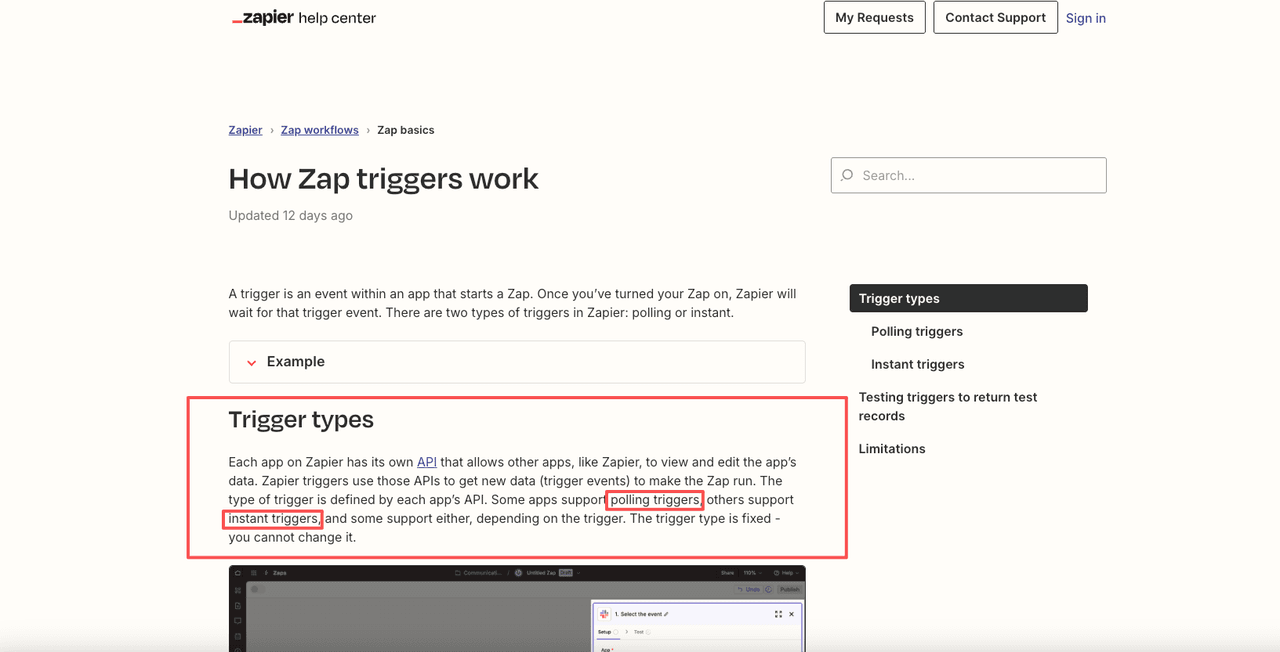
Trigger automation is built around a simple, sturdy idea. Something happens in one app, and a defined action happens in another. Zapier's own documentation on how Zap triggers work describes two flavors: instant triggers that fire the moment an event occurs, and polling triggers that check for new data on a schedule. Either way, the logic is fixed in advance. You decided what happens before anything ran.
That fixed-in-advance quality is the whole strength. When a new lead hits your CRM and you want it copied to a spreadsheet and a Slack ping sent, you don't want creativity. You want the same result every single time. Trigger tools are very good at exactly this, and the app coverage is enormous after years of integration work.
This is also where I stop romanticizing agent skills. For high-volume, well-defined, app-to-app movement, a rule that fires reliably beats an agent that thinks about it. I don't want a model "interpreting" whether a paid invoice should sync. I want it synced. If your task can be written as "when X, do Y," and Y never really changes, you probably don't need an AI agent. You need a Zap, a Make scenario, or an n8n workflow.
Where AI Agent Skills Fit Better
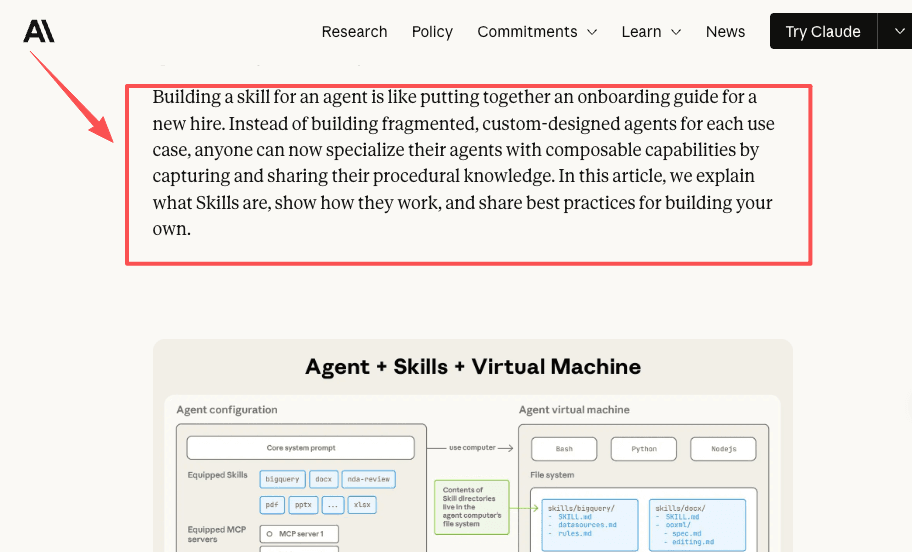
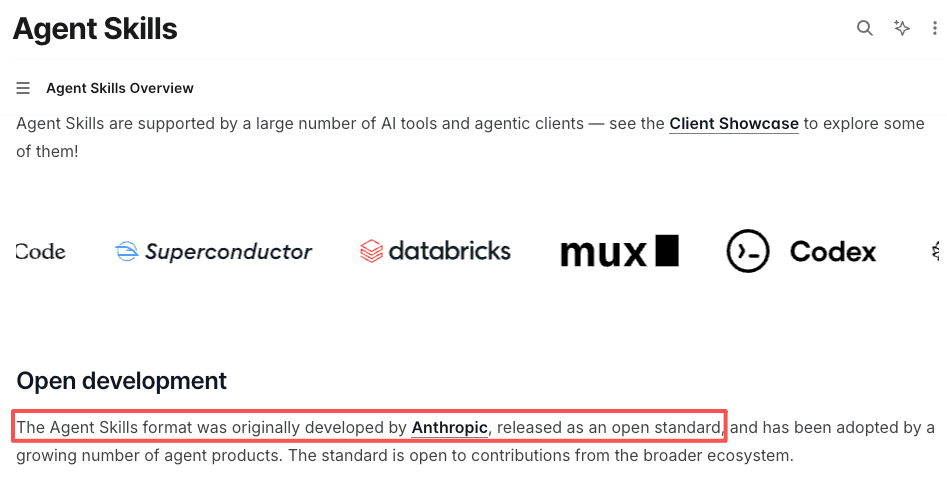
AI agent skills sit in the gap trigger tools were never built for. Instead of a fixed sequence, a skill is a packaged set of instructions an agent reads and then acts on, deciding the steps as it goes. Anthropic's engineering team frames it as equipping a general-purpose agent with portable skills rather than wiring a separate rigid flow for every task. The Agent Skills documentation describes a skill as a folder of instructions the agent loads only when the task calls for it.
The practical difference: you don't map every branch ahead of time. You describe the outcome you want. Because the format is an open standard, a skill you write can carry across different agents instead of locking you into one builder. Three kinds of work suit this far better than a trigger ever could.
Research-heavy workflows
This was my own breaking point. Every new project started the same way: search, open pages, read, take notes, organize. There is no "trigger" for that. There is no event that says "the research is now ready to do." It's a fuzzy task with a fuzzy input, and the output is a judgment about what mattered.
An agent skill takes that whole front half. You describe what you're researching and what a useful summary looks like, and it works through the reading. The first time mine finished, I didn't think "impressive." I thought, this is no longer on my to-do list. That's the highest thing I can say about it.
Browser-based tasks
A lot of busywork lives inside a browser, and trigger tools mostly can't reach it. Pulling details off pages that don't expose a clean API, checking something that only renders in a logged-in view, collecting scattered info into one structured comparison. I did the manual version of that once. It took half a day. I wasn't doing it again.
Agent skills paired with browser control can drive those steps directly. I'll flag the obvious caveat: browser tasks are the least predictable category. Pages change, layouts break, and you should verify the output more often here than anywhere else.
Work that needs judgment
The clearest dividing line is judgment. Trigger automation runs the same path regardless. Agent skills can read context and adjust: "summarize this, but flag anything that contradicts last week's notes." That "but" is the part a Zap can't hold. It has no opinion to apply.
This is also where I'm most careful. In a managed setup, the tasks I most want to glance at before trusting are the ones that take an irreversible action: sending, posting, paying. Read-only research I let run unattended. Anything that acts on the outside world, I confirm first. That split has held up better for me than any feature list.
Comparison Table: Zapier vs AI Agent Skills
The honest read on this table: the first three rows are the same job done with different amounts of control. The last two rows are a different job. Make and n8n are alternative builders, not a different category. OpenClaw and a managed option are the agent-skills route, with the trade-off being how much infrastructure you want to own.
| Tool / approach | Built for | Best when | Setup style |
|---|---|---|---|
| Zapier | App-to-app trigger automation | A clear event maps to a fixed action | Prebuilt connectors, visual steps |
| Make | Visual multi-step workflow automation | You want branching, routing, more control | Scenario builder, modules |
| n8n | Flexible, source-available workflows | You want to self-host or customize logic | Node-based workflows |
| OpenClaw | Self-hosted agent skills | You want full control and will run infrastructure | Open-source, you maintain it |
| Managed agent skills (e.g. MoClaw) | Hosted, natural-language multi-step tasks | You want agent skills without self-hosting | Chat-driven, runs on a hosted computer |
When to Use Both Together
The strongest setups I've seen don't pick a side. They use a trigger to catch the event, then hand the fuzzy part to an agent skill. A new entry lands, Zapier or Make notices it instantly, and instead of a rigid action, it kicks off a skill that reads, researches, and writes back something useful. The trigger does what it's best at, watching. The skill does what it's best at, thinking.
The reverse pattern works too. An agent skill produces a result, and trigger automation handles the clean, deterministic delivery: file it here, notify there, log it. You're matching each part of the chain to the tool that's actually built for it.
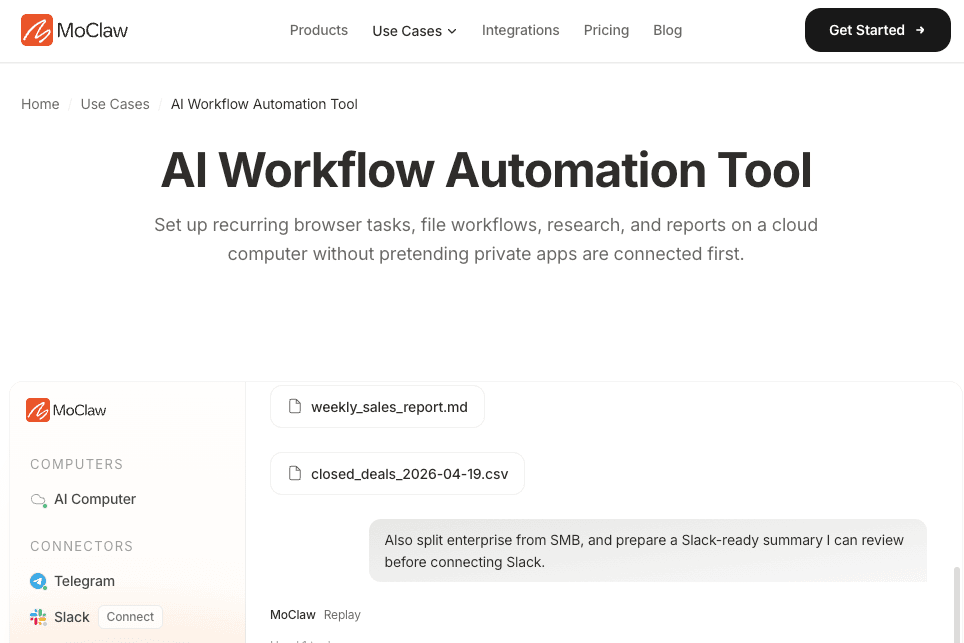
Where you run the agent half is a separate decision. If you want full control, an open-source route like OpenClaw lets you self-host the skills, with the cost being that you're back to maintaining infrastructure. If you'd rather skip that, a managed option like MoClaw runs the tasks on a hosted cloud computer, supporting scheduling, browser actions, and file work through its workflow automation use cases. I'd verify the current capability details against the official product docs before committing, since that layer changes fast and I can only speak to my own setup.
FAQ
Can I connect Zapier and an AI agent skill in the same workflow?
Yes, and this is often the strongest setup. Zapier catches the trigger, the agent skill handles the open-ended part, and Zapier can deliver the output at the end. Each tool does the job it was built for: Zapier watches for events and moves clean data, the agent reads, decides, and produces something that needed judgment. The seam between them is usually a webhook or a shared file, depending on what the agent outputs.
What kinds of tasks should I not hand to an AI agent skill?
High-volume, identical, app-to-app tasks are the wrong fit. If the work is "copy this field to that system when a record updates," an agent skill adds cost and variability where you want none. The same goes for anything where the exact same result is required every time, with no judgment involved. An agent that interprets a task will occasionally interpret it differently. For work where that variability matters, a fixed trigger rule is the sturdier choice.
Are AI agent skills easier for non-technical users than Zapier?
For unstructured tasks, often yes, because you describe the outcome in plain language instead of mapping every step. But Zapier's mature templates can make simple, well-defined automations faster to stand up. The honest answer depends on the task: fuzzy, judgment-heavy work favors agent skills, while clean app-to-app rules favor a trigger builder you can configure once.
How do I know if a task needs a trigger or an agent skill?
Write the task out in one sentence. If it fits "when X happens, do Y," that is a trigger. If the sentence needs words like "figure out," "read through," "decide whether," or "pull together," that is an agent skill. The cleaner the condition and the more predictable the output, the more a trigger serves it. The messier the input and the more the result depends on what's actually in the content, the more an agent skill is the right layer.
Picking Zapier Alternatives for AI Agents Comes Down to the Type of Work
Don't choose by which tool is newer or louder. Choose by the shape of the task. If it fits "when X, always do Y," that is workflow automation, and Zapier, Make, or n8n will serve you well for a long time. If it fits "go figure this out and bring me something usable," that is agent skills. The two categories solve different problems, and most of the friction comes from forcing a fuzzy task into a trigger tool and quitting halfway.
When you're weighing Zapier alternatives for AI agents, the useful question is not which is better. It is which job you actually have. I built my own answer to that by running both and watching where each one stopped being the right tool. That is the only way I know to find out. Your stack is different. The tasks are yours to weigh.
Continue Reading
More Comparison
OpenClaw Slack vs Claude Tag for Team Agents

Drag-and-Drop Deployment vs Agent Workflows

Claude Skills vs OpenClaw Skills

AI Agent vs Automation Tool: 5 Myths for 2026

Best Open Interpreter Alternative in 2026: Six Picks

PILOT AI Chief of Staff vs Always-On Agent
The Zentor editorial team writes about workflow automation, AI agents, and the tools we build. Default byline for industry overviews, listicles, and collaborative pieces.
Choosing between tools? Let MoClaw run the work.
Always-on AI assistant on its own cloud computer. No switching required, no setup.
References: Zapier: How Zap triggers work · Anthropic: Equipping agents for the real world with Agent Skills · Claude Agent Skills documentation · Agent Skills open standard · n8n documentation: Nodes