Codex vs MoClaw: Code Agent vs Work Assistant
AI agents beyond coding: how a coding-first agent like Codex and a non-technical work assistant like MoClaw differ in design origin and default users.
Table of Contents
AI agents beyond coding is the shift where AI tools stop just writing code or answering questions and start doing recurring digital work for you: opening pages, pulling data, dropping the result somewhere. Two products get named a lot in this shift, Codex and MoClaw, which is why "codex vs moclaw" keeps showing up in searches. They look close on a feature list. They were built for two different people.
Key takeaways:
- Codex was built coding-first. It expanded into general computer use, but its default user is still a developer who thinks in repos and pull requests.
- MoClaw was built for non-technical people doing recurring digital busywork: research, monitoring, moving things between tools. No code required.
- They are not the same category. If your mental model is a codebase, you want Codex. If it's "this admin task shouldn't still be mine," that's MoClaw's lane.
- Gartner predicts at least 15% of day-to-day work decisions will be made autonomously by agentic AI by 2028, up from 0% in 2024. The work that moves first is routine and rule-shaped, not creative or strategic.
I'm not a developer. I run a one-person research and operations practice, and most of my friction isn't hard work, it's the in-between motion. I kept seeing both tools pitched for the same job, so I worked out which question each one actually answers.
This content is produced by MoClaw. I'm Vera, a MoClaw staff writer, and I use it most days for recurring research and monitoring in my consulting work. This piece is a positioning comparison, not a benchmark. I haven't run Codex through real coding workflows, that isn't my world, so I'm leaning on OpenAI's own documentation for what Codex is, and on my own use for what MoClaw is.
Why AI Agents Are Moving Beyond Coding
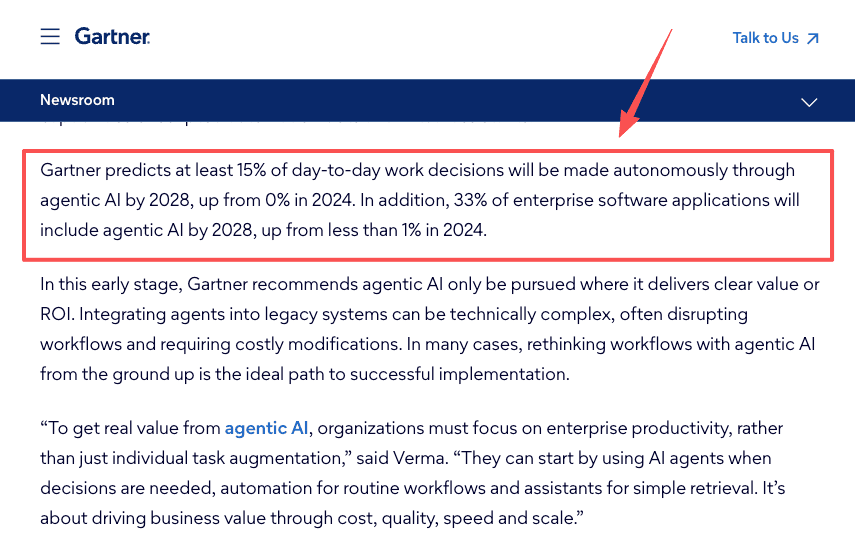
For a while, an AI agent meant one of two things: it wrote code, or it answered questions in a chat box. That has changed. According to Gartner's June 2025 agentic AI analysis, at least 15% of day-to-day work decisions will be made autonomously by agentic AI by 2028, up from 0% in 2024.
The interesting part isn't the percentage. It's which work moves first: not the creative or strategic stuff, but the routine, rule-shaped tasks nobody wants to own. Agents are leaving the editor and getting into the tab-switching, the copying, the scheduled checks. AI automation stopped being a developer-only idea.
Codex: Built Coding-First, Now Expanding
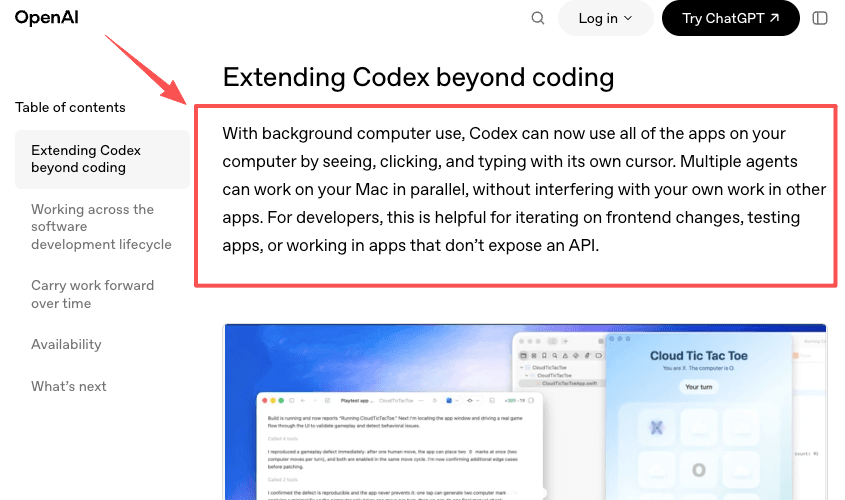
Codex started as OpenAI's coding agent, and it has expanded hard. In its April 2026 "Codex for (almost) everything" update, OpenAI gave it background computer use (it can see, click, and type in your Mac's apps with its own cursor), an in-app browser, image generation, memory of your preferences, more than 90 additional plugins, and automations that schedule themselves and run across days.
So no, Codex is not "just for code" anymore. Anyone telling you that is working from old information. That said, feature availability varies by plan and region, and several of these shipped as previews, check OpenAI's current Codex documentation before building a workflow around any specific capability.
I want to be precise about what I did and didn't do here. I read the April 2026 release announcement, the updated feature documentation, and the plugin directory, not a substitution for using it, and I'm not pretending otherwise. What you can get from documentation that you can't get from using a tool is the intended audience, and OpenAI is clear: they describe the release as a more powerful partner for the more than three million developers who use Codex every week across the full software development lifecycle. The named plugins are CircleCI, GitLab, and Jira-connected tools. The marquee demos are reviewing pull requests and iterating on frontend designs. What I can't tell you from documentation is how the computer-use feature feels in practice for a non-developer, whether the plugin setup is genuinely frictionless, or where the rough edges are in daily use. Those gaps are real. What I can say is that everything Codex points you toward, the defaults, the plugins, the demo use cases, assumes you think in repos. That's the documentation-level read, and I'm being clear that it's only that.
MoClaw: Built for Recurring Digital Busywork
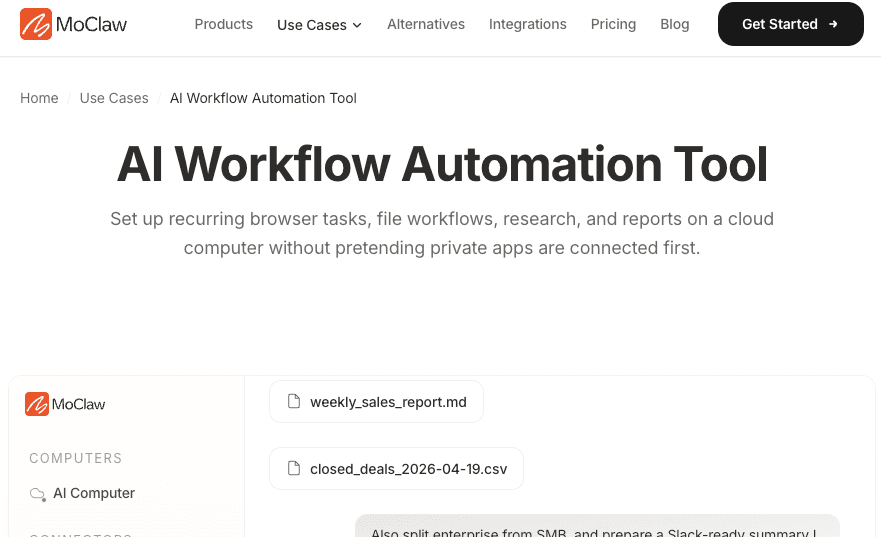
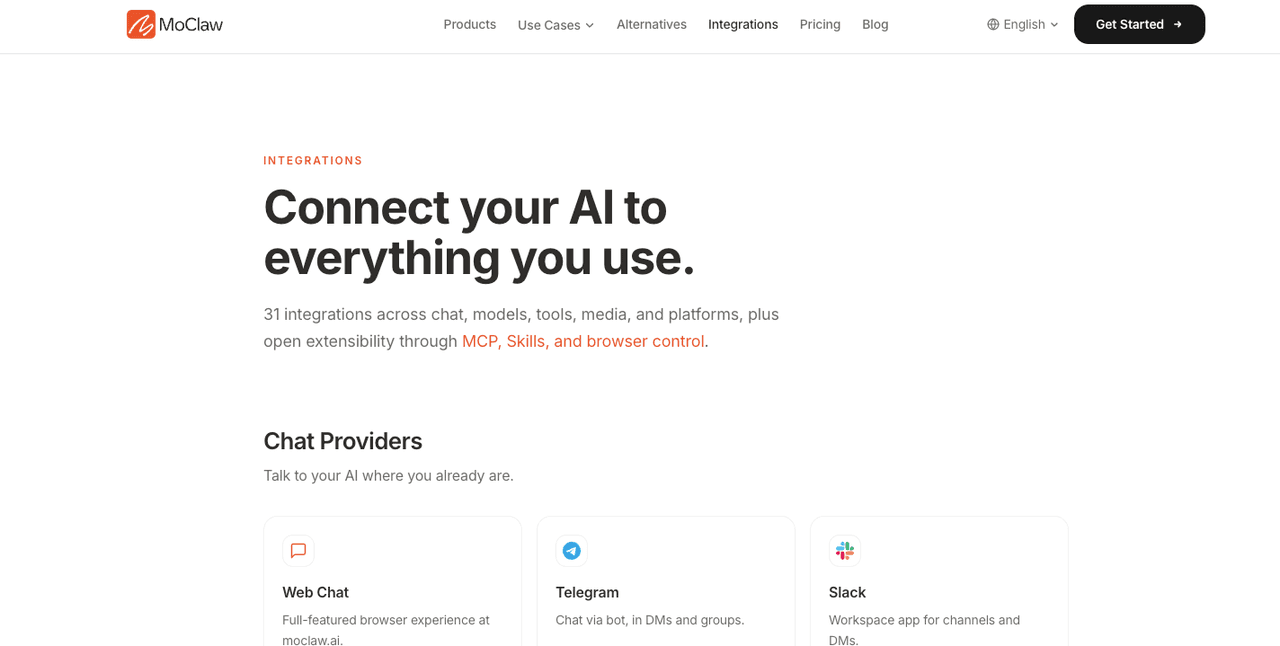
MoClaw started from the other end. Not "how do we help developers ship faster," but "what about the person who isn't a developer and is still doing AI's grunt work by hand." It's a personal AI assistant on its own cloud computer, always on, so the work doesn't depend on your laptop being open. You describe a job in plain language through web, Telegram, or Slack, and it runs. The published workflow automation use cases are telling: daily digests, competitor monitoring, invoice data pulled out of PDFs, syllabus dates into a calendar. None of it is code. All of it is recurring digital busywork. MoClaw runs scripts fine, but that's not the point. The point is who it was designed to relieve.
Browser work
A lot of my busywork lives on sites with no clean API. MoClaw drives a real browser in a sandbox to log in, navigate, and pull what I need. I'll be honest about the limits, because browser automation is the part that breaks most: when a site changes its layout or throws up bot protection, a run can fail, and I've had outputs come back half-formatted. I keep the riskier ones read-only and check them. When one proves stable, I stop watching it.
Scheduled follow-ups
The piece that actually changed my week was scheduling. I set a task once on a recurring run, and it goes whether I'm awake or not. MoClaw's scheduled tasks and connectors push the result to Telegram, which is where I already am. What I saved wasn't really time. It was the number of times a day I thought "Oh, I still need to check that." For the tasks I handed off, that count went to zero. The morning report is just there.
Research and file workflows
The third bucket is research and documents, which is most of my actual job. Every project used to start the same way: search, open tabs, read, and copy into notes. Now the collection and a first pass of organizing run on their own, so my work starts where the judgment begins instead of where the gathering does. Same with a stack of PDFs when I need one figure out of each. It pulls them into one place. I still read the ones that matter. I just don't read all of them.
How to Choose by Default User, Not Just Features
| Codex | MoClaw | |
|---|---|---|
| Built for | Developers who ship software | Non-technical operators doing recurring digital work |
| Default mental model | Repos, PRs, builds, frontends | Reports, monitoring tasks, forms, recurring research |
| Where it feels native | Inside a codebase or dev workflow | Inside a chat app, no code required |
| Computer use | Yes, own cursor on Mac (Mac only at launch) | Yes, browser in a cloud sandbox |
| Scheduled tasks | Yes, across days | Yes, recurring runs |
| Requires your machine | Yes (desktop app, Mac at launch) | No, runs on its own cloud computer |
| Primary friction | Developer-workflow assumptions for non-technical users | Browser automation breaks when sites change layout or add bot protection |
| What I tested | Documentation and release materials only | Daily use across browser, scheduling, and research workflows |
The "Primary friction" row matters most: neither tool hides its limits, they just land differently depending on who you are.
Compare these two on a feature checklist and you'll go in circles, because the lists now overlap. Both browse. Both schedule. Both remember. The spec sheet won't decide it for you.
Here's the question I'd ask instead: when you picture handing work to an agent, what does that work look like in your head? If it looks like a repo, a pull request, a build, a frontend you're iterating on, you're Codex's default user, and that's where it will feel native. If it looks like a tab you open every morning, a report you assemble by hand, a form you refill every week, you're the person MoClaw was built for.
My own split is simple. ChatGPT helps me think; MoClaw does the things I'd otherwise do by hand. Codex sits in a third place I rarely stand in, because I don't live in code. Pick by where you spend your day, not by whose feature list is longer.
FAQ
Can Codex handle work that has nothing to do with code?
Yes, as of the April 2026 update. Codex can now operate desktop apps with its own cursor, use an in-app browser, generate images, remember your preferences, and run scheduled tasks across days. The expansion is real. The question is whether a tool designed for developers will feel native to someone who doesn't think in repos and builds. For a non-technical operator, the same features exist but the defaults, the plugins, and the workflow assumptions all point toward a developer's day, not yours.
Does MoClaw require any technical setup or coding knowledge?
No. You describe a job in plain language through web, Telegram, or Slack. MoClaw runs it on its own cloud computer. There's no local machine to configure, no API key to manage directly, no code to write. The limit is what you can describe clearly in a message, which is a real limit but a different kind from the one you'd hit setting up a developer tool. If the job is clear in a sentence, MoClaw can usually run it.
Does Codex remember context from previous sessions?
Yes, as of the April 2026 update. Codex now has a memory preview that stores preferences, corrections, and context gathered over time, so future tasks can complete faster and to a higher quality without requiring you to re-explain things. Teams also use automations that preserve conversation context across sessions. The feature is marked as a preview, so check OpenAI's current documentation for availability by plan and region before you rely on it.
What recurring tasks should not be fully automated?
Anything where a wrong output is costly and hard to catch: sending external messages, moving money, irreversible changes, or work that needs real judgment. Keep those human-reviewed or read-only until the workflow has proven itself over many runs. Automate the low-stakes, high-repetition collection and monitoring first. For any tool's safety and review settings, follow its official latest documentation.
AI Agents Beyond Coding: Pick Codex If You Live in Code, MoClaw If You Don't
The move toward AI agents beyond coding is real, and it's why these two keep landing in the same search. But they answer different questions. Codex grew out of code and still speaks to developers first. MoClaw grew out of the recurring digital busywork that non-technical people do by hand. If you live in code, Codex. If you don't, and you're tired of being AI's admin, that's the case for MoClaw. Work out where you actually stand, then stop comparing feature lists. If that's you, try MoClaw and hand off one recurring task this week.
Continue Reading
More Comparison
AI Copilot vs AI Agent for Recurring Work

MoClaw vs ChatGPT Agent vs Zapier (2026)

Travel Agency App vs AI Workflow for Clients

Grok 4.5 vs GPT-5.5 for Agent Tasks

Opus 5 vs Fable 5: Two Different Rankings

Opus 5 vs Kimi K3: A Tie, Then a Choice
The MoClaw editorial team writes about workflow automation, AI agents, and the tools we build. Default byline for industry overviews, listicles, and collaborative pieces.
Choosing between tools? Let MoClaw run the work.
Always-on AI assistant on its own cloud computer. No switching required, no setup.
References: Gartner: 40%+ of agentic AI projects canceled by 2027 (15% autonomous decisions by 2028) · OpenAI: Codex for (almost) everything (April 2026 update) · OpenAI: Codex platform documentation