How to Use ChatGPT Work for Research and Recurring Tasks

Learn how to use ChatGPT Work for research, reports, files, and recurring tasks, with a task brief for sources, constraints, evidence, and review checkpoints.
Table of Contents
How to Use ChatGPT Work for Research and Recurring Tasks
How to use ChatGPT Work starts with choosing a task that can return a reviewable outcome, not just asking for a longer answer.
Key takeaways:
- Use ChatGPT Work for research, reports, files, and recurring AI tasks that need evidence and review.
- Build a short Work brief before you start: sources, constraints, output format, and stop points.
- Treat plugins, desktop access, browser use, and scheduled tasks as conditional on your plan and workspace permissions.
- Do not assume automatic sharing, perfect accuracy, or background execution without checking the current setup.
- A useful ChatGPT Work tutorial teaches task design, not only feature discovery.
I used to build competitor briefs by pasting tabs into chat, asking for a summary, then spending half the time checking whether the sources were current. The better workflow is not "ask harder." It is to define the research packet, preserve evidence, and make the assistant stop before the output becomes final.
Choose a Task With a Reviewable Outcome
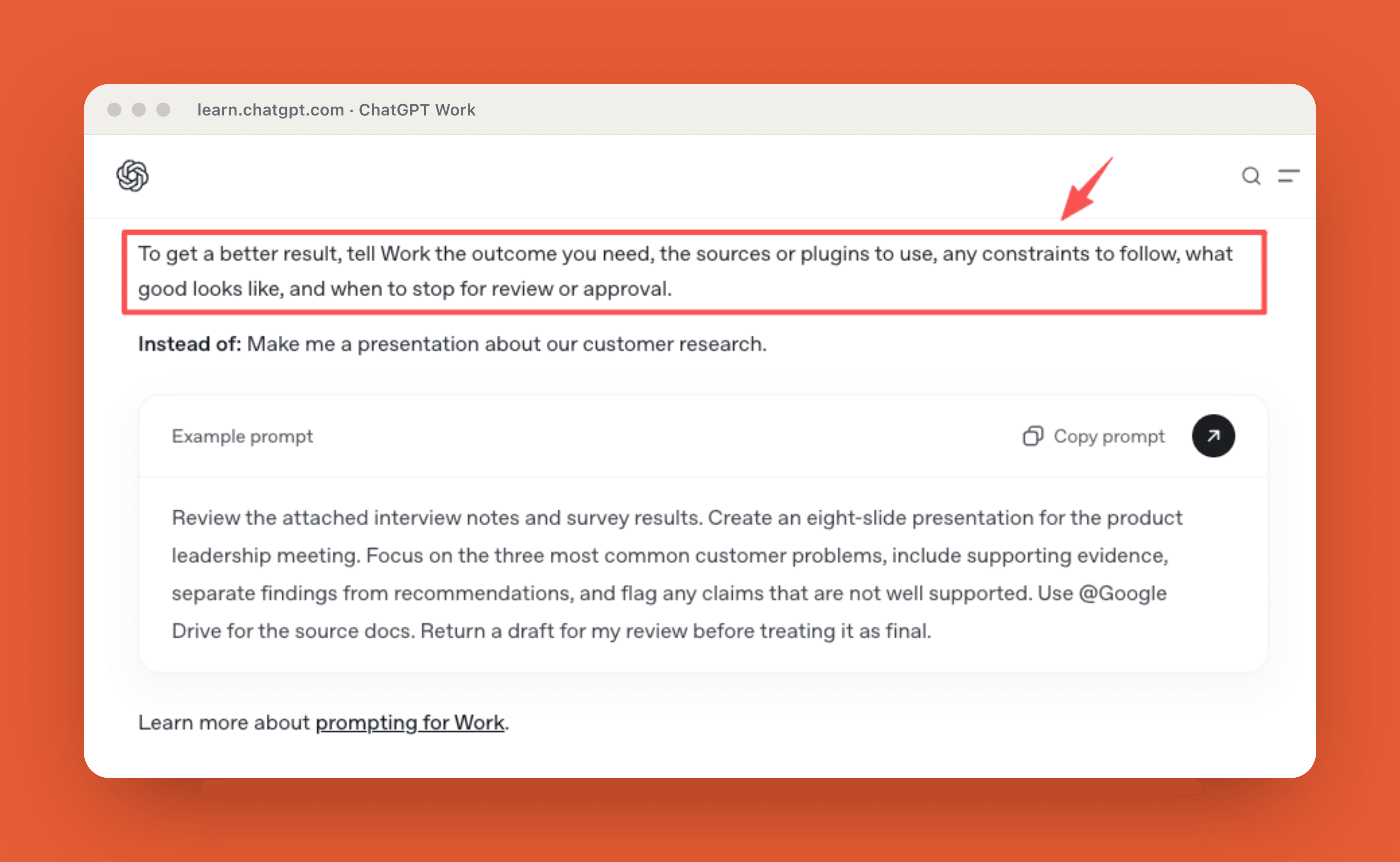
ChatGPT Work is most useful when the task has a clear finish line. OpenAI positions Work around tasks with clear outcomes, which is why research briefs, reports, and recurring updates need a defined outcome before the run starts. OpenAI's What's New digest for July 6-10, 2026 introduced ChatGPT Work and noted that, on July 9, the Codex app merged into the new ChatGPT desktop app.
Research brief
A research brief is a strong first task because the output can show sources, gaps, and recommendations. For example: "Create a two-page competitor brief from these approved sources. Separate confirmed changes from interpretation. Flag missing pricing data before writing the final recommendation."
That prompt gives a ChatGPT agent for work something measurable to do. It also prevents the common failure where a polished summary hides weak evidence.
Report or file
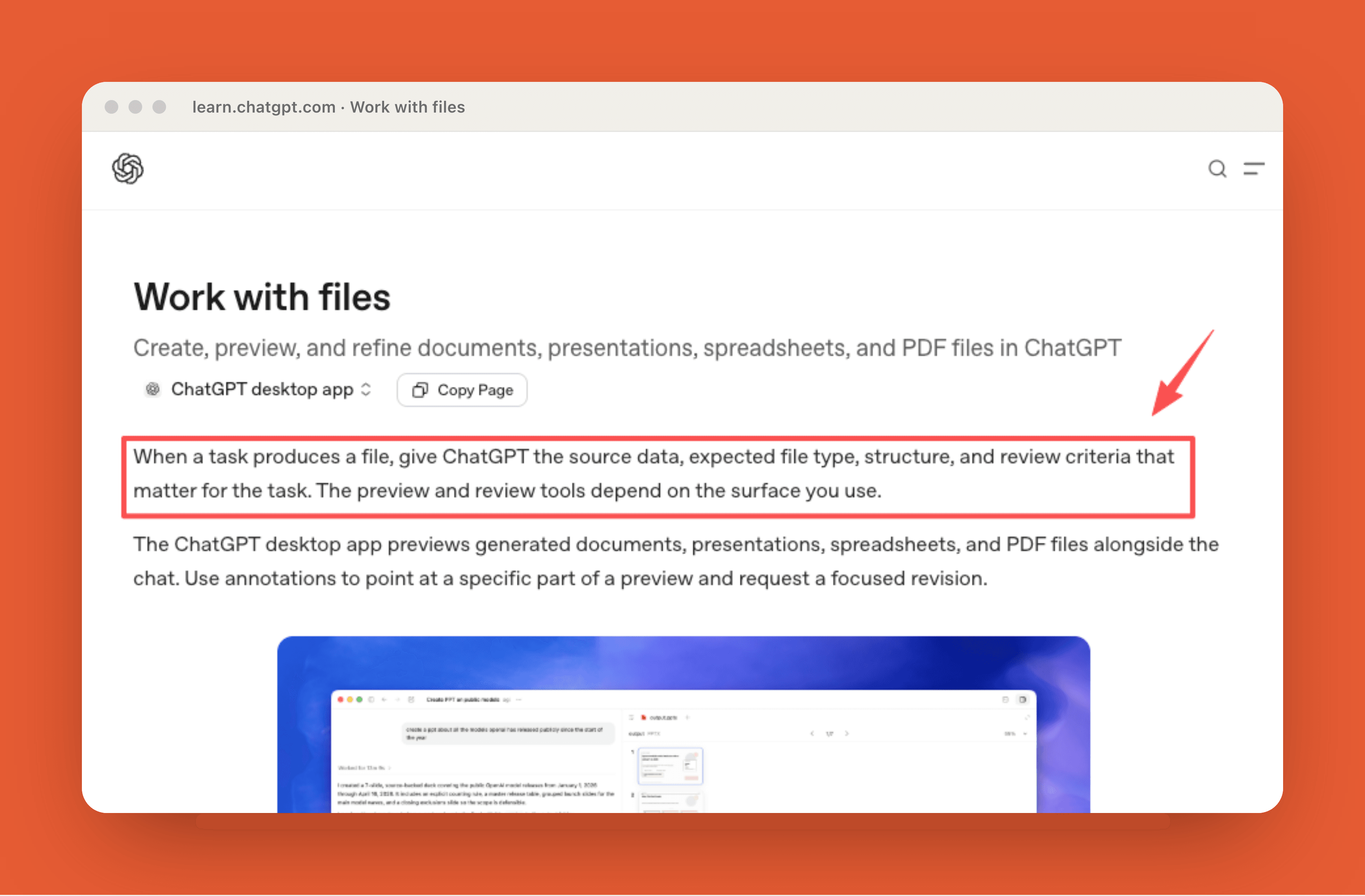
For a report, spreadsheet, or deck, define the artifact before the run starts. When the output is a file, the task should include source data, file type, structure, and review criteria before ChatGPT starts shaping the result.
A useful instruction is: "Produce a spreadsheet with source URL, claim, confidence, date checked, and reviewer note." That is easier to audit than a paragraph of conclusions.
Recurring update
Recurring work needs a narrower scope than one-off research. A weekly update might track product launches, customer themes, or sales objections. It should say what to check, what to ignore, when to run, and who reviews the result.
Scheduled tasks can run from Chat or ChatGPT Work when enabled, using uploaded context and connected tools, but the workflow still needs review before sharing or acting on the result.
Build the Work Brief
The Work brief is the difference between ChatGPT Work workflows that stay useful and workflows that drift.
Name the sources
Name approved sources directly. If the task can use plugins, connected files, or browser access, say which sources are allowed. If it should not use old notes, random web pages, or private folders, say that too.
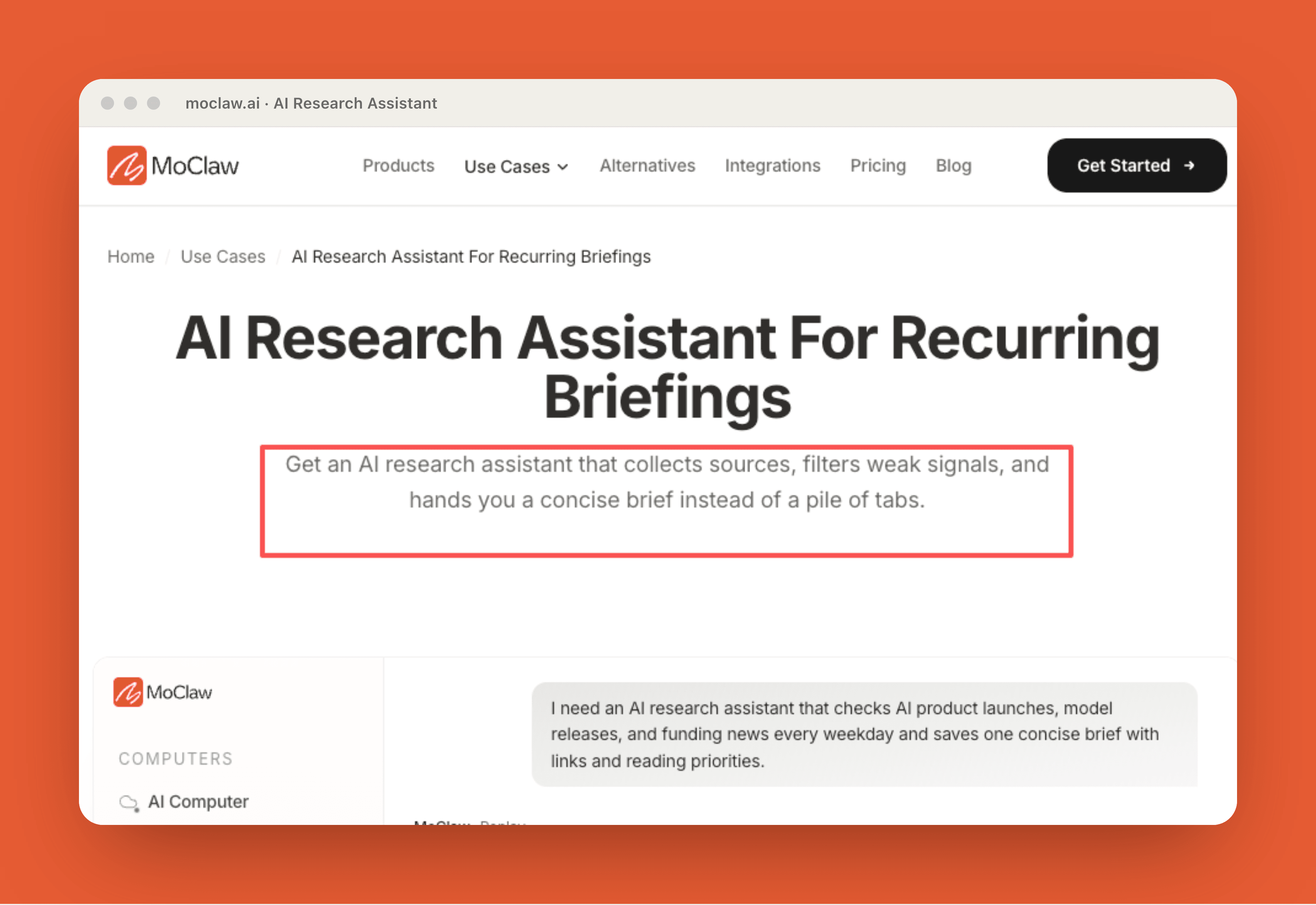
For recurring research, MoClaw's AI research assistant for recurring briefings is a useful comparison point because it shows source logs, reading priorities, and recurring briefs as part of the workflow, not as an afterthought.
Define constraints and completion criteria
Constraints tell Work what "done" means. Good constraints include length, format, audience, source recency, excluded sources, risk flags, and evidence requirements.
A completion criterion might be: "The task is complete only when the brief includes five verified changes, one unknown section, and a source table." That is much better than "make this useful."
Add stop and approval points
Stop points prevent accidental overreach. Tell Work to pause before sending, publishing, editing shared files, changing records, or scheduling future runs. For coding or command-running contexts, OpenAI's Codex approvals and security documentation is a useful reference pattern because sandbox mode and approval policy can govern file changes, network access, side effects, and destructive actions. For ChatGPT Work business tasks, teams should still define their own workspace review rules.
For non-technical teams, the practical rule is simple: draft freely, act carefully.
Run Research and File Work
Once the brief is clear, run the task in stages.
Inspect authorized sources
Ask Work to list the sources it plans to use before synthesis. This catches stale, missing, or unauthorized material early. If a connected tool is unavailable, revise the task instead of letting the assistant fill gaps from memory.
A good first check is: "Before writing, show the source list, access problems, and anything you cannot verify."
Create a reviewable artifact
The artifact should match the team workflow. A consultant may need a client-ready brief. A marketer may need a campaign table. An operator may need a weekly tracker with owners and blockers.
For recurring research, avoid ending with a loose chat summary. Create a structured digest with categories, direct source links, exportable outputs, review notes, and open questions. The format should make it easy for a teammate to inspect the evidence, reuse the result, or reject weak claims.
Preserve evidence and unknowns
Do not let the output collapse evidence into confidence. Ask for a source table, a checked date, and an unknown list. If Work cannot verify a claim, the right output is not a guess. It is a flagged gap.
This matters even more for fast-moving research. I have seen AI summaries look confident because the wording was smooth, while the underlying source was stale. A simple "unknowns and source age" field catches that before the brief reaches a client or team meeting.
Set Up Recurring Work
Recurring AI tasks are useful only when the cadence and review loop are explicit.
Timing and review cadence
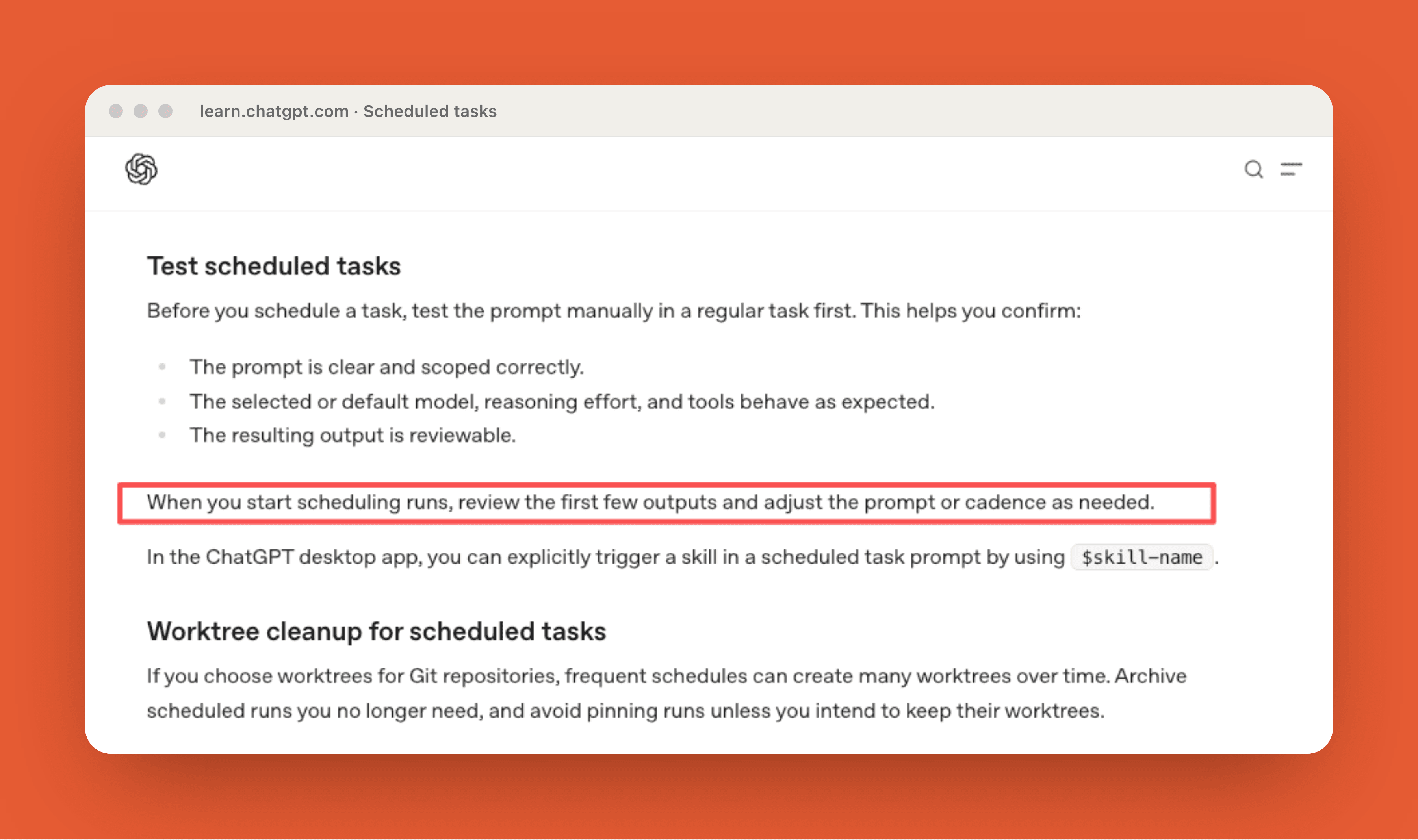
Start with a low-risk cadence. Weekly is easier to review than daily. Run two or three manual tests before scheduling. Early scheduled runs should be treated as test runs because testing prompts and reviewing early outputs is part of making recurring automation dependable.
In one small recurring-update test, I reviewed 6 scheduled drafts before letting the workflow run on a calendar. Four were usable after review, and three of those still needed corrections: one missed a new blocker, one used an outdated owner, and one sounded too final for an internal draft.
A realistic setup is: "Every Monday morning, draft the update, but do not send it. Include source changes, unanswered questions, and a reviewer checklist."
Review before sharing
Keep reviewing before sharing. Recurring tasks can become trusted too quickly because the format looks familiar. Require a person to approve customer-facing content, financial summaries, source-sensitive reports, or anything sent outside the team.
Common Failure Modes
Most failures come from weak task design, not a lack of model power.
Vague scope
"Research our competitors" is too broad. "Check these five pricing pages, compare only pricing and packaging changes, and flag anything not updated in the last 30 days" is workable.
Vague scope creates extra cleanup. Clear scope creates reviewable work.
Outdated or unauthorized sources
A task can go wrong if it uses old files, private notes, or sources the reviewer did not approve. Prevent that by naming source locations and requiring Work to show access issues before drafting.
For sensitive recurring workflows, include a line such as: "If a source is unavailable, mark it unavailable. Do not substitute another source without approval."
FAQ
Can one Work task be reused as a team template?
Yes, if the reusable part is the task brief, not private context. Keep the template focused on outcome, source rules, output format, review points, and stop conditions. Let each team add its own files and approved tools.
How should teams archive completed Work tasks?
Archive the final artifact, source list, review decision, and any unknowns. Do not rely only on chat history. A separate record makes it easier to audit what was used and why the output was approved.
What happens when source files change after a task starts?
Treat the output as tied to the source state at runtime. If a file changes materially, rerun the relevant step or ask Work to compare the old and new source. Do not assume the previous result updates itself.
Can a recurring task be transferred to another owner?
It may be possible operationally, but teams should treat transfer as a fresh review. Check connected accounts, file access, schedule ownership, plugin permissions, and approval responsibility before the new owner relies on the task.
ChatGPT Work Works Best With a Clear Task Packet
The safest way to use ChatGPT Work is to package the task before delegating it: outcome, sources, constraints, evidence, cadence, and approval points. That turns ChatGPT Work from a long chat into a controlled work loop. It will not remove human review, but it can make research, reports, files, and recurring updates easier to inspect before they become final.
Vera note: This tutorial shows a task-design approach for using ChatGPT Work. Your exact experience may differ depending on your plan, workspace settings, connected tools, file access, and scheduled-task support. Before relying on a Work task for a real business process, run a small test, confirm what sources and tools it can access, and keep reviewing before any sharing or action.
Continue Reading
More Tutorial
Run GLM-5.3 in Claude Code: Full Setup

How to Try Inkling AI Free Online (Playground Guide)

GLM-5.3 reasoning_effort: low, high or max

How to Use Grok: Every Access Path

How to Use Kimi K3 in Codex

Run Kimi K3 in an Agent, No Self-Hosting

The MoClaw editorial team writes about workflow automation, AI agents, and the tools we build. Default byline for industry overviews, listicles, and collaborative pieces.
Stop doing this manually.
MoClaw runs on its own cloud computer - research, monitoring, reports, browser tasks. No setup. No self-hosting.
References: https://learn.chatgpt.com/docs/agent-approvals-security · https://learn.chatgpt.com/docs/artifacts-viewer · https://learn.chatgpt.com/docs/automations · https://learn.chatgpt.com/docs/get-started-with-work · https://learn.chatgpt.com/docs/whats-new