LTX 2.3 GGUF as a Tool Layer in AI Workflows
LTX 2.3 GGUF explained as one tool layer inside repeatable AI video workflows, and when a managed execution layer beats a local ComfyUI setup.

Table of Contents
LTX 2.3 GGUF is a set of community-made, quantized builds of Lightricks' LTX 2.3 audio-video model, repackaged to run on an ordinary machine instead of a high-end one. The original weights are open but heavy; the GGUF versions trade some capability for fitting on hardware most people already own.
That definition matters mostly for what it rules out. It is a local video model, not an app, a service, or a workflow. It generates clips when you run it, and that is the whole of its job.
Key Takeaways:
- It is the generation step, not a finished workflow. It makes video. It does not decide what to make, check the result, or move the file anywhere.
- The model comes from Lightricks. The GGUF conversions are community work hosted on Hugging Face. Same upstream, different maintainers.
- If you do not run ComfyUI today and do not want to, this is a layer you would likely never touch by hand.
- In a real pipeline, the model is the easy part. The work is everything around it.
A content lead on a client team kept asking me which "AI video tool" to buy. The name they had been handed was a model file, not a product. They were picturing software they could open. What they had found was weights. So I went and looked at how it actually slots together.
Vera here. I write for MoClaw and use it in my research and operations work, so take that for what it is. Video generation isn't my main area. Read this as me working out where a local video model sits, not as a hands-on review. I haven't run a local LTX 2.3 setup myself, and I'll flag that again wherever it matters.
What LTX 2.3 GGUF Represents
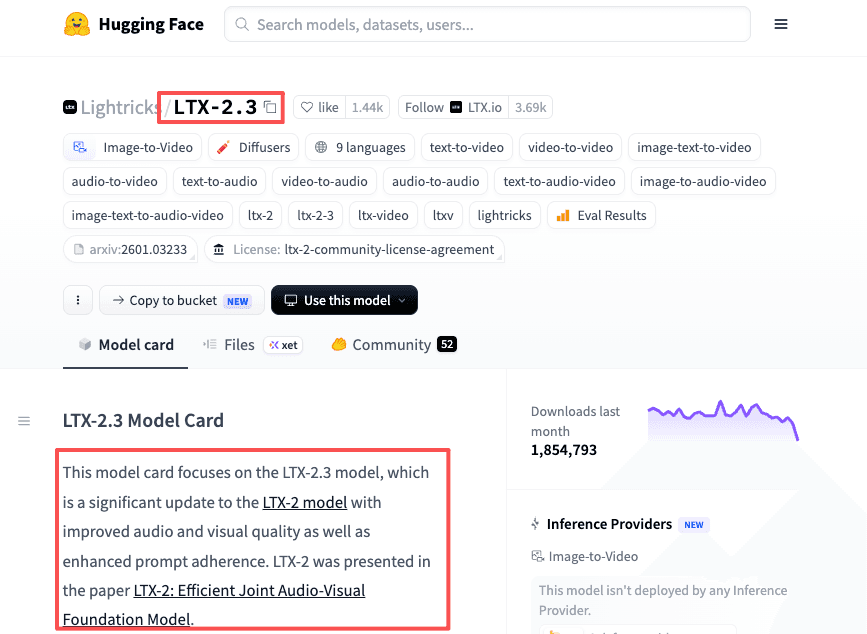
LTX 2.3 is Lightricks' audio-video model. Instead of making a silent clip and adding sound afterward, it generates synchronized video and audio in one pass, as described in the LTX 2 research paper. The full-precision weights are published openly on the official LTX 2.3 model page.
I ran one test on the API Playground to see what the base model actually produces before any quantization. Here's what I gave it and what came back.
Prompt: A cinematic close-up of a steaming cup of coffee on a wooden table in a cozy morning kitchen. Warm golden sunlight streams through the window, creating soft highlights on the foam. Gentle steam rises slowly. The camera slowly dollies in. Soft ambient kitchen sounds and faint birds chirping in the background.
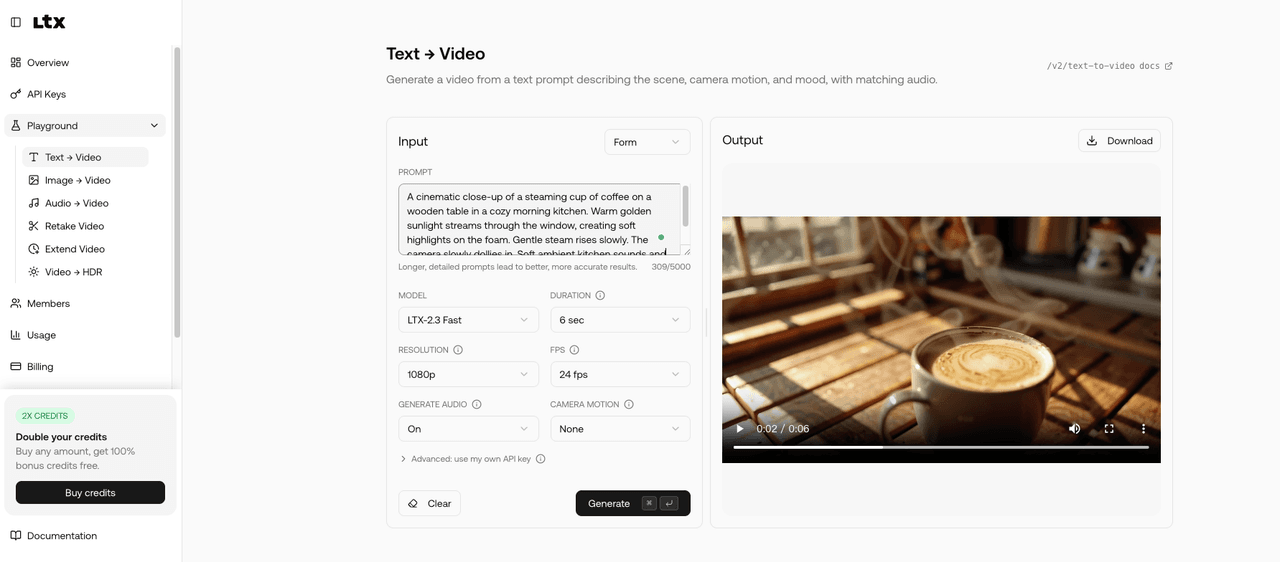
Screenshot from the LTX API Playground.
GGUF is a file format for quantized models, a way to shrink a model to run on less memory. Quantizing does not change what the model is, and it does not change the license. So the mental model stays narrow: one capability, a tool layer, not the system that uses it. Treating it as the whole answer is how people buy a model file when they wanted a workflow.
What this proved: GGUF only shrinks the model to fit ordinary hardware; it does not change what the model is or what it is licensed to do. What it left unsolved: where that single capability sits in an actual workflow, which is the next question.
How Local Generation Fits Into an Agent Workflow
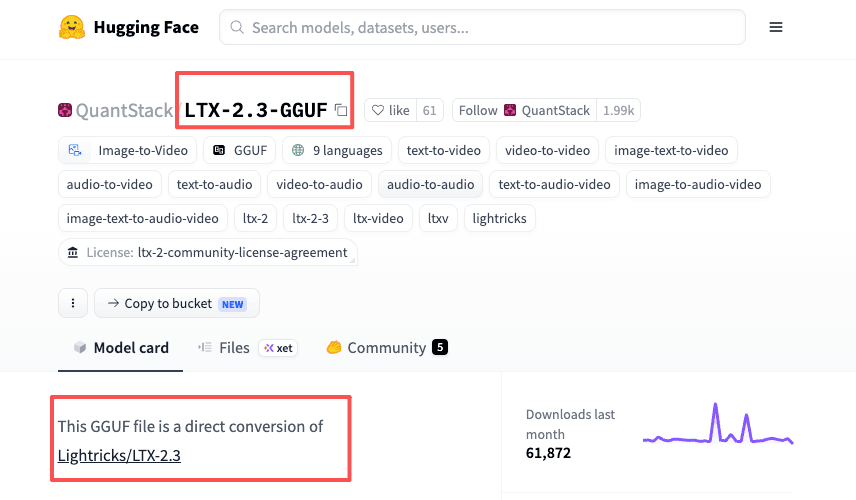
In an agent setup, a model like this is one of several AI agent skills the system can call. The model is the generation step. The steps on either side are where the workflow lives. The community GGUF files you would download, like the builds on Hugging Face, cover only that middle step.
Prompt to asset draft
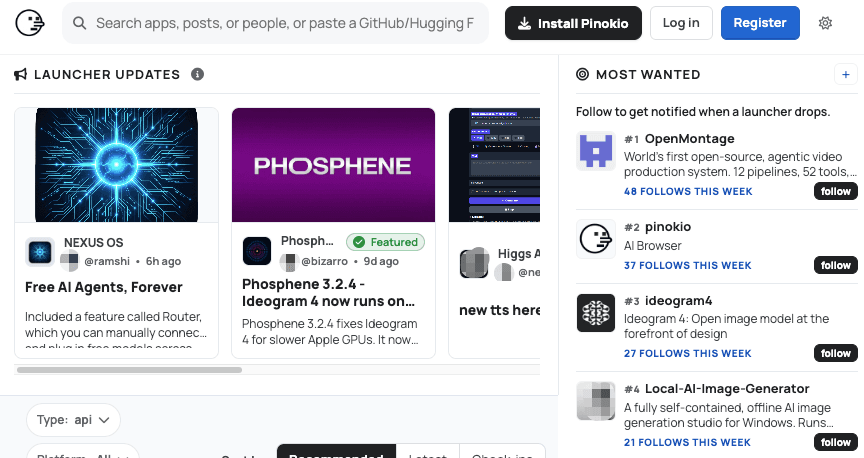
Something has to turn an idea into a usable prompt, then trigger the run. On a local build, that something is you, at the machine. Tools like Pinokio can handle the installation layer, so you skip most of the ComfyUI setup, but the prompting still starts with you.
Review and selection
A first pass is rarely the keeper. You generate a few, watch them, and pick. That is judgment, and it stays human. The model can hand you ten options. Choosing among them, and knowing why one works, is not something it does.
Handoff to editing
The chosen clip has to go somewhere: an editor, a folder, a post draft, a teammate. On a local setup, this is manual. You export, rename, and move the file. None of it is hard. All of it needs you there, doing it.
What this proved: the model owns one middle step, generation, while the prompt, the picking, and the handoff stay human. What it left unsolved: which of those surrounding steps a local setup quietly leaves on your plate.
What Local Models Do Not Solve
Run the model on your own machine and you have solved generation. You have not solved the parts that made the task tedious. The model only runs when you run it. It cannot watch for a trigger, retry a failed pass overnight, or drop the result into the next tool by itself. The prompt, the picking, and the moving stay on you.
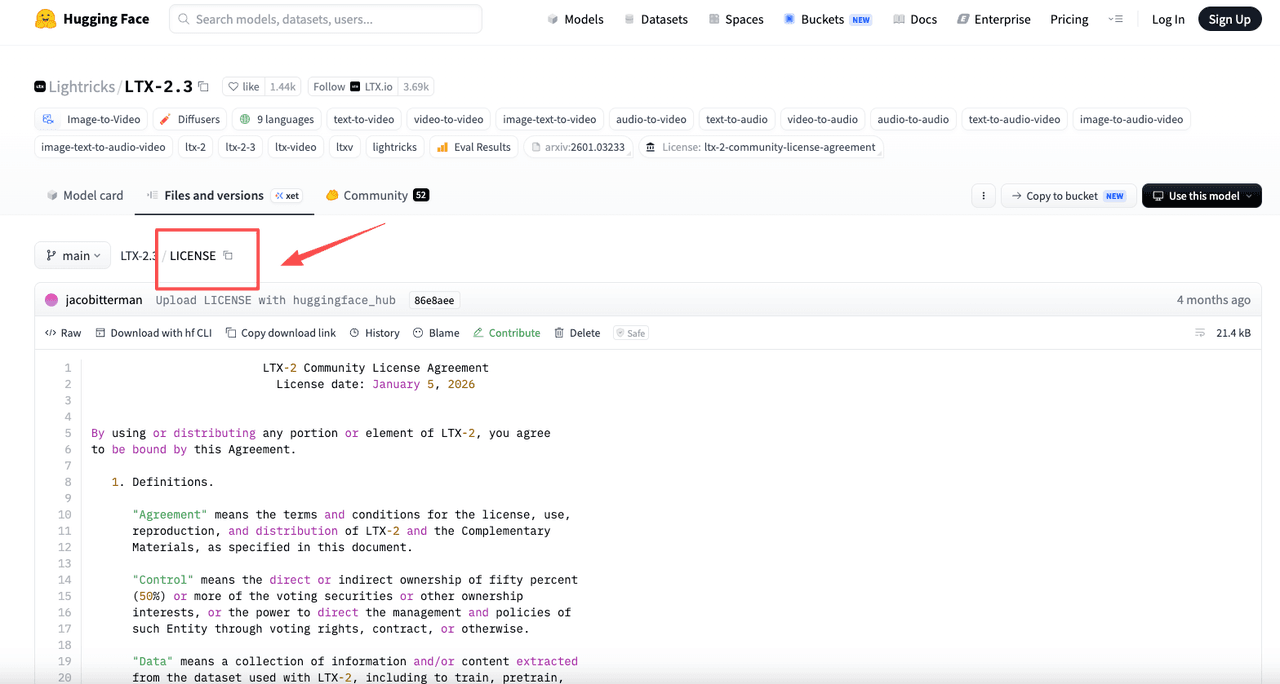
More capability sitting on your hard drive is not the same as less work. The point where you are managing GPUs, dependencies, and file shuffling by hand is the point where the local model has turned into a part-time job. For someone whose value is not in running ComfyUI, that trade rarely comes out ahead. If you do run it commercially, the LTX 2 community license sets the terms; check the current version first, since licensing terms can be revised.
What this proved: running the model locally solves generation and nothing around it, and the upkeep can turn into a part-time job. What it left unsolved: when that trade is worth it, and when a managed layer is the simpler call.
When Managed Workflow Execution Is Simpler
If you already run a local stack and want full control over the model, local generation is a fine choice, and nothing here argues against it. The split is about where your effort goes.
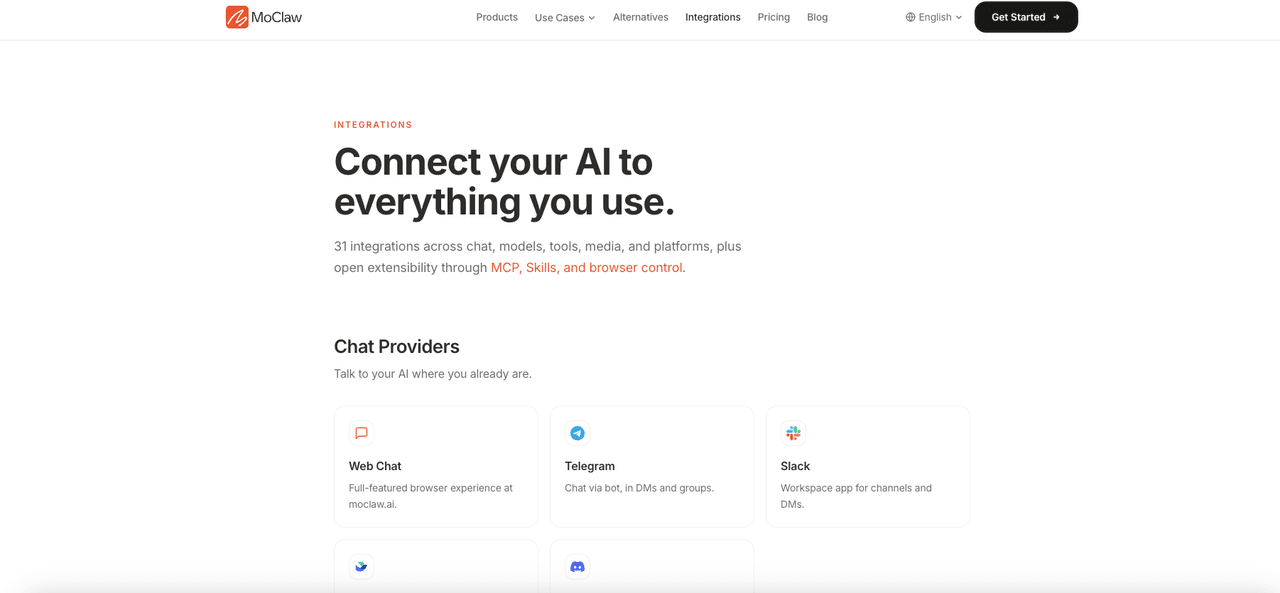
When the hard part is orchestration rather than generation, a managed execution layer is simpler. The model still does the generating. What moves off your plate is the triggering, the scheduling, and the handoff between tools, which is the layer MoClaw works on, including how it connects to the tools you already use. To be clear about the boundary: MoClaw is not a video model and does not replace LTX. It runs the workflow around whatever model you point it at. I can only speak to my own context, and mine is operations work, not local rendering.
The same way I think about any tool that requires setup: the setup is a one-time cost, but the maintenance is ongoing. A local model needs to stay updated. If Lightricks pushes a better checkpoint and you want it, that's your afternoon, not theirs. For a research and operations practice like mine, where the value is in the judgment, not the rendering, that's not a trade I'd take. The right person for this is someone who runs ComfyUI already and would enjoy the maintenance.
What this proved: the split is about where your effort goes, generation versus orchestration, not which tool is better. What it left unsolved: which problem you actually have, which only your own setup can answer.
FAQ
What is the difference between LTX 2 and LTX 2.3?
LTX 2.3 is an update to LTX 2, not a separate product. It improves audio and visual quality and prompt adherence while keeping the same audio-video generation approach. Community GGUF builds are usually based on LTX 2.3. Check the source page on Hugging Face to confirm which checkpoint a specific conversion uses.
Can LTX 2.3 GGUF run on a CPU, or does it need a GPU?
GGUF is designed to run across hardware, including CPU-only setups. Whether a specific build runs acceptably depends on the quantization level, output size, and your machine. For real run numbers on specific hardware, check the discussion threads under the GGUF builds on Hugging Face.
Does the GGUF version support all the same input types as the full LTX 2.3 model?
The base model supports text-to-video, image-to-video, video-to-video, and audio-to-video. Community quantizations sometimes focus on the most-used pipeline and leave out others. Before building anything around a specific file, check its Hugging Face model card for which input types the converter tested.
What prompt style works best with LTX 2.3?
Lightricks publishes an official prompting guide for the model. Short version: specific descriptions of motion, lighting, and subject behavior work better than abstract directives. Use the official guide as the reference since it updates with the model.
Where LTX 2.3 GGUF Fits, and Where It Does Not
It earns its place if you want the model on your own hardware and do not mind running it. Open weights are a plus, and this is a real option. But it is one layer. It generates; it does not orchestrate. If the friction is the setup, the watching, and the moving of files rather than the rendering itself, the model is not what fixes that. Knowing which problem you actually have is the part worth slowing down on.
If your friction is the orchestration and not the rendering, that's the part a managed layer takes off your plate. Try MoClaw free and let it run the workflow around whatever model you point it at, while you keep the judgment that actually needs you.
Continue Reading
More Guide
Pexels API as an Agent Skill: Automating B-Roll Search

What Are AI Agent Skills? A Practical Guide

ChatGPT Codex: From Chat to Tasks

AI Travel Planning Workflow for Busy Teams

AI Travel Email Integration for Bookings

What Compound Engineering Actually Compounds
Field notes from the MoClaw team. We compare the agent stack we run in production against the alternatives we evaluated and dropped. Production stories with real numbers, not vendor decks.
Ready to put this into practice?
MoClaw runs browser tasks, research, and schedules automatically. Try it free.
References: LTX 2 research paper · Hugging Face: official LTX 2.3 model page · LTX API Playground · Hugging Face: community LTX 2.3 GGUF builds · Pinokio: one-click AI installer · Lightricks: LTX 2 prompting guide