AI Travel Planning Workflow for Busy Teams
AI tools for flight booking travel can research routes, compare constraints, and draft itineraries, but payment, rebooking, and visa checks stay with a human.

Table of Contents
AI tools for flight booking travel should be used for research, comparison, itinerary drafting, and decision preparation, not for unattended ticket purchase. For busy teams, the value of an AI travel planning workflow is that it can organize constraints before a human checks the airline or booking platform's current page and approves the final action.
Key Takeaways
- AI can help compare routes, timing, prices, layovers, baggage notes, and traveler constraints before booking.
- Flight prices, inventory, visas, baggage rules, and change terms can shift quickly, so the live airline or booking page remains the final source.
- Any payment, rebooking, cancellation, name correction, or supplier confirmation should require human approval.
- The best workflow is not automatic booking. It is fast research, clear options, and a reviewable decision summary.
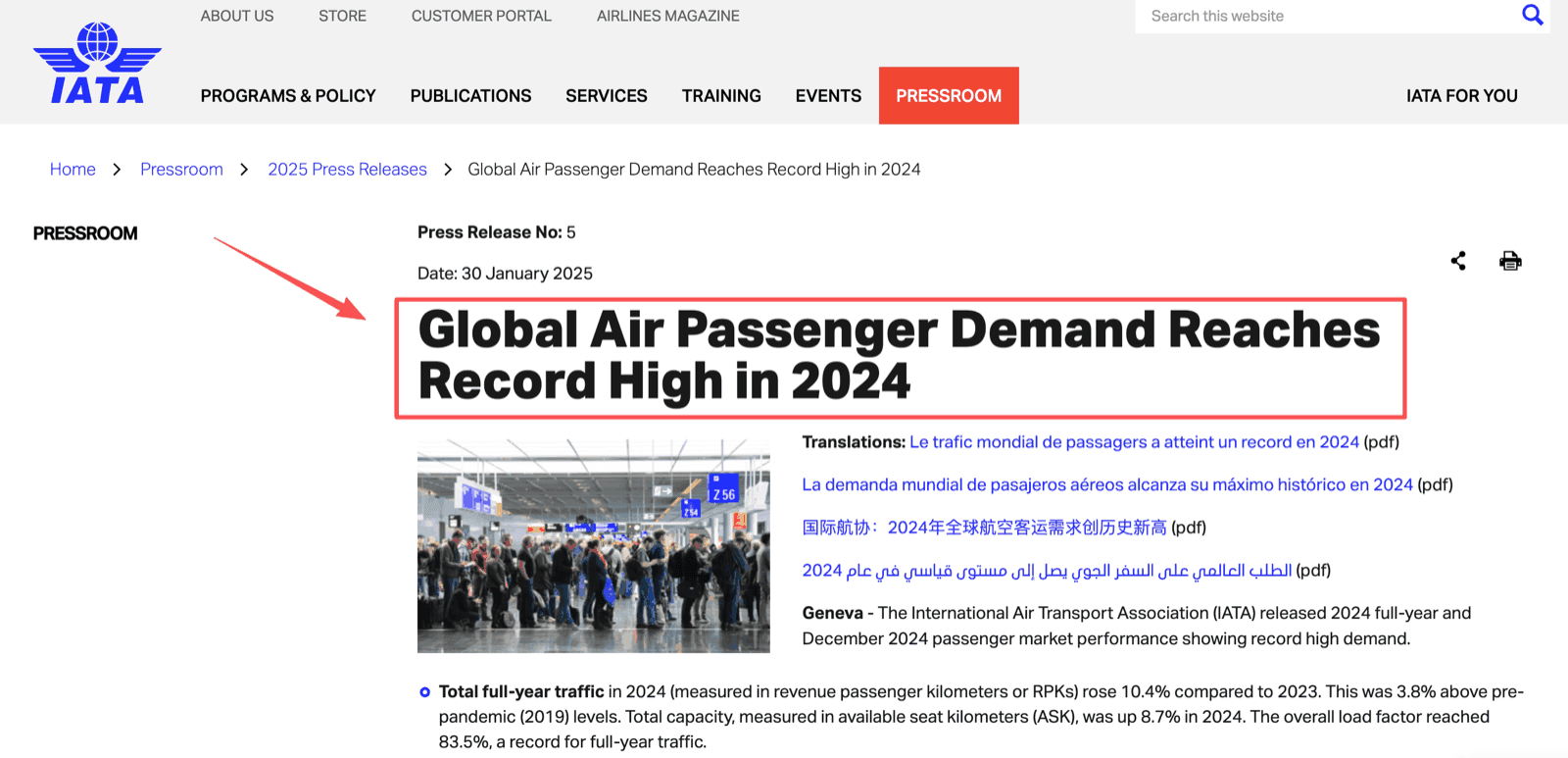
I learned this while helping coordinate a work trip with three travelers, two origin cities, one tight arrival window, and a meeting that could not move. The hardest part was not finding flights. It was remembering why we rejected a cheaper option, who needed checked baggage, whether a longer layover was acceptable, and which traveler still had to confirm passport validity. That kind of coordination is where automation helps. Global air passenger demand reached a record high in 2024, so teams are not imagining the pressure. More travel means more comparison work, more changes, and more records to preserve.
What AI Can Help With Before Booking
AI can help before booking by turning scattered requirements into organized options. It should not decide alone which ticket to buy. The workflow should prepare the team to make a faster, clearer decision on the current airline or booking platform page.
Route and timing research
Route and timing research is a good first use case because it is messy but reviewable. A flight booking assistant can compare nonstop vs one-stop routes, arrival windows, airport distance, overnight layovers, and meeting-time risk. It can also group options by traveler priority: lowest fare, shortest travel time, fewer airport changes, or better recovery time after arrival.
I would use AI to create a shortlist, not a final booking instruction. If the itinerary depends on an airport transfer, a visa transit rule, or a late-night arrival, the human owner should check the current page and local requirements before approving the option.
Price and constraint comparison
Price comparison is useful only when the workflow records context. A cheaper fare may become more expensive once checked baggage, seat selection, change fees, airport transfer time, and traveler fatigue are counted. AI can prepare the comparison, but the live ticket price and terms should always come from the current airline or booking platform page.
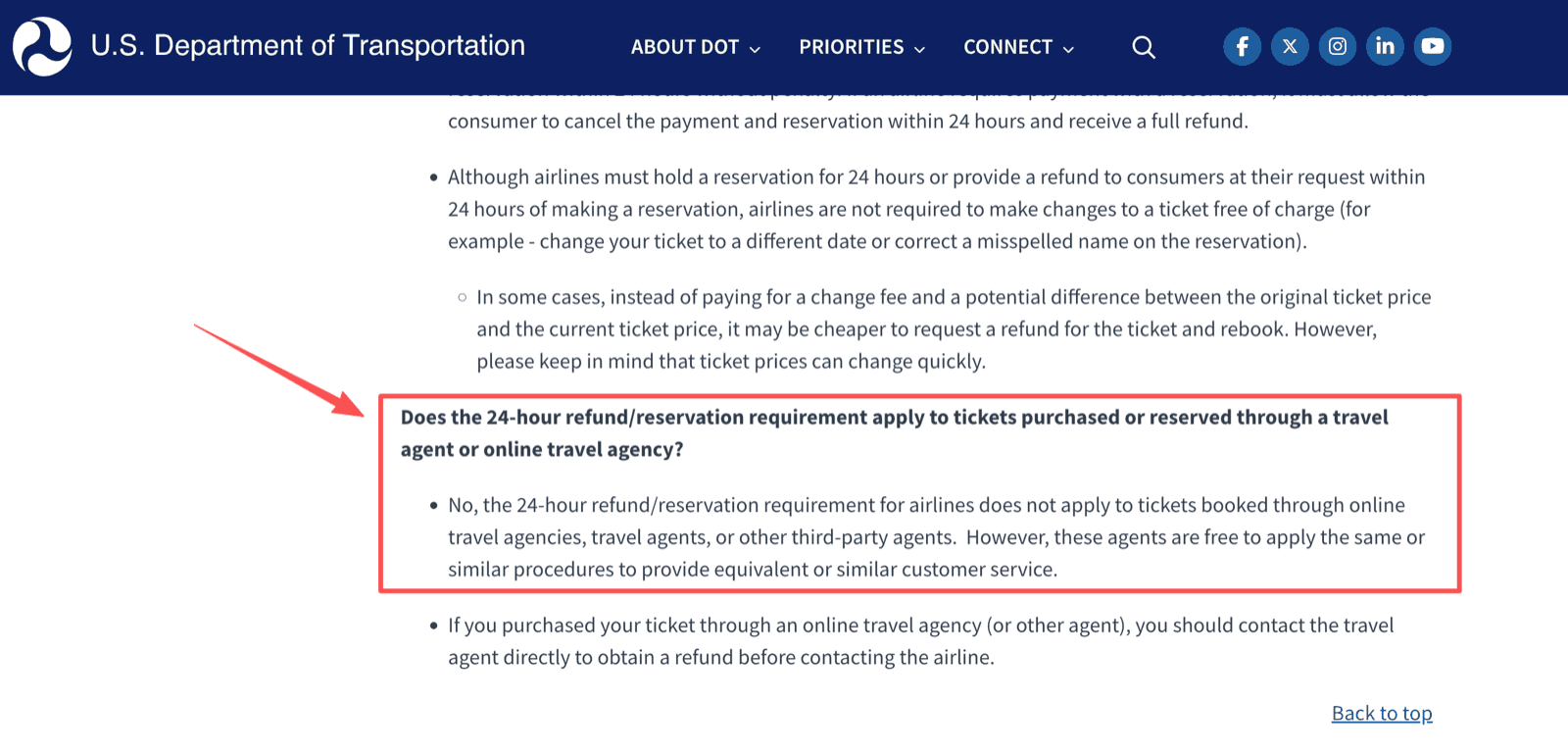
This matters because airline rules are not static. For U.S. air travel, ticket prices can change quickly, and the 24-hour refund or hold requirement does not apply the same way to tickets booked through travel agents or other third-party agents. That is why the workflow should capture the page checked, the time checked, the decision reason, and the person who approved it.
Itinerary draft
An itinerary draft is where AI travel planning becomes useful for team communication. After the options are reviewed, AI can format the selected route into a traveler-friendly plan: departure time, arrival time, airport, layover, baggage note, hotel transfer window, and meeting risk.
The draft should still be labeled as a draft until purchase and confirmation are complete. In practice, I like using a visible status line such as "option prepared," "approved for purchase," "purchased," and "confirmed." That small label prevents a draft itinerary from being mistaken for a ticketed itinerary.
A Human-Reviewed Flight Planning Workflow
A human-reviewed flight planning workflow keeps AI in the preparation layer and keeps the final decision with a named person. The point is speed with evidence, not speed without control.
Collect requirements
Start by collecting traveler requirements in one place. The team should capture names exactly as they appear on identity documents, dates, arrival deadlines, departure flexibility, baggage needs, seat preferences, loyalty numbers, accessibility needs, and approval limits.
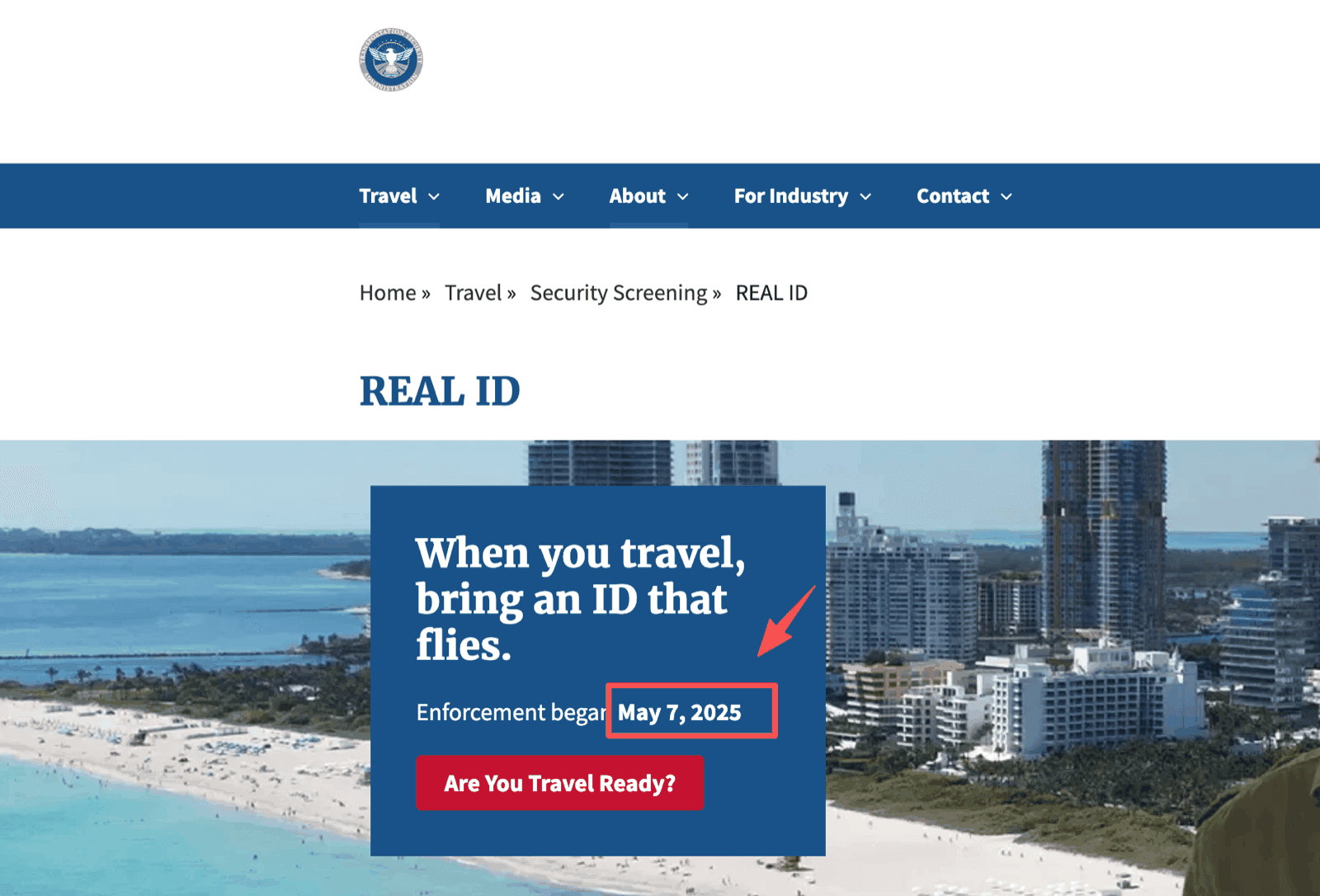
AI can summarize those notes and flag missing information. It should not invent missing traveler data or assume that a name, passport detail, visa status, or travel document is valid. For U.S. domestic airport screening, travelers should also confirm current ID requirements because REAL ID enforcement began May 7, 2025.
Compare options
The workflow should compare options against constraints, not only against price. For example, a team may prefer a higher fare if it avoids a risky connection before a client meeting. Another team may accept a longer layover if it gives the traveler more rebooking protection or lowers total cost.
This is where an AI trip planning workflow can produce a useful comparison note: best overall option, cheapest acceptable option, fastest option, safest timing option, and rejected options with reasons. Rejected options matter because they stop the team from repeating the same search after someone asks, "Why didn't we take the 6:10 flight?"
Prepare a decision summary
The decision summary should be short enough for approval and detailed enough for later review. It should include the preferred option, backup option, price check time, baggage assumption, change-rule note, traveler constraints, and remaining risks.
For example, I would want a travel itinerary workflow to say: "Preferred option arrives before 2 p.m., avoids airport change, includes one checked bag assumption, and costs more than the cheapest route because the cheaper route has a 45-minute connection." That is useful because it explains the decision, not just the fare.
Confirm before purchase
Purchase confirmation should be human. Before anyone pays, the owner should check the live airline or booking platform page, fare rules, baggage terms, passenger names, payment method, refund terms, and timing. If a route requires visa or transit checks, those should be handled by the responsible person or specialist, not assumed by AI.
The workflow can prepare the checklist. It should not press the button.
When AI Should Stop
AI should stop whenever the next action changes money, legal responsibility, traveler identity, supplier status, or trip ownership. That includes payment, rebooking, cancellation, name correction, passport or visa interpretation, baggage-fee promises, refund promises, and supplier confirmation.
This boundary protects the team from treating a draft as a booking. It also protects travelers from outdated information. Baggage allowance, seat availability, flight inventory, fare class, visa rules, and change fees can change between research and purchase. The current airline, government, or booking platform page should be the final source before action.
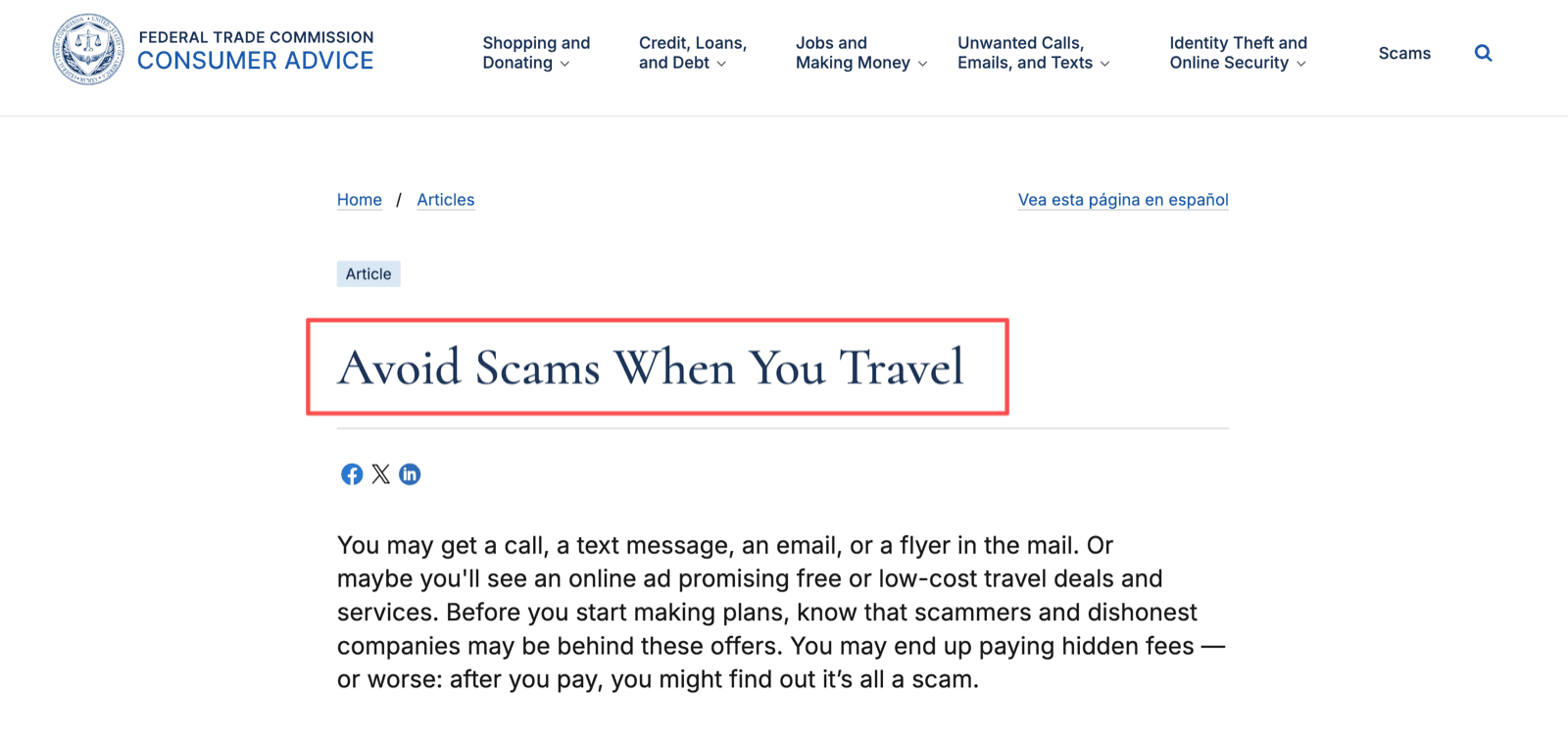
Payment is the clearest stop point. Travelers should understand cancellation and refund terms before paying, and suspicious payment methods remain a travel risk. A workflow can flag the risk. A person should approve the transaction.
What this section proves is narrow but useful: the stop points are predictable, so they can be written into the workflow in advance. What it does not solve is staleness inside an otherwise correct plan, which is easier to show than to describe.
How MoClaw Fits This Workflow
MoClaw fits as a managed workflow layer for flight research, itinerary preparation, option comparison, and follow-up queues. It should not be described as an airline booking engine, GDS, payment processor, visa authority, or supplier confirmation system. Its role is to help a team prepare and review choices before a person acts.
For itinerary preparation, MoClaw's AI Travel Itinerary Generator with Google Sheets is the most relevant internal example. It shows how trip details can become a structured itinerary. For team travel, I would add review fields such as "price checked," "traveler confirmed," "purchase approved," "ticketed," and "change risk reviewed."
What a real run actually produced
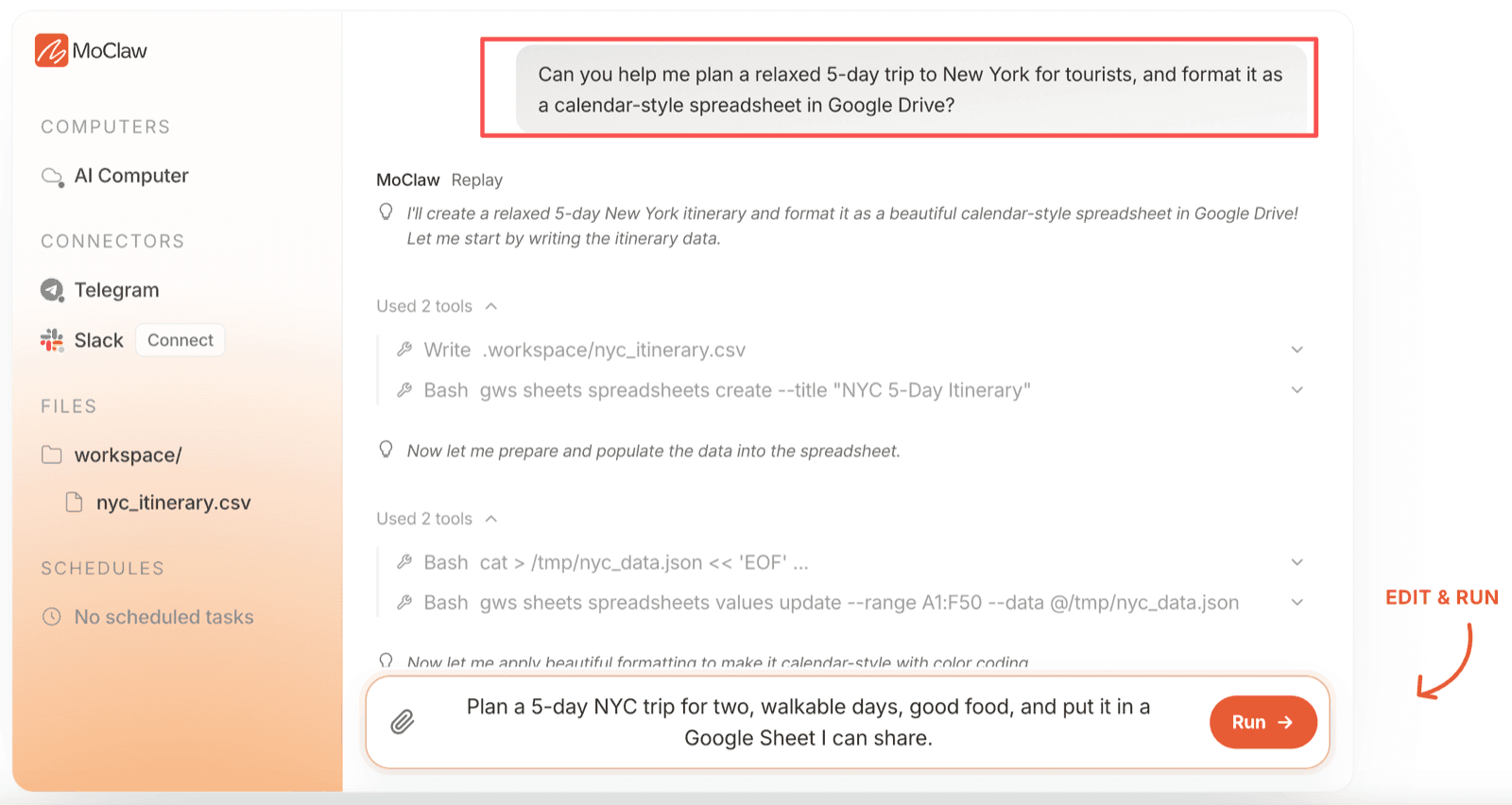
Here is an actual run rather than a description of one. The prompt was "Can you help me plan a relaxed 5-day trip to New York for tourists, and format it as a calendar-style spreadsheet in Google Drive?" MoClaw wrote a local nyc_itinerary.csv, created a spreadsheet titled "NYC 5-Day Itinerary", then pushed the values into the range A1:F50.
The delivered Sheet is the other half of that run. It holds 36 scheduled rows across five days, with Day, Time, Activity, Location, Notes, and Duration columns, a frozen and filtered header row, and a Travel Tips block underneath the schedule.
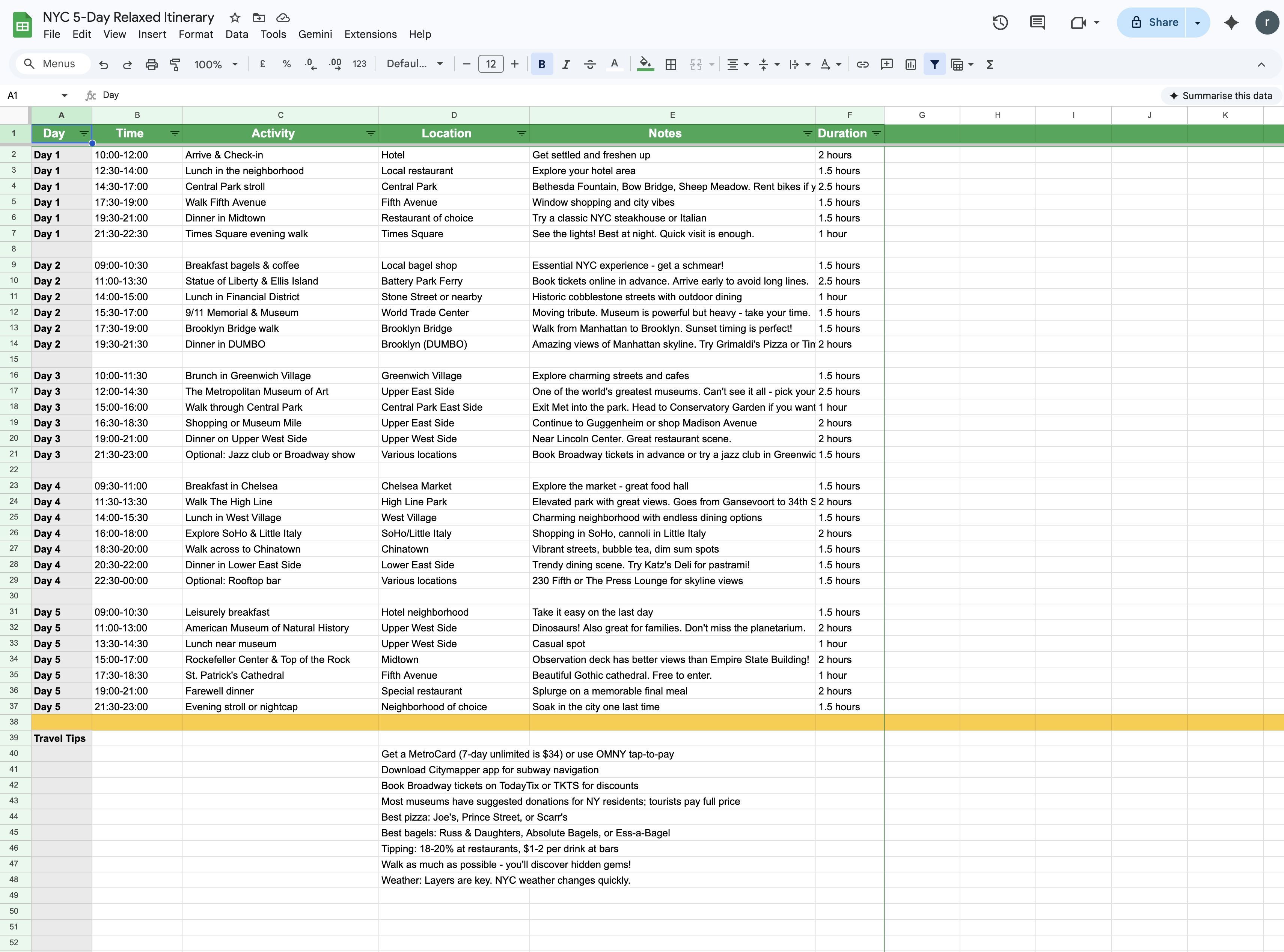
That Travel Tips block is also the strongest argument in this article for keeping a person in the loop, and it argues against our own output.
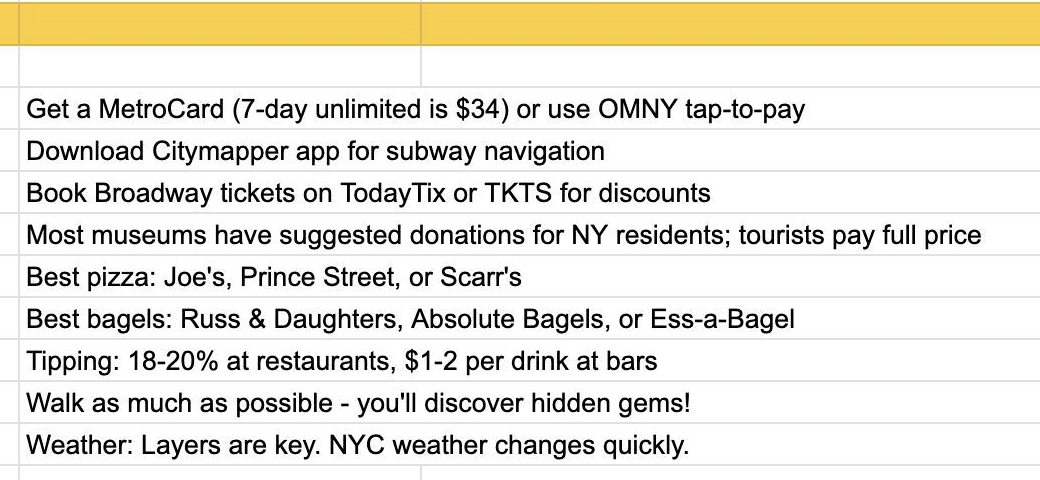
The first line reads "Get a MetroCard (7-day unlimited is $34) or use OMNY tap-to-pay." Both halves of that tip have since expired. The MTA now states that MetroCard is retiring and that as of January 1, 2026 riders can no longer buy or refill one, and the fare changes the MTA board adopted for January 2026 retire the 7-day unlimited pass in favor of an automatic weekly cap of $35.
Nothing about the itinerary structure was wrong. The days, the pacing, and the column layout all held up. One embedded price and one payment instrument did not, because transit fares moved and a saved file cannot move with them. That is the whole argument in one cell: the workflow was reusable, the fact was perishable, and only a person checking the live page catches the difference.
Two neighbouring problems have their own guides: handling the confirmations and change notices that land afterwards in travel booking email workflows, and deciding what belongs in an agency system of record versus a workflow in travel agency app vs AI workflow.
For recurring work, MoClaw's AI workflow automation is the better fit. A busy team could use a workflow to gather traveler requirements, refresh option summaries, organize rejected routes, draft itinerary updates, and queue follow-up tasks. The team still owns final purchase, rebooking, cancellation, visa review, baggage interpretation, and traveler communication.
FAQ
What happens when an airline changes an approved itinerary?
The workflow should reopen the trip as a review item, not silently accept the change. Store the airline notice, compare the new schedule with the original constraints, and ask the trip owner to approve the next step. If the traveler no longer wants to travel, refund rights depend on the airline, route, ticket terms, and current rules.
How should a team preserve rejected flight options?
Rejected options should be saved for the reason, not only the fare. Keep the route, price checked time, layover issue, baggage assumption, traveler objection, or schedule conflict. This prevents repeated searching and helps explain why a more expensive flight was selected when the team reviews the trip later.
Who owns the final itinerary when travelers disagree?
The trip owner should own the final itinerary, even when travelers disagree. Travelers can provide constraints and preferences, but one responsible person should decide which trade-off controls: budget, arrival time, baggage, comfort, or meeting risk. Without a named owner, the workflow can become a debate log instead of a travel plan.
Can the workflow resume after a trip is postponed?
Yes, but it should resume from saved requirements and rejected options, not from old prices. Mark the old options as expired, keep the reasoning, and rerun live flight research when new dates are available. This preserves useful context while avoiding the mistake of treating stale fares or inventory as current.
How often do the facts inside a saved itinerary go stale?
Faster than most teams expect, and unevenly. Structure such as day order, pacing, and column layout stays usable for months. Prices, passes, fare rules, and ID requirements can expire in a single policy cycle, as the retired MetroCard tip above shows. Re-check anything with a number or a payment method attached to it.
AI Tools for Flight Booking Travel Work Best Before the Purchase Step
AI tools for flight booking travel are most useful before money changes hands. They can collect requirements, compare options, draft itineraries, explain trade-offs, and keep rejected routes visible. The final action still belongs to a person checking the current airline or booking platform page. That is the practical line between useful automation and risky autopilot.
Fact-check note: MoClaw Editorial reviewed every public source cited here on August 7, 2026, and re-verified the MTA fare details against the MTA's own pages on the same date. This is an operations guide, not legal, immigration, or fare advice, and not a claim that MoClaw connects to any airline booking, GDS, payment, or supplier confirmation system.
Continue Reading
More Guide
AI Travel Email Integration for Bookings

ChatGPT Codex: From Chat to Tasks

What Compound Engineering Actually Compounds

Running Claude Code Agents in Parallel

Grok 4.5 Agent Workflows: Tools and Fallbacks

What an AI SEO Agent Can and Cannot Run
The MoClaw editorial team writes about workflow automation, AI agents, and the tools we build. Default byline for industry overviews, listicles, and collaborative pieces.
Ready to put this into practice?
MoClaw runs browser tasks, research, and schedules automatically. Try it free.
References: IATA: Global Air Passenger Demand Reaches Record High in 2024 · US DOT: Refunds and the 24-hour reservation requirement · TSA: REAL ID enforcement began May 7, 2025 · FTC: Avoid Scams When You Travel · MTA: MetroCard is retiring as of January 1, 2026 · MTA Board Adopts Fare and Toll Increases to Take Effect January 2026