OpenTag Workflow: Slack Threads to Approval Trails

An OpenTag workflow maps Slack thread intake, tool calls, approvals, audit trails, and managed alternatives before you put a Slack AI agent into production.
Table of Contents
An OpenTag workflow turns a Slack thread into an agent run: intake the conversation, classify the request, decide whether tools are needed, generate something reviewable, and require approval before the agent changes anything outside Slack. It is a workflow to validate, not an app to install.
Key Takeaways:
- CopilotKit OpenTag is a self-hosted direction, not a no-maintenance teammate.
- A Slack AI agent workflow needs clear boundaries between reading, drafting, and acting.
- Human-in-the-loop approval should happen before external writes, not after.
- Agent guardrails need to be designed into the workflow, not left inside a prompt.
- MoClaw is the managed option for teams that want cloud execution and human confirmation without owning hosting, logs, and secrets.
Disclosure: I'm Vera. MoClaw produced this article for technical operators and advanced tool users comparing self-hosted Slack agent workflows with managed execution. I reviewed CopilotKit/OpenTag's public repository and Slack's developer documentation on July 1, 2026, then mapped the workflow risks around approvals, permissions, rate limits, and audit trails. No production Slack workspace or customer data was used.
That is the version I would test before I let it near real work. The demo question is "Can the agent answer?" The production question is "what happens when the thread is messy, the request is vague, and the next action touches another system?"
The Slack Agent Workflow to Validate
The workflow to validate is not an installation. It is judgment.
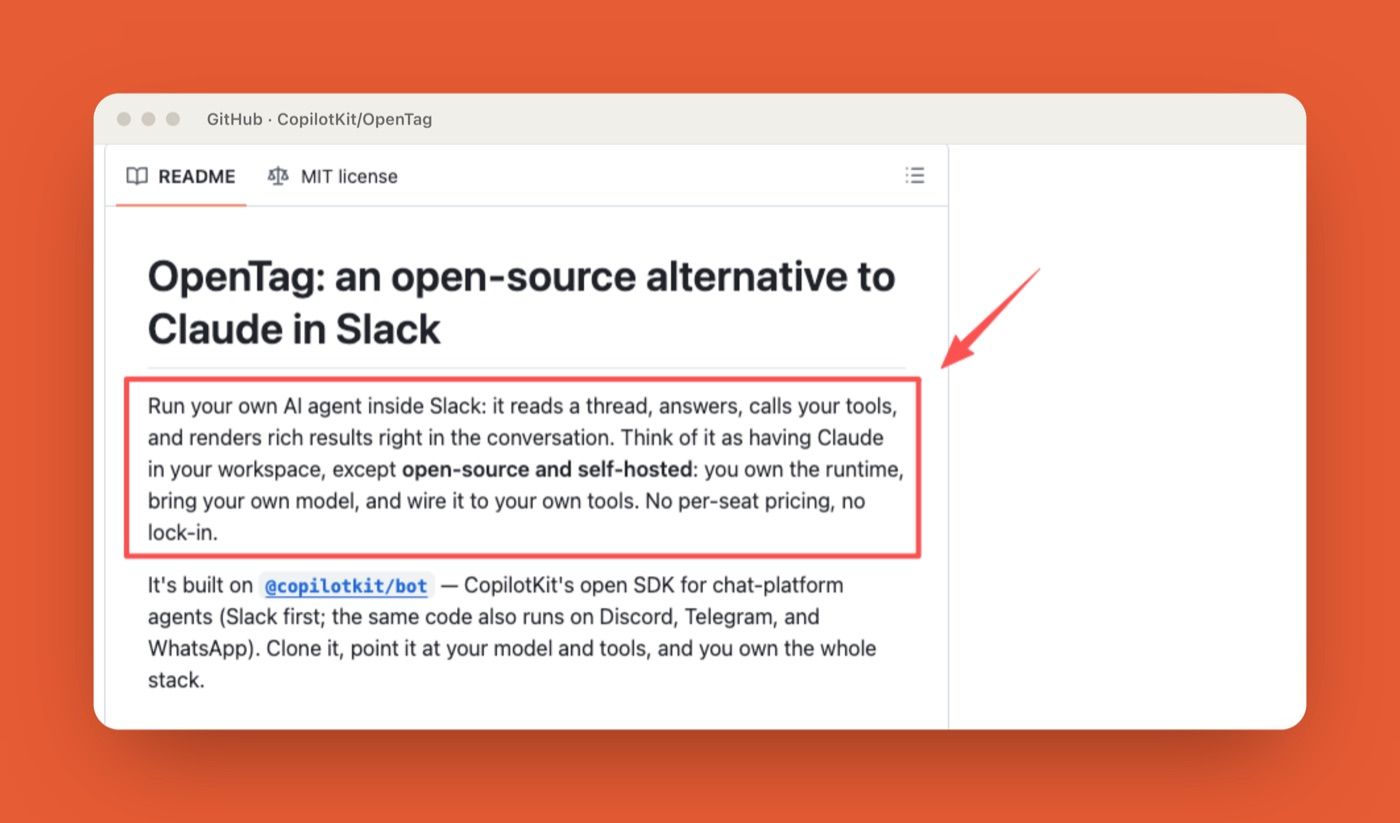
In the public CopilotKit OpenTag repository, OpenTag is described as an open-source Slack agent that can read a thread, answer, call tools, render rich results, and create a ticket after approval. That is the useful part: the agent is not only chatting. It is meant to move a Slack thread toward action.
The part I would slow down on is ownership. OpenTag is presented as an open-source, self-hosted direction, with CopilotKit also pointing readers toward a managed service path. That can be exactly right for a team with engineering support, internal platform rules, and someone who can manage secrets, hosting, logs, persistence, model keys, and incident recovery. It is less right for a team that wants "the agent handles this" but has no person assigned to keep the agent alive.
For me, the workflow worth validating looks like this: the agent reads the thread, classifies the request, decides whether a tool call is needed, returns a reviewable result, asks for approval before external action, and records enough detail to explain what happened later.
What this proves: OpenTag is a real thread-to-action pattern, not just a chatbot. What it leaves unsolved: who keeps that runtime alive after the demo, which is an ownership question the repo cannot answer for you.
Step 1: Read and Classify the Slack Thread
The first job is not answering. It is classifying.
A Slack thread may include a customer complaint, an internal guess, a screenshot, a correction, and someone saying "let's file this" twelve messages later. If the agent treats every thread as a direct command, it will eventually act on the wrong part.
David, a support lead I compared notes with while writing this, described the failure cleanly: his team wired an early Slack bot to auto-summarize threads, and it once turned a customer venting mid-thread into a "feature request" ticket because the last message happened to say "can you just make it do X." One misread line, one wrong artifact. Classification first would have caught it.
I would classify requests into a few plain categories: summary, draft, research, data lookup, ticket proposal, external message, or unsafe/unclear. The classification should be visible to the user. Something like: "I read this as a ticket draft request." That one sentence gives the team a chance to catch a bad assumption before the agent starts building on it.
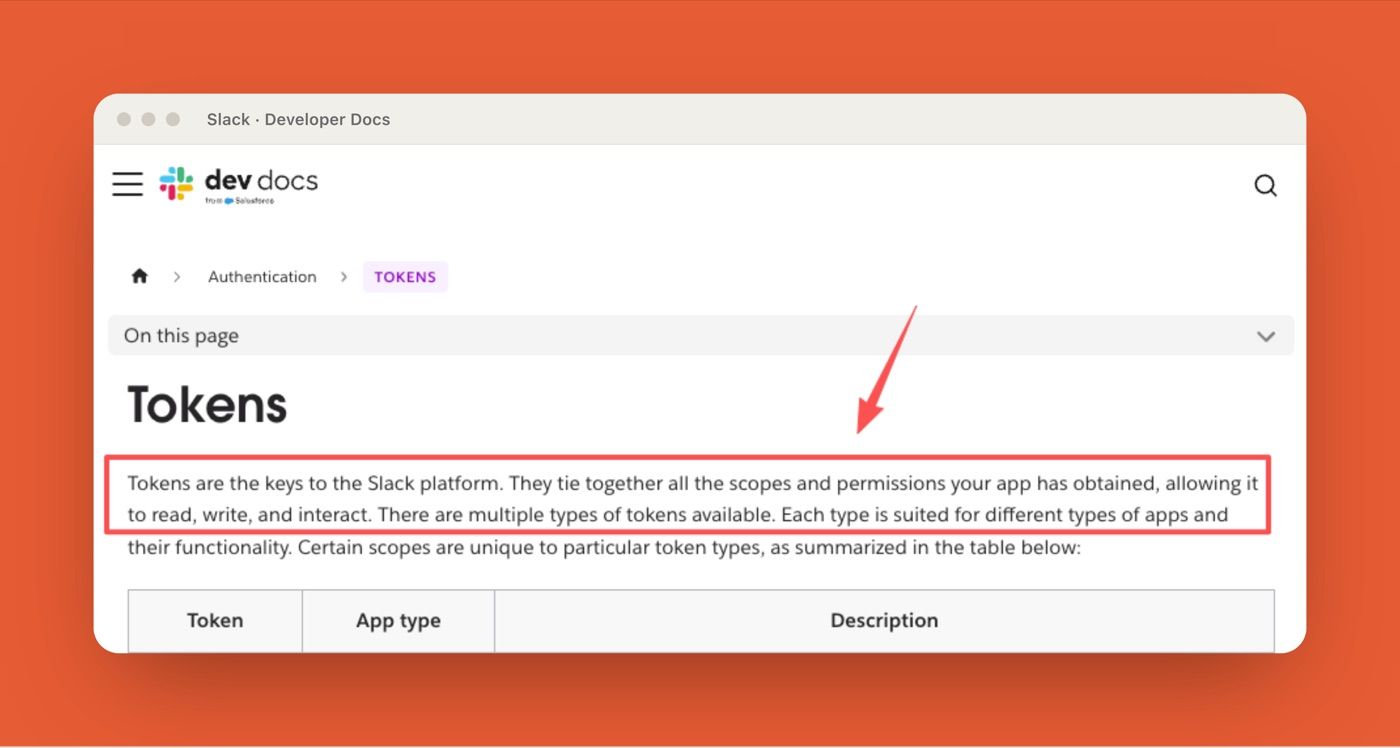
This is also where permissions begin. Slack's token documentation explains that tokens determine what an app can access and do. In agent terms, that means access should follow workflow needs. A bot that summarizes support threads does not automatically need broad write permissions. A bot that drafts Jira tickets does not automatically need permission to post customer-facing messages.
What this proves: a visible classification step is the cheapest guardrail in the whole workflow. What it leaves unsolved: classification quality still depends on the model, so the visible label is a catch, not a guarantee.
Step 2: Decide Whether a Tool Call Is Needed
The second step is deciding whether the agent needs a tool at all.
This is where I see teams overbuild. A thread summary may not need a CRM lookup. A product question may not need a database call. A customer-impact check might need both. The workflow should decide this before touching tools.
A practical Slack AI agent workflow separates tool use into read-only, draft, and write actions. Read-only actions include fetching context, searching docs, checking a status page, or retrieving a support record. Draft actions prepare an output, such as a ticket, reply, summary, or task. Write actions create, update, assign, publish, close, or send something.
That separation is the beginning of agent guardrails. Read-only tools can usually run with lighter friction. Draft tools can prepare work for review. Write tools should stop for approval.
This is what human-in-the-loop means in practice. Not "the human can undo it later." Not "the agent explains itself after acting." The human sees the proposed action before the external system changes.
What this proves: the read/draft/write split is what makes approval enforceable instead of aspirational. What it leaves unsolved: someone still has to map each real tool into the right tier, and a mislabeled write action is the whole risk.
Step 3: Generate a Result Users Can Review
The third step is producing something people can inspect without doing archaeology.
A useful agent result should show what the agent understood, what evidence it used, what it proposes, and what is still uncertain. If the result is vague, people will approve it because they are busy. I have done that. It feels efficient for about six minutes.
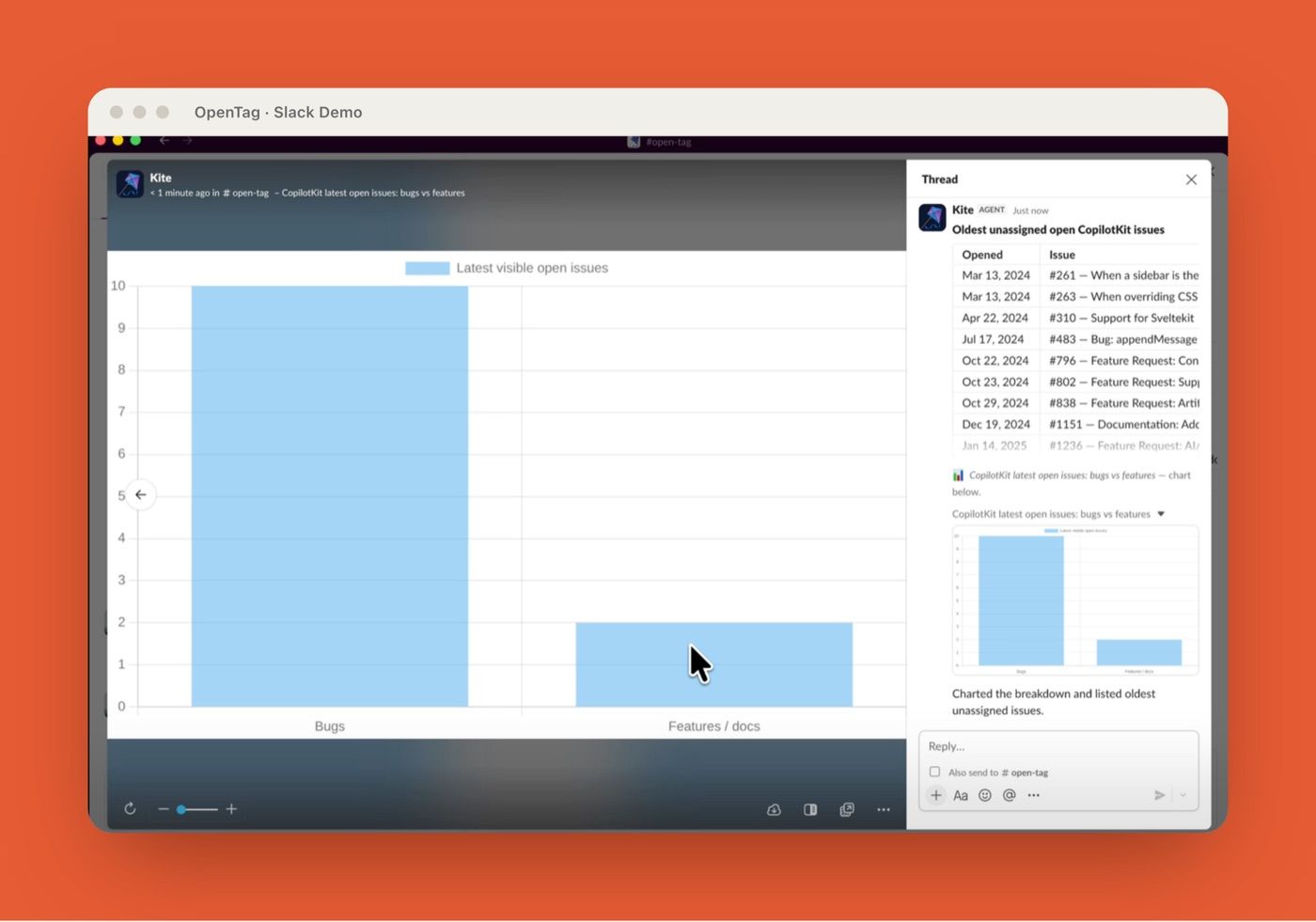
For a customer response thread, the agent might output: a proposed reply draft, highlighted facts from the thread, tone suggestions, and uncertainty notes (e.g., "Missing Q3 metrics - confirm before sending?"). In the repository demo, you can see the agent rendering inline tables, bar charts for impact visualization, and an interactive Approve/Reject button before any external action.
For a bug thread, I would want the proposed title, affected user or customer, reproduction notes, severity, source messages, missing fields, and the destination system. For a customer response, I would want tone, facts used, claims avoided, and the exact message body. For a research request, I would want sources separated from interpretation.
The standard is simple: could someone approve this in Slack without opening four extra tabs and still understand the risk?
Tables, charts, summaries, or task drafts
The format should match the decision. Tables work when people need comparison, such as affected accounts, options, owners, or statuses. Charts work only when they make a pattern easier to see. Summaries work when the team needs alignment. Task drafts work when the next step is creating a ticket, record, or assignment.
OpenTag's repo mentions rich results such as tables and charts inside Slack. That can help, but rich output is not automatically better output. A chart that delays the decision is decoration. A plain task draft that shows exactly what will be created is often more useful.
What this proves: a reviewable artifact is the difference between real approval and rubber-stamping. What it leaves unsolved: rich rendering can hide risk as easily as it surfaces it, so format is a design choice, not a default.
Step 4: Add Approval Before External Actions
Approval is where the workflow becomes safe enough for real team use. External actions include creating a Jira or Linear ticket, updating Notion, posting to a shared channel, sending an email, changing a CRM record, assigning an owner, or writing to a database. These actions should not happen because the model sounds confident.
A useful approval step shows the action type, destination, payload, approver, timestamp, and final result. It should be clear what will be created or changed before the user clicks approve. If the action fails, the failure should be recorded. If it partially succeeds, that should be recorded too.
Maria, an ops manager on a 30-person SaaS team, learned the partial-success problem the hard way: an early agent created a Linear ticket, then failed to post the Slack confirmation, so two people filed the same bug within an hour because neither could see the ticket already existed. The write succeeded; the visibility failed. An approval trail that logs the created ticket ID, not just the click, is what closes that gap.
This is the approval trail. It matters later, when someone asks why a ticket exists, why a customer message was sent, or why a record changed.
"The agent did it" is not an audit answer. The answer should be: the agent read this thread, produced this draft, this person approved it, this action was sent to this system, and this was the result.
What this proves: approval is only real when the payload and destination are visible before the click. What it leaves unsolved: approvals add latency, so teams have to decide which action types are safe to auto-run and which always stop.
Step 5: Choose Self-Hosted or Managed Execution
The fifth step is deciding who owns the runtime.
CopilotKit OpenTag makes sense for teams that want control. If you have someone who can manage Slack app settings, model credentials, secrets, hosting, logs, persistence, permissions, and retries, self-hosting gives you room to shape the workflow around your internal systems.
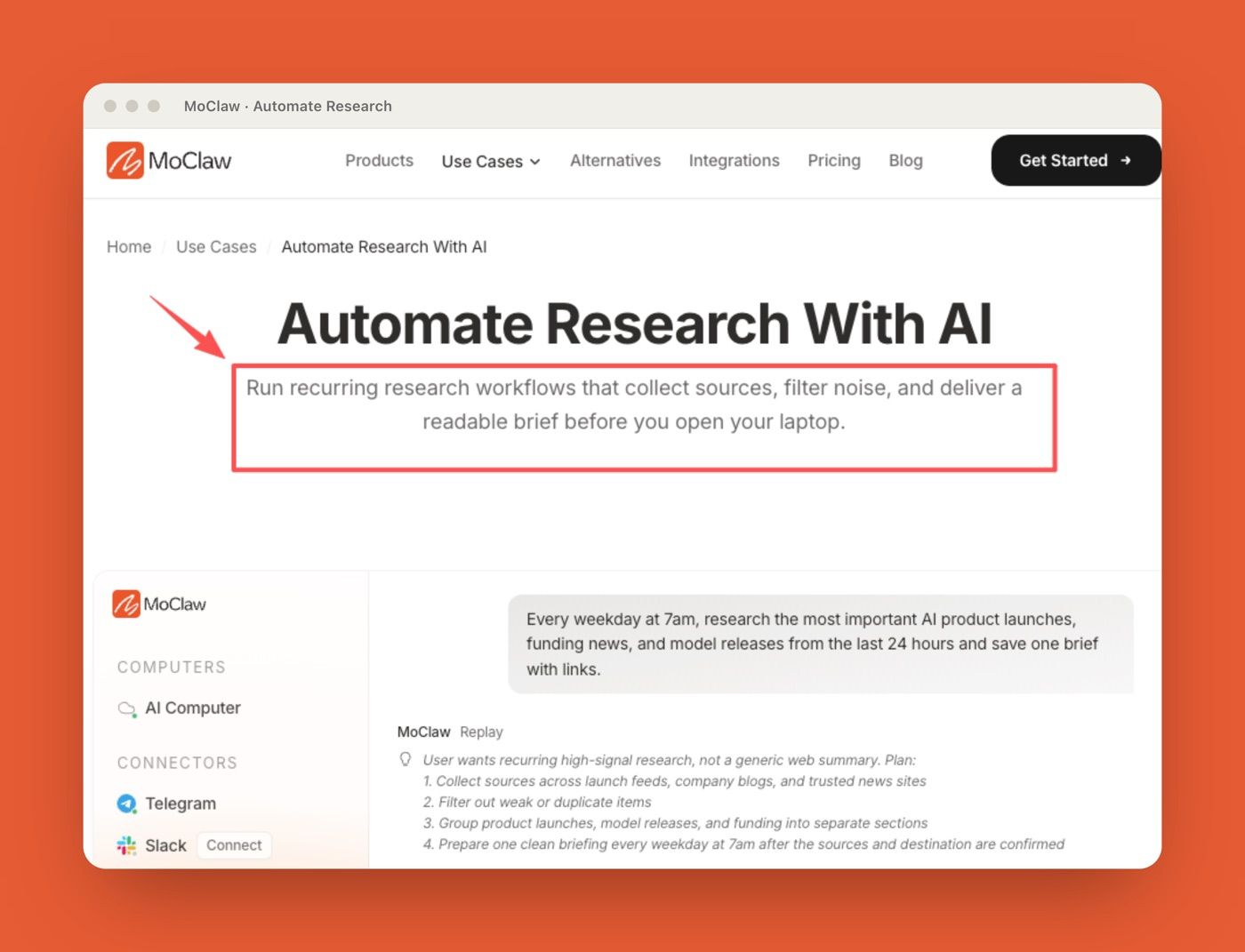
A managed route makes sense when the work matters more than owning the infrastructure. This is where I would place MoClaw in the comparison. MoClaw gives users an always-on AI assistant running on its own managed cloud computer, with browser and file work, recurring tasks, and human confirmation. The point is not to out-engineer a self-hosted setup. The point is to remove the maintenance layer for people who do not want to run one. If you want to feel the difference before committing, you can try a managed agent run and see where the maintenance actually goes.
What this proves: self-hosted and managed solve the same workflow from opposite ends of the ownership question. What it leaves unsolved: the right answer depends on whether your team has a person to keep a runtime alive, which is a staffing fact, not a feature comparison.
Audit Trails, Permissions, and Failure Recovery
Audit trails should be designed before production use. The trail needs to show what the agent read, what it classified, what tools it called, what it generated, who approved the action, and what happened after approval. Without that, failed tasks become guesswork.
Permissions should stay narrow. Slack's OAuth installation documentation explains how apps request scopes during installation. For agent workflows, scopes should map to actual use cases. If the agent only drafts, it should not get broad write access because one future workflow might need it.
Failure recovery also needs rules. If a tool times out, the agent should stop and report the failed step. If ticket creation succeeds but the Slack reply fails, the audit log should still show the ticket. If the model returns malformed output, the workflow should remain in draft mode. Slack limits also affect design. Slack's Web API rate limits apply by method, workspace, and app, with specific limits around methods such as conversations.history and conversations.replies. That matters for agents that fetch long threads, post frequent updates, or retry aggressively.
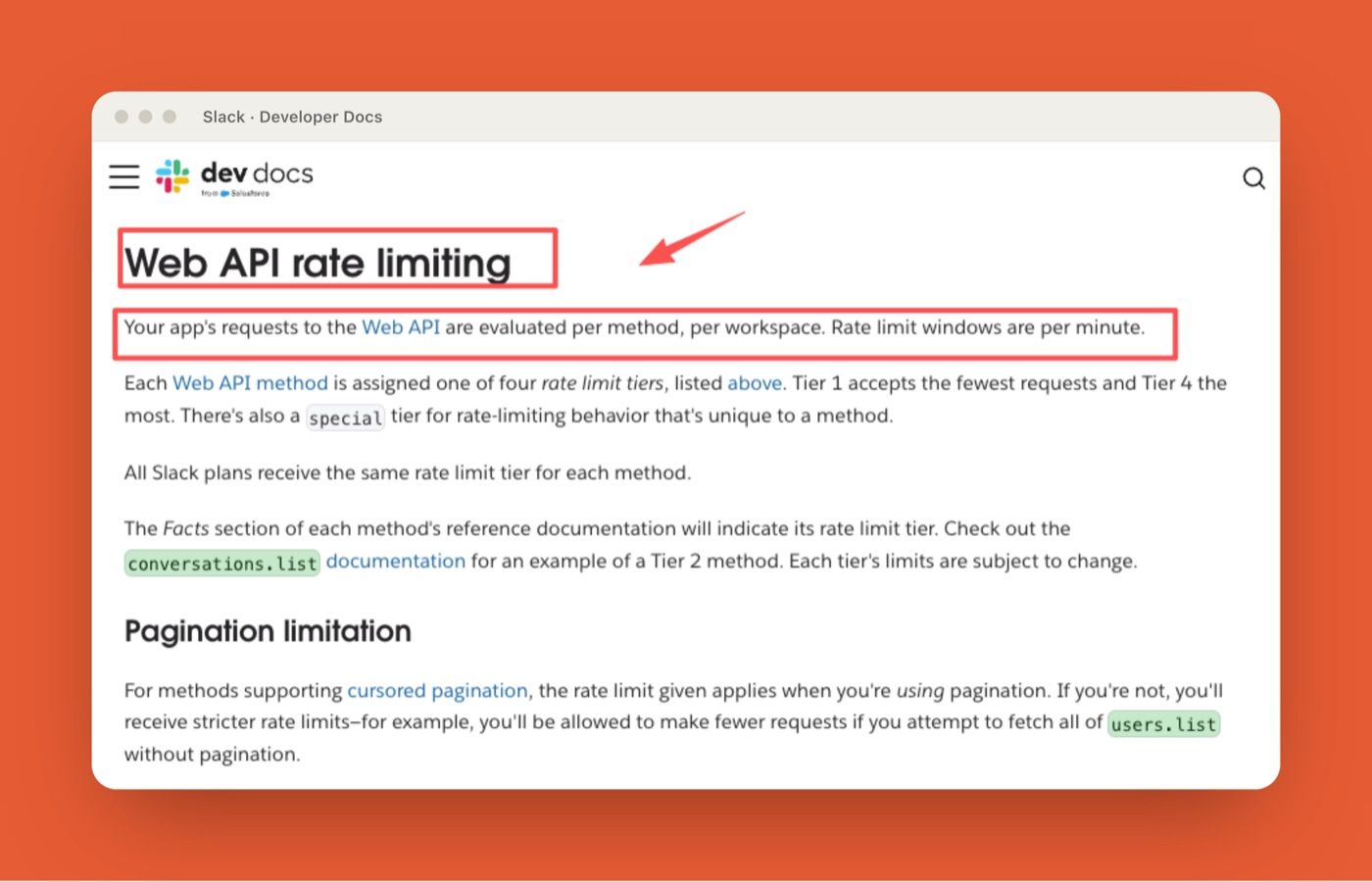
A good agent workflow is quiet on purpose. It reads selectively, posts when there is something useful to review, and makes retries visible.
What this proves: the audit trail and narrow scopes are what make a failed run explainable instead of mysterious. What it leaves unsolved: rate limits and partial failures are normal states, so the workflow has to treat backoff and recovery as design, not exceptions.
FAQ
Can failed Slack agent tasks affect production data?
Yes, if the workflow allows write actions without approval, idempotency checks, or clear failure handling. A failed run can still leave partial changes, such as a duplicated ticket, an incomplete record, or a message posted before the final step failed.
Does sensitive thread content get sent to the model?
Usually, yes, if the model needs that content to classify, summarize, or act. The exact path depends on your model provider, implementation, logging, and persistence setup. Sensitive workflows should define redaction, retention, and channel restrictions before launch.
What can make a self-hosted Slack agent expensive to run?
The hidden costs are hosting, model API usage, storage, logs, monitoring, retries, security review, and engineering time. The first demo may be cheap. Keeping the agent reliable after the demo is where the cost usually appears.
Do Slack rate limits change how agent workflows should be designed?
Yes. Rate limits affect thread fetching, message posting, bulk actions, and retries. Agents should avoid repeatedly reading long threads, posting every intermediate thought, or retrying without backoff. The workflow should handle platform limits as a normal state, not an exception.
Slack Agent Workflow vs Managed Execution
An OpenTag workflow is not just a Slack bot with a model behind it. It is a workflow automation pattern: read the thread, classify the request, decide whether tools are needed, generate a reviewable result, require human approval before external action, and keep an audit trail.
CopilotKit OpenTag is best for teams that want a self-hosted AI agent and have people to manage the infrastructure around it. For teams that want the work handled without maintaining secrets, hosting, logs, and recovery, MoClaw's managed cloud computer and human confirmation model are the cleaner path. The goal is not to make Slack noisier. The goal is to turn a thread into controlled work. If you are mapping out more of these patterns, the rest of the MoClaw workflow playbooks work through the same read, review, approve loop.
Continue Reading
More Guide
What Is CopilotKit OpenTag? Slack Agent Basics
AI Agent Deployment Methods: 2026 Guide

Claude Model Upgrades: Protect Recurring AI Workflows

Relay.app Alternative: Move Before Sep 14

What Is pgbot? Read-Only Postgres Checkups

What Is Cumora? AI Agents as Teammates
We test automation patterns inside MoClaw and publish what works (and what doesn't). Specific use-case breakdowns, workflow templates, and step-by-step playbooks.
Ready to put this into practice?
MoClaw runs browser tasks, research, and schedules automatically. Try it free.
References: CopilotKit OpenTag repository (GitHub) · CopilotKit (official site) · Slack: Token types and permissions · Slack: Installing apps with OAuth · Slack: Web API rate limits