AI Coffee Shop Image Generator
AI coffee shop image generator: create print-ready cafe menu art, wall prints, and social images from a short brief.
Runs on managed cloud. No scripts, no Zapier.
I'll create three warm and cozy coffee-themed images perfect for your cafe! Let me generate a mix of artistic coffee imagery that you can use for prints or menu decoration.
Perfect! I've created three beautiful coffee-themed images for your cafe! Here they are:
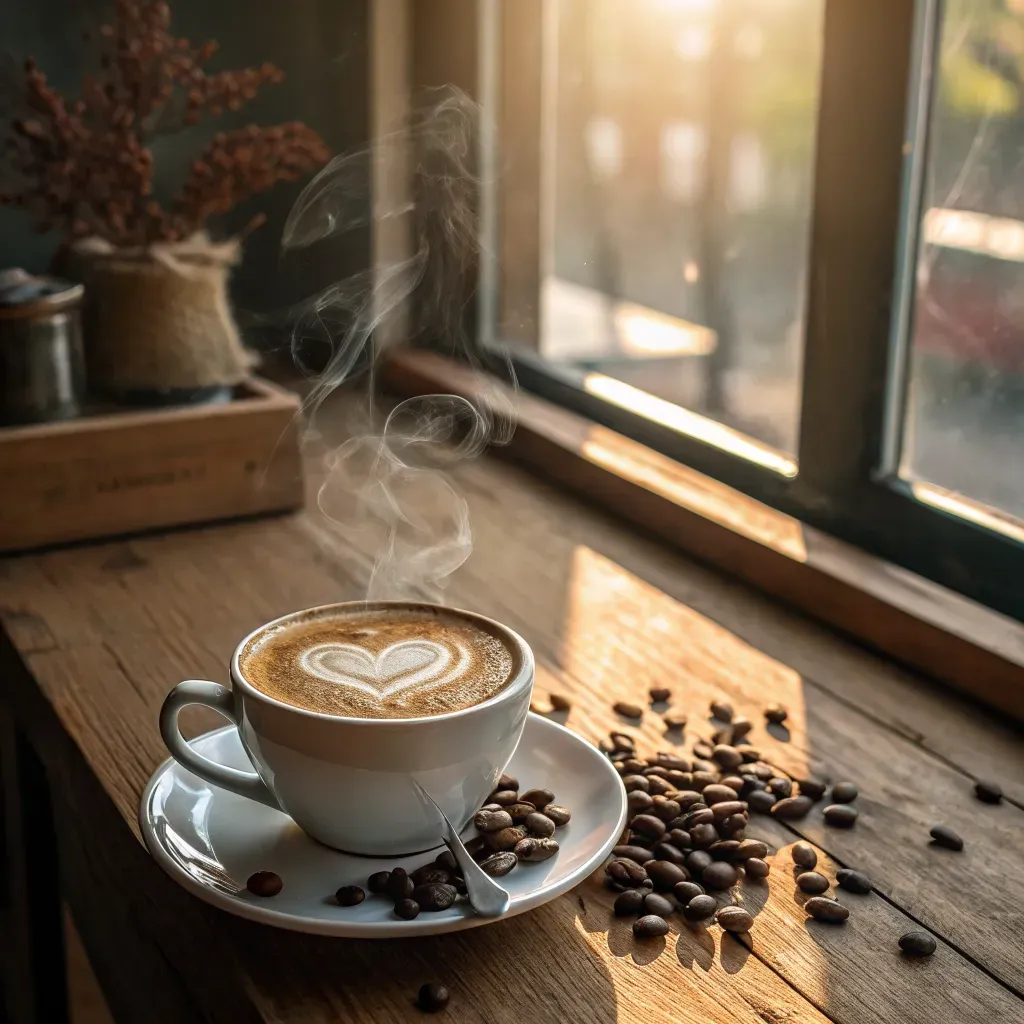
Image 1: Cozy Window-Side Latte
A stunning photograph featuring:
- Beautiful heart-shaped latte art
- Gorgeous golden morning sunlight through the window
- Scattered coffee beans on rustic wooden table
- Ethereal steam rising from the cup
- Warm wooden textures
- Dried flowers in background
Perfect for: Menu covers, wall prints, Instagram, cozy corner decoration
Image 2: "But First Coffee" Vintage Poster
A charming retro illustration with:
- Hand-lettered "BUT FIRST Coffee" text
- Warm vintage color palette (browns, creams, oranges)
- Decorative botanical elements and coffee beans
- Stylized steam rising from coffee cup
- Textured background perfect for printing
- Mid-century modern design aesthetic
Perfect for: Wall art, menu section dividers, signage, printable posters
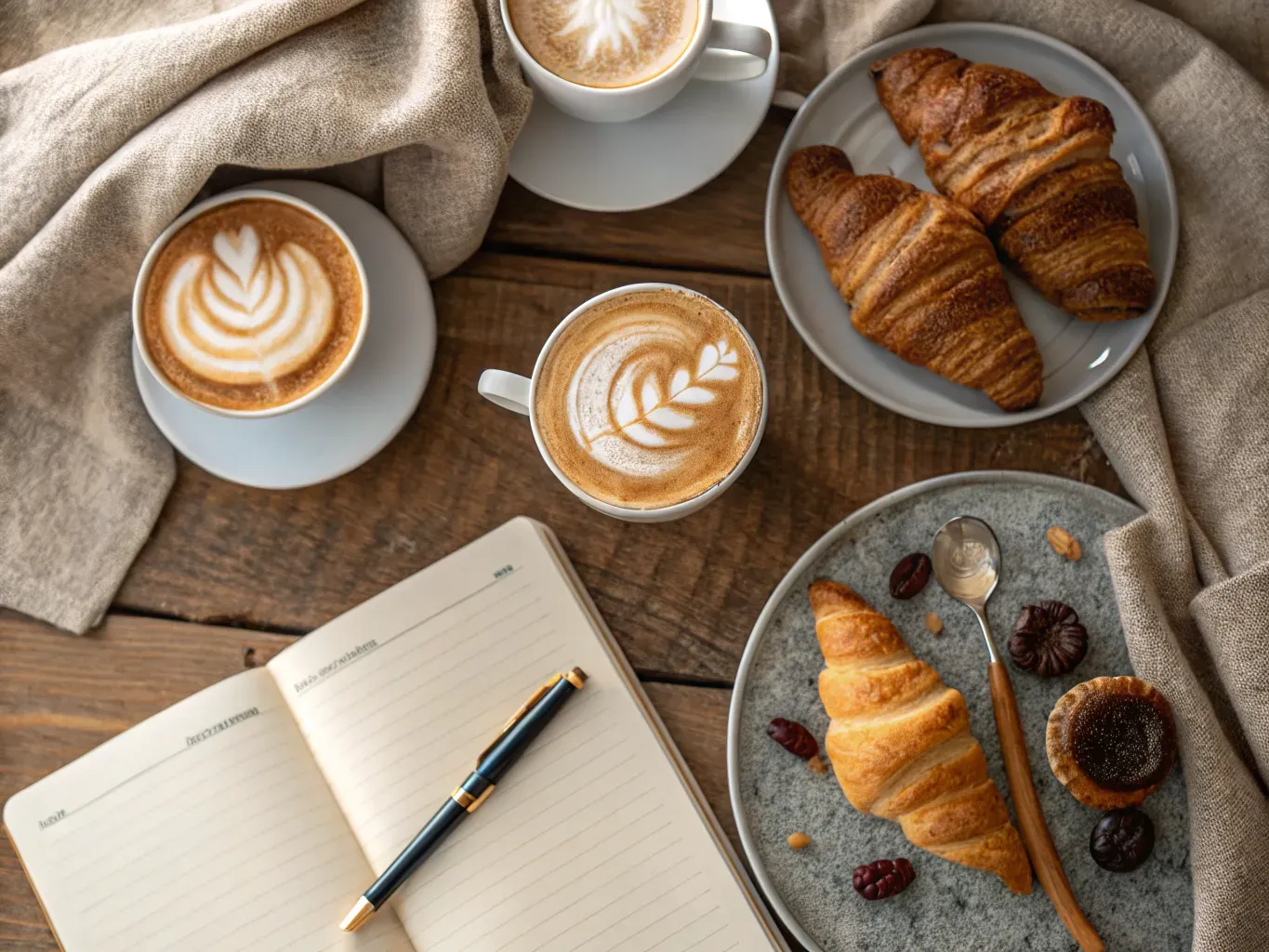
Image 3: Cafe Lifestyle Flat Lay
A gorgeous overhead composition featuring:
- Three coffee cups with different beautiful latte art (heart, leaf, rosetta)
- Fresh croissants and pastries artfully arranged
- Open notebook with elegant pen
- Cozy beige linen fabric
- Rich wooden table texture
- Natural warm morning lighting
Perfect for: Social media posts, menu photography, lifestyle marketing, cafe ambiance showcase
Usage Suggestions:
For Your Menu:
- Use Image 1 or 3 as section backgrounds
- Image 2 as a chapter divider or tagline element
For Wall Prints:
- Image 2 (vintage poster) as framed wall art
- Image 1 as a large canvas print near seating area
- Image 3 as a print series for Instagram wall
For Social Media:
- All three work great for Instagram and Facebook
- Image 3 is perfect for "daily coffee" posts
- Image 2 for quote posts and branding
Print Specifications:
- High resolution images suitable for printing
- Recommended sizes: 8x10", 11x14", 16x20"
- Print on matte or textured paper for vintage feel
Absolutely! Let me generate two more images for you, one focused on espresso and another with a clean minimalist style perfect for a loyalty card.
Image 4: Rich Espresso Pour
A dramatic close-up photograph featuring:
- Dark, glossy espresso being poured into a ceramic demitasse
- Beautiful golden crema forming on the surface
- Moody, warm lighting with deep shadows
- Espresso machine portafilter visible in the background
- Coffee grounds artfully scattered on marble countertop
- Rich contrast between dark espresso and light cup
Perfect for: Espresso menu section, behind-the-bar decor, drink spotlights on social media
Image 5: Minimalist Loyalty Card Design
A clean, modern design featuring:
- Simple line-art coffee cup icon in warm brown
- Plenty of white space for text and stamp areas
- Subtle coffee bean pattern border
- Elegant sans-serif typography placeholder
- Soft cream and espresso brown color palette
- Scalable vector-style aesthetic perfect for small print
Perfect for: Loyalty punch cards, business cards, stickers, gift cards, branded stationery
Here are some ideas for your loyalty card layout:
- Front: Use Image 5 as the background with your cafe name and logo
- Back: Add 10 stamp circles for a "Buy 10, Get 1 Free" program
- Recommended card size: 3.5" x 2" (standard business card)
- Print on 14pt cardstock with matte lamination for durability
Done! I've scheduled a weekly task to generate 3 fresh coffee-themed social media images for your cafe every Monday at 8:00 AM. Each week you will get a mix of styles, including lifestyle flat lays, close-up drink shots, seasonal themes, and quote graphics. I will also include caption suggestions and optimal posting times for Instagram and Facebook. You will find the new images waiting in your MoClaw dashboard each Monday morning, ready to download and share!
How the AI coffee shop image generator works
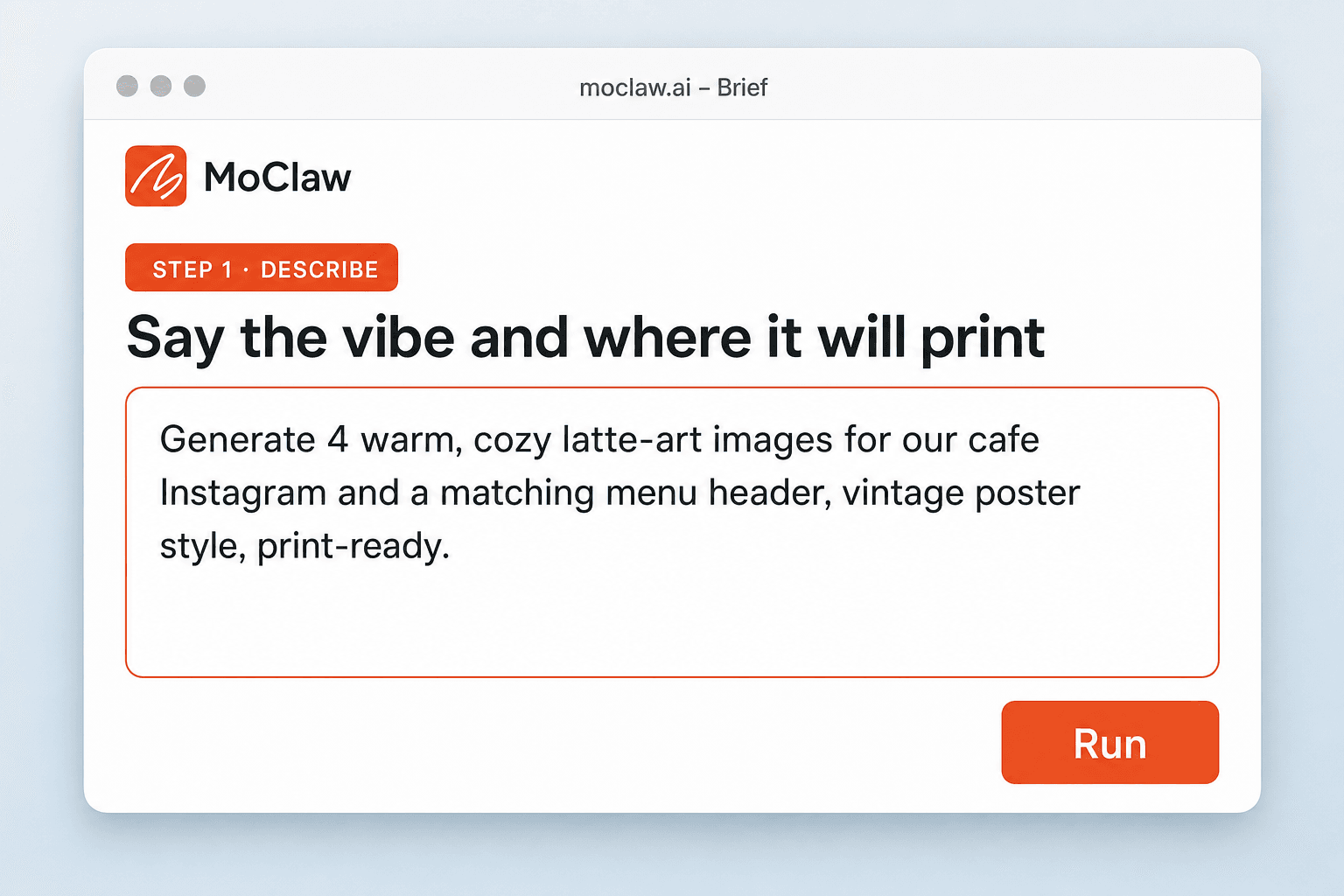
Describe the style and where it will run
Warm and cozy, vintage poster, minimal menu header — plus whether you need Instagram, wall print, or menu art.
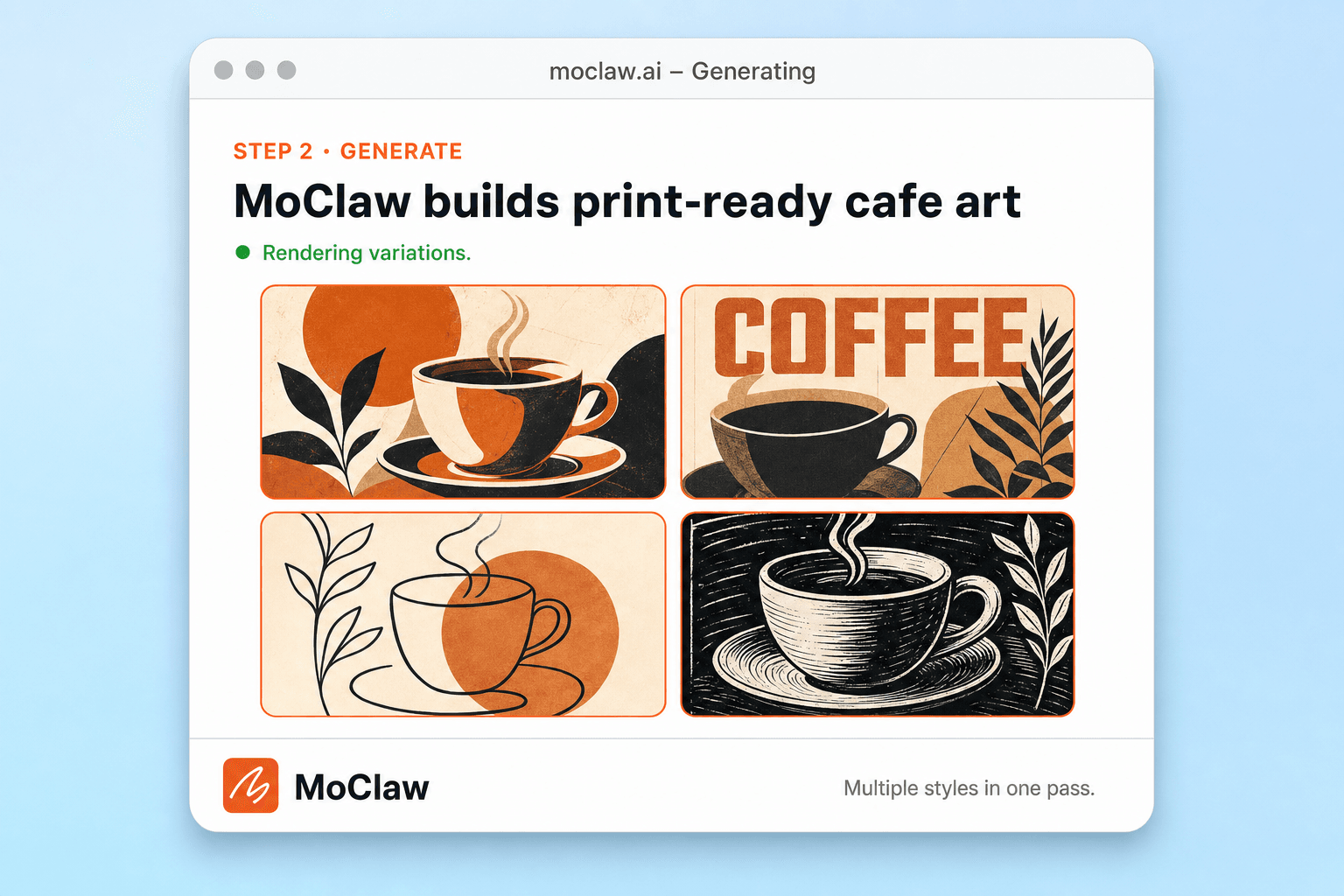
MoClaw generates print-ready variations
You get multiple high-resolution options sized for the use you asked for, with short notes on where each fits.
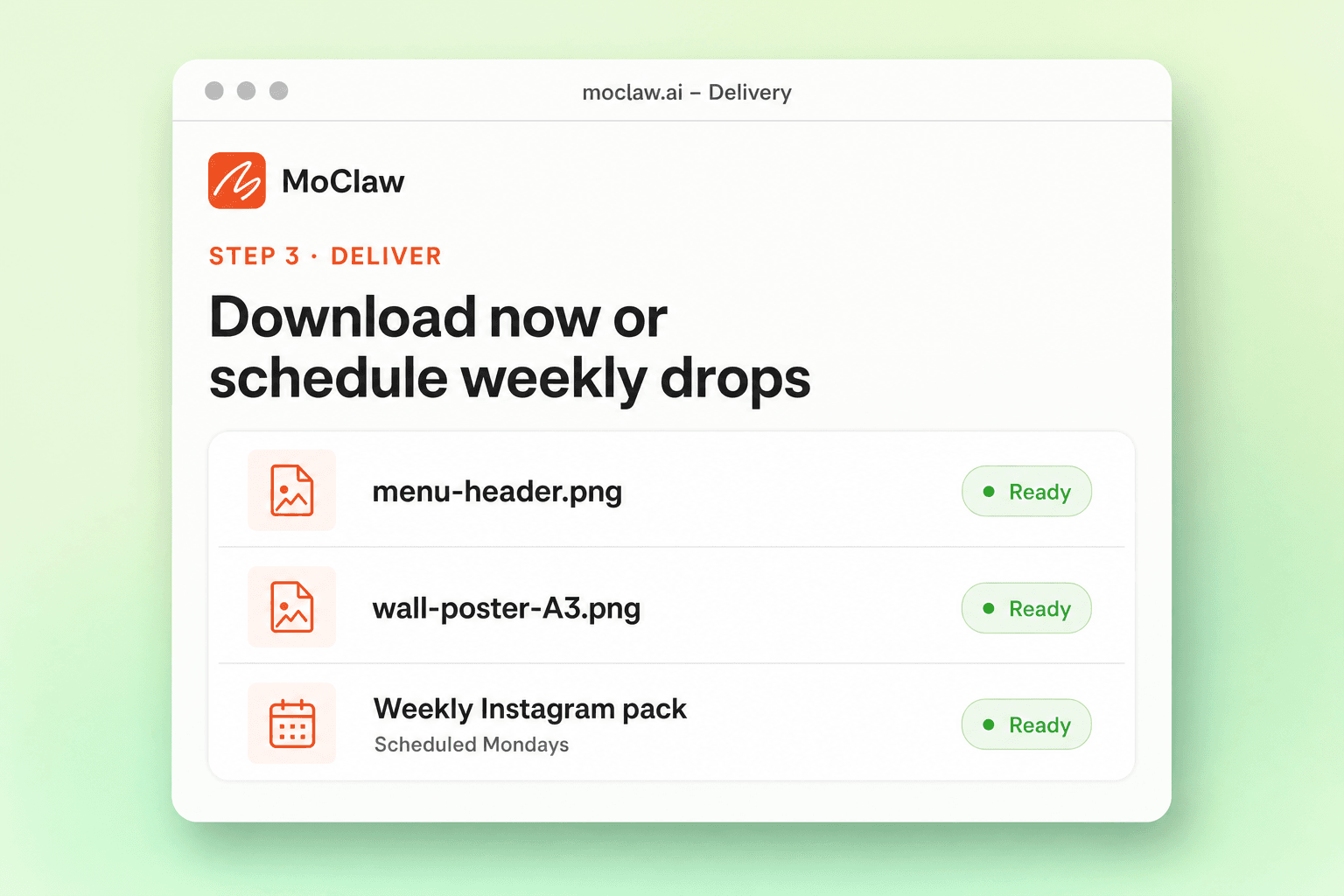
Download the pack or schedule weekly drops
Take the files now, or set a Monday pack so the cafe feed does not go quiet.
What you can generate
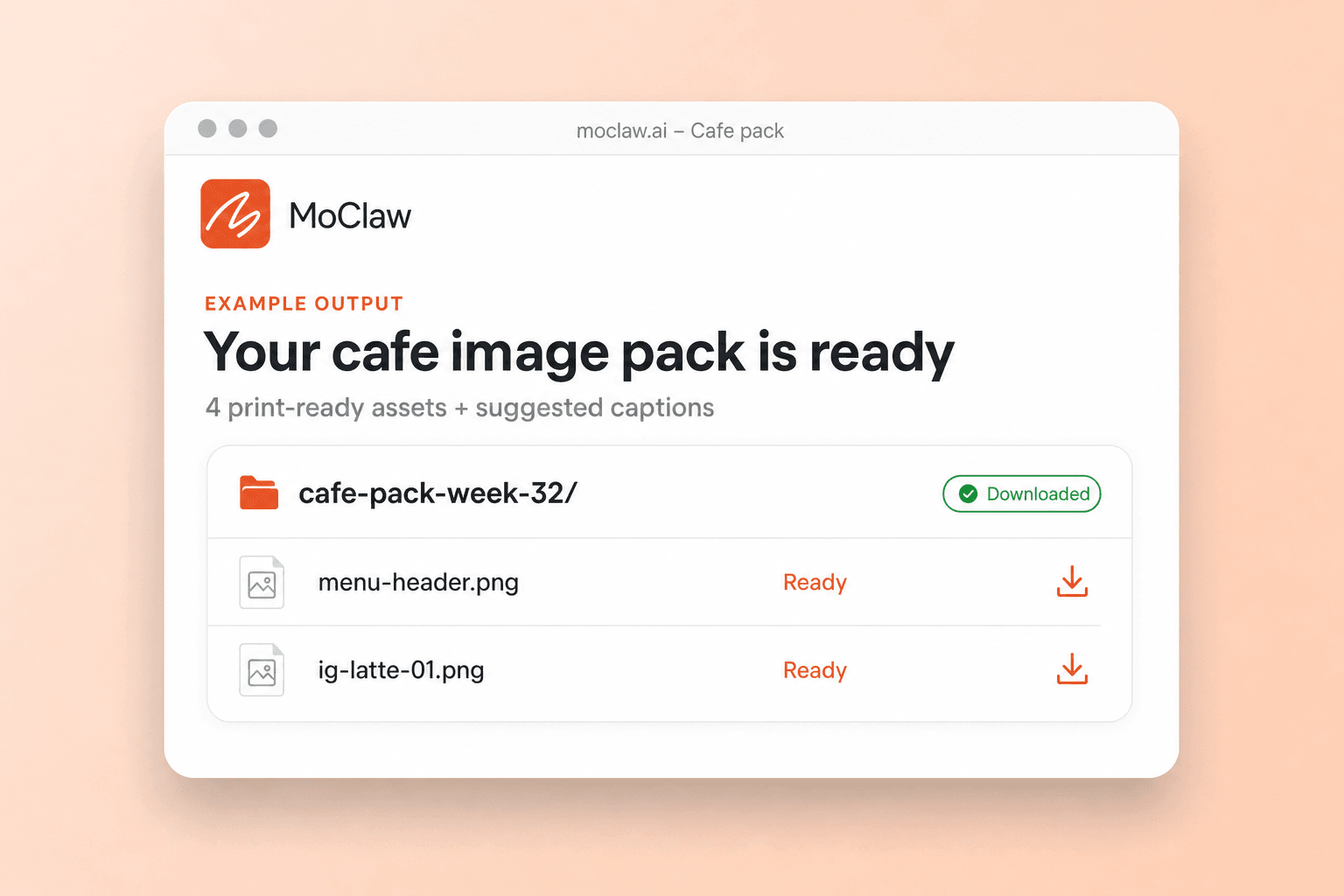
What your AI coffee shop image generator sends you
A real example of what MoClaw hands back, shown before you sign up.
AI coffee shop image generator: MoClaw vs Canva
See how MoClaw's AI-powered approach differs from traditional tools.
| Feature | Stock Photos | Canva | MoClaw |
|---|---|---|---|
| Unique, custom images for your cafe | No, shared with thousands of other businesses | Limited, based on available templates | Yes, every image is uniquely generated for you |
| Design skills required | None, but limited selection | Basic design knowledge needed | None, just describe what you want in plain English |
| Automated weekly content generation | Not available | Manual scheduling with paid plan | Fully automated on any schedule you choose |
| Print-ready resolution | Varies, often requires paid license | Available on paid plans | High resolution included, ready for large format printing |
| Bundled captions and marketing copy | Not available | Separate text tool, limited AI features | Images plus captions, descriptions, and marketing copy in one conversation |
| Cost for ongoing cafe content | $20 to $50 per month for licenses | $13 to $30 per month for Pro plan | Free tier available, paid plans for higher volume |
Why AI-Powered Cafe Image Generation?
Hiring photographers and designers is expensive and slow, while stock photos make your cafe look like every other coffee shop.
No Design Skills Needed for Professional Cafe Art
Just describe the image you want in plain English. MoClaw handles composition, lighting, color palettes, and styling automatically. You get professional-quality cafe imagery without learning Photoshop or paying a graphic designer.
AI Learns Your Cafe Brand and Generates Consistently
MoClaw adapts to your preferred aesthetic over time. Whether you love rustic warmth, modern minimalism, or vintage charm, each new batch of images stays on brand. Automated scheduling means fresh content arrives without you lifting a finger.
Print-Ready Images Plus Marketing Copy in One Place
Get high-resolution images ready for menu printing, wall art, loyalty cards, and social media, all from a single conversation. MoClaw also generates captions, descriptions, and promotional copy so your entire marketing workflow stays in one tool.
Ways to extend your AI coffee shop image generator
Click one to load it into the box above, ready to run.
AI coffee shop image generator FAQ
How does MoClaw generate coffee-themed images for my cafe? ⌄
MoClaw uses advanced AI image generation models to create custom coffee-themed artwork based on your natural language description. Simply describe the style, mood, and purpose you need, such as a warm latte art photo for your menu or a vintage coffee poster for your wall. MoClaw generates multiple high-resolution images in seconds, each tailored to your specifications and ready for print or digital use.
Can I customize the style and theme of my cafe images? ⌄
Absolutely. You have complete control over the style, color palette, mood, and composition. You can request specific aesthetics like minimalist, vintage, rustic, modern, or cozy. You can also specify elements you want included, such as latte art, espresso machines, pastries, or seasonal decorations. MoClaw adapts to your brand and generates images that match your cafe's unique identity.
What image formats and resolutions does the AI cafe image generator support? ⌄
MoClaw generates high-resolution images suitable for both print and digital use. Images are delivered in PNG format at resolutions ideal for printing at sizes from business cards (3.5x2 inches) up to large canvas prints (16x20 inches or larger). For social media, images are optimized for Instagram, Facebook, and other platforms. You can download files directly from your MoClaw dashboard.
How often can MoClaw generate new coffee shop marketing images? ⌄
You can generate images on demand at any time, or set up automated schedules. Many cafe owners schedule weekly batches of social media images every Monday morning, while others generate seasonal content monthly. MoClaw supports any cron-based schedule, from multiple times per day to once a month. Each batch can include multiple images in different styles.
Can I use MoClaw to generate images for other types of restaurants or food businesses? ⌄
Yes. While this example focuses on coffee shops, MoClaw can generate themed images for any type of food business, including bakeries, pizza shops, juice bars, fine dining restaurants, and food trucks. Simply describe your business type, aesthetic preferences, and the specific images you need. MoClaw adapts its image generation to match any cuisine or brand style.
Is MoClaw's AI image generator better than using Canva or stock photos for my cafe? ⌄
MoClaw offers several advantages over stock photos and template tools like Canva. Every image is unique and generated specifically for your cafe, so you never share the same generic stock photo as another business. You can request exactly the composition, style, and elements you want in plain English, without learning design software. MoClaw also automates recurring content generation, saving you hours each week on social media planning.
How much does it cost to generate cafe images with MoClaw? ⌄
MoClaw offers a free tier that includes image generation credits, so you can try it out without any commitment. The free plan is enough to generate several sets of cafe images and test different styles. Paid plans unlock higher resolution outputs, more generations per month, and automated scheduling for ongoing social media content. Visit the MoClaw pricing page for current plan details.
Can I combine AI image generation with text content like menu descriptions or social captions? ⌄
Yes, and this is one of MoClaw's biggest strengths. In the same conversation, you can ask MoClaw to generate images and also write menu descriptions, social media captions, hashtag suggestions, promotional copy, or even full marketing campaigns. Everything stays in one place, so you can build a complete content package for your cafe without switching between multiple tools.
Integrations
Best integrations for AI coffee shop image generator
Who it's for
Who uses AI coffee shop image generator
Related image and media use cases
From our blog
Try AI Coffee Shop Image Generator for free
No credit card required