PPT to Video Converter
Upload a PowerPoint and get a narrated MP4 back, with an AI <a href="/blog/ai-agent-use-cases-2026-guide">presenter speaking your slides</a> in the language your audience uses.
Runs on managed cloud. No scripts, no Zapier.
Speaker notes are written to be spoken over a slide, not read aloud word for word, so I should turn them into a script with natural pacing first. The presenter needs a corner that does not cover anything on the slides.
Used 1 tools
Read Product_Onboarding.pptx
16 slides. Speaker notes on 14. Bottom-right quadrant is clear on every slide.
Your notes cover 14 of 16 slides, so I wrote narration for the other two from what is on them. Estimated runtime is about five and a half minutes, and the presenter goes bottom right, which is clear on every slide.
Used 1 tools
Bash Rendering English and Spanish narration with presenter
2 videos rendered. 05:26 each. Slide timings synced to narration length per slide.
Both versions are ready, 5 minutes 26 seconds each. The slides advance when the narration for that slide finishes, so nothing is left hanging or cut short, and your slide composition is untouched with the presenter in the reserved corner.
Want Japanese too? It renders from the same upload, no re-recording.
- Both versions are ready, 5 minutes 26 seconds each. The slides advance when the narration for that slide finishes, so nothing is left hanging or cut short, and your slide composition is untouched with the presenter in the reserved corner.
- Want Japanese too? It renders from the same upload, no re-recording.
How the PPT to video converter works
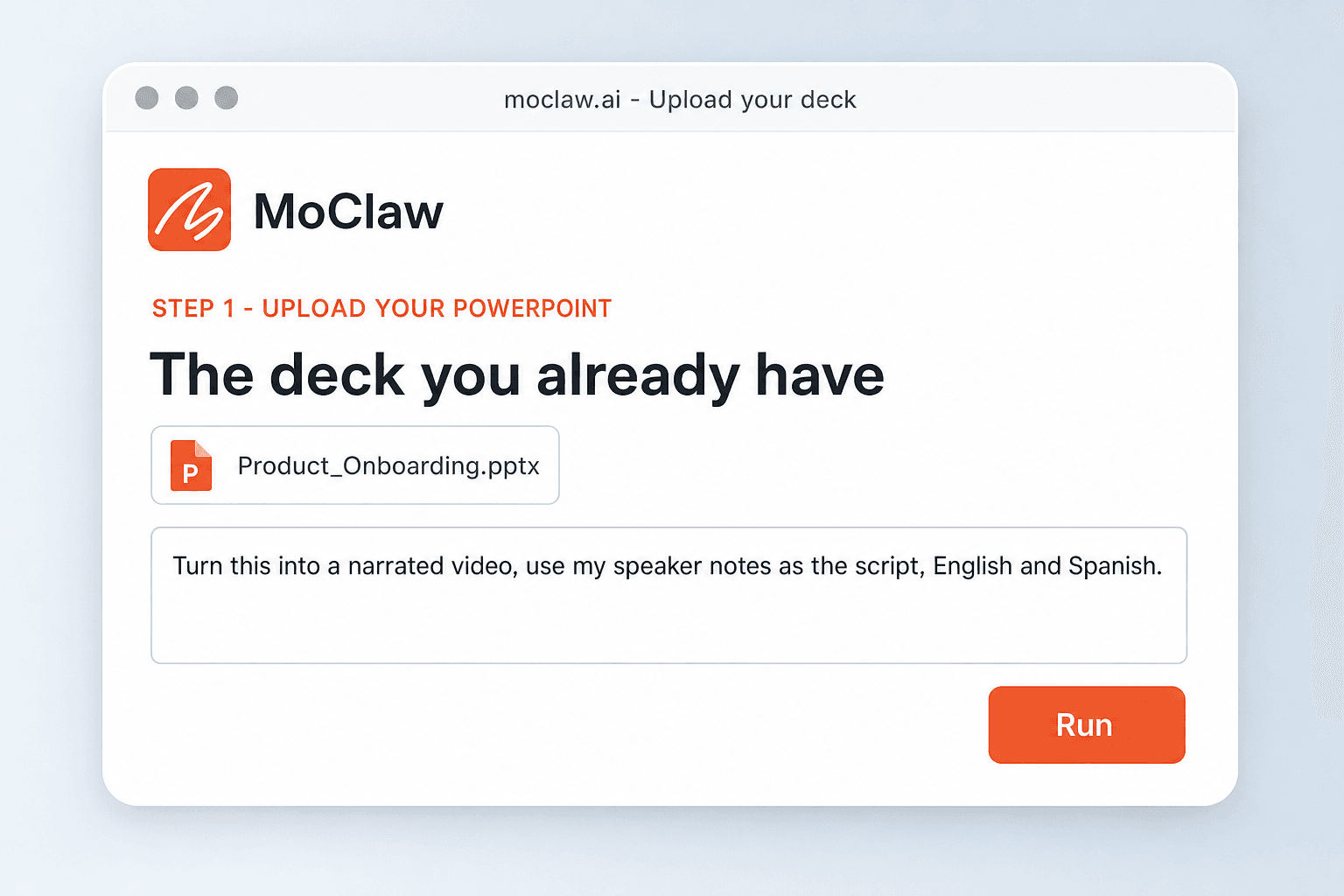
Upload Your PowerPoint
Add the .pptx. If it has speaker notes they become the script, and if it does not, one gets written from what is on the slides.
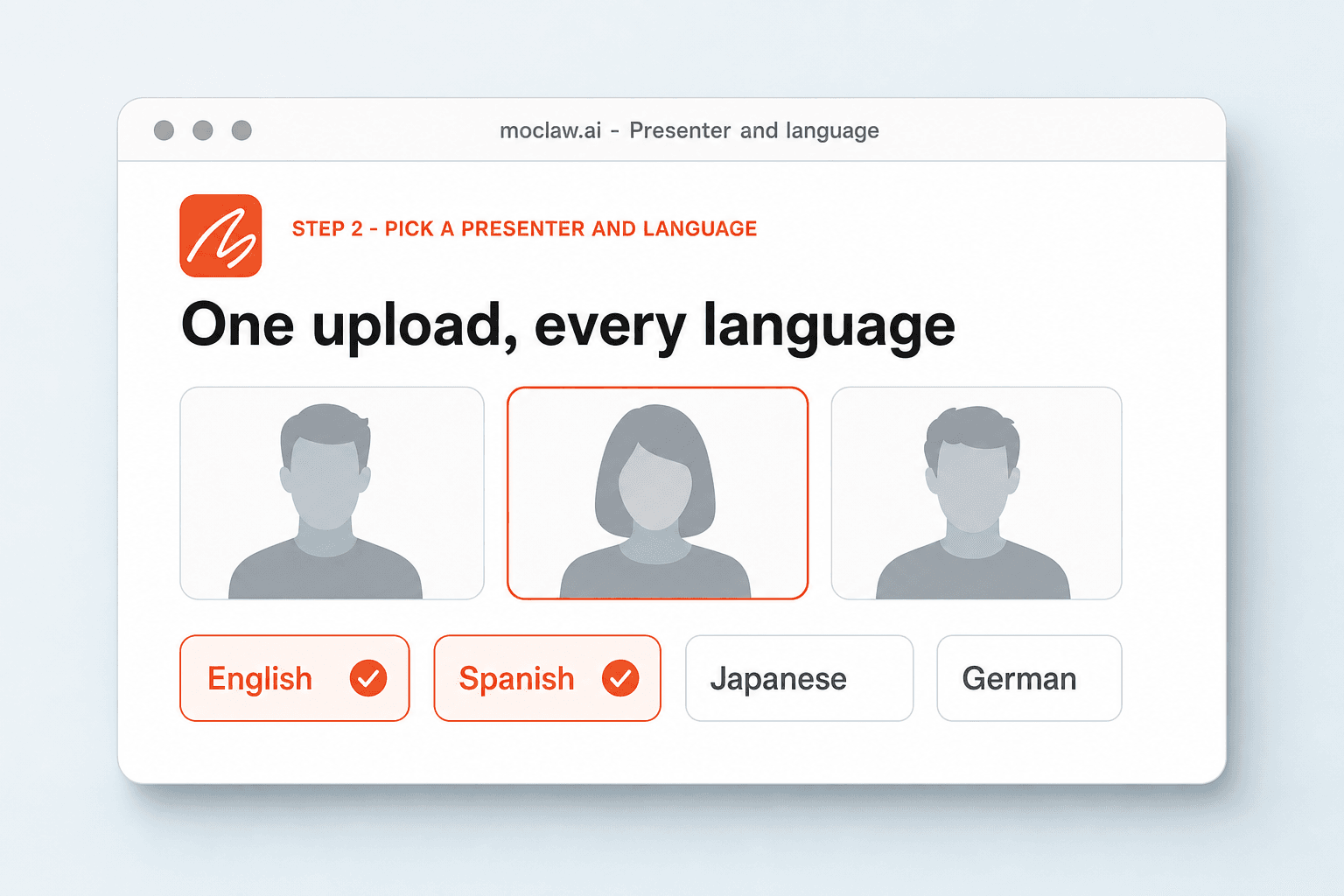
Pick a Presenter and Language
Choose who presents it and which language they speak. One upload can produce every language version you need.
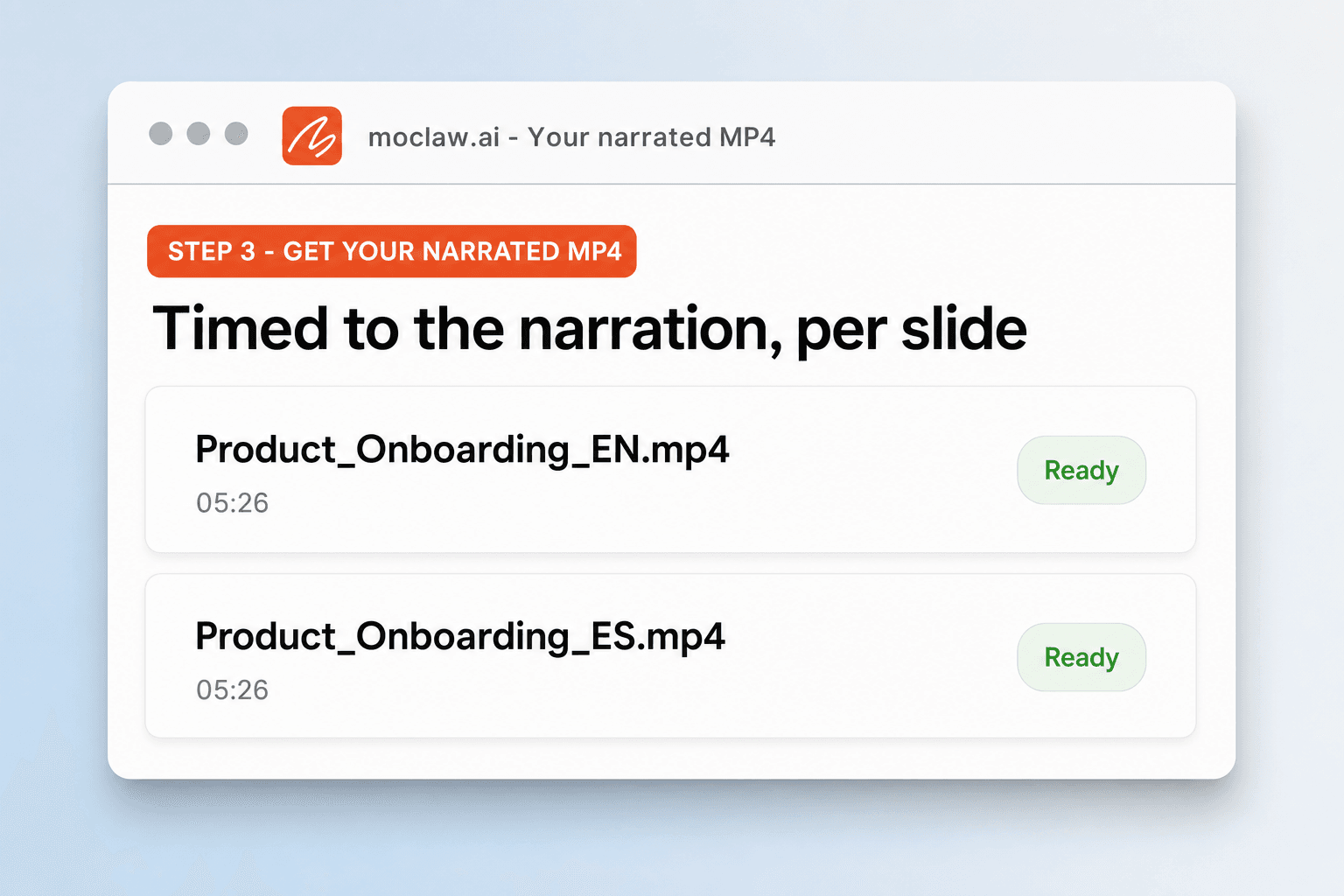
Get Your Narrated MP4
You receive a ready-to-share video with the presenter inside your slides and the timing synced to the narration.
What the video comes back with
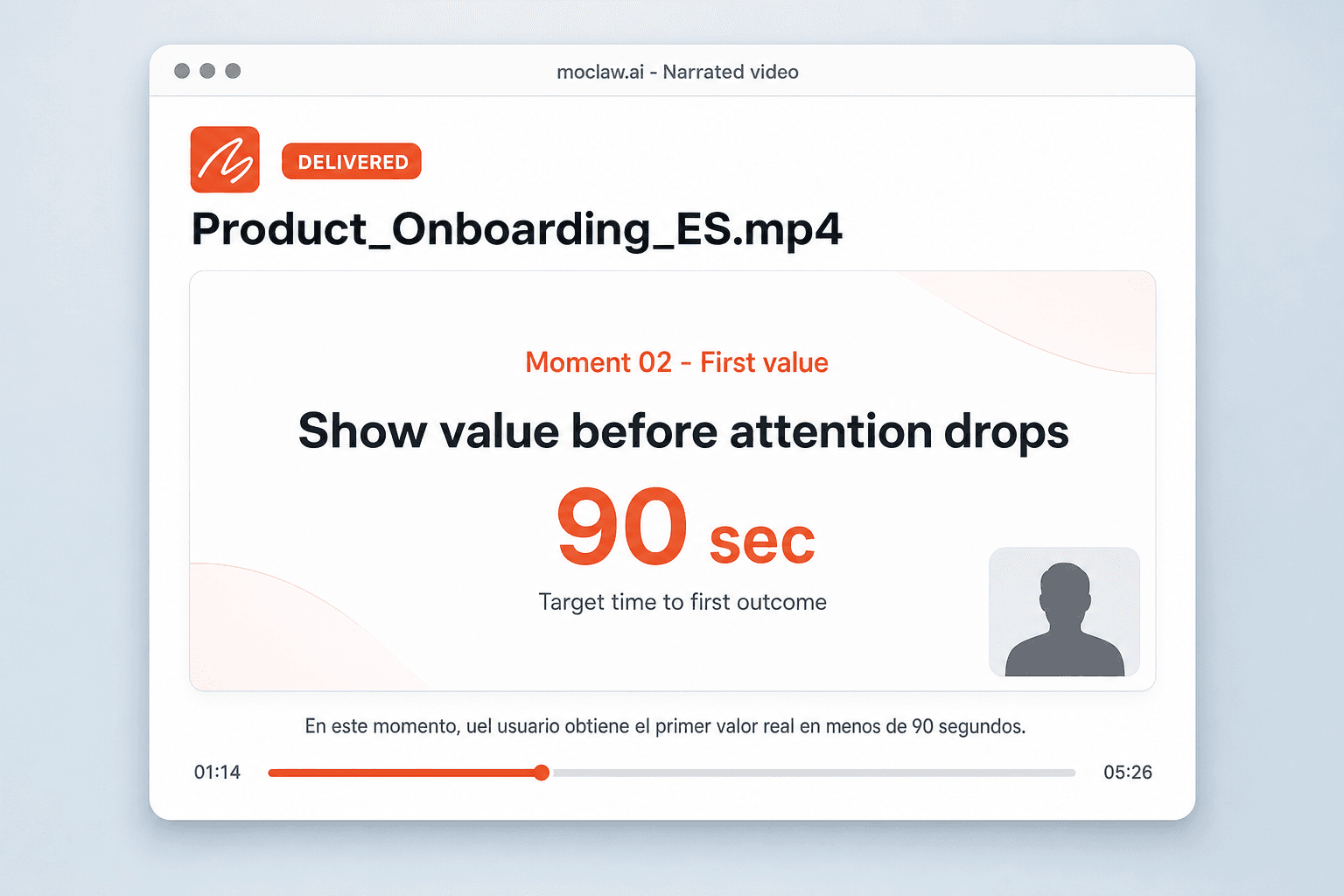
What your PPT to video converter sends you
A real example of what MoClaw hands back, shown before you sign up.
PPT to video converter: MoClaw vs standard PPT to video tools
See how MoClaw's AI-powered approach differs from traditional tools.
| Feature | Recording it yourself | PPT to video tool | MoClaw |
|---|---|---|---|
| The script | You write and rehearse it | Reads your bullets aloud | Written from your speaker notes, editable before render |
| Narration | Your voice, one take at a time | Stock text to speech | Natural pacing with a visible presenter |
| Other languages | Record the whole thing again | Not supported | Rendered from the same upload |
| Slide design | Preserved | Often re-rendered into a template | Kept, with the presenter in a clear corner |
| Time per deck | Hours of recording and editing | Minutes, one language | Minutes, every language you asked for |
Why turn a PowerPoint into a video at all?
People who will never open a forty-slide attachment will watch five minutes.
More Than a Converter
Other tools render slides with a stock voice and stop. MoClaw rewrites your speaker notes into a natural script, localizes it, and renders presenter video in several languages from one upload.
A Presenter That Feels Human
Natural pacing, a visible presenter, and narration built from what your slides actually say, rather than text to speech reading bullet points in a monotone.
Minutes, Not an Afternoon
Recording, editing, and syncing a voiceover by hand takes hours per deck. Upload, choose a language, download.
Ways to extend your PPT to video converter
Click one to load it into the box above, ready to run.
PPT to video converter FAQ
How do I convert a PPT to a video? ⌄
Upload your PowerPoint and choose a presenter and language. MoClaw writes or adapts the narration, renders the presenter into your slides, and returns a ready-to-share video. Sign up free to run it and keep editing the result.
How do I convert PPT to MP4? ⌄
The output is a standard MP4 you can download and post anywhere, with the presenter speaking every slide.
Can I convert a PowerPoint to a video with voice narration? ⌄
Yes. The conversion includes narration, so you get audio without recording yourself. You can also ask for voiceover with no visible presenter.
Can the presenter narrate in other languages? ⌄
Yes. English, Spanish, Japanese, and more render from the same upload, so a localized version does not mean a second recording session.
Will my slide design be preserved? ⌄
Yes. The video keeps your slide composition and adds the presenter in a reserved corner, so the result looks like your deck rather than a template.
How long does it take? ⌄
Minutes for a typical deck, including rendering each language you asked for.
Can I edit the script before converting? ⌄
Yes. Ask to see the script first, change any line in plain language, and the video re-renders in the same conversation.
Is there a free way to convert PPT to video? ⌄
The free tier lets you convert a deck and preview the result before moving to a paid plan for longer or higher-volume videos.
Integrations
Best integrations for PPT to video converter
Who it's for
Who uses PPT to video converter
Related image and media use cases
From our blog
Try PPT to Video Converter for free
No credit card required