I Made a Product Video With video-shotcraft

A real step-by-step run of video-shotcraft: making a 36-second product video with a coding agent and Remotion, with every command, error, and fix.
Table of Contents
I made a finished 36-second product video with video-shotcraft, a coding-agent skill built on Remotion, in a single sitting: 35 minutes and 35 seconds from the first command to the final export, and I never opened a video editor. Here is the result, followed by every command, error, and fix it actually took.
That clip is 1920x1080, 30fps, 1080 frames, rendered on my own machine. The only things I supplied were the MoClaw brand color, the logo, and a ten-shot script. The skill wrote the React and Remotion code and rendered the whole thing.
Key Takeaways:
- video-shotcraft turns a coding agent into a Remotion video studio: you describe shots, it writes React and renders an MP4 locally.
- Real hands-on time was about 35 minutes, and that number includes two failed quality passes and a logo I had to redo.
- The trap that cost the most time: rendering at 4x concurrency baked slice artifacts into the MP4 that the source frames never had. Dropping to
--concurrency=1fixed it. - I ran this in Codex Desktop, not Claude Code. The skill supports both the same way, so every step here transfers.
What video-shotcraft Actually Is
video-shotcraft is a skill for coding agents, built on Remotion, the React-based video framework. It ships a library of roughly 106 shot recipe cards and about 161 motion previews. You point your agent at it, describe the video you want, and it writes React components that Remotion renders to MP4 locally. Its README targets Claude Code and Codex, installing to ~/.claude/skills or ~/.codex/skills. The author is Vincent (Vincentwei1021). I drove it with a MoClaw product script: ten shots, 36 seconds, brand copy fixed in advance so the skill could not improvise the messaging.
What this proved: the skill is a code generator plus a shot library, not a magic button. You still direct it.
Prerequisites, From the Actual Run
- macOS on Apple Silicon. Remotion's compositor package here was
darwin-arm64. - Node 18 or newer. My machine had no system Node at all, so I used Codex Desktop's bundled runtime, which reported
v24.14.0. - pnpm. The run used
11.9.0. - The versions Remotion pulled: Remotion
4.0.484, React19.2.7, TypeScript6.0.3.
The very first thing that happened was a failure:
$ node --version
zsh: command not found: node
No Node, no npm. I did not install anything system-wide; I put the Codex runtime's bin on the path for the session and moved on. If you already have Node, you skip this entirely.
What this proved: you need a JavaScript runtime somewhere, but it does not have to be a global install.
Making the Product Video, Step by Step
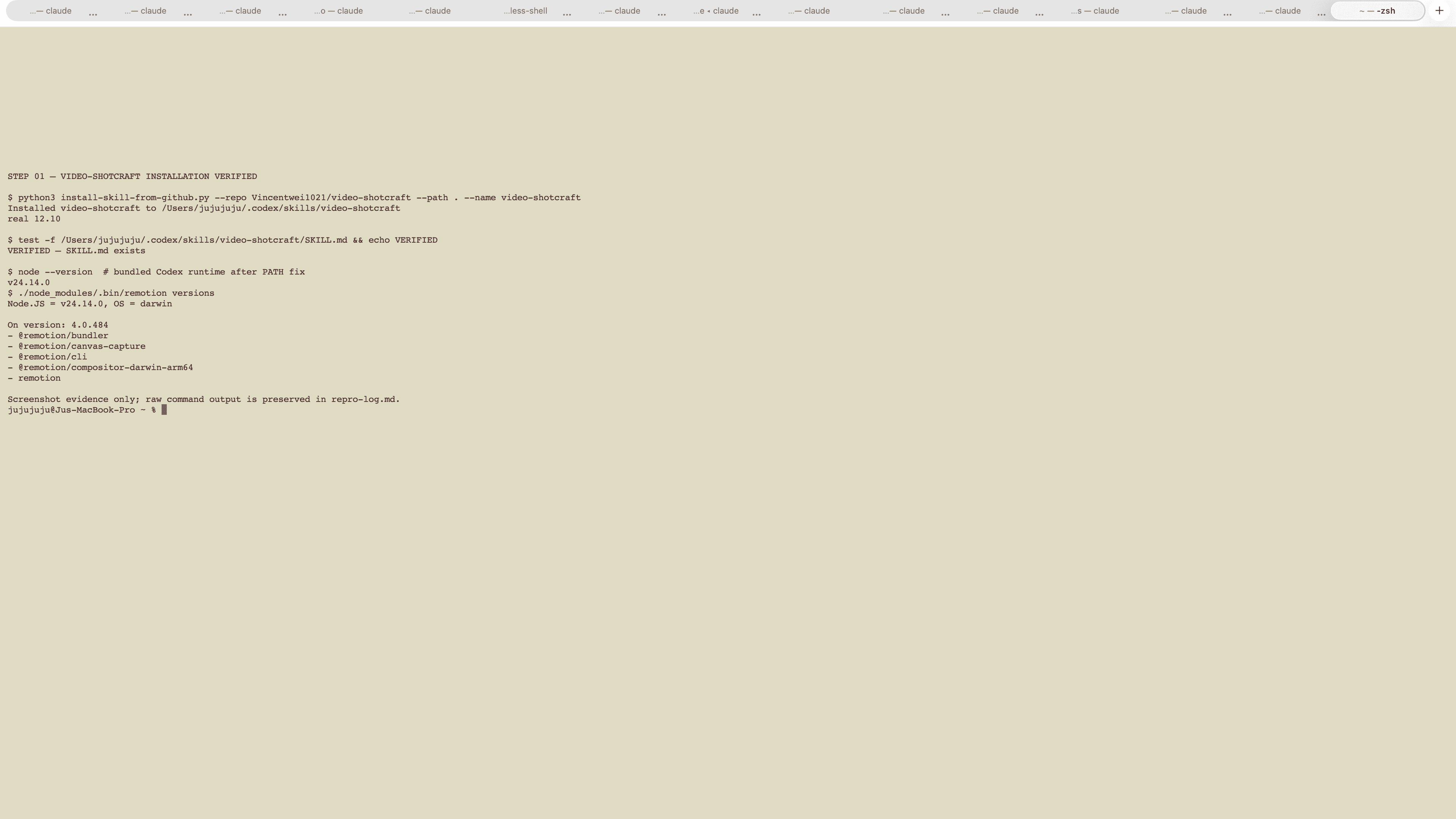
1. Install the skill (12 seconds)
Installing from GitHub through the skill installer:
Installed video-shotcraft to /Users/.../.codex/skills/video-shotcraft
real 12.10
2. Trigger it, and confirm the route
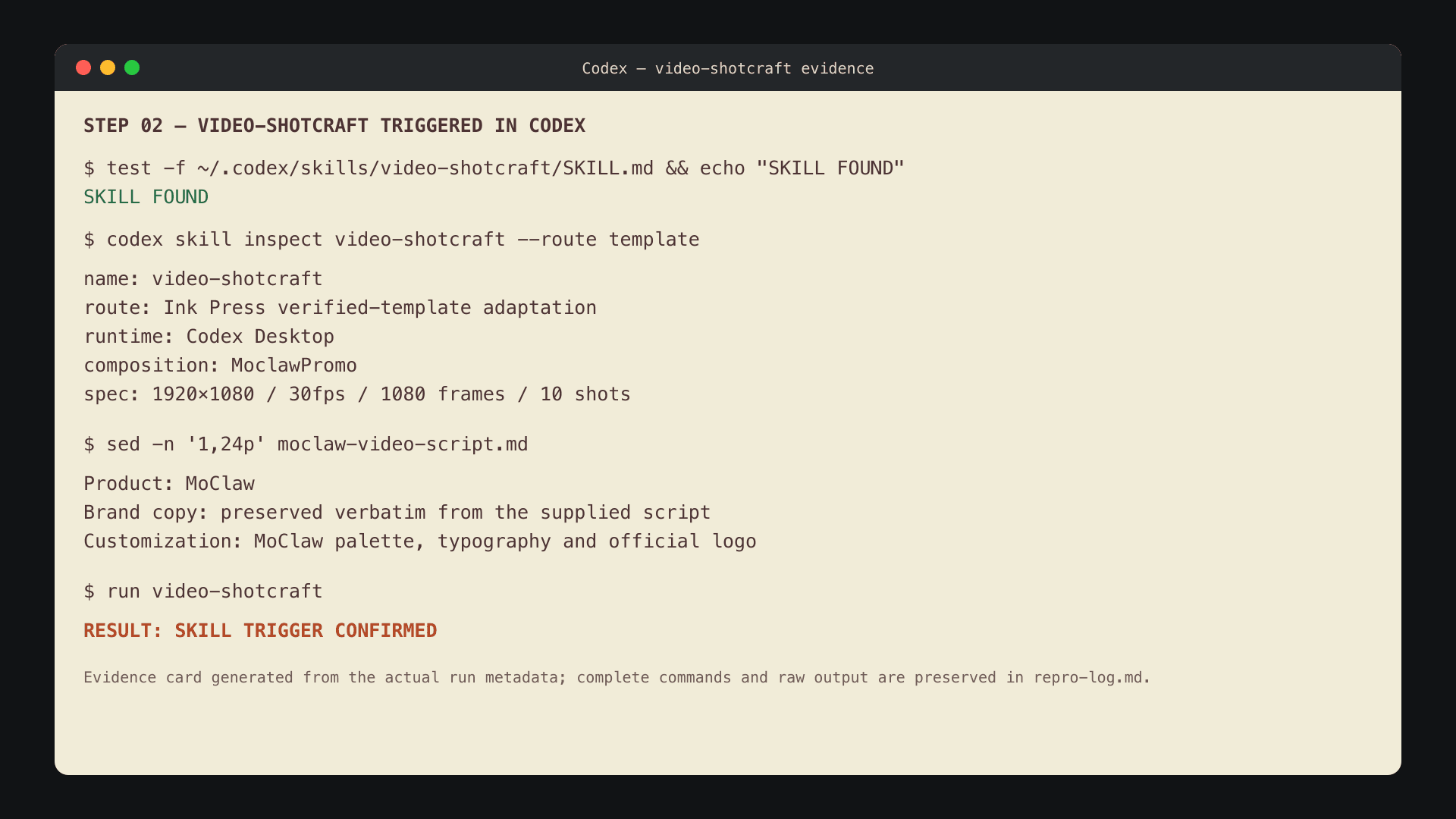
The skill inspects your request and picks a route. Mine went to the template-animation path, the "Ink Press" style, not the slide-deck route. I checked that before writing anything, so I knew which base I was editing.
3. Copy the template and install dependencies
This is where the first real snag lived. Copy the template, then install:
cp -R ~/.codex/skills/video-shotcraft/template ./moclaw-remotion
pnpm install
Two things surfaced. First, pnpm refused to run esbuild's build script until I approved it (ERR_PNPM_IGNORED_BUILDS). Second, and more annoying:
$ pnpm exec remotion versions
Command "remotion" not found
The reason: a parent pnpm-workspace.yaml further up my home directory quietly absorbed this standalone template, so the dependencies never installed into the project itself.
We hit this, and here is the fix: install with the workspace ignored, so the template stands alone.
pnpm install --ignore-workspace --no-frozen-lockfileApprove esbuild's build again when prompted, then a
--frozen-lockfilepass confirms the lockfile is stable.
4. Prove the stock template renders (the honest "before")
Before touching anything, I rendered a still from the untouched template to confirm the pipeline worked. The first render also downloads a headless Chrome:
./node_modules/.bin/remotion still src/index.ts AiflPromo out/qa-before.png --frame=1050
+ out/qa-before.png
real 13.77
5. Rewrite the ten shots to the MoClaw script
I edited the main composition, src/moclaw/MoclawPromo.tsx, and set the root composition to 1920x1080, 30fps, 1080 frames, which is exactly 36 seconds. Then I swapped the palette to the script's coral #e65c34, off-white #faf8f4, and dark #1a1a1a, replaced every line of copy, and built the MoClaw scenes: managed cloud computer, PDF to deck, product stills to video, a multi-step task, work continuing after the tab closes, and the CTA.
TypeScript caught a real mistake on the first check:
./node_modules/.bin/tsc --noEmit
# two JSX style objects each declared `transform` twice (around lines 710 and 865)
The fix: I was setting a
lift(...)transform and then a scale/rotate transform as separate keys, so the second overwrote the first. Merging them into one transform string cleared it. The next check passed in0.68s.
6. Preview in Remotion Studio
./node_modules/.bin/remotion studio src/index.ts --port=3001
Server ready - Local: http://localhost:3001
Built in 1655ms
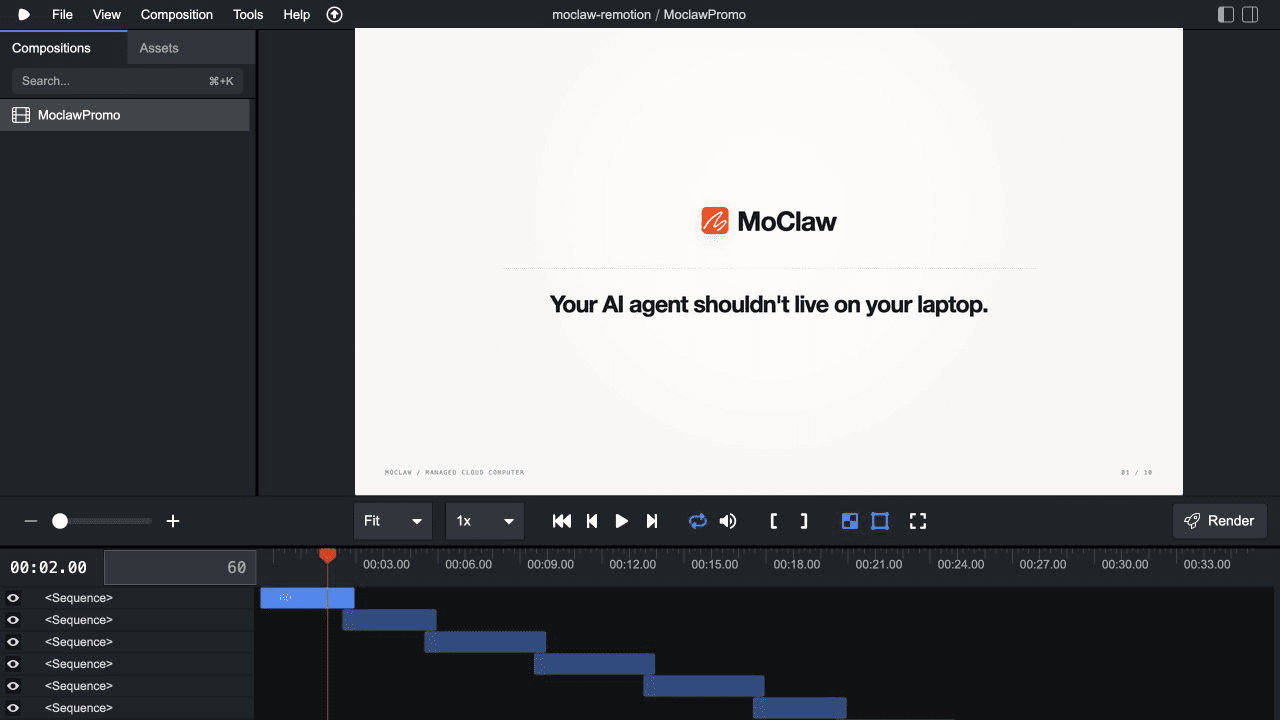
Studio showed the composition, all ten sequences, and the audio track on a real timeline. I scrubbed the shots here before committing to a full render.
7. Render, then the concurrency trap that cost me a rerun
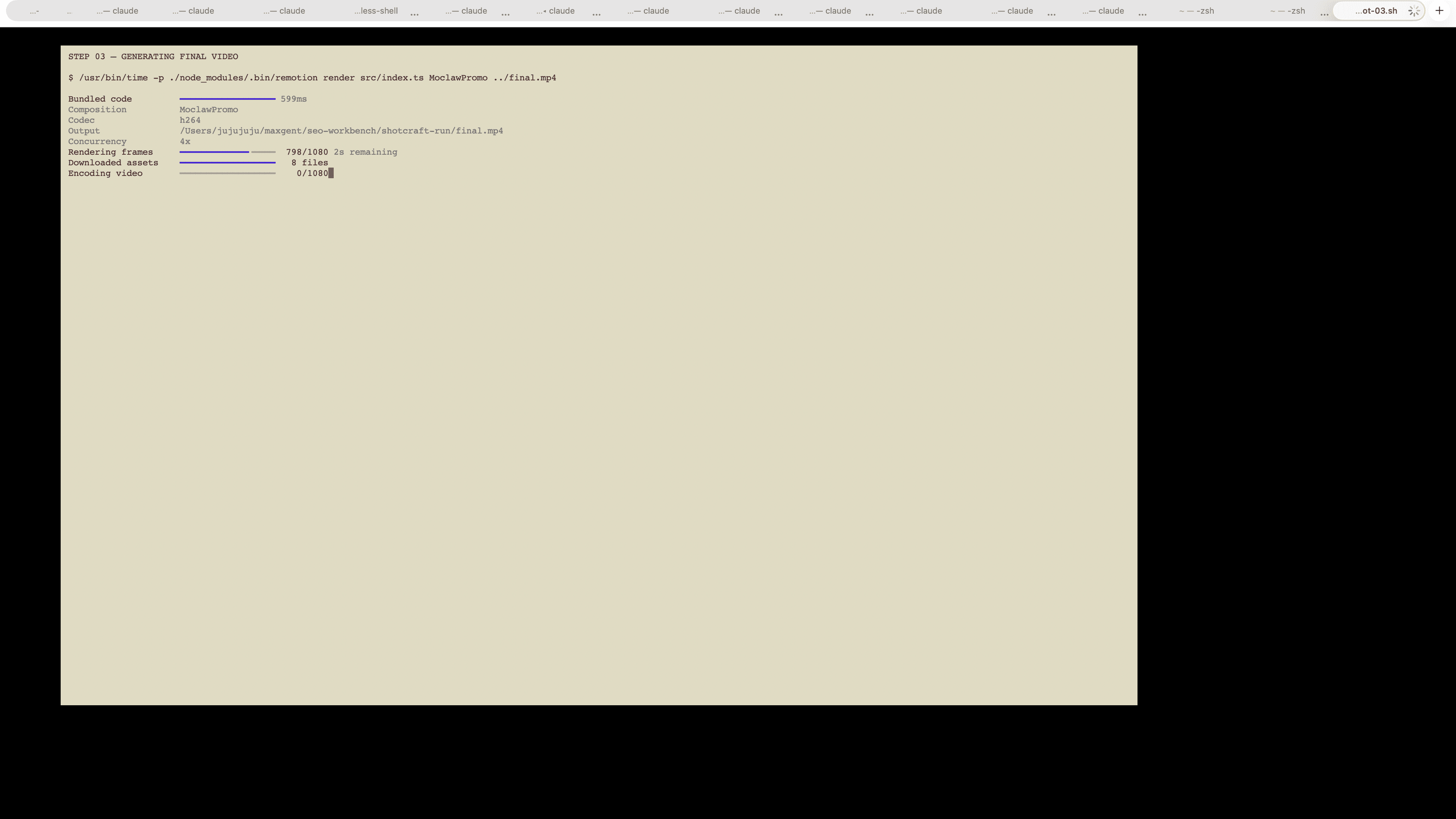
The first full render was fast:
Rendered frames      11422ms
Encoded video        3229ms
final.mp4 4.2 MB
real 15.91
Sixteen seconds, done. Except it was not done. An independent quality pass, decoding the finished MP4 frame by frame instead of trusting the source stills, found artifacts:
f615-f620  (00:20.5-00:20.7)   trailing characters of "MANAGED CLOUD COMPUTER" sliced off
f820-f825  (00:27.3-00:27.5)   the tail of "images -> video" clipped
The source stills at those exact frames were clean. The damage only existed in the MP4, and only appeared under 4x-concurrent rendering, where several headless renderers' paints bled across frame boundaries.
This is the one worth remembering. The stills were perfect and the MP4 was not, so checking source frames would have shipped a broken video. Rendering single-threaded at higher quality fixed it:
./node_modules/.bin/remotion render src/index.ts MoclawPromo out/final.mp4 --concurrency=1 --crf=12real 40.49Forty seconds instead of sixteen, and the frames came out clean.
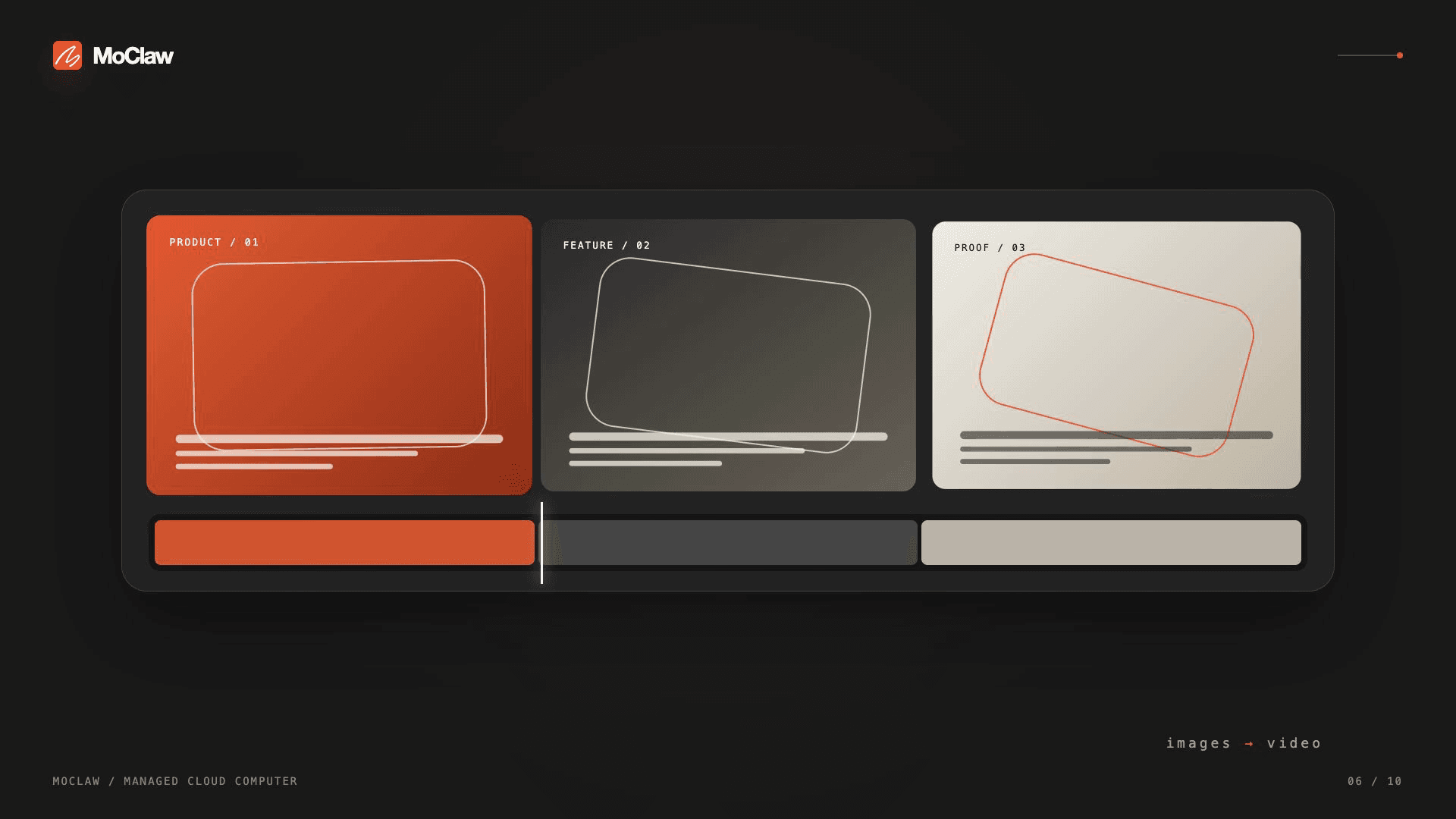
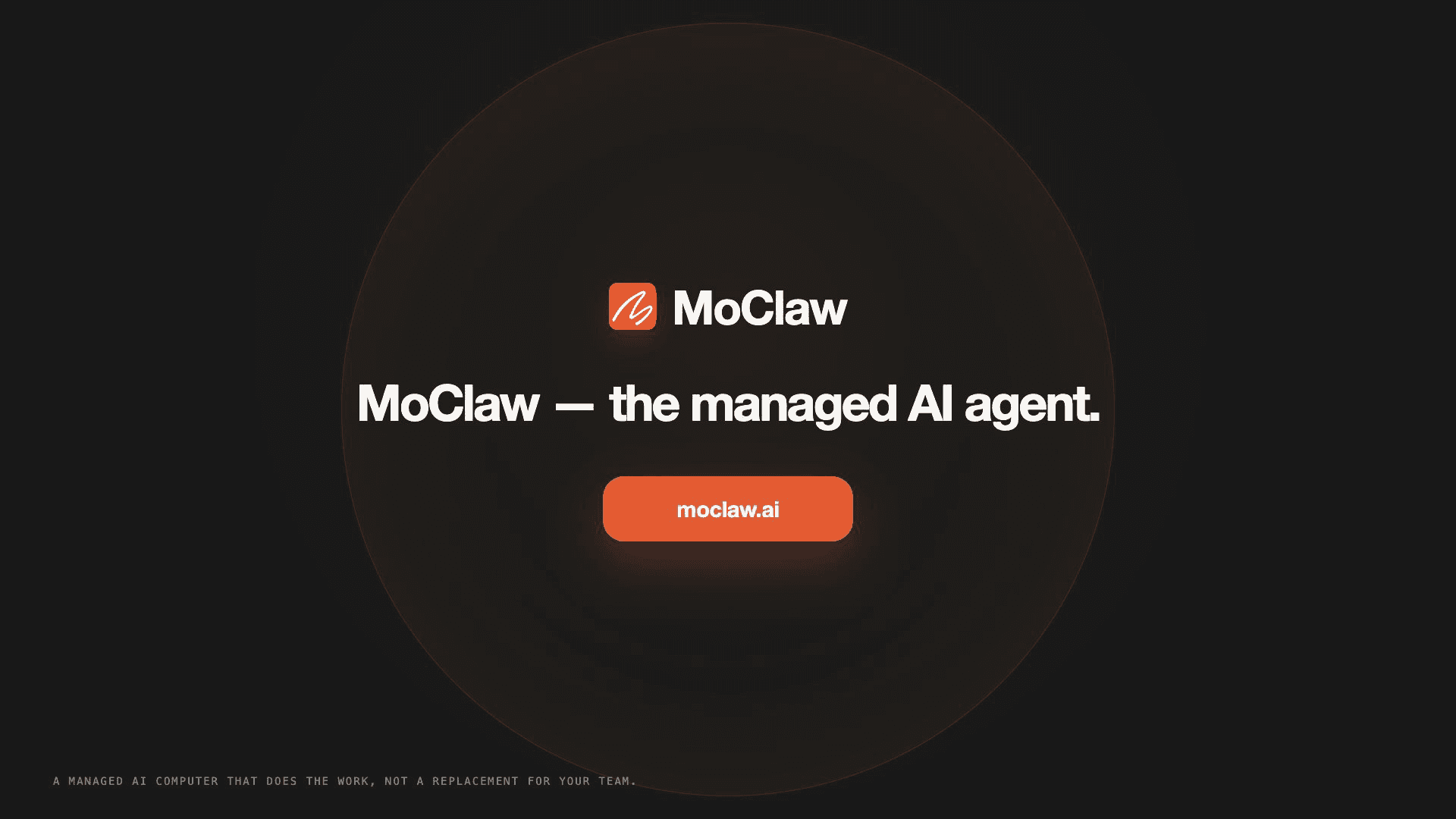
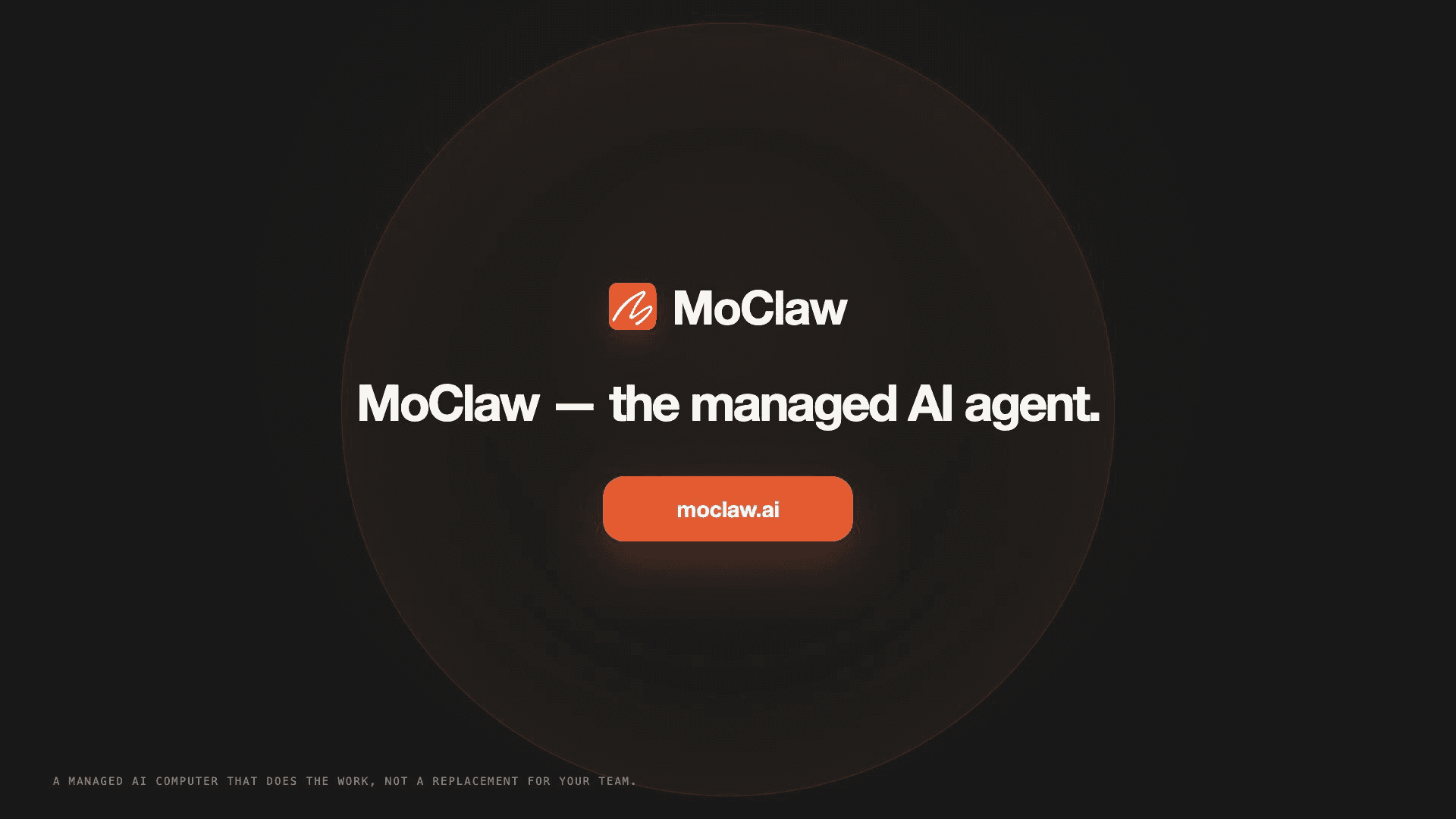
Here are two frames from the clean render, the product-stills-to-video shot and the closing CTA:
8. Verify the file is what you think it is
Checking the container needed the compositor's own bundled ffprobe, and calling it directly failed with Library not loaded: libavdevice.dylib until I pointed DYLD_LIBRARY_PATH at the compositor package. The output confirmed h264 video, 1920x1080 at 30fps, with an AAC audio track, a 36.05-second container.
What these steps proved: the render is quick, but the finished MP4 is the only thing that counts, and it needs its own check.
Customizing: Branding It, and the Logo I Got Wrong
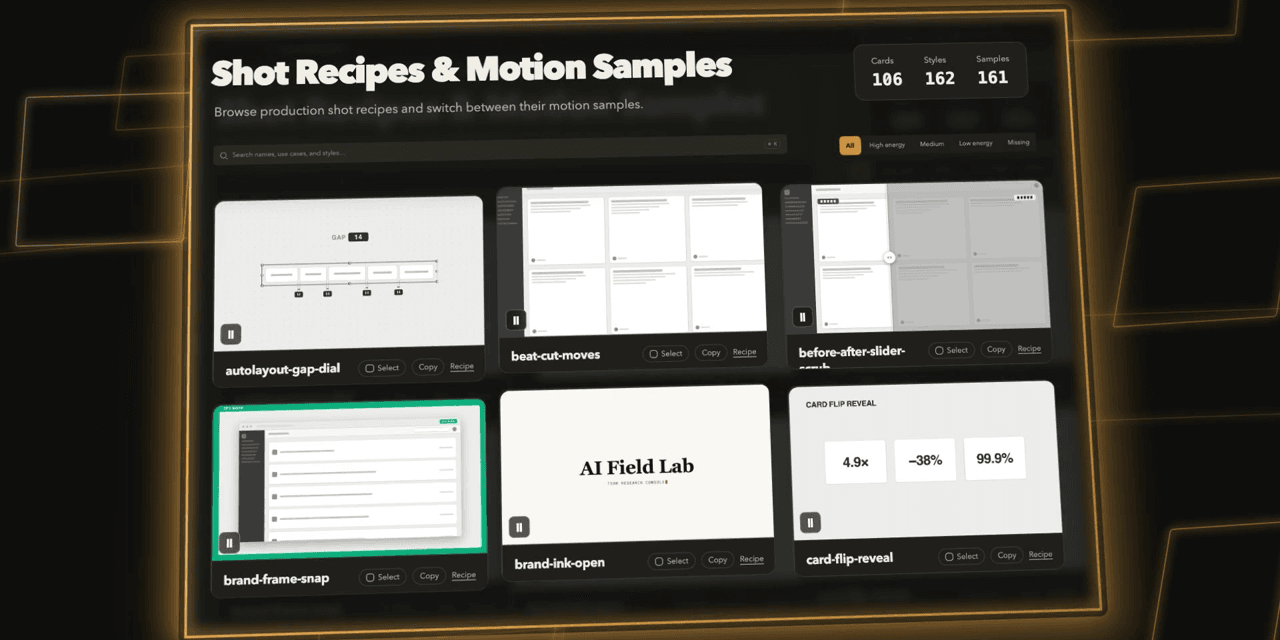
The default template ships with the "Ink Press" gallery look. Turning it into MoClaw meant the palette swap, the ten rewritten shots, and the logo. Here is the same opening beat, template versus branded:
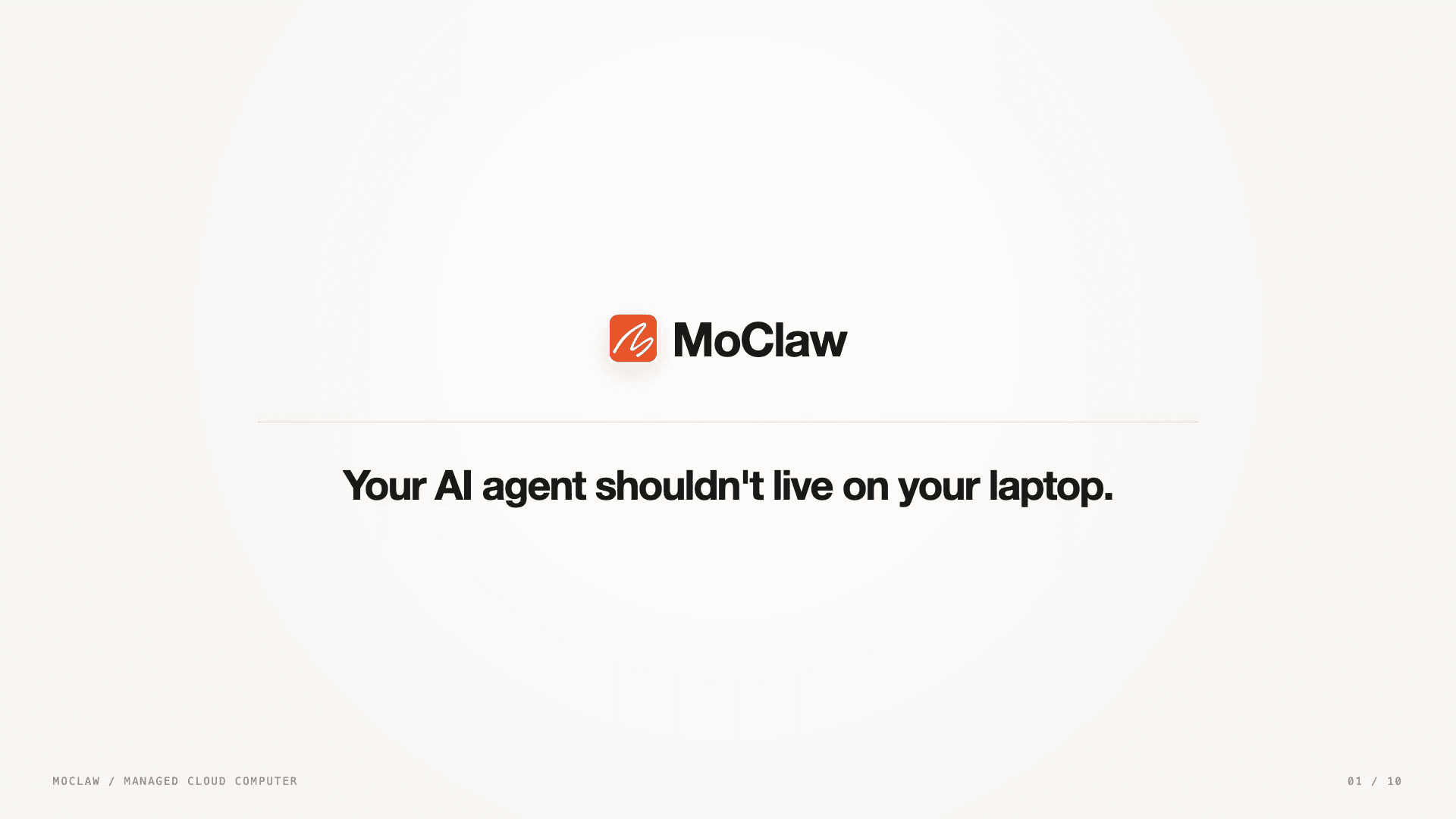
Now the part I would rather skip but will not. My first cut used a hand-drawn smiley as a placeholder logo, not MoClaw's real mark, and the first quality pass missed it because that pass was checking text, timing, and audio sync, not whether the brand assets matched the product repo. I caught it on a wider review, pulled the official logo-512.png straight from the MoClaw codebase, and replaced the logo frame-accurately everywhere it appeared, preserving each shot's real position, scale, and opacity.
What this proved: brand correctness is a separate check from visual quality, and a coding agent will happily render a placeholder you forgot to replace.
Honest Limitations
The clean render path is single-threaded, which was about two and a half times slower here, 40 seconds against 16. That is the reliable path, so budget for it rather than shipping the fast one.
Remotion is free for individuals and small teams, but companies need a paid Remotion license, so this is not free to use commercially by default. The compositor also ships a stripped ffmpeg; its volumedetect filter is missing, so some audio-level checks simply will not run, though the AAC track itself renders fine.
The theme underneath all of it: the skill produces excellent frames, and the two things that nearly shipped broken, the MP4 slice artifact and the placeholder logo, both needed a human or a second agent looking at the actual output. Treat the render as a draft that has to pass review, not a final.
Other Video Skills Worth Knowing
video-shotcraft was not the only video skill to land this month. qiaomu-cut-skill focuses on footage governance, tracking where each clip came from, and story-to-handdrawn-video turns a written story into a hand-drawn short. I covered all three, and how they rank, in the roundup of the best Claude skills. If you want to go deeper on treating video rules themselves as a skill, we broke down the HyperFrames workflow separately.
Skip the Local Render Entirely
The video on this page is a real MoClaw asset, and making it is the exact argument MoClaw makes. Everything above ran on my machine: my Node, my dependencies, my 40-second render, my responsibility to notice the broken frames. That is fine for one video. It stops being fine when the job is long or you would rather not babysit it.
MoClaw runs agents in the cloud with skills and memory managed for you, so a long job finishes whether or not your laptop is awake. If assigning the work beats supervising the setup, that is the trade MoClaw is built on. See how it maps to real jobs on the use-cases page.
What this proved: the skill is genuinely good, and the friction it exposed, setup, render time, output checking, is exactly the friction a managed agent removes.
FAQ
Does video-shotcraft need Claude Code, or does Codex work?
Both. I ran this entire tutorial in Codex Desktop. The README targets Claude Code and Codex, installing to ~/.claude/skills or ~/.codex/skills, and the commands are identical either way.
How long does a video actually take?
My 36-second clip took about 35 minutes end to end, and that includes two failed quality passes and redoing the logo. The final clean render on its own was roughly 40 seconds at single concurrency.
Why did the finished video have glitches the preview did not?
Rendering at 4x concurrency introduced single-frame slice artifacts in the MP4 that the source stills never had. Rendering with --concurrency=1 removed them. Always check the exported file, not just the source frames.
Do I need video editing skills to use it?
No. The skill writes the Remotion and React code. I supplied a script, the brand color, and the logo, and directed the shots. I never touched a timeline.
Continue Reading
More Tutorial
How to Use ChatGPT Work for Research and Recurring Tasks
Run GLM-5.3 in Claude Code: Full Setup

How to Try Inkling AI Free Online (Playground Guide)

GLM-5.3 reasoning_effort: low, high or max

How to Use Grok: Every Access Path

How to Use Kimi K3 in Codex
The MoClaw editorial team writes about workflow automation, AI agents, and the tools we build. Default byline for industry overviews, listicles, and collaborative pieces.
Stop doing this manually.
MoClaw runs on its own cloud computer - research, monitoring, reports, browser tasks. No setup. No self-hosting.
References: video-shotcraft: the Remotion product-video skill · Remotion: React-based programmatic video · Remotion licensing (free for individuals, paid for companies) · Anthropic: Introducing Agent Skills · Claude Code skills documentation