OpenMontage Workflow: Tool-Using Video

An OpenMontage workflow turns tool-using video production into proposal, provider scoring, render QC, fallback, and human review steps you can audit.
Table of Contents
OpenMontage workflow means a tool-using video process where an AI agent plans the video, selects providers, scores tradeoffs, runs generation steps, checks outputs, and asks for human review before final use. Keep in mind that these capabilities should only be described as confirmed official features when backed by authoritative sources from the OpenMontage project itself.
Key Takeaways:
- OpenMontage workflow is safest to explain as an emerging open-source agentic video production project and workflow pattern, with claims limited to what the GitHub repository documents.
- A reliable video pipeline needs proposal, stage planning, tool selection, scoring, QC, fallback, and review.
- Codex and Claude Code are useful reference points for agent workflow thinking, but this is not a coding-agent tutorial.
- Video automation fails when render quality, provider availability, cost, and style fit are not checked before final use.
- MoClaw's angle is how multi-tool workflows become auditable cloud tasks with logs, artifacts, persistent workspace state, and human review points.
Vera here. I started thinking about this after trying to turn a short product brief into a video sequence with plain chat. The script was fine. The problem was everything after: which tool should make the voice, which model should render the clips, what happens when a render takes too long, and who checks whether the final video actually matches the brief. That is where a workflow matters more than a clever prompt.
What an OpenMontage Workflow Needs to Coordinate
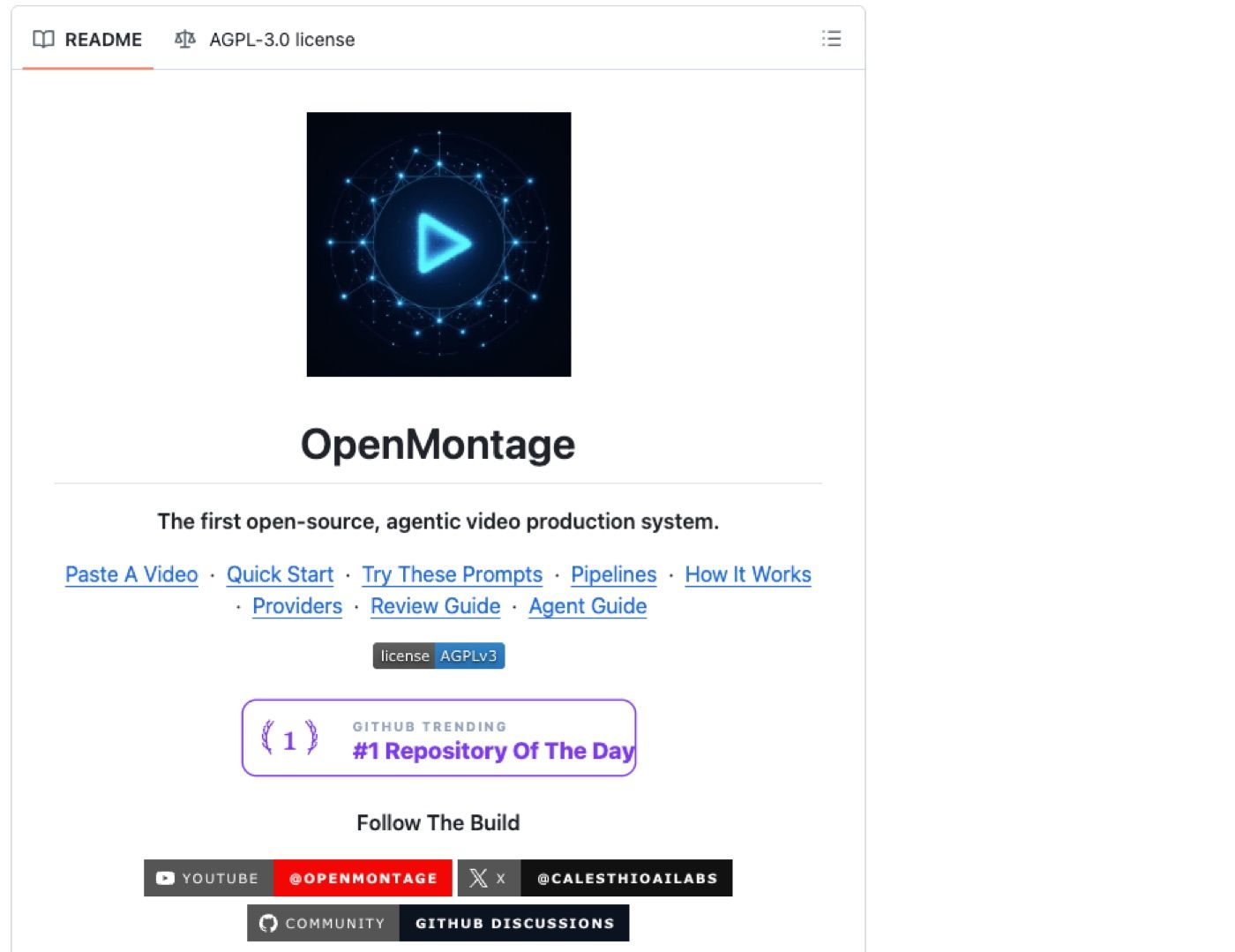
A useful OpenMontage workflow has to coordinate stages, not just generate media. Video work crosses script, storyboard, voice, music, images, clips, captions, edit timing, export format, and approval.
That makes it different from a single text task. The agent needs to know what to propose, which stage comes next, which tool fits each stage, and when to stop for review.
Proposal and stage planning
The proposal should define the job before any rendering happens: audience, format, duration, aspect ratio, tone, source material, required scenes, and blocked claims. It should also break the job into stages. For example, a 45-second launch video might need a script pass, shot list, image generation, voiceover, clip assembly, captioning, and final QC. If the workflow skips the proposal, every later tool call becomes harder to judge.
Pipeline selection
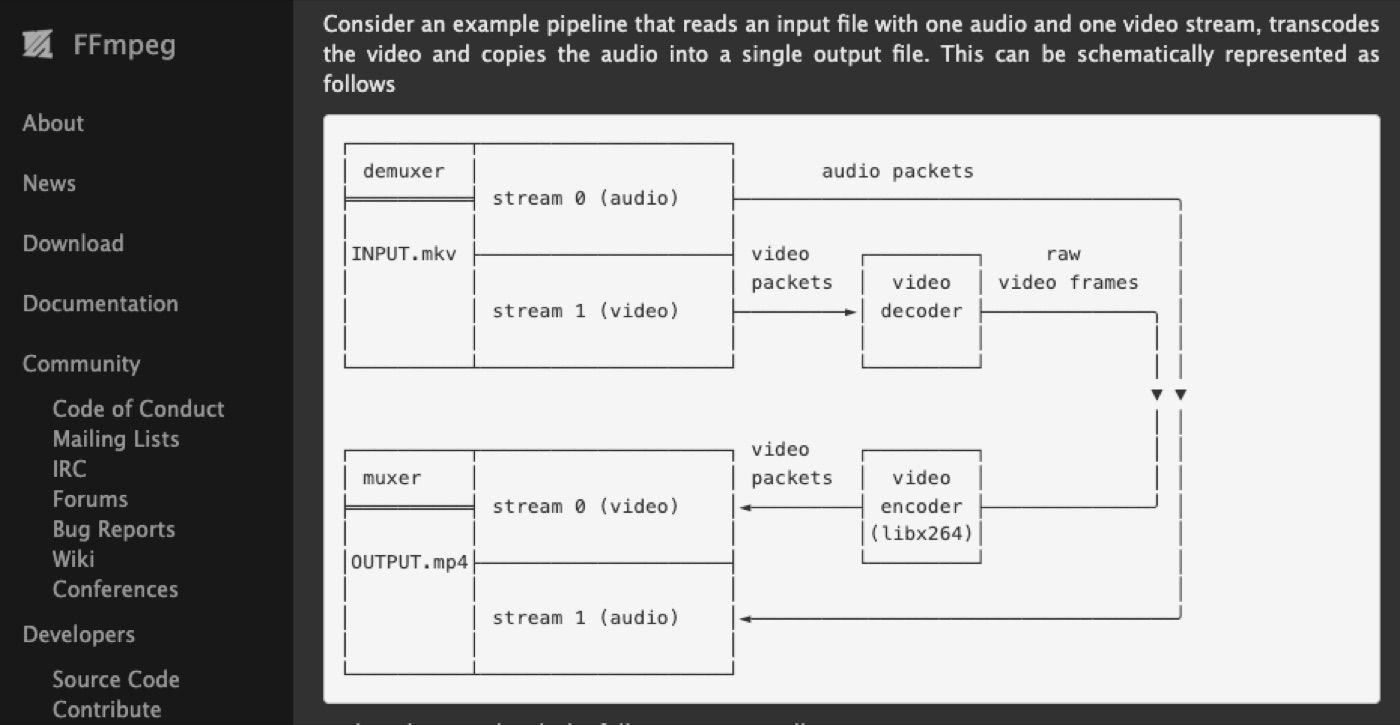
Pipeline selection decides whether one provider can handle the whole job or whether several tools should be chained. A short social ad, product demo, and long explainer may need different paths. FFmpeg is a useful reminder that, beneath the AI layer, video production is still a pipeline problem: codecs, filters, audio, subtitles, and containers all shape the final output. Any AI agent workflow needs to account for those production realities.
Tool Calls and Provider Scoring
Tool calls should be scored before they are used, not only after they fail. A video pipeline may call one provider for image generation, another for video generation, another for narration, and another for editing or export.
OpenAI's Codex-era work and Anthropic's Claude Code show the broader pattern: agents become more useful when they can plan tasks, use tools, inspect results, and keep the work open to review. The same principle applies when an OpenMontage workflow coordinates multiple video providers.
Cost, speed, quality, availability
Provider scoring should compare cost, speed, quality, and availability. The cheapest render is not useful if it misses style. The fastest provider is not useful if it fails during launch week. A high-quality model is not useful if queue time makes the workflow unpredictable.
In one test workflow, I asked an AI assistant to create three video concepts from the same brief. The fastest path produced a usable rough cut in about 20 minutes, but it failed 2 of my 5 review checks: the voice felt off-brand, and the captions were too casual for the client brief. The slower path took closer to 45 minutes and needed one extra review round, but it passed the key checks on tone, message, caption style, and audience fit.
That changed my scoring rule: speed is a draft metric, not a final-use metric.
Style fit and fallback rules
Style fit needs its own score. A provider may be technically strong but wrong with the brand, product, or format. Fallback rules should be written before runtime. If provider A fails, does the agent retry, switch provider, lower resolution, shorten the clip, or ask the user? Without fallback rules, the agent may burn time and credits trying the same failing path.
Runtime, QC, and Human Review
Runtime is where agentic video production becomes messy. Renders can queue, fail, drift from the prompt, create visual artifacts, desync audio, or produce captions with bad timing. A workflow should treat QC as a required stage, not as an optional final glance.
Render checks
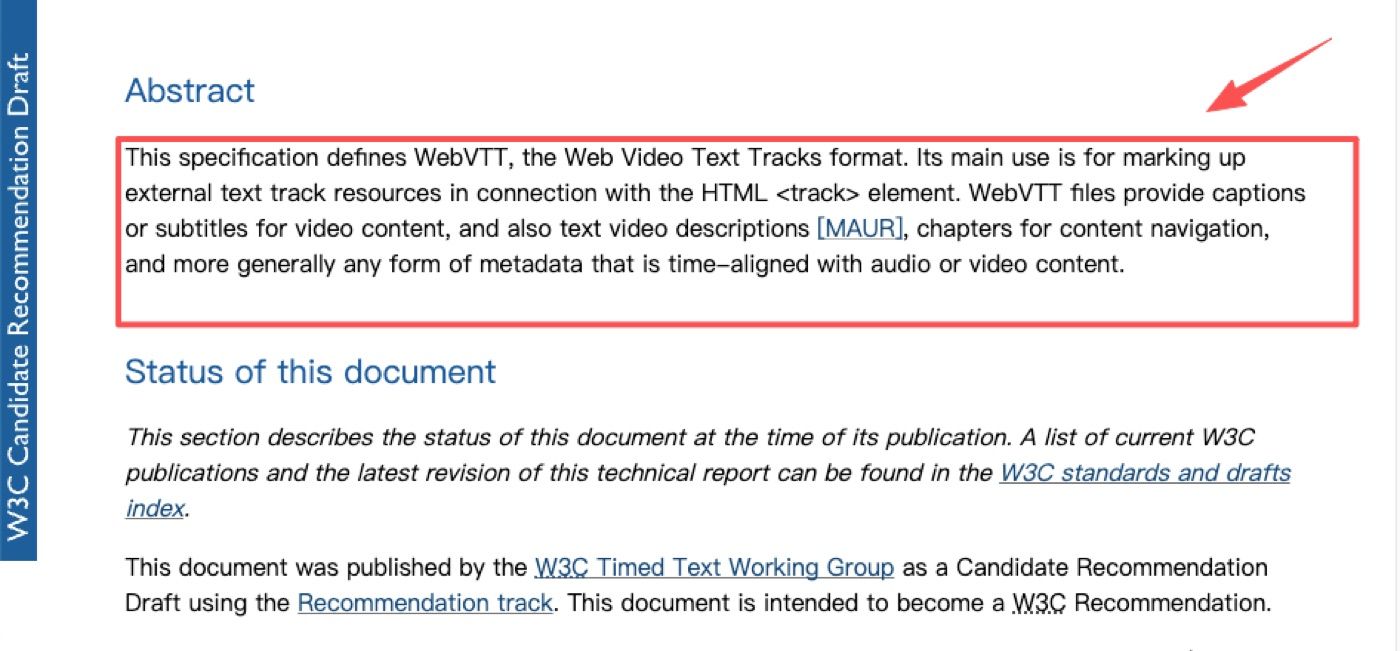
Render checks should look at duration, resolution, aspect ratio, audio sync, caption timing, scene order, brand terms, claims, and visual artifacts. Some checks can be automatic. Others need a person. The WebVTT specification is a useful example of how precise timing and text tracks matter in video. Captions are not decoration. In many workflows, they are part of accessibility, comprehension, and publishing quality.
Approval before final use
Human approval belongs before final publication, client delivery, ad upload, or social scheduling. The agent can assemble drafts, score providers, and flag failures. A person should approve the final use.
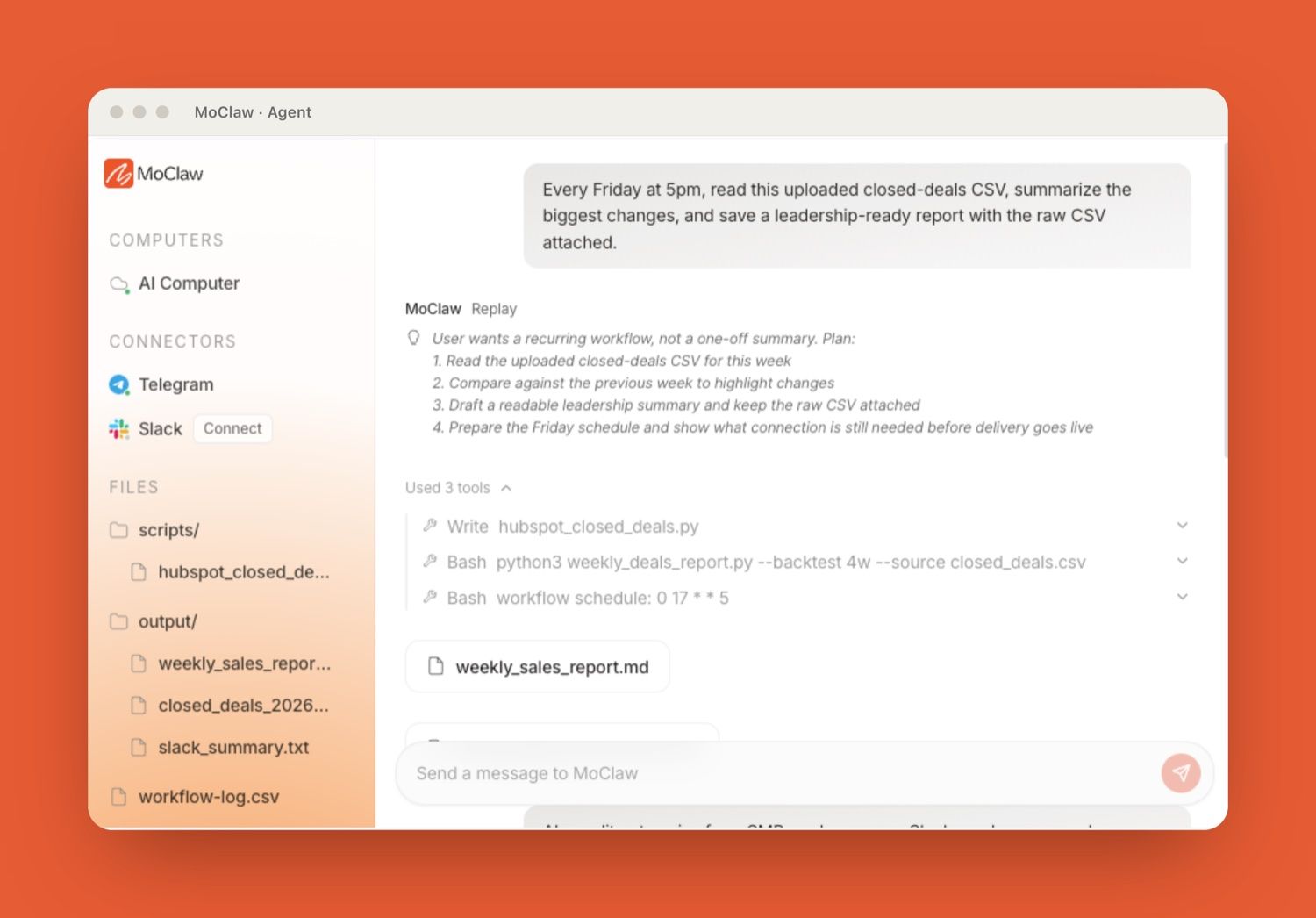
MoClaw's AI workflow automation use case shows why this matters for recurring workflows: browser tasks, files, reports, logs, and scheduled delivery need a workspace where outputs can be reviewed instead of disappearing into a chat thread. The MoClaw AI Cloud Computer integration describes the cloud-machine layer that keeps files, browser state, and execution context together.
Limits and Claims to Verify
OpenMontage claims should be verified before publication. Check the official GitHub repository, maintainer identity, license, release status, supported tools, provider scoring behavior, fallback behavior, QC behavior, and current documentation before publication. Do not claim official support for Codex, Claude Code, video providers, or specific render engines unless the source confirms it. Codex and Claude Code can be mentioned as agent workflow reference points, but not as confirmed OpenMontage integrations.
Also verify pricing, render time, model availability, watermark rules, license terms, and commercial usage. Video tools change quickly. A workflow article should explain the decision structure without freezing unstable provider details as permanent facts.
FAQ
Does a pipeline need one provider or several?
A pipeline can use one provider if the job is simple and the output quality is consistent. Multi-provider pipelines make more sense when voice, clips, captions, editing, and export each need different strengths. The tradeoff is more coordination and more QC.
Can a user lock a preferred provider?
A user can lock a preferred provider if the workflow tool supports that setting. The safer design is to let the user define a default provider plus fallback rules. Locking one provider without fallback can break the pipeline when availability or render time changes.
What happens when render time spikes?
The workflow should pause, retry later, switch providers, reduce scope, or ask the user. The agent should not silently downgrade quality or spend more budget without approval. Render-time spikes belong in logs because they affect future provider scoring.
Can one pipeline handle short and long videos?
One pipeline can share planning rules across short and long videos, but the execution stages should differ. Short videos need tighter pacing and faster QC. Long videos need stronger outline control, scene continuity, caption review, and more explicit approval gates.
OpenMontage Workflow Makes Video Pipelines Reviewable
A useful OpenMontage workflow does not depend on one magic video model. It depends on coordination: a clear proposal, provider scoring, render checks, fallback paths, logs, and human approval before final use. That is what turns tool-using video work from a one-off prompt into an auditable AI agent workflow.
For managed cloud workflows, the important lesson is not "let the agent make the whole video alone." The lesson is to keep every stage visible: what was proposed, which provider was selected, what failed, what passed QC, and who approved the final output.
Source note: OpenMontage is treated here as an agentic video production workflow pattern until primary sources confirm a specific product, feature set, or release scope. The useful topic is how a multi-tool video pipeline should coordinate proposal, provider scoring, render checks, fallback*, and human approval.*
Continue Reading
More Guide
pxpipe Workflow: Compress Context Safely

Kimi K2.5 Deprecated: Every Date That Matters

AI Token Consumption: Count It, Then Cut It

AI Document Automation: What Really Needs AI?

AI Business Process Automation, Step by Step

What Is DeepSeek Harness (DSH)?

The MoClaw editorial team writes about workflow automation, AI agents, and the tools we build. Default byline for industry overviews, listicles, and collaborative pieces.
Ready to put this into practice?
MoClaw runs browser tasks, research, and schedules automatically. Try it free.
References: FFmpeg Documentation · Claude Code overview (Anthropic docs) · WebVTT specification (W3C) · OpenMontage repository (GitHub) · OpenAI function calling guide