pxpipe Workflow: Compress Context Safely

A pxpipe workflow compresses old history and large tool results while keeping current instructions, exact strings, and human review intact. Here is the pattern.
Table of Contents
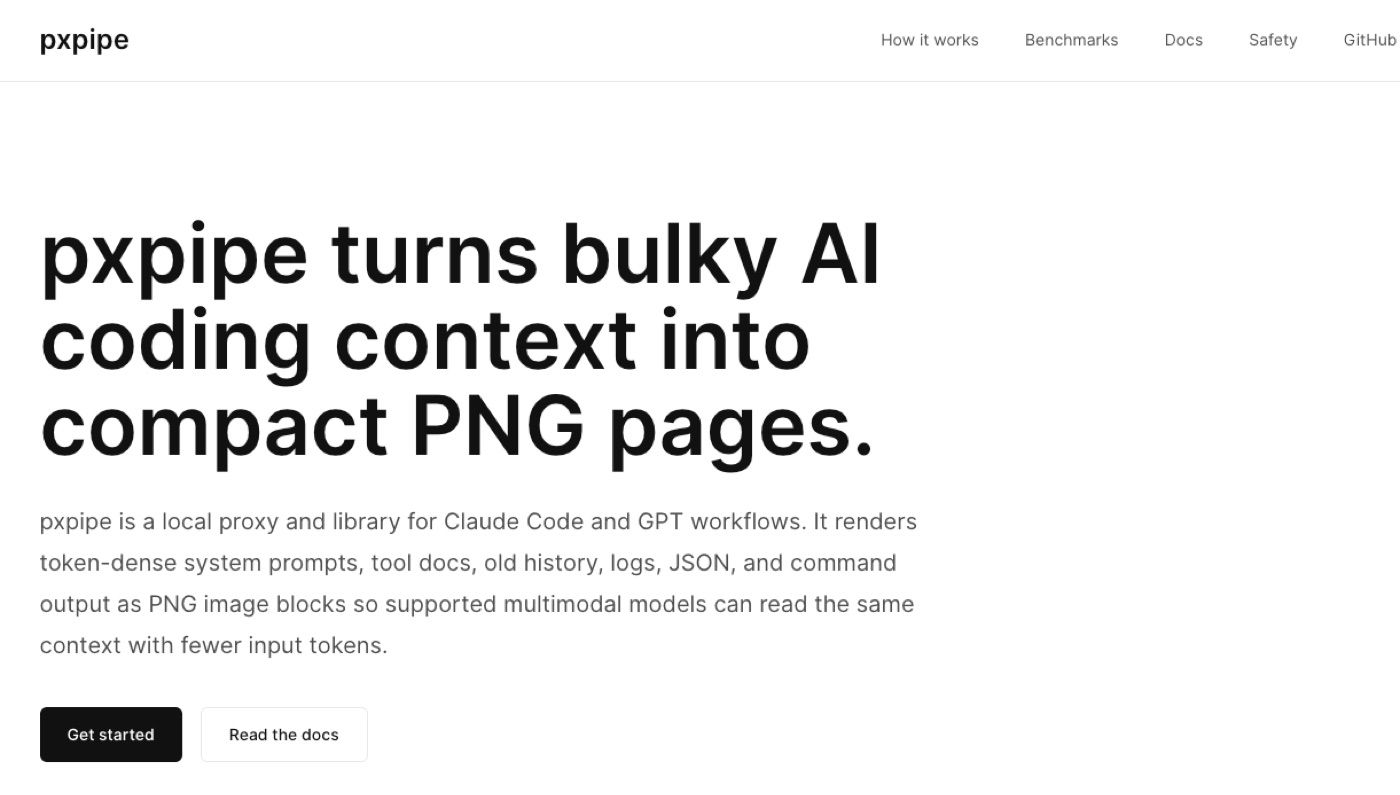
pxpipe is an open-source local proxy that compresses bulky context by rendering eligible text context as PNG images, while keeping recent turns and active user requests in text. In this article, pxpipe workflow refers more broadly to a reviewable context-compression pattern for agent work: reducing old history, large tool results, and repeated background while preserving current instructions, recent conversation, exact strings, and human review. The goal is not a smaller context at any cost. The goal is less noise without breaking the task.
Key Takeaways:
- pxpipe should be explained from the primary GitHub source first, then generalized carefully as a context-compression workflow pattern.
- Old logs, tool docs, and repeated context can often be compressed, summarized, or moved into linked records depending on whether exact text is still needed.
- Current instructions, recent turns, exact strings, IDs, and tool results under review should stay as text.
- Compression should create review gates, not hide what changed.
It's Vera. I started caring about this after using long agent threads for research briefs. By the fifth run, the chat held old decisions, stale sources, repeated summaries, and huge tool outputs. The agent had more context, but not better context. The fix was not to keep everything. It was to preserve the current task and compress the rest into a snapshot I could inspect.
What pxpipe Workflow Compression Is Trying to Solve
A pxpipe workflow tries to solve context overload in multi-step agent work. The problem is familiar: the longer an AI agent workflow runs, the more it carries forward old logs, tool results, doc excerpts, failed attempts, and repeated project background.
That noise affects coding agents and browser-based agents in the same broad way. Whether the agent is working across files, tools, browser results, or long project history, it needs context, but not every past token deserves equal weight.
Long histories
Long histories are useful until they start competing with the current task. Old decisions, abandoned directions, and resolved bugs can confuse the next step if they remain in full detail. A compressed history should preserve what still matters: project goal, stable decisions, unresolved risks, and links back to original records. It should not preserve every argument, failed prompt, or obsolete plan.
Large tool results
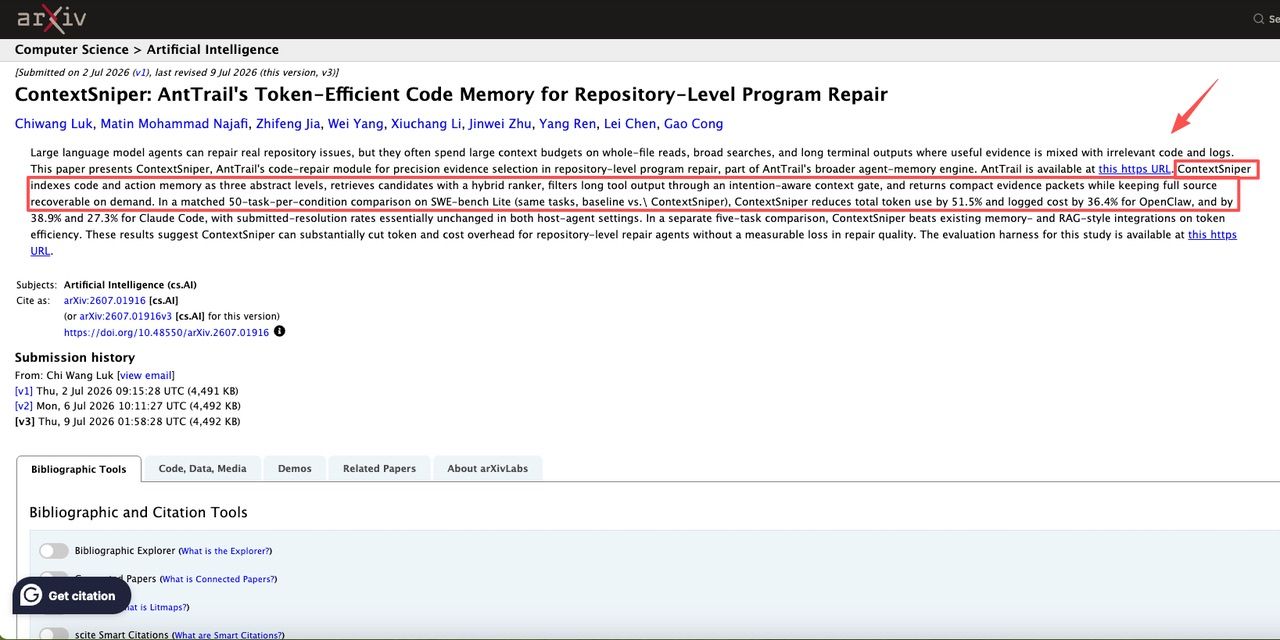
Large tool results are another common source of bloat. Terminal logs, search outputs, repo scans, browser extracts, and API responses can bury the signal. The ContextSniper study is useful here because it describes token-efficient evidence selection for repository repair, reducing broad tool outputs into compact evidence packets while keeping recoverable source context. That is related to the broader workflow idea here: reduce bulky context while preserving a path back to the original. It is not the same implementation as pxpipe, which renders eligible bulky text as PNG images.
What Can Be Compressed Safely
Safe compression depends on the distance from the current action. The older and less action-critical the material is, the safer it is to summarize.
Old logs
Old logs can usually be compressed into what happened, what failed, what passed, and where the original log lives. Keep exact error messages only if they are still being debugged. For example, if a render failed three sessions ago and the provider was changed, the full log may not need to stay in prompt context. The snapshot can say: "Provider A failed on timeout twice; fallback moved to Provider B; original logs saved."
Tool docs
Tool docs can be summarized if the workflow only needs stable usage rules. Keep the exact syntax when the current task depends on it. A pxpipe profile for tool docs might preserve allowed commands, unsupported actions, rate limits, and known failure modes. Full docs can stay linked outside the prompt.
Repeated context
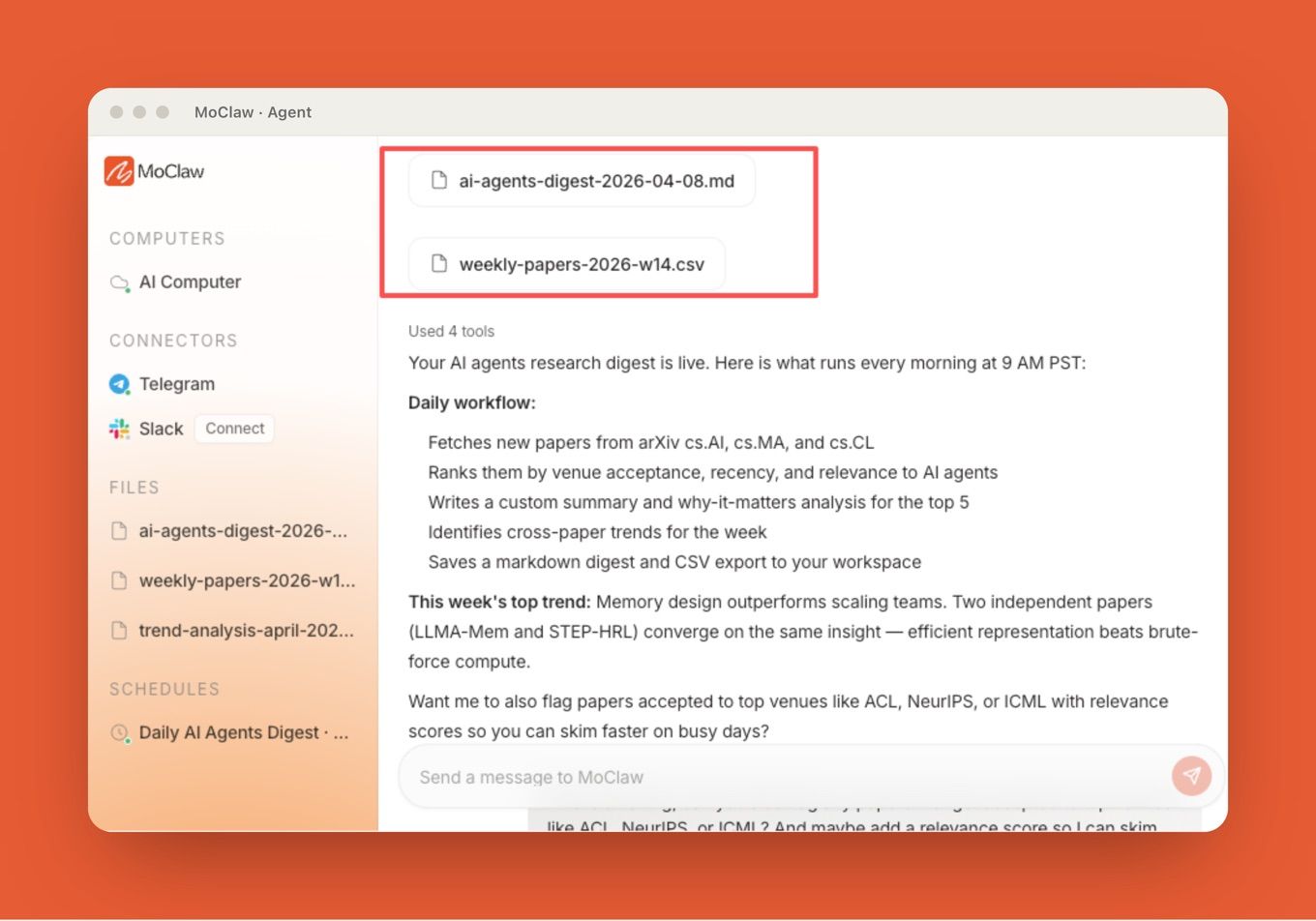
Repeated context is the easiest win. Team style rules, project background, folder descriptions, and previous summaries should not be re-expanded every run. MoClaw's AI Agents Research Digest shows the kind of recurring workflow where source links, saved outputs, relevance scores, and scheduled delivery matter more than replaying every old conversation.
What Must Stay as Text
Some context should not be compressed because the exact wording is the task.
Current instructions
Current instructions must stay visible. If the user says "do not change the outline" or "keep this exact title," compression should not reduce that to "preserve structure." The exact instruction matters.
Recent conversation
Recent conversation should stay close to raw form, especially when it contains corrections, approvals, rejected options, or changed scope. The last few turns often decide what the agent should do next.
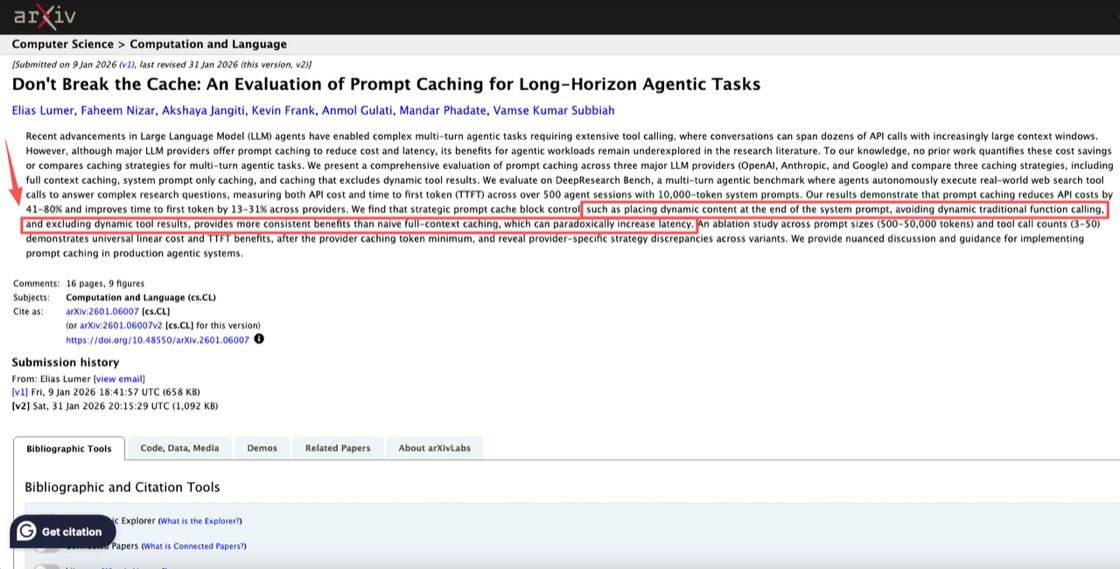
A paper on prompt caching for long-horizon agentic tasks found that caching strategies for agent workloads need to handle dynamic content and tool results carefully. The broader lesson applies here too: stable context and dynamic context should not be treated the same.
Exact strings
Exact strings should stay as text: file paths, URLs, IDs, quotes, commands, regex, product names, headings, API fields, and user-approved copy. A compressed version can silently break them.
I once let an agent summarize a client naming rule. It turned "MoClaw" into "Moclaw" in a later draft. Tiny change, real problem. Since then, brand names, titles, and exact strings stay raw.
Review Gates After Compression
Compression needs a review gate. After a pxpipe workflow creates a snapshot, the reviewer should check three things: what was removed, what was preserved, and what links back to the original. A good compressed snapshot should include source pointers, expiration date, current task state, unresolved questions, and exact strings that remain protected. The reviewer should be able to say, "yes, this is enough context for the next run."
MoClaw's Automate Research With AI page shows the managed version of this problem: recurring research needs sources, outputs, and schedules to remain inspectable over time. Compression should support that review trail, not erase it.
If Fable 5 is part of a pxpipe claim, it's important to separate the model claim from the workflow claim. A model may handle long context better, but the workflow still needs clear rules for what gets compressed, what stays visible, and how context is managed across steps.
FAQ
Can one compression profile serve every project?
No. One profile can be a starting point, but projects need different preservation rules. A legal review, coding task, video pipeline, and research digest do not share the same exact strings, logs, or review needs.
Who maintains old compressed context records?
The workflow owner should maintain them. That may be an operator, research lead, engineering owner, or content lead. The owner decides when snapshots are stale, when originals should be reopened, and when old context should stop influencing new runs.
When should a compressed snapshot expire?
A snapshot should expire when the project goal changes, sources age out, tool behavior changes, or a human correction conflicts with the summary. Time-based expiration also helps. Weekly research may need short-lived snapshots, while stable style rules can last longer.
How should teams hand off compressed context?
Hand off compressed context with three parts: the snapshot, links to original records, and a "do not compress" list. That list should include current instructions, exact strings, recent approvals, and active tool results. Without it, the next agent may inherit a clean summary but lose the details that matter.
pxpipe Workflow Keeps Compression Reviewable
A pxpipe workflow is useful only if compression improves review. Long histories and large tool results can be reduced, but current instructions, recent conversations, exact strings, and active tool results must stay visible. The goal is not a smaller prompt for its own sake. The goal is an agent workflow that carries less noise while keeping the human reviewer in control.
For managed AI work, the durable rule is simple: compress the past, preserve the present, and keep a path back to the original record. That is how context compression supports tool use, handoff, and review instead of quietly breaking them.
Source note: This article treats pxpipe workflow as a context compression pattern for agent workflows. pxpipe and Fable 5 relationship claims should be verified from primary sources before publication. The useful idea here is how teams compress history without losing reviewable task state.
Continue Reading
More Guide
ChatGPT Codex: From Chat to Tasks

Programmatic Tool Calling for Agents

Claude Tag Workflows for Shared Slack Context

How to Build Claude Skills for Agent Workflows

Claude Model Upgrades: Protect Recurring AI Workflows

pxpipe Guardrails: Text Fallbacks for Image Context

The MoClaw editorial team writes about workflow automation, AI agents, and the tools we build. Default byline for industry overviews, listicles, and collaborative pieces.
Ready to put this into practice?
MoClaw runs browser tasks, research, and schedules automatically. Try it free.
References: pxpipe repository (GitHub) · ContextSniper: Token-Efficient Code Memory for Repository-Level Program Repair · Don't Break the Cache: Prompt Caching for Long-Horizon Agentic Tasks · Claude Code overview (Anthropic docs) · OpenAI function calling guide