Programmatic Tool Calling for Agents

Programmatic Tool Calling helps agent workflows coordinate tools, keep intermediate results visible, and require human review before real actions. Here is how.
Table of Contents
Programmatic Tool Calling specifically refers to letting models compose and run JavaScript that orchestrates tool calls. In this article, I use the phrase more broadly for a reviewable agent workflow where tools, intermediate results, structured handoffs, and human review are coordinated before the final answer.
Key Takeaways:
- Programmatic Tool Calling helps agents coordinate tools instead of relying on brittle prompt-only chaining.
- Intermediate results should stay visible before final output, especially when tools touch files, systems, or private data.
- GPT-5.6 may improve model capability, but workflow design remains the durable layer.
- Human review belongs before tool calls that write, send, delete, export, or update records.
Hi everyone, Vera here. I started caring about this after using agents for recurring research work. A plain chat flow could summarize sources, but it kept mixing search results, notes, and final recommendations in one answer. Once tools entered the workflow, the real question changed: which result came from which tool, what was transformed, and what should I review before the next action?
What Programmatic Tool Calling Changes
Programmatic Tool Calling changes the agent from a responder into a coordinator. Instead of asking the model to "figure everything out" inside one prompt, the workflow can call a search tool, parse a result, inspect a file, transform data, and then decide what to do next.
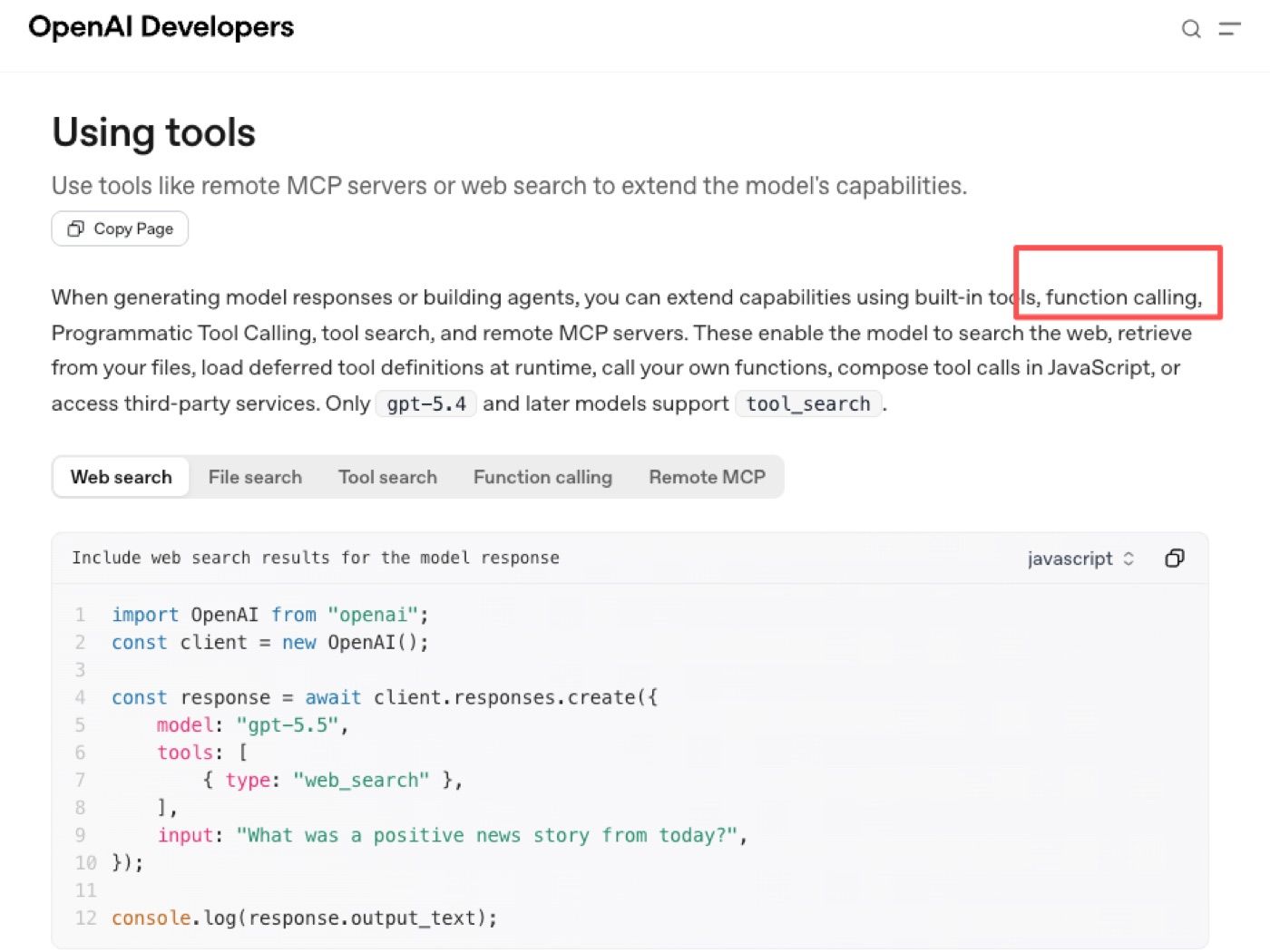
OpenAI's function calling page frames this as a way for models to pass structured data to external functions defined by the developer. OpenAI's built-in tools page expands that idea across search, file, shell, computer use, and other tool surfaces.
Tool coordination inside the workflow
Tool coordination means the agent knows which tool belongs to which stage. A research workflow might search first, read source pages second, extract claims third, and draft last. A file workflow might inspect metadata before editing anything. Without coordination, tool calling becomes random clicking with better syntax. With coordination, each call has a purpose and a reviewable output.
Intermediate results before final output
Intermediate results are the parts humans usually need to inspect: search results, extracted facts, parsed rows, file diffs, tool errors, and proposed actions.
For example, I once used an agent to build a vendor comparison. The final summary sounded right, but one row came from an outdated cached page. After that, I stopped reviewing only the final answer.
In a small follow-up check of 8 vendor comparison drafts, 3 had source issues that were not obvious from the final summary alone: one used an outdated page, one missed the latest pricing note, and one mixed a vendor blog claim with official documentation. So I started asking for intermediate source notes before the recommendation.
Why This Matters for Agent Workflows
Agent workflows fail when tool steps are hidden. A clean final answer can hide a bad tool argument, a stale result, or an unsafe write action.
Less brittle tool chaining
Programmatic Tool Calling makes tool chaining less brittle because each step can pass structured state forward. Instead of "search, then somehow summarize," the workflow can say: collect sources, normalize fields, flag missing values, then draft.
That helps when GPT-5.6 or any model upgrade changes raw capability. Better reasoning helps, but a reliable workflow still needs clean tool inputs and outputs.
Better handoff between steps
Better handoff means the next stage can see what the previous stage actually produced. This is especially important when one tool retrieves information and another tool acts on it.
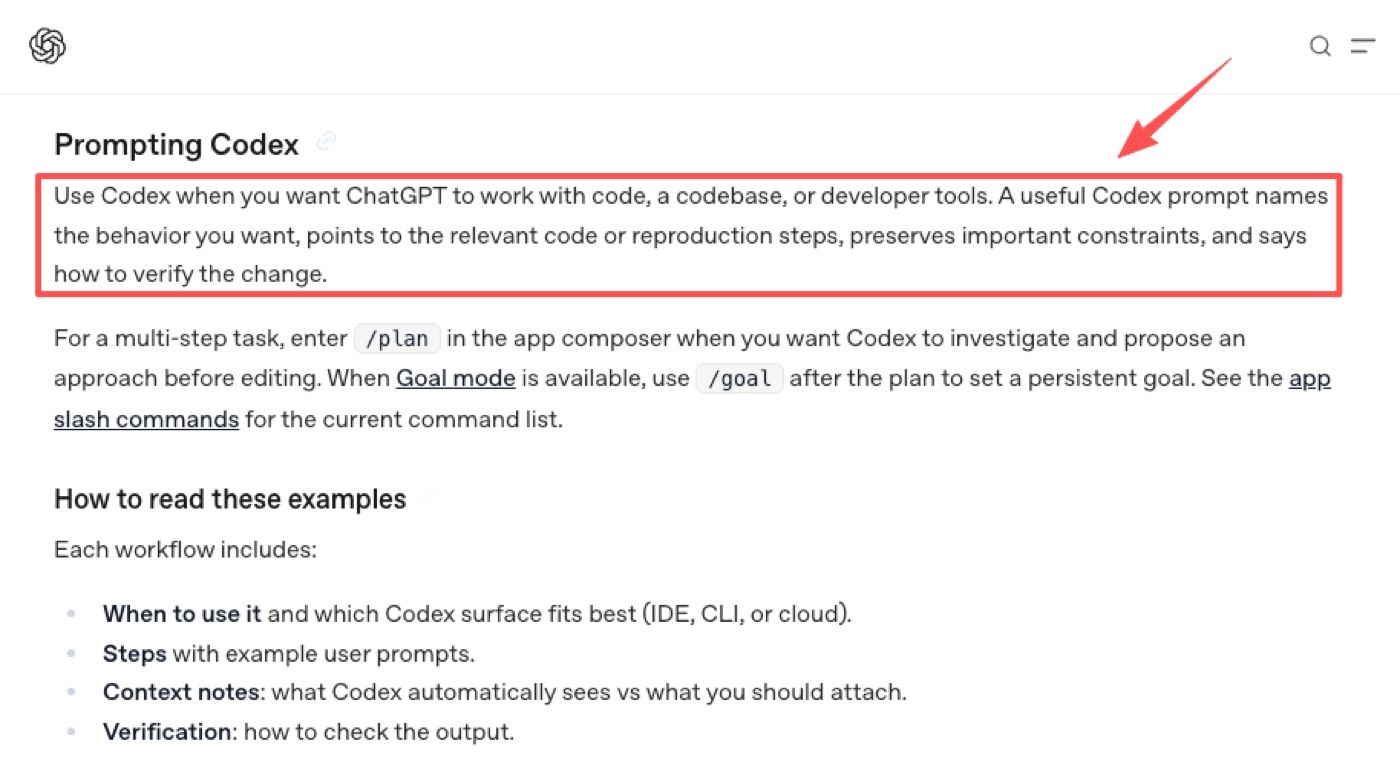
OpenAI's Codex prompting emphasizes naming the desired behavior, pointing to relevant context or reproduction steps, preserving constraints, and saying how to verify the change. That pattern applies outside coding too: every step should leave enough evidence for the next step and the reviewer.
Where GPT-5.6 Fits Without Becoming the Whole Story
GPT-5.6 should be treated as one layer in the system. It may change how well the model reasons about tool use, but it does not replace workflow design.
Model capability as one layer
The model decides, formats, reasons, and interprets. But the tool layer retrieves, edits, executes, exports, or updates. Those are different responsibilities. A stronger model can still call the wrong tool with the wrong argument if the workflow does not constrain the action. That is why tool schemas, allowed actions, and review gates matter.
Workflow design as the durable layer
Workflow design lasts longer than one model release. It defines tool order, data boundaries, intermediate checks, logging, and approval points.
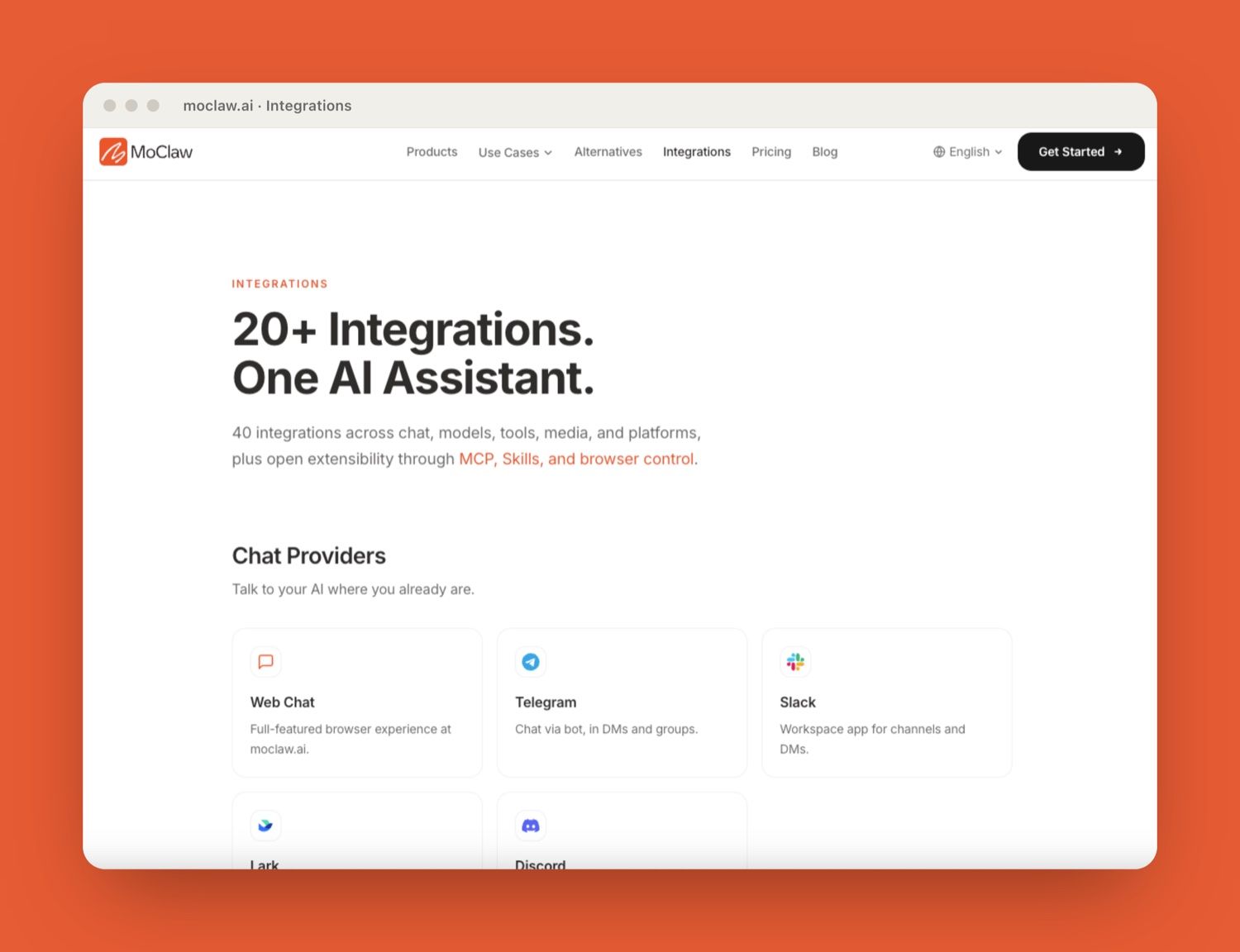
MoClaw's AI workflow automation use case shows the managed version of this pattern: recurring browser tasks, files, reports, logs, and scheduled delivery live together instead of disappearing into chat. MoClaw's integrations layer also frames tools and system access as part of the workspace, not just an afterthought.
Review Points Before Real Actions
Review points should appear before real actions, not after something has already changed. This is where human review keeps automation useful without making it reckless.
What humans should inspect
Humans should inspect tool arguments, source basis, proposed file changes, exports, customer-facing text, and system-of-record updates. Anything that writes, sends, deletes, buys, publishes, or changes permissions should pause.
A second example: I used an agent to prepare a report from browser sources and a spreadsheet. The draft was good, but one formula range was wrong after a tool transformation. The review point caught it before export. That is the difference between helpful automation and quiet damage.
What logs should preserve
Logs should preserve the original request, tool name, arguments, tool result, transformed intermediate state, user approval, and final action. If an output is wrong, the team should know whether the failure came from the model, the connector, the source data, or the transformation step.
OpenAI's Codex approval modes are useful as a reference pattern: teams can define which actions run automatically inside a sandbox and which actions require approval, especially as autonomy increases.
Limits and Claims to Keep Current
Programmatic Tool Calling should not be described as automatic agent safety. It improves structure, but it can also expose private workspace data, pass sensitive values into tool arguments, or make bad actions faster.
Keep GPT-5.6 claims current. Do not imply a model supports a specific connector, approval behavior, or tool-calling path unless official sources say so. Treat model capability as updateable and workflow boundaries as the stable part.
Teams should also review connector scope regularly. A tool that was safe as read-only may become risky after write access is added. Unused tools should be retired because stale connectors create hidden attack surfaces and confusion.
FAQ
Can tool calls expose private workspace data?
Yes. Tool calls can expose private data if arguments include files, customer details, secrets, internal notes, or identifiers. Teams should filter tool arguments and keep sensitive values out unless the tool truly needs them.
Who should approve new tool connectors?
A workflow owner and a technical owner should approve new connectors together. The workflow owner understands the business risk. The technical owner understands authentication, scope, logging, and data movement.
What should be excluded from tool arguments?
Secrets, raw credentials, unnecessary personal data, private customer notes, unrelated files, and broad workspace dumps should be excluded. Tool arguments should contain only what the tool needs for the current step.
How should teams retire unused tools?
Teams should remove unused tools from the active workflow, revoke credentials, archive old logs, and update skills or prompts that referenced the connector. Retirement should be recorded so future agents do not try to call a missing tool.
Programmatic Tool Calling Keeps Agent Workflows Reviewable
Programmatic Tool Calling matters because it turns hidden reasoning into visible workflow steps. The agent can call tools, transform intermediate results, and hand off structured state, but humans still need to see the moments where work becomes action. For managed workflows, the durable rule is simple: coordinate tools, preserve intermediate results, log the handoff, and require human review before real changes. That is how tool calling becomes workflow automation instead of a faster way to lose control.
Source note: This article focuses on workflow design, not an API tutorial. OpenAI feature details, GPT-5.6 behavior, Codex capabilities, tool connectors, and approval surfaces should stay tied to official OpenAI sources when teams make production decisions.
Continue Reading
More Guide
ChatGPT Codex: From Chat to Tasks

pxpipe Workflow: Compress Context Safely

Claude Tag Workflows for Shared Slack Context

How to Build Claude Skills for Agent Workflows

Claude Model Upgrades: Protect Recurring AI Workflows

TRAE Work Guardrails: Permissions and Review

The MoClaw editorial team writes about workflow automation, AI agents, and the tools we build. Default byline for industry overviews, listicles, and collaborative pieces.
Ready to put this into practice?
MoClaw runs browser tasks, research, and schedules automatically. Try it free.
References: OpenAI function calling guide · OpenAI built-in tools guide · GPT-5.6 (OpenAI) · OpenAI Codex prompting guidance · OpenAI Codex agent approvals and security