AI Headshot Generator
Describe the look you want and MoClaw generates studio-quality professional headshots in multiple styles, in one conversation.
The user wants 4 professional headshot variations. I will generate one corporate studio look, one approachable startup look, and two outdoor natural-light looks, running them in parallel with nano-banana-2, then review each render.
Used 5 tools
Generate content headshot-1-corporate-charcoal: charcoal suit, light grey studio backdrop, even lighting
No output
Generate content headshot-4-startup-warm: business-casual blazer, bright modern office, friendly smile
No output
Generate content headshot-5-outdoor-golden: camel blazer, golden-hour park, warm natural light
No output
Generate content headshot-6-outdoor-overcast: navy blazer, historic street, soft overcast light
No output
Bash ls -lt /home/user/workspace/generated-*.jpeg | head; cp generated-*.jpeg workspace/headshots/
Generated 4 headshots across 3 styles and saved them to workspace/headshots/. All renders are 4:5 portrait, ready for review.
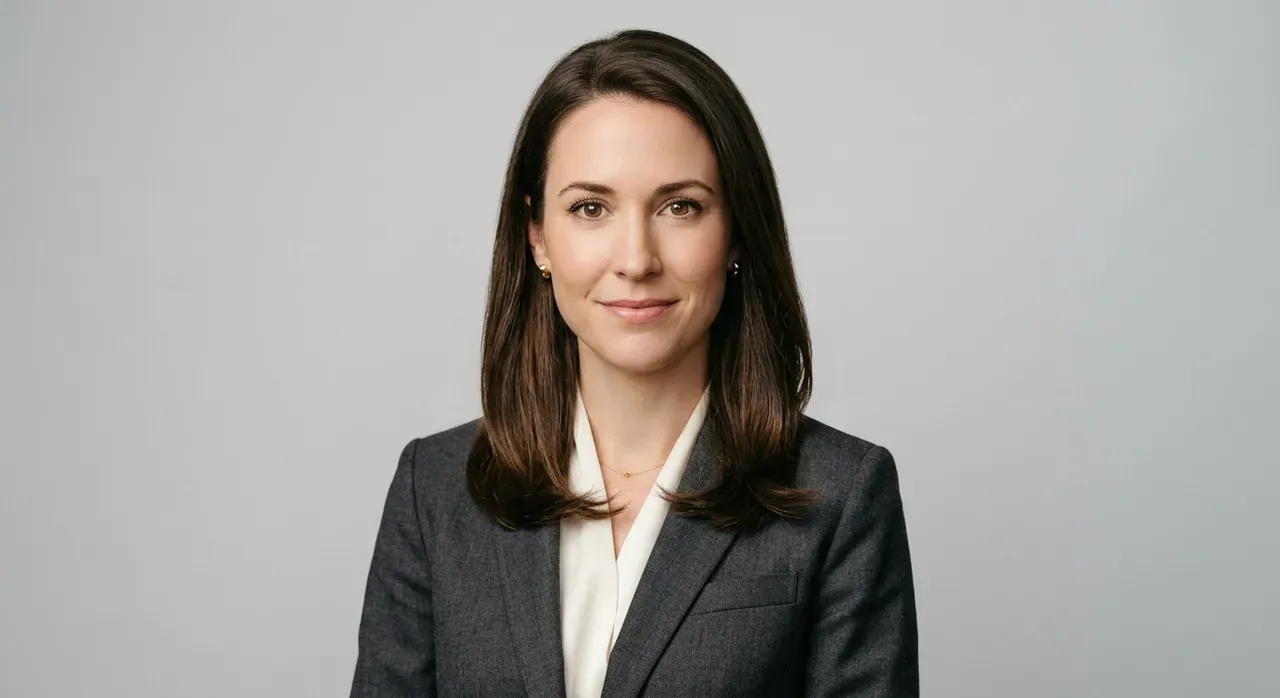
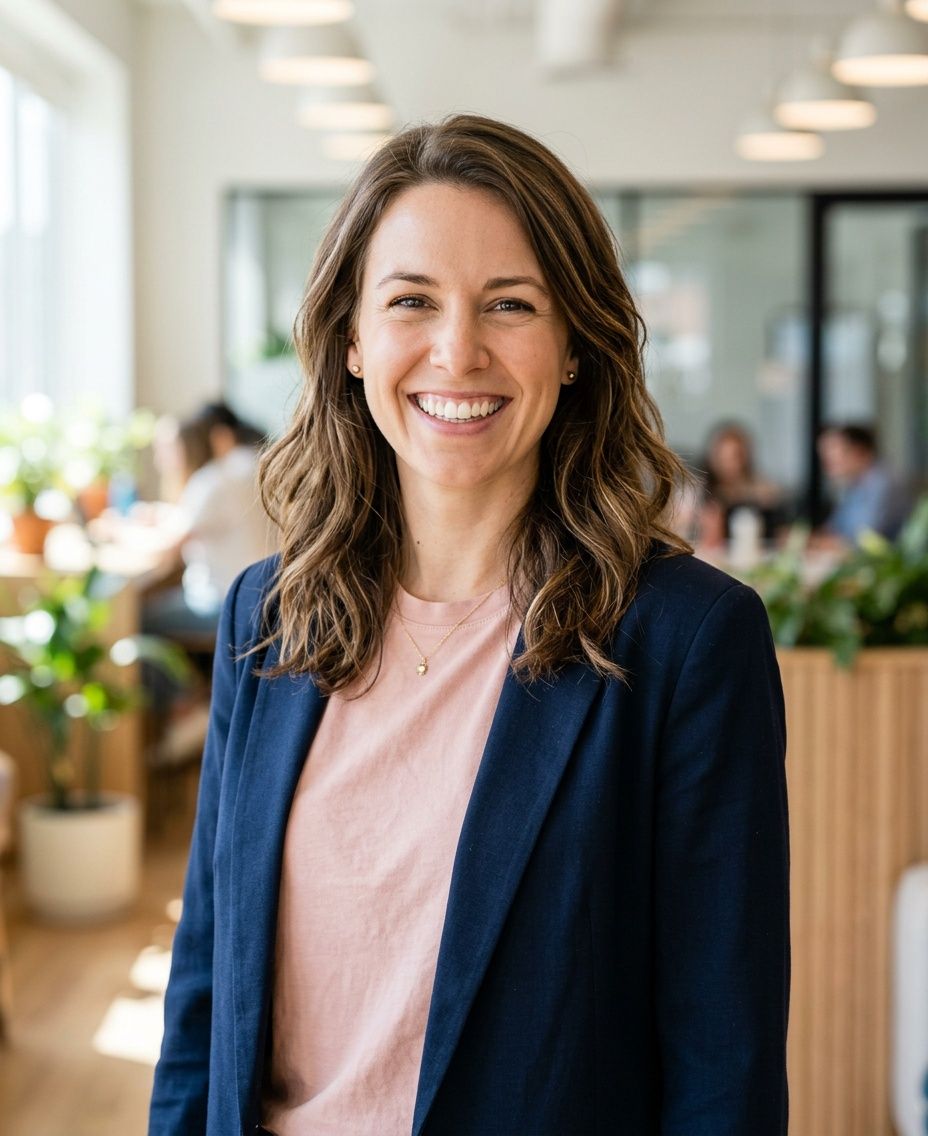
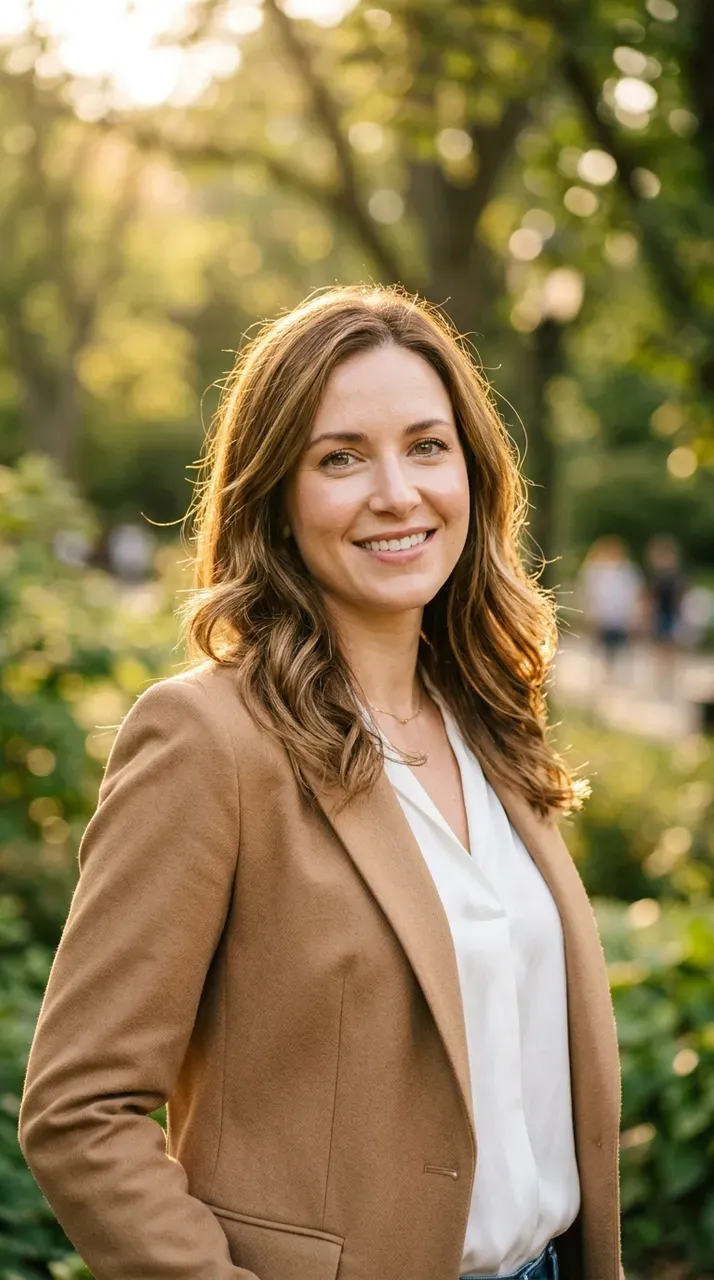
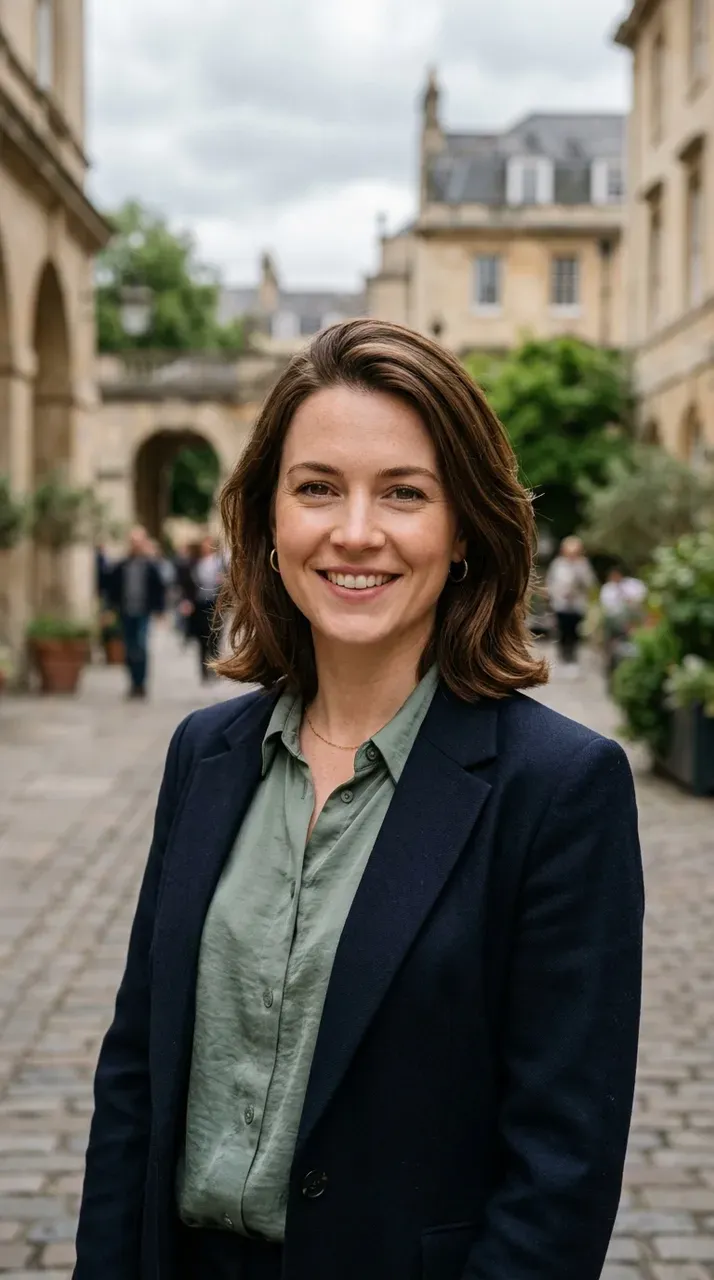
Here are your 4 professional headshots across 3 styles:
- Corporate (charcoal suit, clean studio): best for a formal LinkedIn or executive bio.
- Approachable startup (business-casual, bright office): warmer, great for a team page.
- Outdoor natural light (golden hour and soft overcast): friendly and editorial.
All were generated from your description in a single pass, in 4:5 portrait, ready to download. Want me to regenerate any look, switch to a square crop for avatars, or match a specific brand color in the background?
Try follow-up prompts
What MoClaw tracks
- MoClaw generates the full set of headshots in one pass across distinct styles
- Each look gets its own lighting and background, not just a recolor
- It offers to switch crops and match brand colors without starting over
How AI Headshot Generator Works with MoClaw
Describe the Headshot Style You Want
Tell MoClaw who the headshot is for, the attire, and the vibe, such as formal corporate, approachable startup, or outdoor natural light. You can attach your own photo to match your likeness, or describe a look for personas and placeholders.
Watch the AI Headshot Generator Create Each Look
MoClaw generates each variation with its own lighting, background, and wardrobe, running multiple looks in parallel. You see every render appear in the conversation as it finishes, not a single locked template.
Download Your Professional Headshots
Pick the looks you like and download them in minutes. Ask for more variations, a square avatar crop, or a brand-color background, and MoClaw regenerates on the spot.
Ways to Extend This Workflow
LinkedIn and Resume Headshots
Get a polished, professional headshot for your profile without booking a studio or a photographer.
Team and About-Page Photos
Generate consistent headshots for an entire team so your about page looks cohesive instead of mismatched.
Speaker and Author Bio Photos
Create a few on-brand looks for conference bios, podcast guest cards, and book jackets in one session.
Avatars and Persona Images
Produce clean avatar crops and realistic persona portraits for product mockups, decks, and marketing.
Photographer vs HeadshotPro vs MoClaw AI Headshot Generator
See how MoClaw's AI-powered approach differs from traditional tools.
| Feature | Photographer | HeadshotPro | MoClaw |
|---|---|---|---|
| Turnaround time | Days, plus a booking | 1 to 2 hours of processing | Minutes, in a conversation |
| Setup required | Schedule and travel to a studio | Upload 10 to 20 selfies | Describe the look, or attach one photo |
| Number of styles | Limited by the session | Preset backdrops | Any style you describe, side by side |
| New variations later | Reshoot and pay again | Re-run a new batch | Just ask and it regenerates |
| Cost | Hundreds of dollars | Per-person subscription | Free tier to start |
| Other tasks in the same tool | No | No | Build the team page and resize avatars too |
Why Use an AI Headshot Generator?
Studio sessions are slow and expensive, and single-purpose AI tools lock you into a fixed batch you cannot easily adjust.
Studio-Quality Looks Without a Studio
Get polished, professional headshots with real lighting and backgrounds, no booking, travel, or photographer required.
New Styles On Demand, Just Ask
Change the wardrobe, background, or crop by describing it in chat, and MoClaw regenerates instantly instead of running a whole new batch.
Multiple Variations in One Pass
Generate a full set of distinct looks side by side from a single request, so you can compare and pick the best.
AI Headshot Generator FAQ
How does the MoClaw AI headshot generator create professional headshots?
You describe the person, attire, and style you want, and MoClaw generates each headshot with its own lighting, background, and wardrobe using its image model. It runs multiple looks in one pass, so you get a full set of variations from a single request.
Can I customize the style, background, and outfit of the AI headshots?
Yes. You can specify corporate, startup, or outdoor looks, set the background color, change the attire, and ask for a square or 4:5 crop. Because it works in a conversation, you just describe the change and MoClaw regenerates.
What resolution and formats does the AI headshot generator deliver?
Headshots are delivered as standard image files (JPEG or PNG) in portrait or square crops suitable for LinkedIn, team pages, and avatars. You can download each one directly from the conversation.
How many headshots can I generate and how long does it take?
You can generate several variations in a single request, and a full set is usually ready in a couple of minutes. Ask for more looks at any time and MoClaw keeps generating.
Can the AI headshot generator use my own photo so it looks like me?
Yes. Attach a clear photo of yourself and ask MoClaw to match your likeness across styles. You can also generate headshots purely from a description when you need personas or placeholder portraits.
Is the MoClaw AI headshot generator better than a photographer or tools like HeadshotPro?
It is faster and more flexible for most needs. A photographer means booking and travel, and dedicated tools like HeadshotPro require uploading many selfies and waiting. MoClaw generates multiple studio-quality styles on demand in a conversation, and you can iterate instantly.
How much does the MoClaw AI headshot generator cost?
You can start on the free tier and generate your first headshots at no cost. Paid plans add more usage when you need higher volume, such as headshots for a whole team.
Can I combine the AI headshot generator with other MoClaw tasks?
Yes. MoClaw can generate the headshots, drop them into a team page it builds, and resize them into avatars in the same workflow, so the images and where they go are handled together.
Integrations
Best integrations for ai headshot generator workflows
These are the tools and capabilities that make this workflow practical inside MoClaw.
GIF Search
Generate and edit images, audio, and video
Provides a core capability behind this workflow
Image
Generate and edit images, audio, and video
Provides a core capability behind this workflow
Video
Generate and edit images, audio, and video
Provides a core capability behind this workflow
Voice
Generate and edit images, audio, and video
Provides a core capability behind this workflow
Who it is for
Who uses ai headshot generator automation
Use this workflow when the daily work pattern matches one of these roles.
Related image and media use cases
GPT Image 2 Without Writing Prompts
Generate stunning images with GPT Image 2 on MoClaw. No prompt engineering required. Perfect text rendering, brand-consistent batches, and complex layouts like menus, posters, and infographics.
AI-Powered GIF Search and Download
Use MoClaw AI to search for GIFs by description, download them from Tenor or Giphy, and save files directly to your workspace automatically.
AI Coffee Shop Image Generator
Use MoClaw AI to generate stunning coffee-themed images for your cafe. Create menu art, wall prints, vintage posters, and social media content instantly.
Try AI Headshot Generator for free
No credit card required