Subscription Tracker
Subscription tracker for Google Sheets: log new charges in plain English, verify the sheet, get a renewal pass before cards are hit.
Runs on managed cloud. No scripts, no Zapier.
I need to locate the Subscription Tracker spreadsheet, read its columns, then add or update the Notion AI row without duplicating it.
Used 3 tools
WebSearch Searching Google Drive for "Subscription Tracker"
Found "Subscription Tracker" — spreadsheet ID located. Reading header row now.
Read subscription-tracker — reading Service, Amount, Renewal, Status, Card columns
Columns match. Notion AI is not in the sheet yet. Will append a new Active row: $20/month, renews on the 12th, card ••••4242.
Edit Appending Notion AI row to Subscription Tracker
Row written. Re-reading the sheet to verify.
Done. Added Notion AI to Subscription Tracker.
- Amount: $20/month
- Renewal: 12th
- Status: Active
- Card: 4242
Change summary checked against the sheet.
- Done. Added **Notion AI** to Subscription Tracker.
- Amount: $20/month
- Renewal: 12th
- Status: Active
How the subscription tracker google sheets works
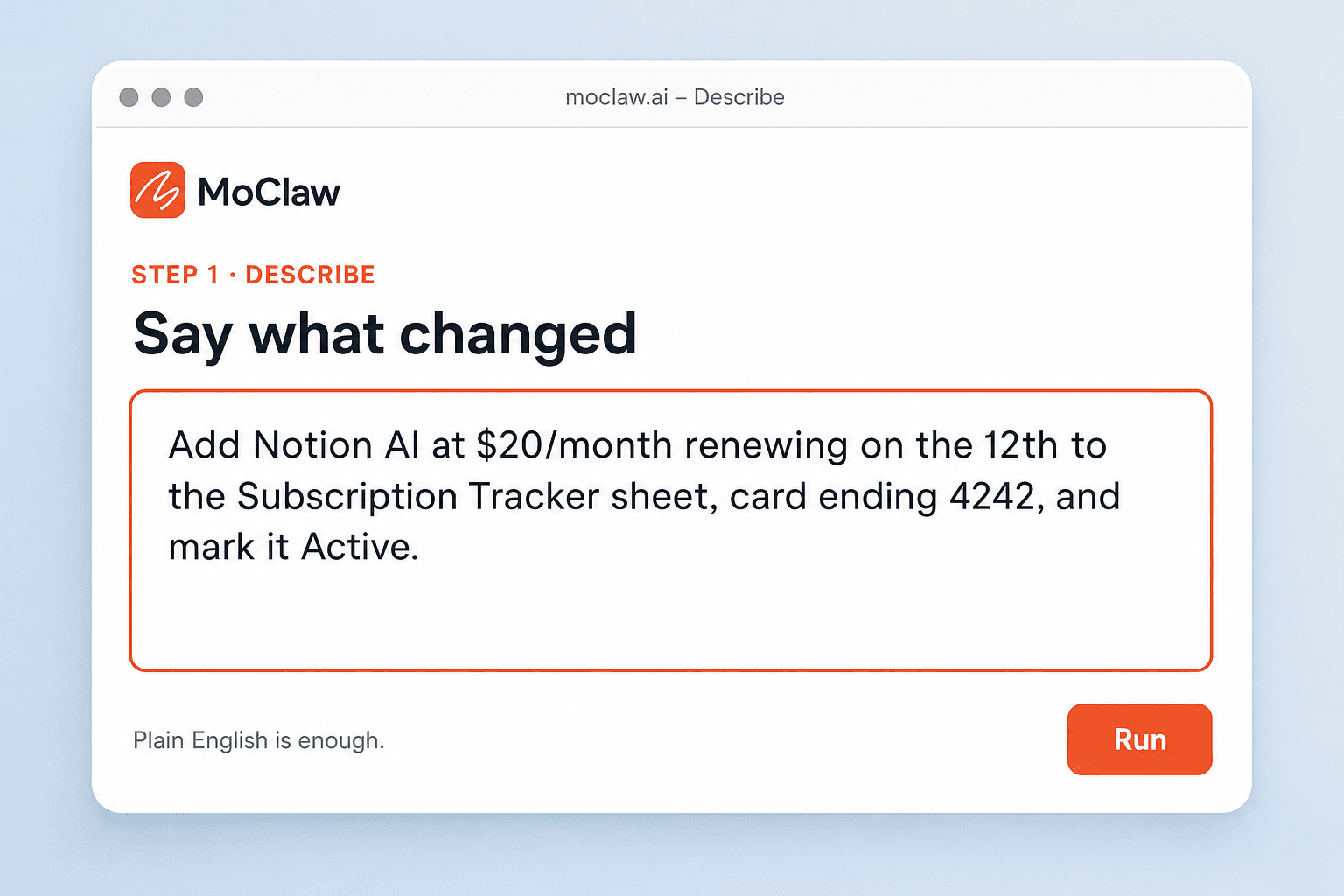
Say what changed
New service, price bump, cancel, or "what renews this week." Plain English is enough; you do not point at cells.
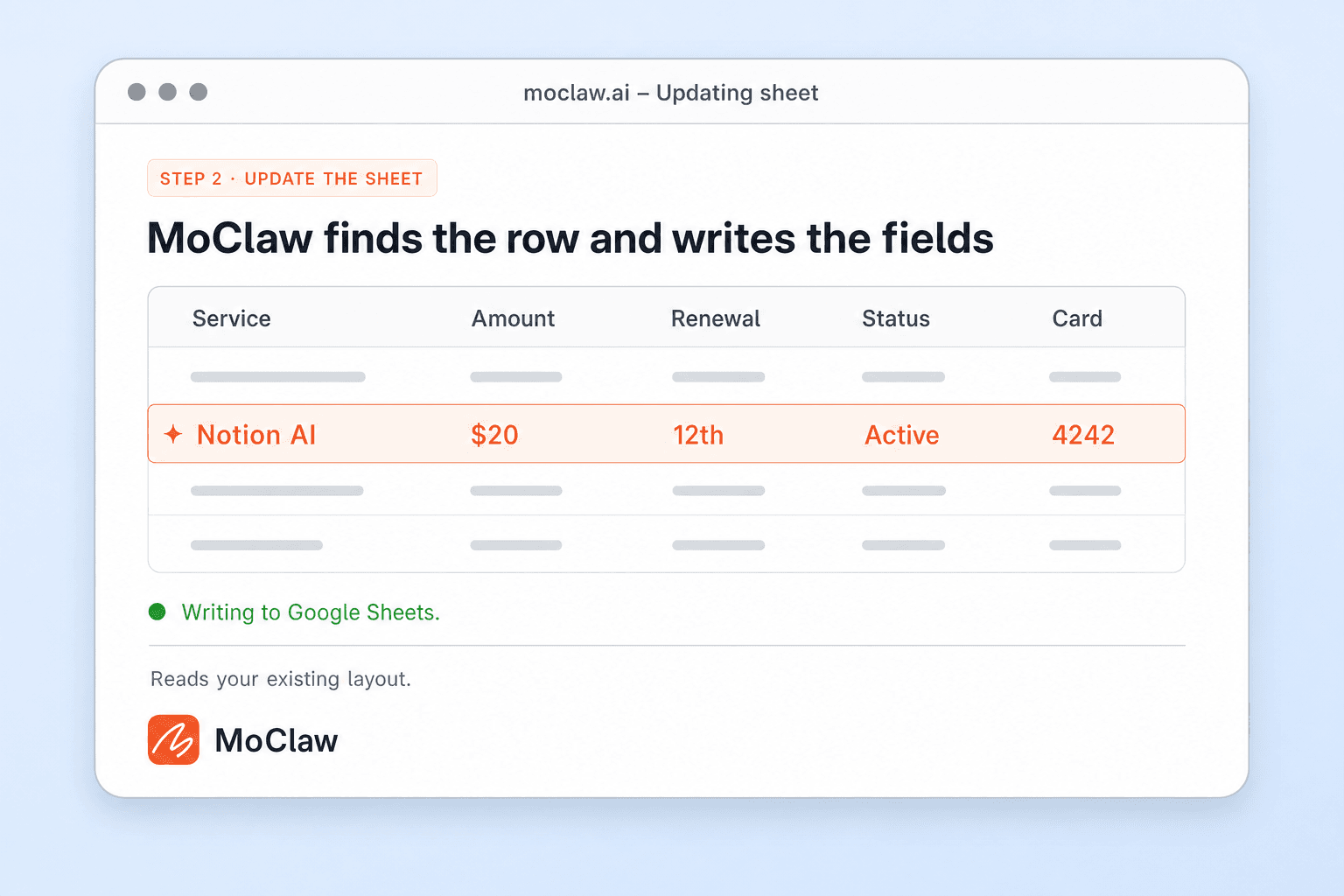
MoClaw finds the row and writes the fields
It opens your Subscription Tracker sheet, matches the service name you use, and writes amount, renewal day, status, or card note into the columns you already have.
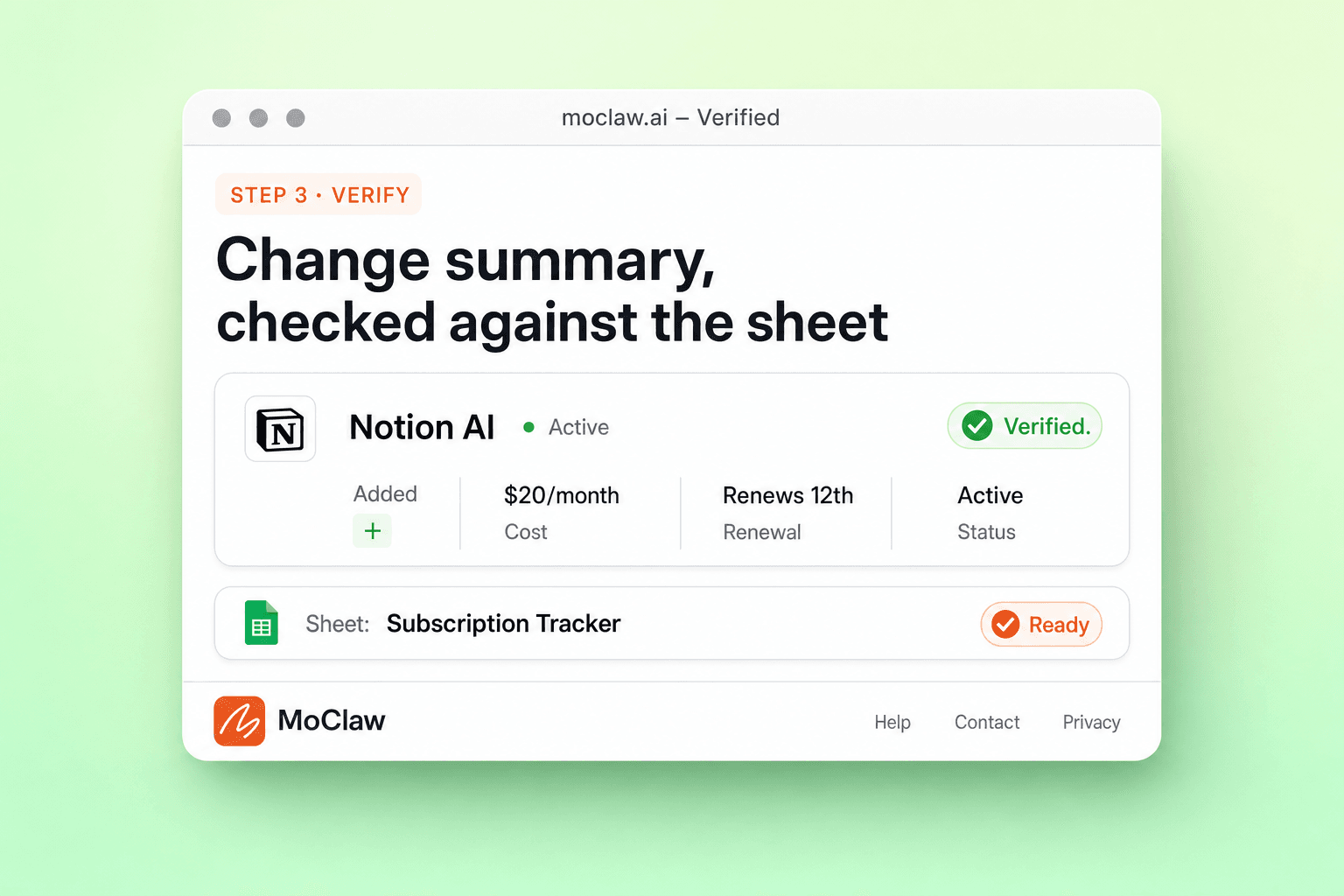
Get a change summary checked against the sheet
After the write, MoClaw reads the sheet back and lists what changed, so a wrong row does not sit there until the next invoice.
What you can track
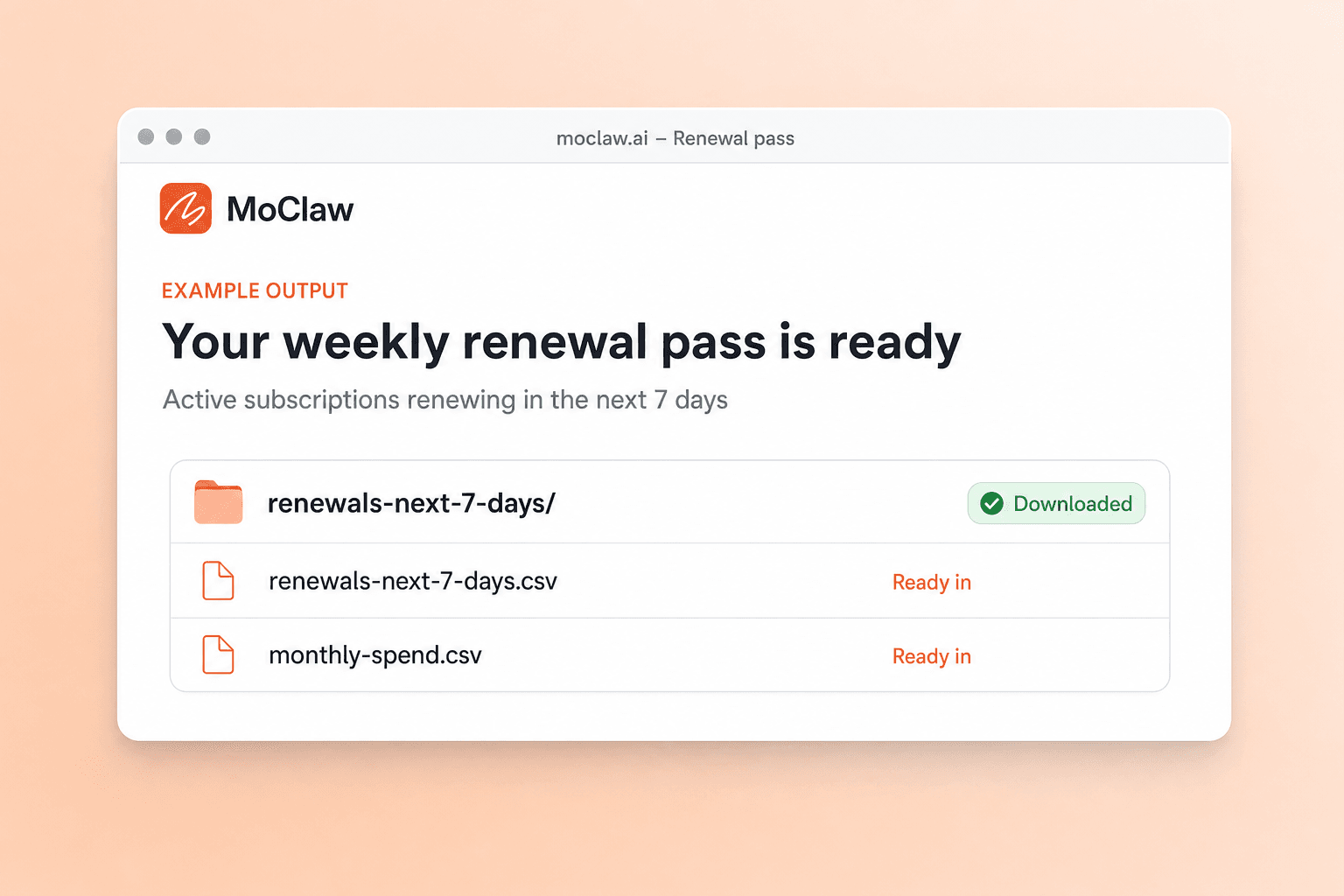
What your subscription tracker google sheets sends you
A real example of what MoClaw hands back, shown before you sign up.
subscription tracker google sheets: MoClaw vs Rocket Money
See how MoClaw's AI-powered approach differs from traditional tools.
| Feature | Manual Sheet | Subscription tracker app | MoClaw |
|---|---|---|---|
| Where the roster lives | Your Sheet, edited by hand | Vendor app, often bank-linked | Your Google Sheet, updated for you |
| Logging a new charge | Find a blank row, type, repeat | Wait for bank sync or tap through the UI | One sentence covers service, price, and renewal |
| Setup | Build the grid as the stack grows | Connect accounts and hope merchants match | Point at the sheet you already use |
| Who can open the source of truth | Anyone with the Sheet link | People who have the app login | Same Sheet link; automation on top |
Why keep the subscription tracker in the Sheet you already have?
Most teams do not need another bank-linked app. They need the renewal dates and monthly totals in the spreadsheet to stay true when prices move.
No row hunting for every price change
Skip scrolling for the right service name. Describe the change in a sentence and the sheet updates in place.
Works with the columns you already trust
MoClaw reads your current layout instead of forcing a new template. History and category tags stay put.
Every write comes with a checked summary
After updating, it reads the sheet again and lists the changes before finance or a card gets surprised.
Renewal pass on a schedule
A Monday scan of the next seven days beats remembering which SaaS hits the card mid-week.
Ways to extend your subscription tracker google sheets
Click one to load it into the box above, ready to run.
subscription tracker google sheets FAQ
What is a subscription tracker in MoClaw? ⌄
It is your existing Google Sheet for recurring services, updated from plain English instead of row-by-row edits. MoClaw reads the layout you already use, writes the fields you ask for, and returns a verified change summary.
Do I need a new subscription tracker template? ⌄
No. Keep the sheet you already run. Common columns are service, amount, billing cycle, renewal date, status, and card last four; MoClaw adapts to the names you already use.
How is this different from Rocket Money or subscription tracker apps? ⌄
Those apps want bank login and keep the roster inside their product. This tracker stays in Google Sheets, so finance can open the same file without another account, and you are not migrating years of notes into a consumer app.
Can MoClaw see my bank transactions? ⌄
No bank link is required for the Sheet workflow. You tell it what changed, or paste a short note list; it writes into the spreadsheet you point at.
Can the subscription tracker run on a schedule? ⌄
Yes. A common setup is a Monday morning list of Active renewals in the next seven days. You can still send a one-off add or cancel any time.
What do I get back after an update? ⌄
A short change summary: which service moved, the new amount or status, and which sheet was touched, after MoClaw re-reads the file.
Integrations
Best integrations for subscription tracker google sheets
Who it's for
Who uses subscription tracker google sheets
Related spreadsheet automation use cases
See also
Try Subscription Tracker for free
No credit card required