DeepSeek Harness for Non-Developers

DeepSeek Harness hit 85k GitHub stars in a day. For non-developers the question is not how to install it, but who owns it when it breaks.
Table of Contents
DeepSeek Harness went public on 13 August 2026 and passed 85,000 GitHub stars within about a day. If you are not a developer, the useful question is not how to install it. It is whether this belongs on your shortlist at all, or on a watchlist until someone on your side can own it.
Key Takeaways:
- Harness is infrastructure, not a finished product: there is no hosted DeepSeek Harness service documented as of publication
- The adoption test is ownership, not difficulty — if you cannot name who fixes it on a client deadline, it is a watchlist item
- "Everything is a plugin" means capabilities are replaceable, not that you can safely install plugins without review
- Developer preview is an explicit warning in DeepSeek's own README: compatibility-breaking changes are promised, not merely possible
I'm Vera. I use one filter when founders, consultants, or lean teams ask whether a new agent project belongs on their shortlist: who owns setup when something breaks on a client deadline? If nobody can answer, the project may be worth tracking, but not adopting.
I learned that reviewing an open-source agent setup for a small research workflow. The demo looked reasonable: connect a model, give the agent tools, save session state, let it prepare a report. But when I wrote down the operational questions, the shortlist changed quickly. Who owns the API key? Who updates the runtime? Who reviews a new plugin before it can read files? Who checks logs when a scheduled run fails? I counted nine setup and maintenance decisions before the first useful report draft. That was the point where I stopped treating a harness like a ready-made assistant and started treating it like infrastructure.
If you want the technical anatomy — the boot layers, the missing CLI, the Cordis lineage — we covered that separately in What Is DeepSeek Harness (DSH)?. This piece is only about the adoption decision.
The One-Line Version for Non-Developers
DeepSeek Harness is the working layer around an AI model. The model reasons, plans, and writes. The harness supplies tools, session history, provider connections, sandbox rules, logs, and UI. DeepSeek's own framing on the Harness launch page is blunt about the split: agent equals model plus harness.
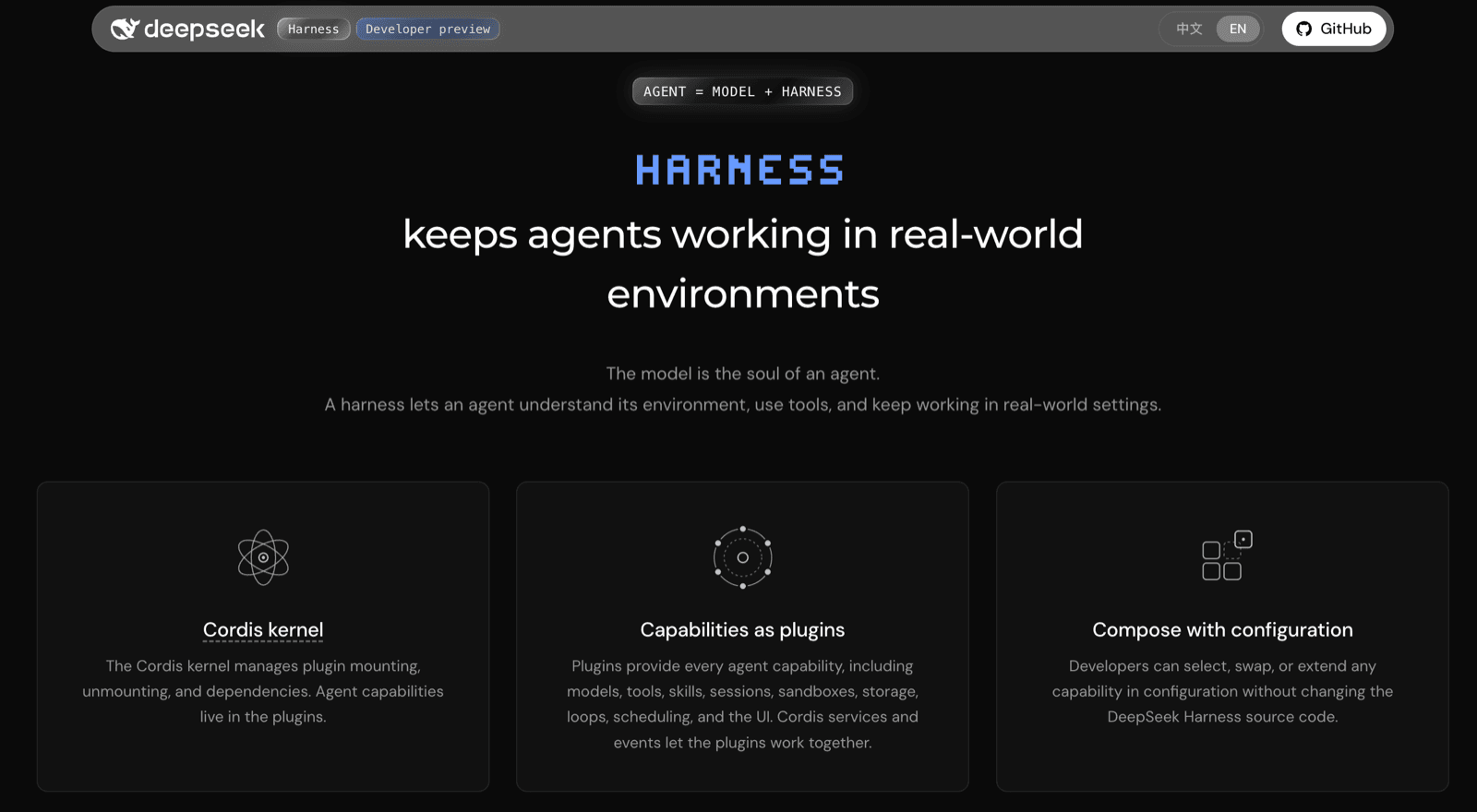
Think of the model as an engine and the harness as the surrounding machine. That places DeepSeek Harness much closer to infrastructure than to a subscription app — which is exactly why the buying question is different.
Why This Is a Toolkit Decision, Not a Product Decision
Choose a product if you need hosted access, billing clarity, user management, and support. Choose a toolkit if you want control, inspection, customization, and freedom to build an agent environment yourself.
The public repository describes dsh as an open-source project under the MIT license, and the architecture documentation frames sessions, tools, model adapters, agent loops, sandbox policy, storage, and UI as parts of one plugin tree.
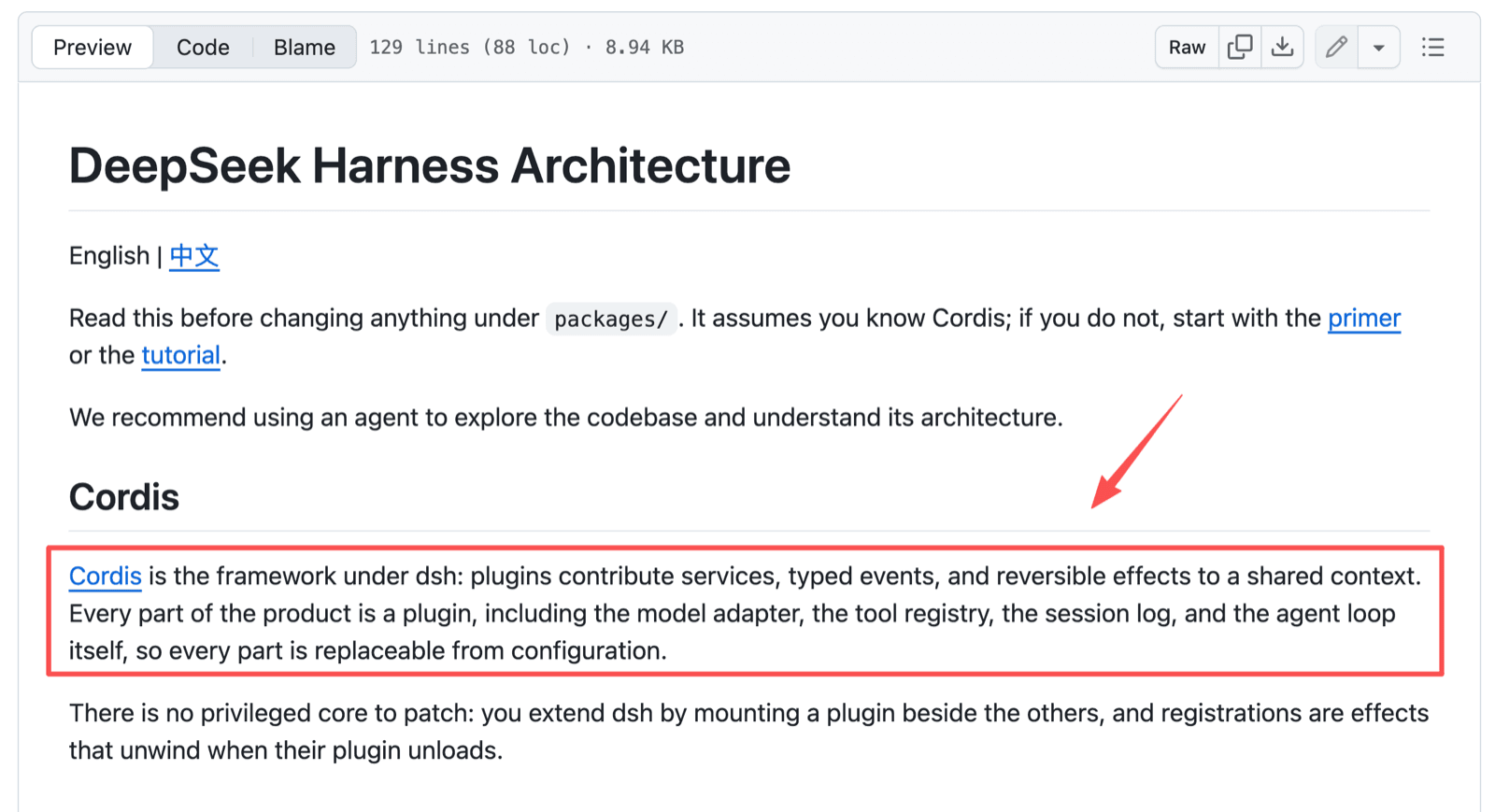
That composability is genuinely the upside. A technical operator can reshape the runtime around your policies, tools, and experiments. But nothing in that sentence is a support contract.
What "Everything Is a Plugin" Costs You
"Everything is a plugin" means capabilities can be replaced or extended without rewriting the runtime. The launch page lists models, tools, skills, sessions, sandboxing, storage, loops, scheduling, and UI as swappable pieces.
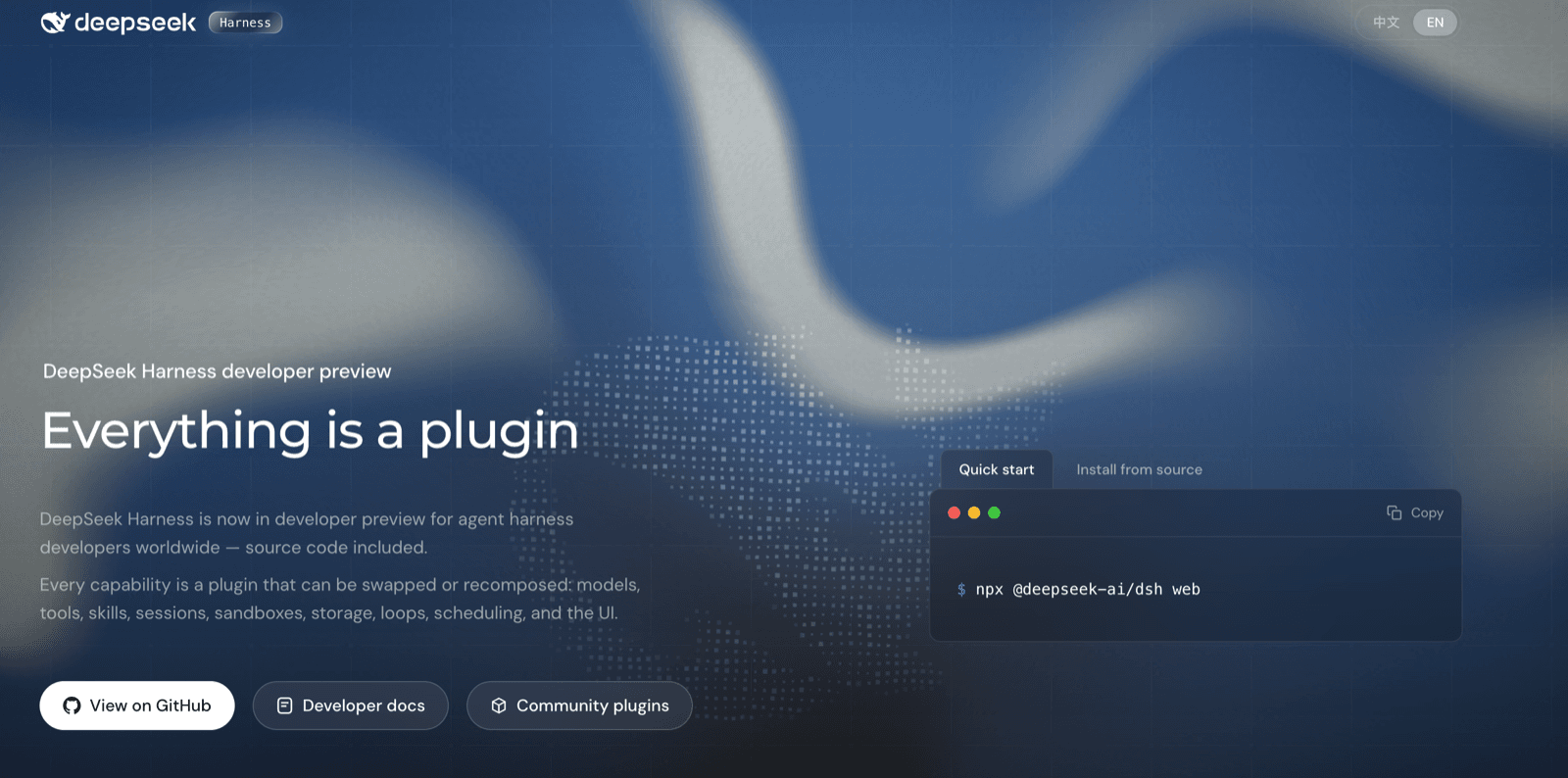
For a non-developer, the benefit is flexibility by proxy: a technical operator can adapt the runtime for research, coding, or a community agent. The cost is responsibility. A plugin may change what the agent sees, does, or records — and that is a security review, not a preferences screen.
Two words worth knowing. Cordis is the plugin framework underneath, the coordination layer that loads plugins, connects services, and handles events. A preset is a reusable agent configuration. Neither is a feature you turn on; both are things somebody configures and then maintains.
The Three Questions to Answer Before Anyone Installs It
Ask decision questions before setup questions. The goal is to know whether your team can support the tool after the first successful run.
Who will own the setup?
The owner should know where credentials live, which model provider is active, which workspace the agent can reach, and what actions require approval. Provider keys stay write-only after saving, but storage is not ownership. In a two-person consultancy, this is usually the honest blocker.
Is developer preview acceptable for this work?
DeepSeek says so itself, in capital letters. The README carries a developer-preview notice warning that there will be compatibility-breaking changes.
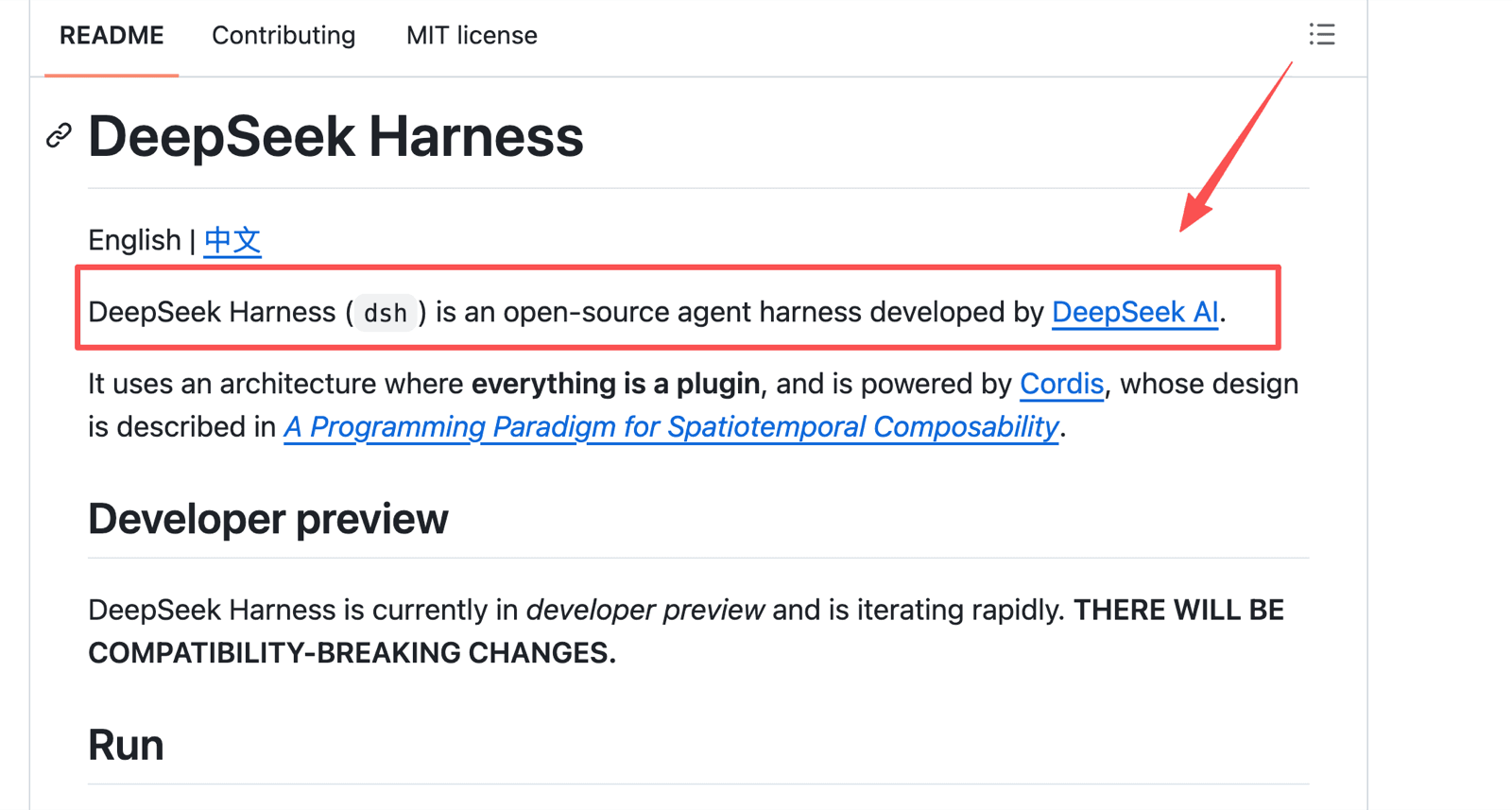
That is fine for prototypes and community experiments. It is risky for client deliverables or daily operations unless a technical owner can absorb breakage on someone else's schedule.
What happens when the person who set it up leaves?
Write ownership into the arrangement before setup starts. The company or client account should control provider accounts, API keys, repositories, and deployment access. At handoff, require a runbook, a dependency list, a rotation plan, and a recovery walkthrough.
Who Harness Is Actually For
DeepSeek Harness is most useful for people who want to shape the agent runtime itself: developers, open-source contributors, technical product teams, and advanced communities. Communities may be the strongest early audience, because Harness invites plugin creation, shared presets, and custom agent behavior.
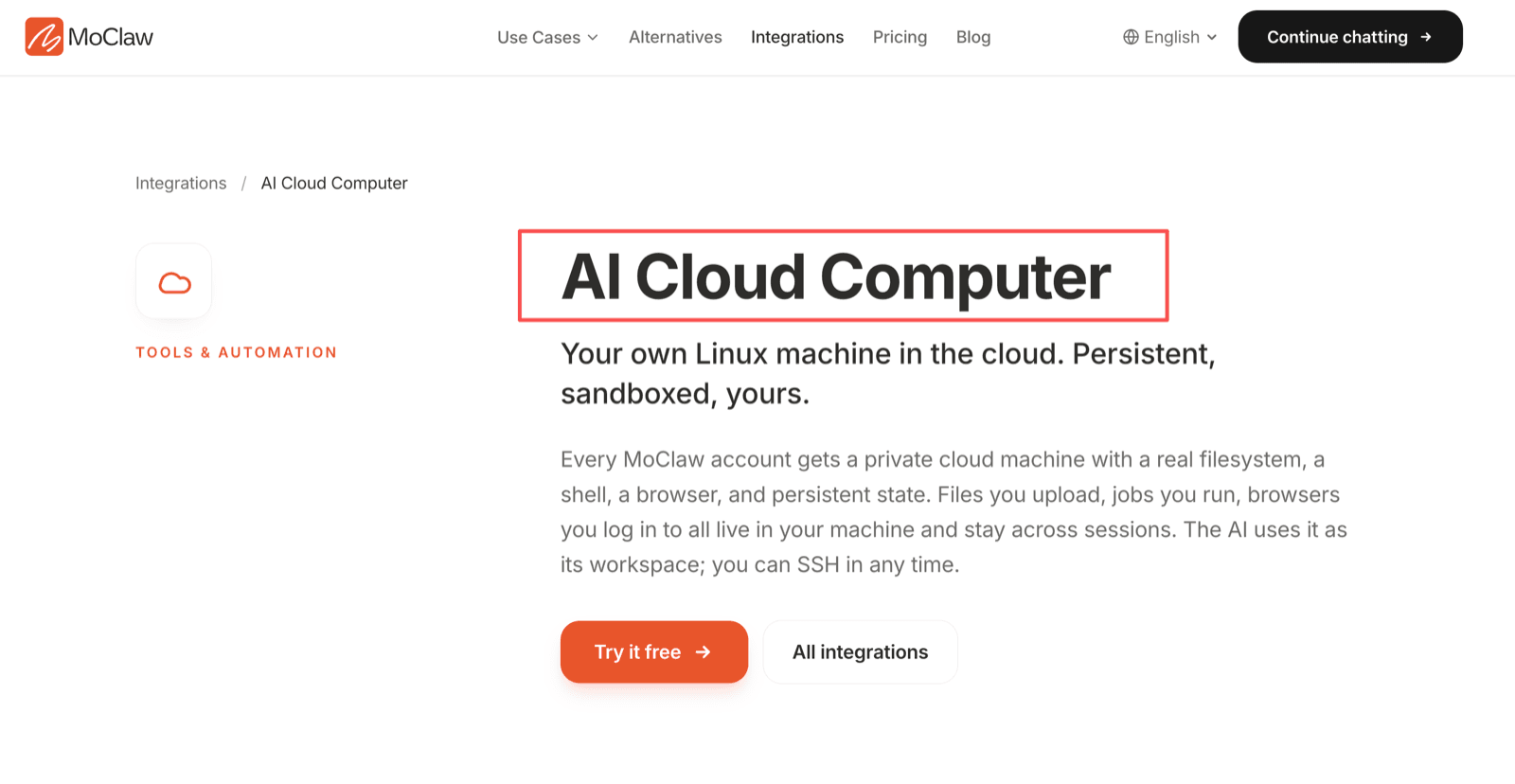
It is least suited to a solo operator who wants a cloud AI assistant already hosted and ready for client work. If you want browser work, file state, and recurring tasks without maintaining a runtime, MoClaw's AI Cloud Computer is the closer fit.
Non-developers can still contribute to a Harness project without operating it — by defining useful tasks, reviewing outputs, naming approval points, and flagging confusing flows.
What to Watch Without Adopting It Today
Follow three signals. First, whether DeepSeek publishes an official hosted Harness service; as of publication, hosted availability is not publicly documented. Second, plugin quality, because useful plugins need clear permissions and maintenance. Third, presets — if presets become legible to business users, Harness-style systems may start shaping mainstream managed assistants.
I would also watch session logs. If model-visible work becomes easy for non-technical reviewers to inspect, that changes what everyone else has to offer.
FAQ
Does DeepSeek offer an official hosted Harness service?
Not publicly documented as of publication. Public materials point to developer-preview access, open source, developer docs, GitHub Discussions, and community channels. Verify DeepSeek's site before assuming hosted access exists.
Can a consultant test Harness without using client data?
Yes. Use public files, synthetic briefs, or a dummy workspace. Do not connect client accounts, private documents, or production credentials. A useful test can focus on whether the agent records its steps clearly.
Who provides support for an open-source Harness deployment?
Support ownership should be named internally or contracted. Community channels help, but a business deployment needs someone responsible for updates, credentials, plugins, and incidents.
Can a team estimate costs before choosing a model provider?
Only roughly. Harness itself is MIT-licensed software, but model calls, hosting, storage, monitoring, and third-party tools create separate costs. Estimate with a sample workflow and real provider billing records.
Does the MIT license permit commercial Harness-based services?
The MIT license generally permits use, copying, modification, distribution, sublicensing, and sale when the required notice is included. Teams should still review third-party notices, plugin licenses, provider terms, and client obligations.
Watchlist, Not Workflow
DeepSeek Harness deserves attention because it makes agent infrastructure visible at launch: model routes, tools, sessions, plugins, presets, sandboxing, and logs are all first-class parts of the system. For non-developers the decision is simpler than the architecture. Put it on your watchlist if you have a runtime operator or want to understand where agent tooling is heading. Choose a managed assistant first if you need hosted reliability and reviewable work without maintaining the runtime yourself.
Fact-checking note: repository, licence, star count, and developer-preview status verified against DeepSeek's public GitHub repository and Harness site on 14 August 2026. DeepSeek Harness is an evolving open-source project in developer preview, so features, availability, licensing, and documentation may change. Verify current official sources before using it for production, commercial, security, or legal decisions.
Continue Reading
More Guide
MoClaw Pricing: Is $20 a Month Worth It?

What to Use Instead of Manus in 2026

Is DeepSeek Harness Enough for Always-On?

Personal AI Agents Explained for Real Work

What Is DeepSeek Harness (DSH)?

Orca ADE: Parallel AI Agent Fleet Explained
The MoClaw editorial team writes about workflow automation, AI agents, and the tools we build. Default byline for industry overviews, listicles, and collaborative pieces.
Ready to put this into practice?
MoClaw runs browser tasks, research, and schedules automatically. Try it free.
References: deepseek-ai/deepseek-harness on GitHub · DeepSeek Harness architecture documentation · DeepSeek Harness developer preview site · DeepSeek Harness MIT licence