What to Use Instead of Manus in 2026

Four product categories all look like Manus in a demo. How to pick the right one for your workflow before you compare brand names or prices.
Table of Contents
Most "what to use instead of Manus" advice hands you a ranked list and stops. The ranking is the easy part. The hard part is that four different product categories all look like Manus in a demo and behave nothing like it in week three — so the useful move is to identify which category your work actually needs before you compare brand names.
Key Takeaways:
- Four categories compete for this search: cloud AI computers, research agents, workflow automation platforms, and chat-first assistants
- Match the category to your workflow shape first, then compare browser work, schedules, files, memory, credits, exports, and review controls
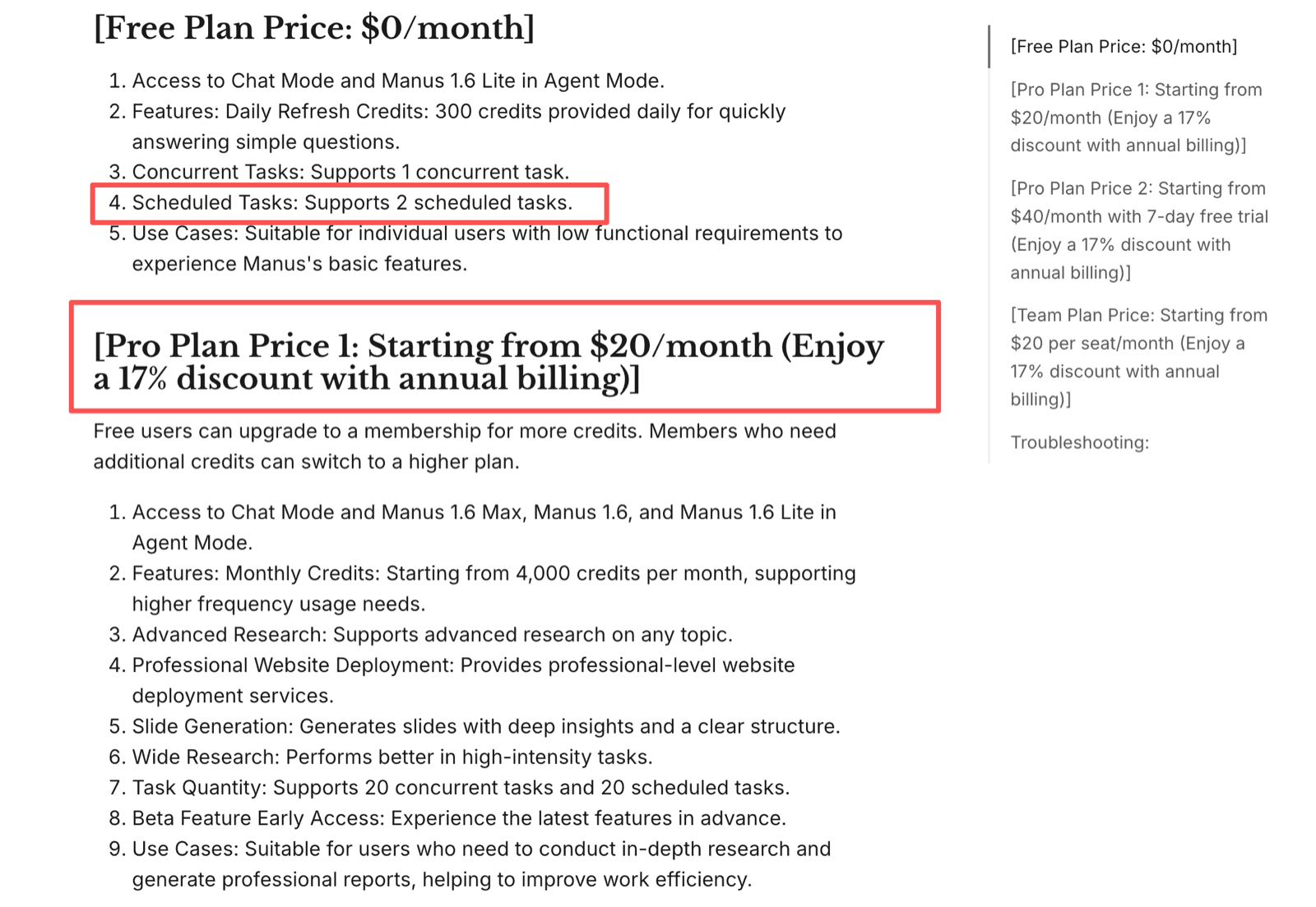
- Manus's own numbers set the baseline: 2 scheduled tasks on Free, 20 on Pro, from $20/month billed annually
- Trial evidence should include prompts, outputs, screenshots, logs, credit usage, and failure reasons — not just whether the output read well
If you already know the category you want and just need the shortlist, our cheaper Manus AI alternative guide has the tool-by-tool comparison and pricing math. This piece is the step before that one.
I use one plain trial task when evaluating agent alternatives: open a source, collect evidence, draft a brief, save the output, and flag what needs approval. In one private trial I ran that same task across three agent-style tools — a cloud execution workspace, a research-first agent, and a chat-first assistant with browser help. Same sources, same output format, same filename rule.
All six runs produced something readable. Only two preserved the source links, filename rule, and review note without correction. Two changed the output structure between runs, one missed a source link, and one completed the summary but left no useful evidence trail. That is why the trial told me more than output quality did. It showed which tools could carry task state and leave an audit trail.
First, Check Whether You Still Need to Switch
Brand diligence matters here, because the reason people search this changes what they should do. Manus joined Meta, and Manus has since published a note saying it will resume operating as an independent company.
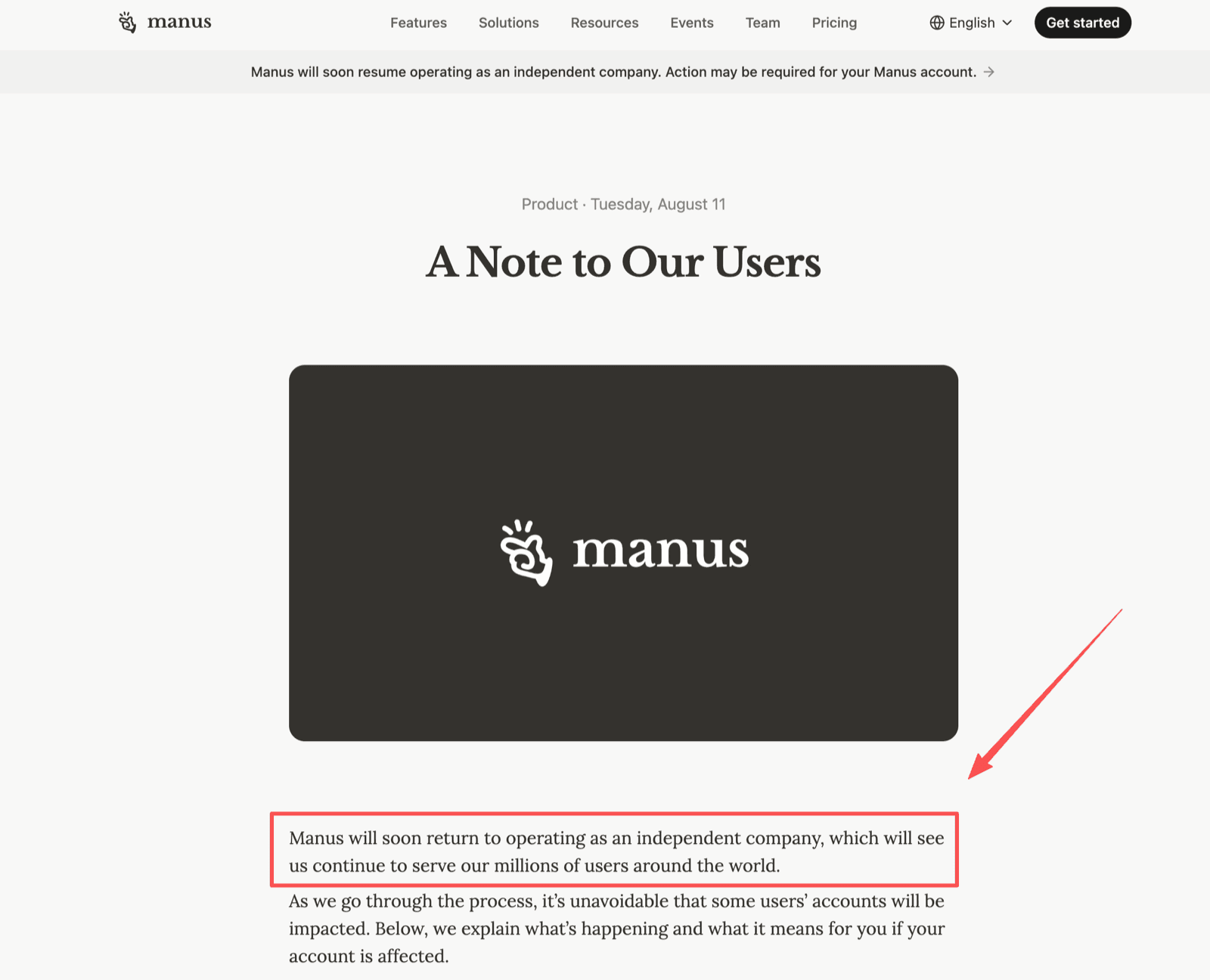
If your reason for leaving was acquisition anxiety, that note is worth reading before you migrate anything. If your reason was cost, credit burn, or missing browser continuity, keep going — those do not resolve themselves.
Either way, confirm admin ownership, exports, and migration requirements during the trial rather than after it.
Know the Baseline You Are Replacing
You cannot judge a replacement without the incumbent's actual numbers. Manus's help center lists Free at 300 daily refresh credits, 1 concurrent task, and 2 scheduled tasks; Pro starts at $20/month with a 17% annual discount, from 4,000 monthly credits, and 20 concurrent plus 20 scheduled tasks.
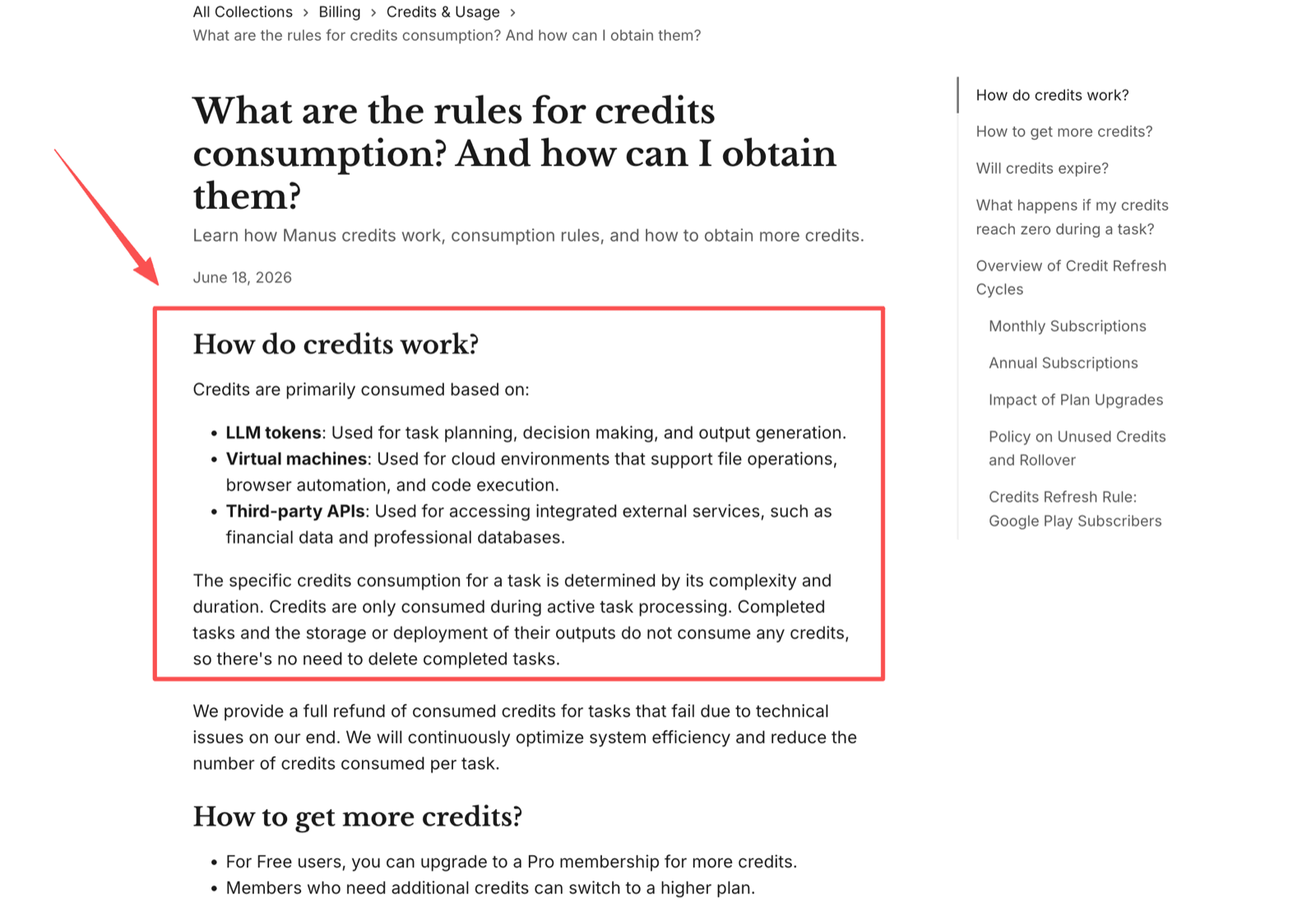
The metering rule matters more than the headline price. Manus credits are tied to LLM tokens, virtual machines, and third-party APIs, and credits are consumed during active task processing.
Treat those figures as current at publication and verify live checkout before budgeting. The comparison you actually want is not "$20 vs $20" — it is cost per completed run at your workload.
The Four Categories, and Which Work Each One Fits
Cloud AI computers
Cloud AI computers fit recurring work that needs persistent state: browser tabs, files, scripts, downloads, scheduled checks, and reviewable outputs. Good for research packets, browser admin preparation, lightweight data collection, and document assembly.
Weak for clean API-to-API automation. For most people searching for a Manus replacement, this is the closest structural match, because it is the category Manus itself sits in. The trade-off is governance: naming rules, access ownership, approval gates, export habits.
Research agents
Better when the hard part is finding, comparing, and explaining information. They build market scans, source-backed summaries, and briefing notes for consultants who need defensible research before drafting a recommendation.
Weaker for messy execution. If the task requires logging into a vendor portal, downloading invoices, updating a spreadsheet, and preparing a client email, a research-first tool covers only part of the work.
Workflow automation platforms
Strong when inputs, triggers, and outputs are predictable — moving CRM records, sending notifications, routing forms, updating spreadsheets after a known event. Weaker for exploratory browser work, because the process needs tight definition in advance.
The upside is control; the downside is flexibility. When work requires judgment or exception handling, automation needs an AI layer or a reviewer. Our AI agent vs automation tool guide covers where that line falls.
Chat-first assistants
Often the fastest option for drafting policies, rewriting emails, reviewing documents, and planning a workflow before anything gets automated. Easy to adopt when you already live in that interface.
The limitation is continuity. If it cannot run scheduled tasks, preserve a workspace, or operate a browser with durable files, treat it as the planning layer rather than the operations layer.
The Seven Things to Compare Once You Have a Category
Judge a managed agent by what happens after the first prompt, not during the demo.
Browser work. Opening the right account, reading current information, handling downloads, naming files, saving evidence, and reporting uncertainty. If a tool cannot show what happened, it may still help with drafting but it is weak for operations.
Scheduling. A reminder in chat is not a background run with a task log. Test whether scheduled work can be paused, renamed, resumed, and reviewed by someone other than the creator.
Files and workspace memory. Memory is only useful when tied to reviewable task state. A tool that remembers preferences but cannot show which source or browser step produced an output creates a trust problem.
Exports. If trial work stays trapped in a chat transcript, you rebuild prompts, source lists, and evidence logs when you move. This is where switching costs hide.
Cost unit. Credits, activities, actions, or seats — each meters differently under real load. Record task type, run length, data sources, unit consumption, and whether a human had to rescue the run.
Review controls. Decide which actions the agent may draft, which it may prepare, and which require a person. No agent should publish, pay, delete, message clients, change account settings, or alter production records without review.
Failure evidence. Failed runs reveal whether the tool gives you enough to diagnose the issue. That is more informative than a successful demo.
Where MoClaw Fits
Disclosure: this is written from a MoClaw perspective, so MoClaw appears as one option in the cloud AI computer category rather than the universal answer.
MoClaw is most relevant when you want a cloud-based agent workspace for browser tasks, recurring execution, files, and reviewable outputs. Its AI Cloud Computer is a private Linux machine with a filesystem, shell, browser, and persistent state.
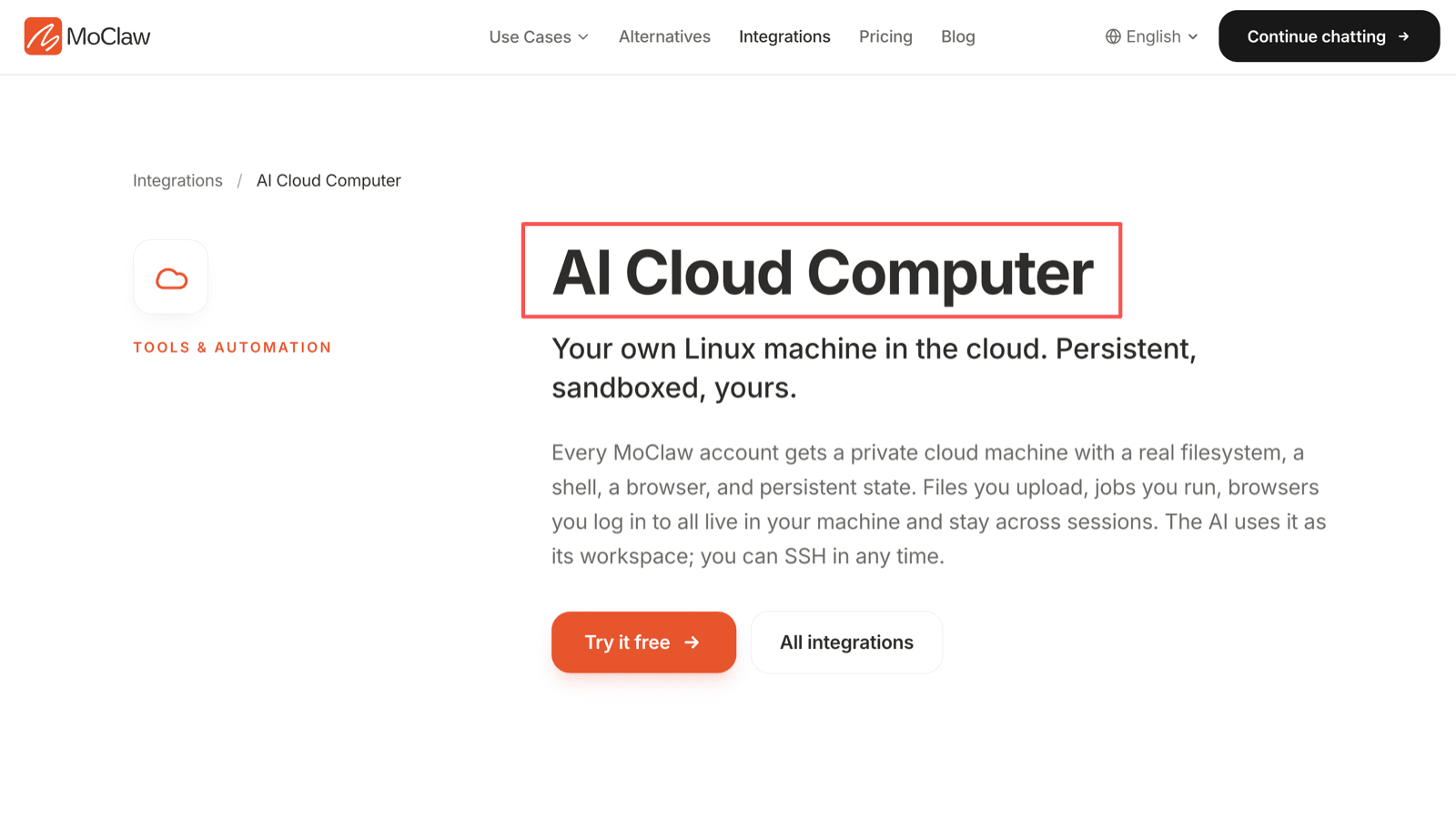
That suits users who want an assistant to prepare work rather than quietly finalize it: recurring research packets, operational checklists, browser-based admin preparation, scheduled drafts.
It is a poor fit if you want a locked procurement suite, a native booking system, an expense approval platform, or fully predefined app-to-app automation with no browser work. A vertical business app or automation platform is cleaner for those.
FAQ
Can I run two agents during a trial period?
Yes, if the trial is controlled. Give both tools the same task, source list, deadline, and output format. Do not connect both to the same live account with edit permissions unless you can prevent duplicate actions.
Who should own vendor access after a teammate leaves?
The company or client account, not the individual operator. Before someone leaves, transfer admin rights, rotate connected credentials, export task records, and check scheduled runs.
What evidence should I save from failed trial tasks?
The prompt, timestamp, visible model or mode, credit usage, screenshots, browser logs, output files, and the exact point where the task stopped. That shows whether the agent misunderstood the task, lost access, exceeded a limit, or needed a human decision.
Can one workflow use multiple agents safely?
Yes, but each needs a defined role. One can research, another can draft, another can run a scheduled check — but only one system should own the final record. Use handoff notes, shared filenames, approval status, and change logs.
Can I publish benchmark notes from a private trial?
Be careful. Private trial notes can contain vendor UI details, confidential prompts, client data, or contract-limited information. If you publish a comparison, remove private data, avoid universal performance claims from a tiny test, and separate observed behavior from opinion.
Pick the Category, Then the Tool
What you should use instead of Manus depends on the shape of the work you repeat: browser execution, scheduled checks, research, app automation, drafting, file handling, or review preparation. The strongest replacements are not the ones with the loudest autonomy claims.
Test one real workflow, measure the cost unit, inspect the output record, and decide where human approval belongs. Manus may still fit many users. The right alternative is the tool you can explain, audit, and switch away from without losing work.
Verification note: Manus plan limits, pricing, and credit rules were read from Manus's own help center on 14 August 2026, and the independent-operation notice from Manus's blog the same day. Vendor pricing and terms change frequently — confirm live checkout before budgeting.
Continue Reading
More Guide
MoClaw Pricing: Is $20 a Month Worth It?

Is DeepSeek Harness Enough for Always-On?

DeepSeek Harness for Non-Developers

Personal AI Agents Explained for Real Work

What Is DeepSeek Harness (DSH)?

Orca ADE: Parallel AI Agent Fleet Explained
The MoClaw editorial team writes about workflow automation, AI agents, and the tools we build. Default byline for industry overviews, listicles, and collaborative pieces.
Ready to put this into practice?
MoClaw runs browser tasks, research, and schedules automatically. Try it free.
References: Manus membership pricing (help centre) · Manus credit consumption rules · Manus joins Meta · A note to our users (Manus)