Self-Hosted AI Agent: The Real Cost

What does running a self-hosted AI agent like OpenClaw really cost? Setup time, maintenance, security, and when a managed option fits better.
Table of Contents
A self-hosted AI agent is software you run on your own computer or a rented server so it can browse the web, run code, read files, and handle multi-step tasks for you. OpenClaw is the one most people mean right now, and the honest version of the self-hosted AI agent cost has almost nothing to do with the download. The code is open-source and free. The cost starts the moment it is running.
Key takeaways:
- The software is free. The cost is your time, ongoing maintenance, and the security work that comes with running an agent that can touch your accounts and files.
- OpenClaw self-hosting is a fair fit for hobbyists, privacy-first builders, and anyone who already has a home server and likes maintaining it.
- The agent's broad permissions are also its main risk. A self-hosted agent inherits whatever access you give it.
- Agents that run in a loop can quietly burn through API tokens, so usage caps matter more than people expect.
- If you do not want to run and patch a server, a managed, always-on AI assistant removes most of these costs by doing the operations for you. For a security-focused Rust implementation, our IronClaw review separates its sandbox model from the setup and maintenance it still requires.
Hi, I'm Vera. I run a one-person consulting practice, and I do actually self-host things when it earns its keep. So before I wrote this off, I ran OpenClaw for real: spun it up on a $6/mo VPS, got it talking to Telegram, gave it a recurring research task, and left it running for nine days. It completed 11 tasks over that stretch and burned through roughly 340,000 tokens doing it, about $1.70 at the model rate I was using. That part was fine. Then I added up the part that comes after install, and I took it back down. This is math.
One thing before the math: I write for Zentor, a managed AI assistant that shows up later in this piece as one of the alternatives. Worth saying that up front. What I can tell you is that I ran OpenClaw for nine days before writing a word of this, and I kept its case in this piece as strong as I found it. The conclusion is mine. The setup numbers are the actual ones.
What a Self-Hosted AI Agent Actually Involves
OpenClaw self-hosting means you are the one responsible for the whole stack: getting it installed, connecting it to your messaging apps and accounts, and keeping it online. None of the individual steps are hard. The work is that there is no one else to hand the broken parts to.
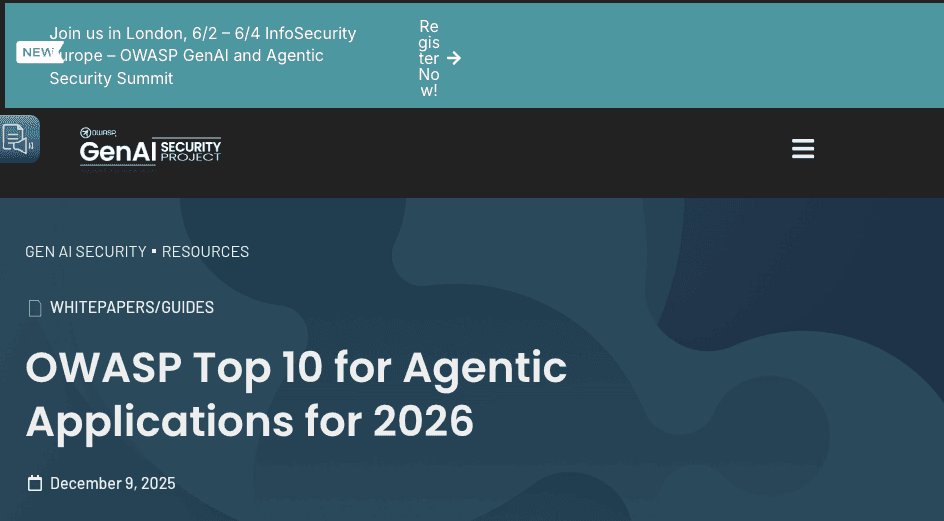
It helps to be clear about what kind of software this is. An AI agent is not a chatbot that waits for prompts. It plans, takes actions, remembers context, and can run on its own. That autonomy is the appeal, and it is also why the security model is different from a normal app. OWASP now maintains a dedicated Top 10 for Agentic Applications, which is a good neutral read on why agents that browse, call tools, and execute code carry risks a chat window never did.
Install, configure, keep it running
Getting OpenClaw started is the easy afternoon. You install it, point it at your accounts, and send it a first task. Then you own three jobs for as long as you run it: keeping it updated, keeping it reachable only by you, and noticing when it quietly stops working. The mark of a good background tool is that you only think about it when it breaks. A self-hosted agent breaks on its own schedule, and the fix is also yours. For a portable Go-based assistant, our PicoClaw security overview reviews its lightweight design, setup, and pre-v1 security limits.
The Costs People Underestimate
The setup is the visible part. The rest of the self-hosted AI agent cost stays hidden until you are already committed.
Ongoing maintenance and updates
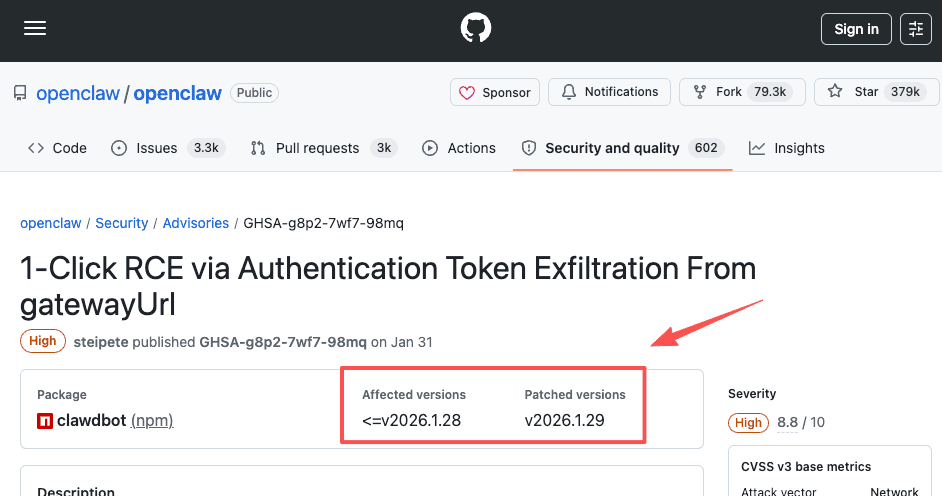
AI agent maintenance is the part that never ends. The project moves fast, and fast-moving open-source software means frequent updates, dependency changes, and the occasional urgent patch. After the first OpenClaw vulnerability went public, the fix shipped in version 2026.1.29, documented in the official GitHub security advisory. Staying current is not optional with an agent. An unpatched one is a standing risk, so "set it and forget it" is the one thing self-hosting does not let you do.
Security exposure and patching
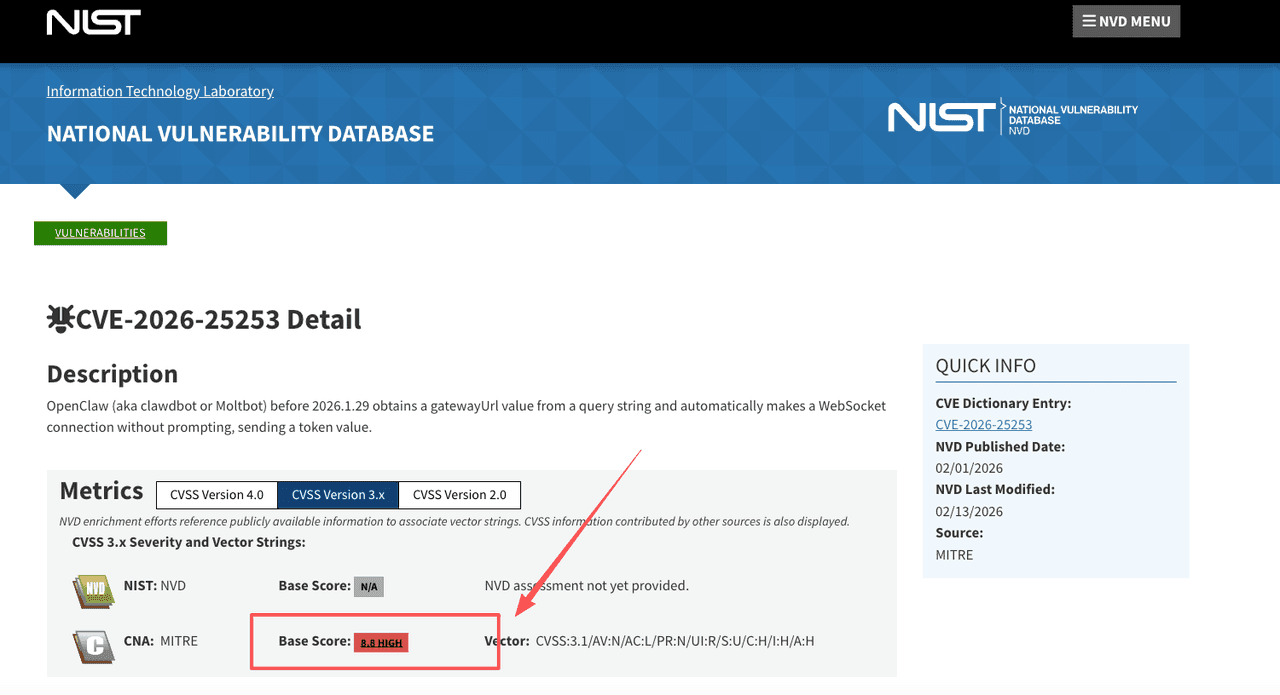
The real AI agent security risk is that you are running powerful software that holds your credentials. In early 2026, researchers disclosed CVE-2026-25253, a flaw rated 8.8 in which a crafted link caused the agent to open a WebSocket connection automatically and send its authentication token to an attacker-controlled server, handing over control of the host. The bigger lesson was scale. Within a week, security firm Censys mapped more than 21,000 exposed OpenClaw instances on the public internet. This is a public security event, not a verdict that the tool is unusable. It is a reminder that when you self-host, the patching clock is on you.
Runaway usage and API bills
An agent that runs in a loop can spend money while you sleep. Because it plans and retries on its own, a task that goes sideways can consume API tokens far faster than a normal chat session, and without spending caps or alerts there is nothing to stop it. This is not unique to OpenClaw. It is how agentic loops behave. The charge shows up on your provider's bill, and the only defense is limits you set up yourself.
Who Self-Hosting Is Genuinely Right For
Self-hosting is the right call for more people than the security headlines suggest. If you already run a home server, enjoy maintaining your own stack, and want full control over where your data sits, OpenClaw gives you exactly that. Privacy-first users who do not want an outside service touching their accounts have a real reason to keep everything local. For a lightweight container-based assistant, our NanoClaw security overview covers isolation, code-based customization, setup, and dashboard limits.
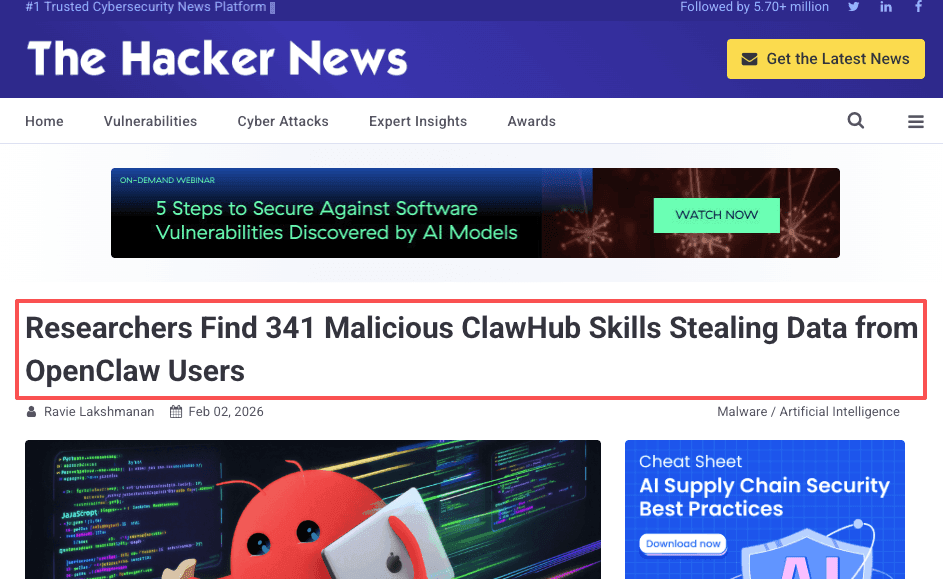
The honest caveat is the marketplace. Even capable self-hosters have to vet what they install, because the skill ecosystem itself became an attack surface. Researchers found 341 malicious skills in OpenClaw's ClawHub registry shortly after launch, with numbers growing significantly as the marketplace expanded. This highlighted the risks of unvetted community plugins. The registry is the review work you own when you self-host. For the right person, all of this is acceptable. The question is whether it is acceptable to you. For the OpenClaw registry itself, our OpenClaw ClawHub guide explains skills, plugins, installation, and review checks.
| Self-hosted OpenClaw | Managed AI assistant (e.g. Zentor) | |
|---|---|---|
| Software cost | Free | Monthly subscription |
| Setup | VPS + install + config | Sign up, send tasks |
| Maintenance | Yours: updates, patching, uptime | Vendor's |
| Security patching | Yours, on your schedule | Vendor's |
| API cost control | Manual caps you configure | Platform-managed or BYOK |
| Data location | Your hardware | Vendor's cloud |
| Best for | Hobbyists, privacy-first, home server owners | Non-technical users, solopreneurs, people who want outcomes |
When a Managed, Always-On Assistant Makes More Sense
The managed vs self-hosted AI choice comes down to one question: do you want to operate the server, or do you want the outcomes? If you want the outcomes, a managed setup removes the install, the patching, the exposure surface, and the runaway-usage babysitting, because someone else runs the infrastructure and you just send tasks.
This is the bucket I landed in. I do not run a server. The task runs somewhere I do not manage, and the result shows up without me tending to it. An always-on AI assistant on a managed cloud computer covers most of what people self-host OpenClaw to do: recurring research, browser work, scheduled reports. You can see the kind of tasks that fit on Zentor's use cases page, or in its breakdown of real AI agent use cases by team size.
One thing worth saying plainly: Zentor is not OpenClaw, not a fork of it, and not a hosted version of it. Different product, no connection. Managed also does not mean it solves everything. It trades control for convenience, and for some of you the control is the point. I am not going to make that call for you.
FAQ
If I cap my API usage, can a self-hosted agent still run up a big bill?
A hard spending cap at the provider level stops the bill from growing past a set point, but it also stops the agent when the limit hits. If the agent is mid-task when that happens, it fails silently or gets stuck, depending on how the runtime handles it. The cap is the right defense, but it works by cutting the agent off, not by making the loop more efficient. Set alerts below the cap so you see the warning before the cutoff.
Does self-hosting OpenClaw mean my data never leaves my machine?
Your local files and configuration stay on your hardware. The agent's reasoning, tool calls, and task content still go to the model provider's API, because the model itself runs on their servers, not yours. If you want truly local inference with no external calls, you need to point OpenClaw at a locally running model, which adds another layer of setup. Most self-hosters use a cloud model API and accept that tradeoff. For Cloudflare's experimental deployment pattern, our Moltworker sandbox overview covers Sandbox architecture, limits, setup, and platform-specific costs.
How do I vet a third-party OpenClaw skill before installing it?
Read the skill's source before you install it, not just its description. Koi's ClawHavoc research found malicious skills disguised as legitimate tools across every high-value category on ClawHub. Check what permissions the skill requests, what external URLs it calls, and whether the repository has recent commits from a recognizable maintainer. If you cannot read the code, treat the skill as untrusted until someone you trust has reviewed it.
Can a managed AI assistant handle browser tasks the same way a self-hosted agent can?
For most non-technical users, yes. A managed assistant with browser control can open pages, click, fill forms, and extract content on a schedule, which covers the main reason people self-host OpenClaw. The difference is that you cannot inspect or modify how the browser session runs. If your task requires custom browser config, local login sessions that will not work on a remote machine, or specific browser extensions, self-hosting gives you control that a managed setup cannot match.
Self-Hosted AI Agent Cost: Worth It If You Want to Run the Stack, Not If You Just Want the Output
I can only tell you the self-hosted AI agent cost stopped being worth it for me once I added up the part that comes after the install.
Continue Reading
More Guide
Manus AI Pricing: What 4,000 Credits Buys

8 Ways to Cut Your AI Agent Bill

OpenAI Models in Cursor: What Happens Nov 12
Content Creation Workflow: Brief to Publish

Rune IDE: Keyboard-Driven and Agent-Optional

Browser Use Life Recorder: A Local Audio Diary
The Zentor editorial team writes about workflow automation, AI agents, and the tools we build. Default byline for industry overviews, listicles, and collaborative pieces.
Ready to put this into practice?
MoClaw runs browser tasks, research, and schedules automatically. Try it free.
References: OWASP Top 10 for Agentic Applications (2026) · OpenClaw gateway token security advisory (GHSA-g8p2-7wf7-98mq) · CVE-2026-25253 (NVD) · Censys: OpenClaw public exposure mapping · The Hacker News: malicious ClawHub skills