Hacker News Digest
Hacker News digest by AI: daily summaries of top stories, filtered in plain English, delivered on your schedule.
Runs on managed cloud. No scripts, no Zapier.
I'll set up the daily cron job and run it once right now for you!
Perfect! I've set up your daily Hacker News digest for 9am PST starting tomorrow, and here's your summary right now:
Hacker News Morning Digest
April 7, 2026
1. Project Glasswing: Securing Critical Software for the AI Era
1,187 points - 560 comments - anthropic.com
Anthropic announces a major cybersecurity initiative bringing together AWS, Apple, Google, Microsoft, CrowdStrike and others. Their unreleased Claude Mythos Preview model has found thousands of zero-day vulnerabilities. Anthropic is committing $100M in credits.
2. Artemis II Lunar Flyby -- First Human Photos from the Moon's Vicinity
627 points - 144 comments - nasa.gov
NASA released stunning photos captured by the Artemis II crew during their historic lunar flyby on April 6, 2026. Humanity's first return to the Moon's vicinity in over 50 years.
3. Claude Mythos Preview System Card
644 points - 459 comments - anthropic.com
Anthropic published the full technical system card for Claude Mythos Preview. It scores 93.9% on SWE-bench Verified and 83.1% on cybersecurity benchmarks.
4. GLM-5.1: Towards Long-Horizon Tasks
498 points - 203 comments - z.ai
A new AI model from Zhipu AI focused on tackling long-horizon, multi-step tasks. Generating significant discussion on HN.
5. Protect Your Shed
110 points - 21 comments - dylanbutler.dev
A thoughtful essay about building side projects to keep curiosity alive and prevent burnout.
6. Slightly Safer Vibecoding by Adopting Old Hacker Habits
83 points - 34 comments - addxorrol.blogspot.com
A security researcher explains how to reduce supply-chain attack risks when using AI coding agents by developing on remote VMs via SSH/tmux.
7. Native Americans Had Dice 12,000 Years Ago
47 points - 12 comments - nbcnews.com
A new study reveals that Native Americans had dice and games of probability 12,000 years ago -- roughly 6,000 years before the earliest known examples in Mesopotamia.
8. Show HN: Local-First Spreadsheet with Real Formulas
312 points - 89 comments - github.com
An open-source spreadsheet app that runs entirely in the browser with no backend. Supports Excel-compatible formulas, offline-first with CRDTs for sync.
9. Why We Switched from Kubernetes to Bare Metal
267 points - 178 comments - blog.railway.app
Railway shares their journey from K8s back to bare metal, saving 40% on infra costs. For their workload profile, K8s overhead wasn't justified.
10. The Unreasonable Effectiveness of Just Showing Up
198 points - 67 comments - lethain.com
Will Larson on why consistent presence and reliability outperform bursts of brilliance in engineering careers.
You'll get a digest like this every morning at 9am Pacific.
- You'll get a digest like this every morning at 9am Pacific.
How the hacker news digest works
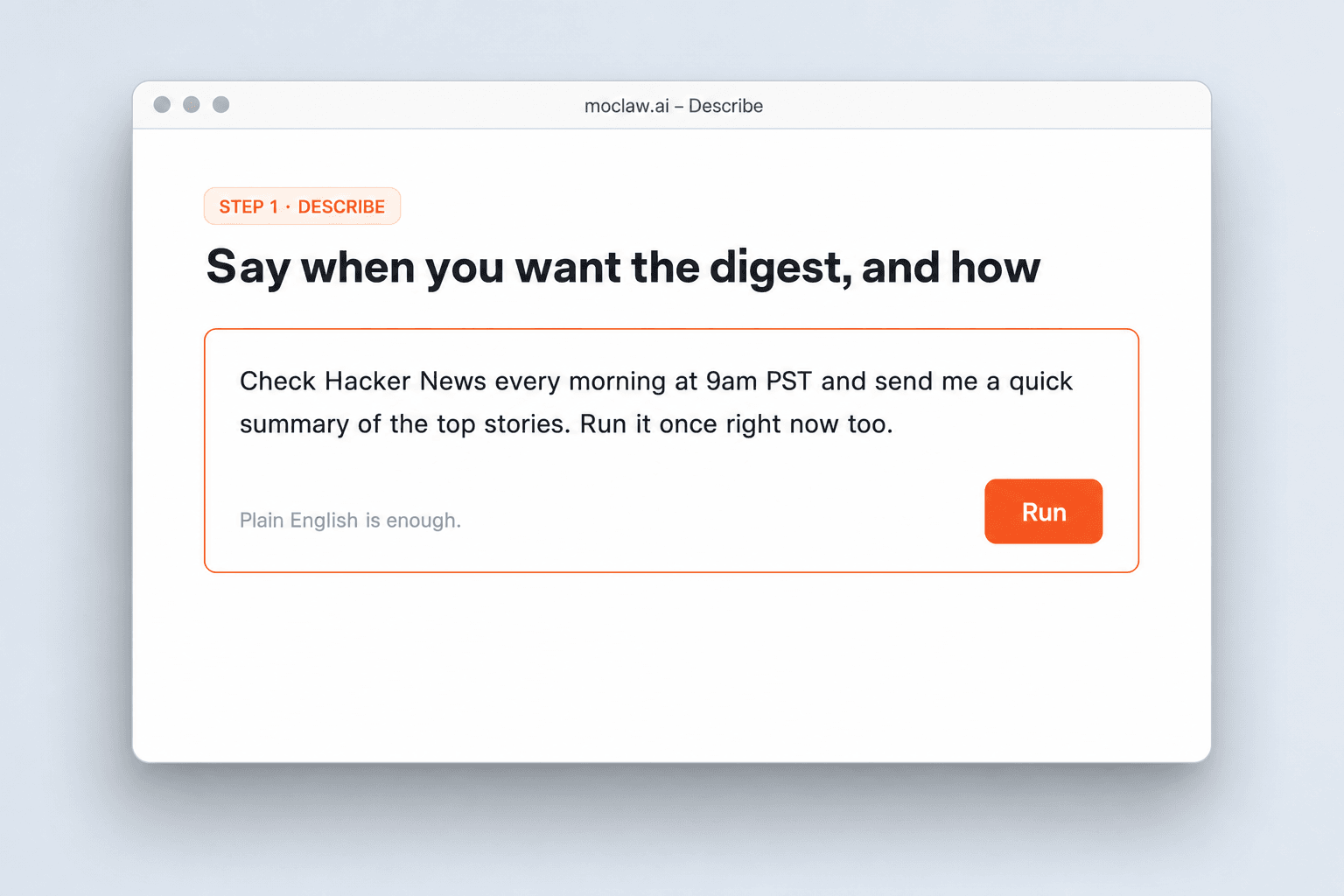
Say when you want the digest, and how
Source, schedule, filters, and delivery channel in plain English.
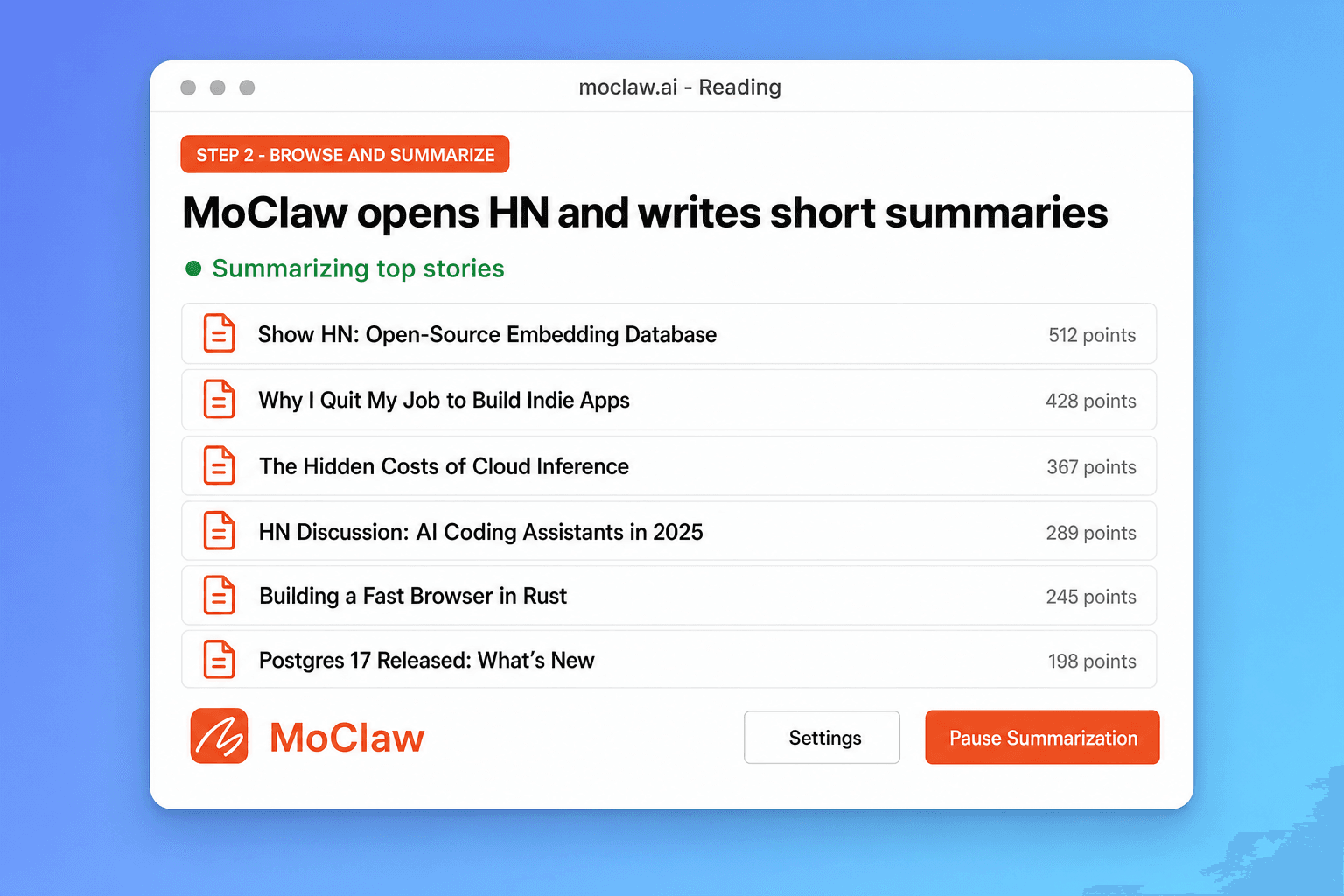
MoClaw opens HN and writes short summaries
It reads the top stories and adds brief context, not just a headline dump.
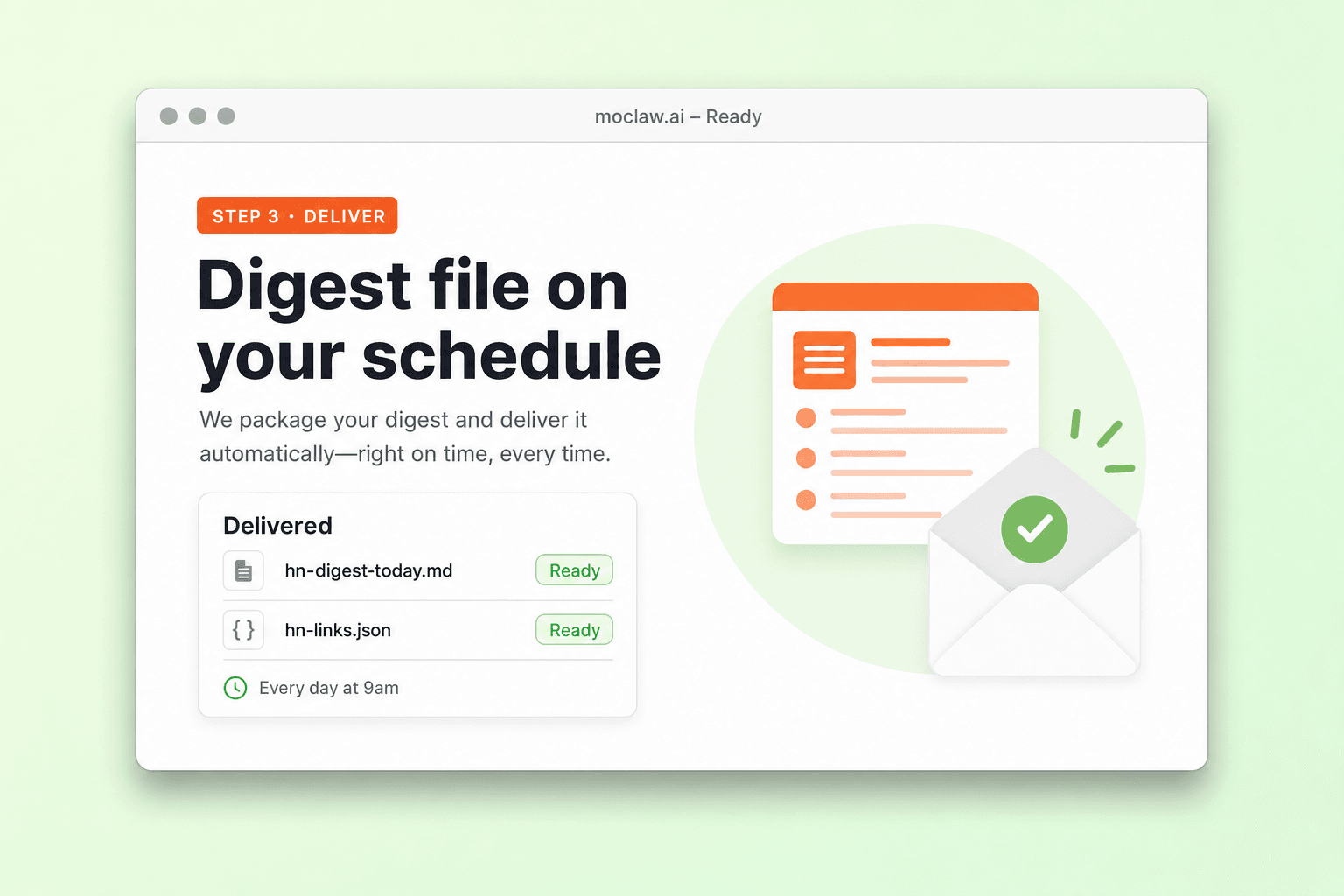
Get the digest on your schedule
Markdown or JSON in your workspace, or push to Slack, Telegram, or email.
What you can track
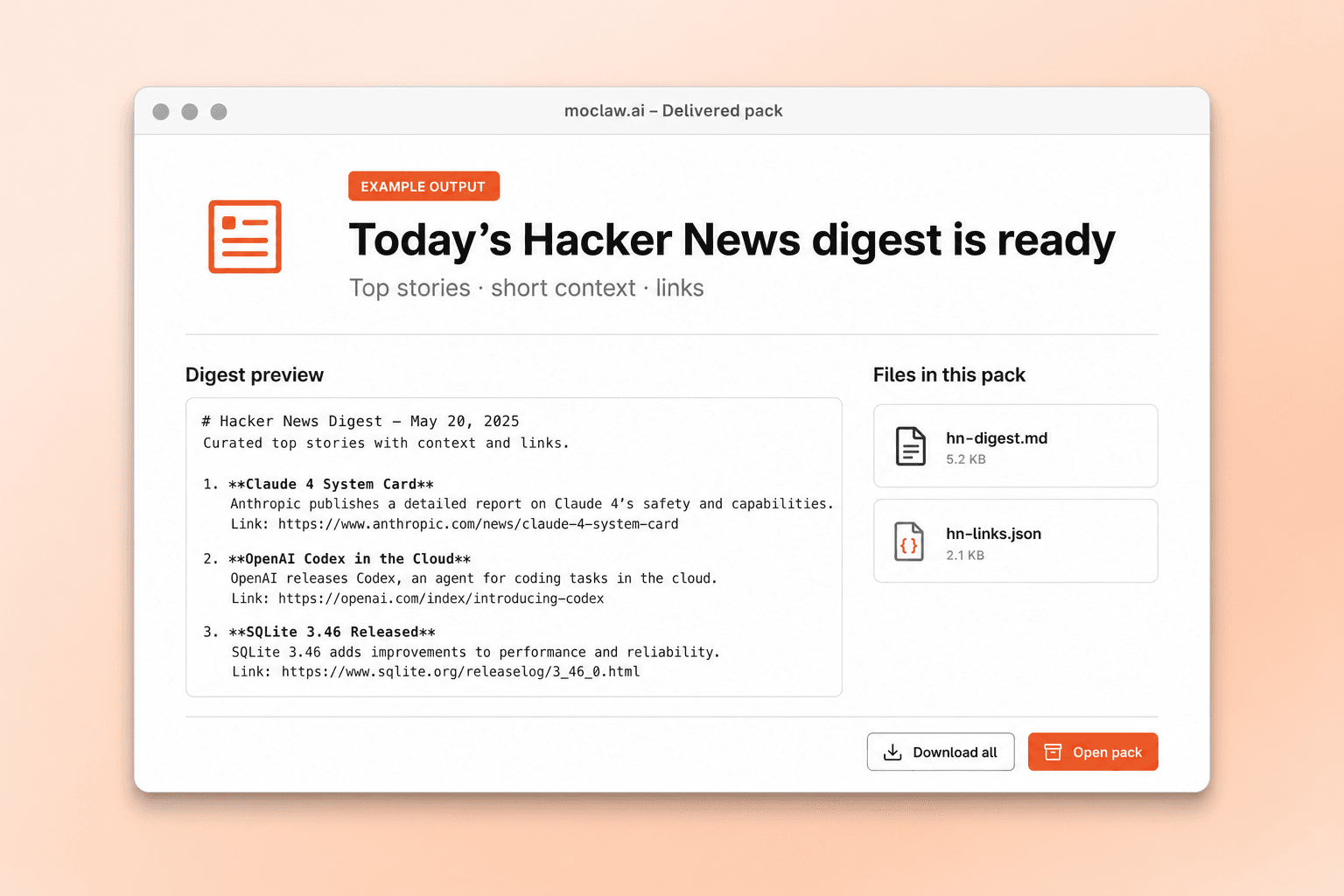
What your hacker news digest sends you
A real example of what MoClaw hands back, shown before you sign up.
hacker news digest: MoClaw vs RSS readers
See how MoClaw's AI-powered approach differs from traditional tools.
| Feature | RSS reader | Newsletter | MoClaw |
|---|---|---|---|
| Content | Headlines only | Editor-curated picks | AI summaries with context |
| Customization | Pick feeds | Little control | Natural language filters |
| Delivery | You pull the feed | Workspace or chat channels | |
| Sources | RSS-enabled sites | That newsletter's list | Any public page you name |
| Schedule | Manual checks | Fixed send time | Custom cron |
Why run a Hacker News digest as an agent job?
Checking the front page five times a day is a habit. A scheduled digest is a decision about what is worth your morning.
Reads the story, not just the headline
Short context on why an item matters, instead of a raw feed dump.
Filters in plain English
Topics, score thresholds, and domains without managing feed lists.
Delivers where you already work
Workspace file, Slack, Telegram, or email on the cron you choose.
Ways to extend your hacker news digest
Click one to load it into the box above, ready to run.
hacker news digest FAQ
How does a Hacker News digest work in MoClaw? ⌄
You describe the schedule and filters. MoClaw opens Hacker News, reads the top stories, and writes a short structured digest with titles, scores, and context.
Can I customize which stories are included? ⌄
Yes. Filter by minimum points, topics, keywords, or domains by saying so in the task.
What formats can I get? ⌄
Markdown, JSON, or plain text, saved to your workspace or sent to Slack, Telegram, or email.
How often can it run? ⌄
Once a day, twice a day, weekly, or a custom schedule. Most people run it with their morning routine.
Can I monitor sources other than Hacker News? ⌄
Yes. The same pattern works on Product Hunt, TechCrunch, arXiv, Lobsters, or other public pages.
Is this better than an RSS reader? ⌄
RSS pulls headlines. MoClaw reads the page, summarizes, and can filter noise before it hits your inbox.
Integrations
Best integrations for hacker news digest
Who it's for
Who uses hacker news digest
Related research automation use cases
See also
From our blog
Try Hacker News Digest for free
No credit card required