AI Presentation Generator From Documents
Document to presentation AI: MoClaw reads your memo or notes and drafts slides, speaker notes, and an editable outline.
Runs on managed cloud. No scripts, no Zapier.
User wants a leadership-ready deck from a long source document, not a loose summary. Plan: 1. Read the strategy memo and identify the narrative arc 2. Pull out the 10 highest-signal slide topics 3. Draft title + bullets + suggested visual for each slide 4. Save an editable outline and a speaker-notes version for review
Used 3 tools
Read launch_strategy_q3.docx
Source parsed: 6 pages, 4 major sections, 3 recurring risks, 2 unresolved launch dependencies. Building the slide narrative around: context -> goal -> launch plan -> risks -> decisions needed.
Write q3_launch_deck_outline.md
Drafted 10-slide outline:

1. Launch goal and success criteria
2. Why this launch matters now
3. Product scope and what changed
4. Target customer segments
5. Go-to-market plan
6. Rollout timeline
7. Key metrics to watch
8. Risks and blockers
9. Decisions needed this week
10. Recommended next steps
Bash python3 build_deck.py --source launch_strategy_q3.docx --outline q3_launch_deck_outline.md --format pptx-outline
Deck package created:

q3-launch-deck/
├── slides.md              Slide titles + bullets
├── speaker-notes.md       Presenter notes per slide
├── visuals.txt            Suggested charts and screenshots
└── handoff-checklist.txt  What to polish before presenting
Used 1 tools
Edit q3_launch_deck_outline.md
Updated for executive review:
- Risk slide reduced to top 3 decisions, not a long issue list
- Added a dedicated launch dependencies slide before next steps
- Rewrote titles to read like conclusions, not section labels
Done. Your document is now a leadership-ready 11-slide draft with speaker notes and a cleaner executive storyline.
You can keep editing in chat: ask for a shorter deck, a more investor-style tone, or a client-facing version from the same source file.
- Done. Your document is now a leadership-ready 11-slide draft with speaker notes and a cleaner executive storyline.
- You can keep editing in chat: ask for a shorter deck, a more investor-style tone, or a client-facing version from the same source file.
Try follow-up prompts
How the document to presentation AI works
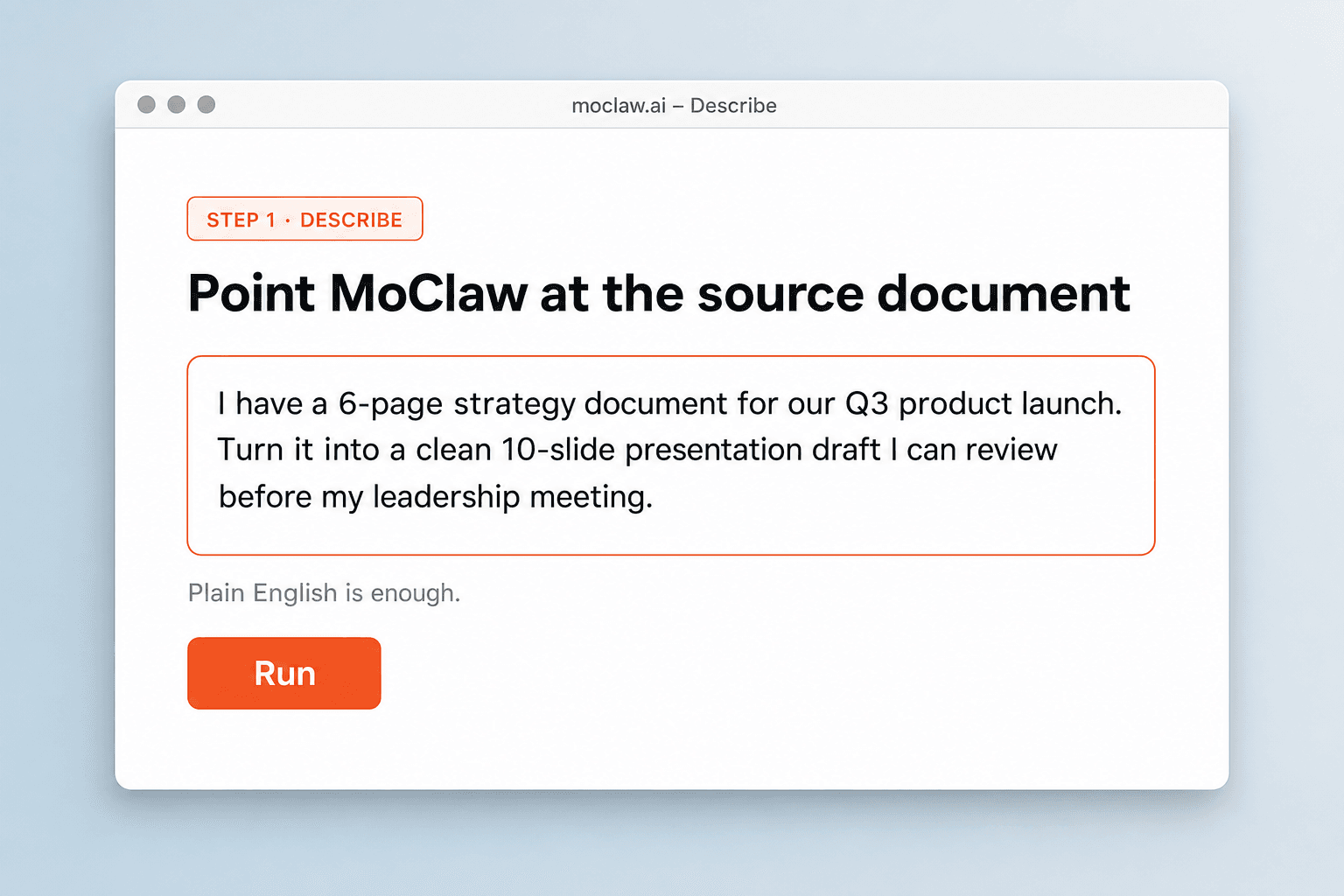
Point MoClaw at the source document
Upload the memo, notes, or brief. You do not have to compress it into one perfect prompt first.
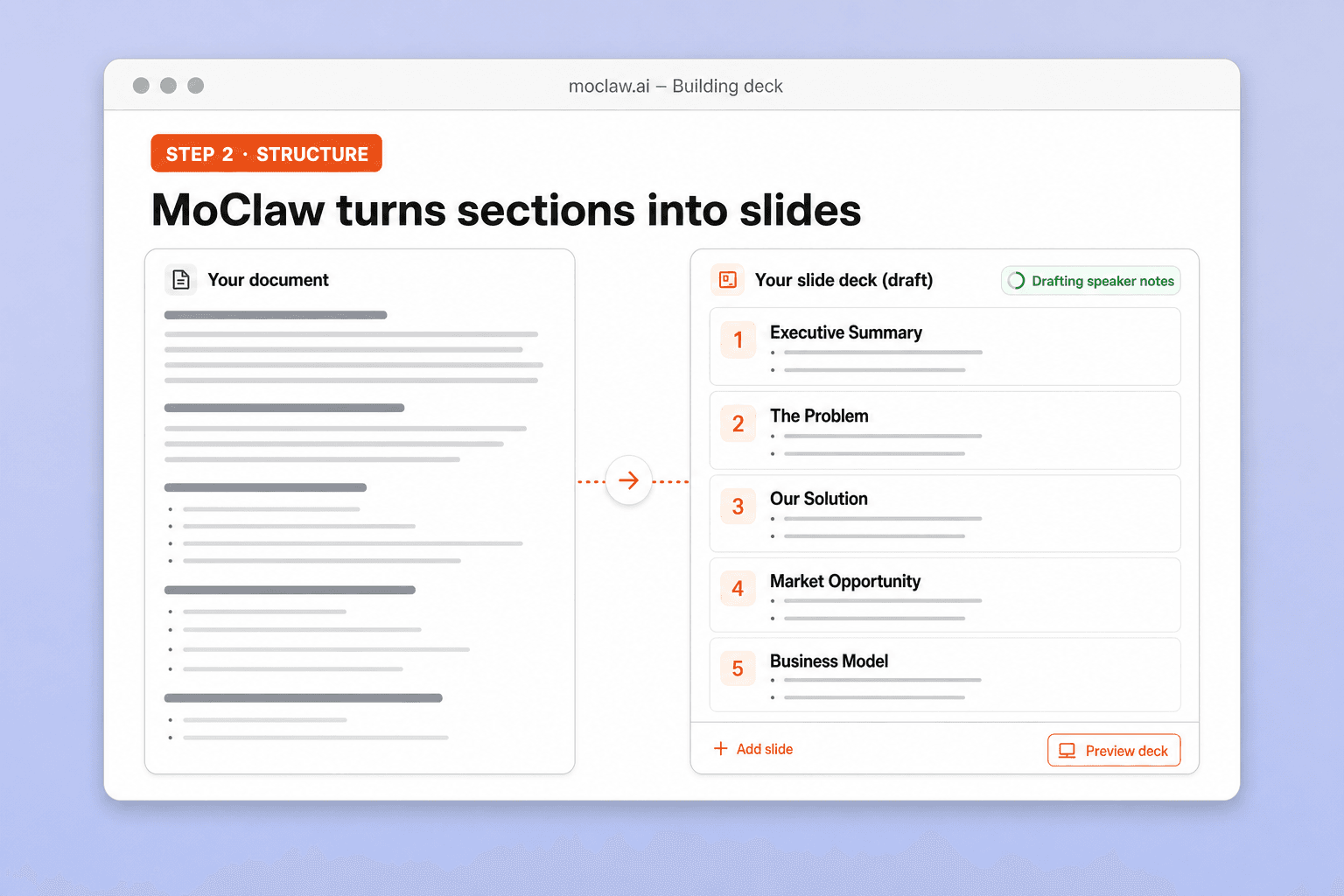
MoClaw turns sections into slides
It pulls the core argument, drafts titles and bullets, and suggests visuals that match the source.
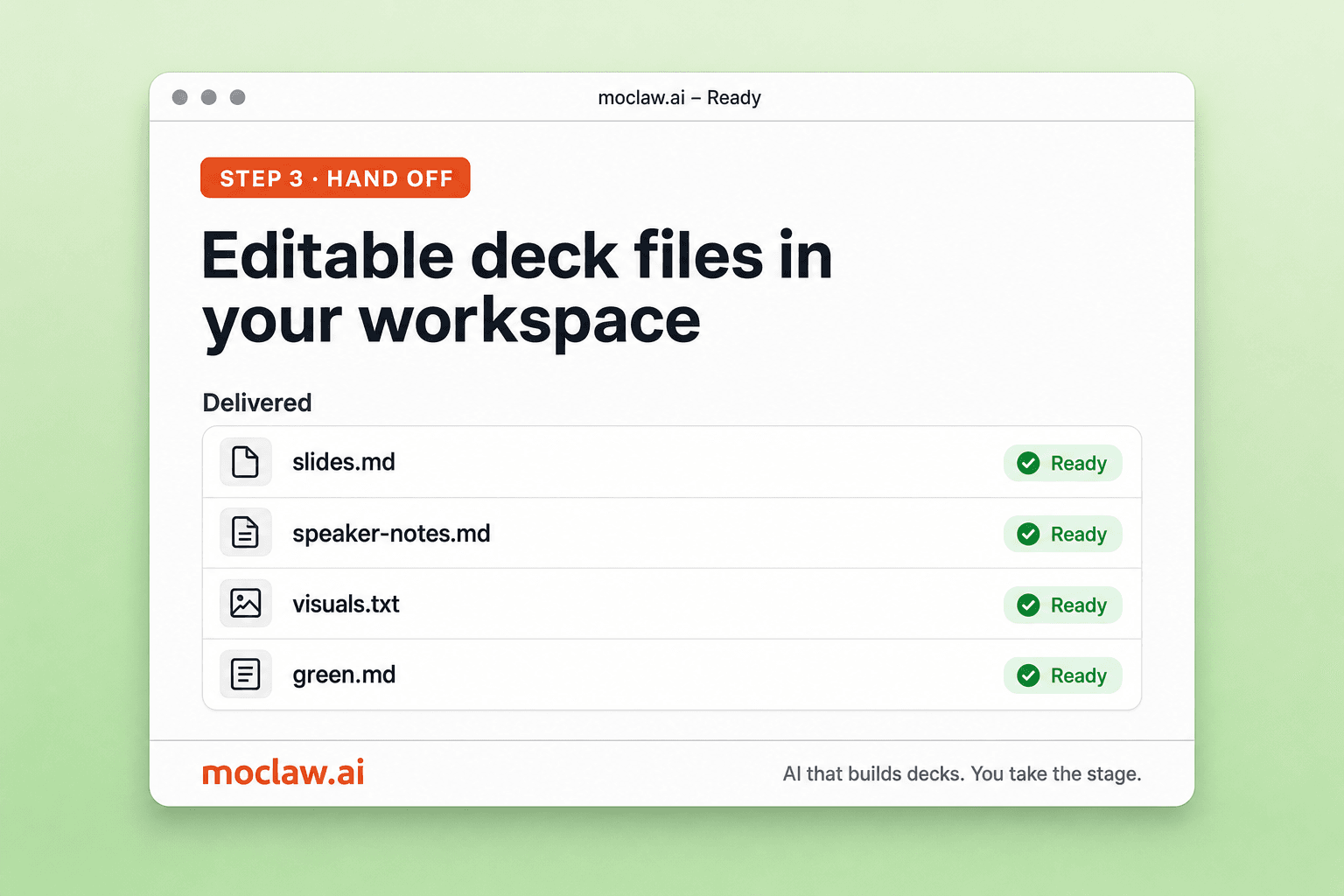
Edit the draft in chat
Ask for fewer slides, a client tone, or more data. The same files stay in the workspace.
What you can turn into a deck
What MoClaw watches for you
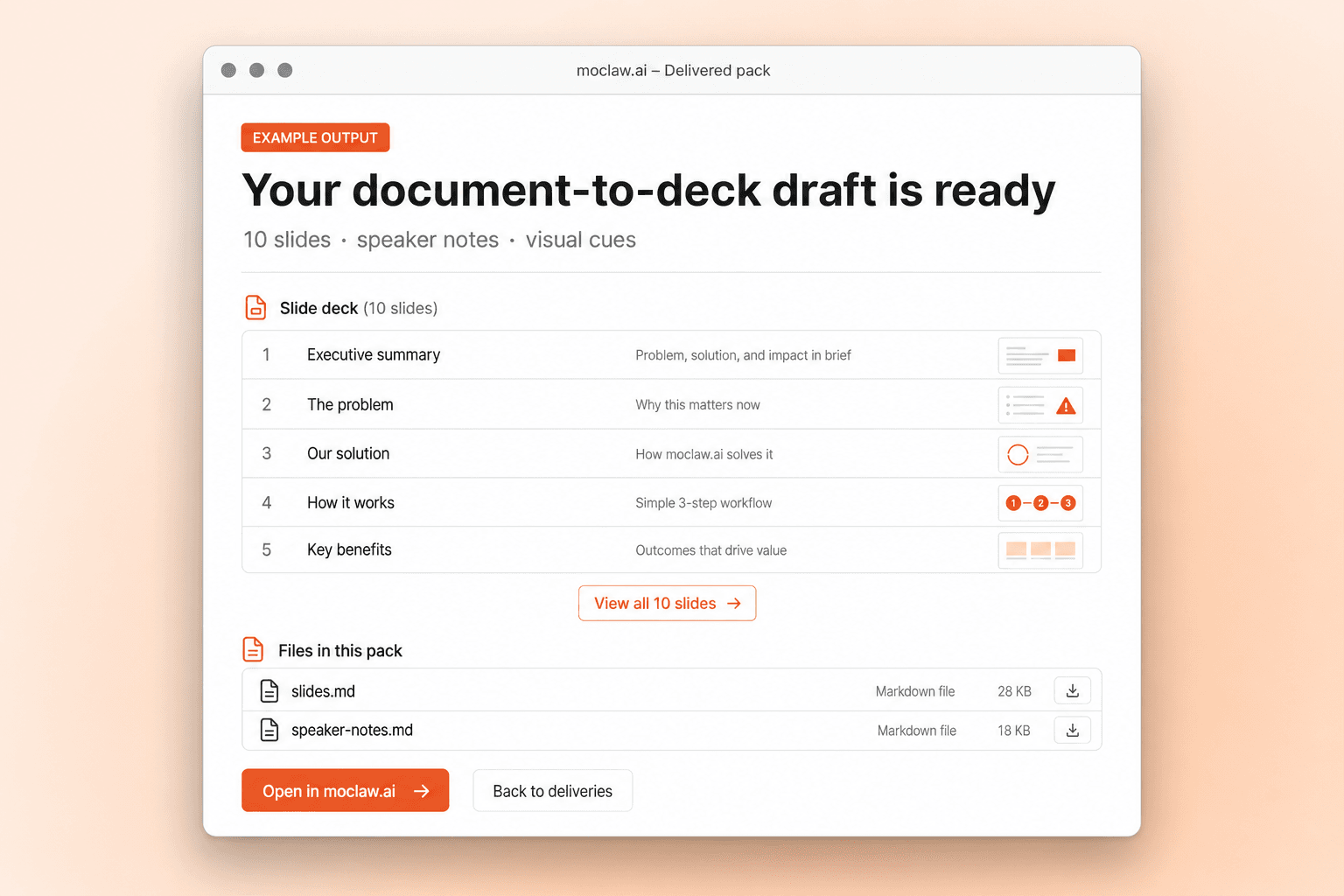
What your document to presentation AI sends you
A real example of what MoClaw hands back, shown before you sign up.
document to presentation AI: MoClaw vs Gamma
See how MoClaw's AI-powered approach differs from traditional tools.
| Feature | ChatGPT / Claude.ai | Gamma / slide tool | MoClaw |
|---|---|---|---|
| Starting point | Paste text into chat | Theme or short prompt | Reads the source document |
| Long messy docs | Context gets lost | Wants a clean brief | Built for real internal docs |
| Revision loop | Restate changes | Edit inside slide UI | Ask in chat, files update |
| Artifacts | Text in chat | Visual deck | Outline, notes, checklists |
| After you leave | Session ends | Interactive design session | Cloud workspace keeps files |
Why use MoClaw for document-to-deck jobs?
Pretty slide tools want a short prompt. This workflow starts from the file you already wrote.
Starts from the file you already have
Memos and notes are the input. You are not forced to rewrite everything as a short prompt.
Structure you can present from
Titles, bullets, and notes beat a pretty but shallow first visual draft.
Keeps iterating on the same workspace
Revisions stay attached to the source and the draft files instead of resetting every chat.
Ways to extend your document to presentation AI
Click one to load it into the box above, ready to run.
document to presentation AI FAQ
Can AI create a presentation from a Word document or Google Doc? ⌄
Yes. MoClaw reads the source file, pulls the main argument, and drafts a slide-by-slide outline with titles, bullets, and notes.
Is this a document to presentation AI or just a summarizer? ⌄
It is built for document to presentation work: structure, slide copy, and artifacts you can keep editing, not only a paragraph summary.
Can I turn meeting notes into slides? ⌄
Yes. Upload the notes, ask for a recap or leadership deck, then refine order and tone in chat.
Do I get a finished PowerPoint file? ⌄
You get an editable deck draft: slide outline, speaker notes, and visual cues. Polish in your usual slide tool if you need pixel-perfect templates.
How is this different from Gamma? ⌄
Gamma is strong at pretty visual decks from short prompts. MoClaw is stronger when the source is already a long messy document and you want a workflow that keeps revising files.
Can I ask for an executive version after the first draft? ⌄
Yes. Shorten it, change tone, add a risks slide, or make a client version from the same source.
Integrations
Best integrations for document to presentation AI
Who it's for
Who uses document to presentation AI
Related document automation use cases
From our blog
Try AI Presentation Generator From Documents for free
No credit card required