SEO Audit Presentation
Upload crawl exports, Search Console data, or your findings doc and get a white-label <a href="/blog/ai-agent-use-cases-2026-guide">audit deck</a> with the issues prioritized and proposal slides included.
Runs on managed cloud. No scripts, no Zapier.
A crawl export lists hundreds of issues at equal weight, which is useless in a pitch meeting. I need to group them, weigh each group by how much traffic it touches, and lead with the few that actually move the number.
Used 1 tools
Read site_crawl.csv, gsc_queries.csv, audit_findings.docx
2,259 crawl rows, 4,100 GSC query rows, 9 pages of notes. 1,842 duplicate URLs, 312 internal links pointing into redirect chains, 38% of clicks coming from pages in decline.
Duplicates and redirect chains together account for 41% of crawl activity while the category pages you want ranked stay under-discovered. That is the headline, and the declining landing pages are the second story. Twelve findings, five worth a slide each.
Used 1 tools
Write Building 14 slides: findings, impact charts, 90-day roadmap, proposal
12 findings prioritized, 6 charts, 4 proposal slides. Every figure linked back to its source row.
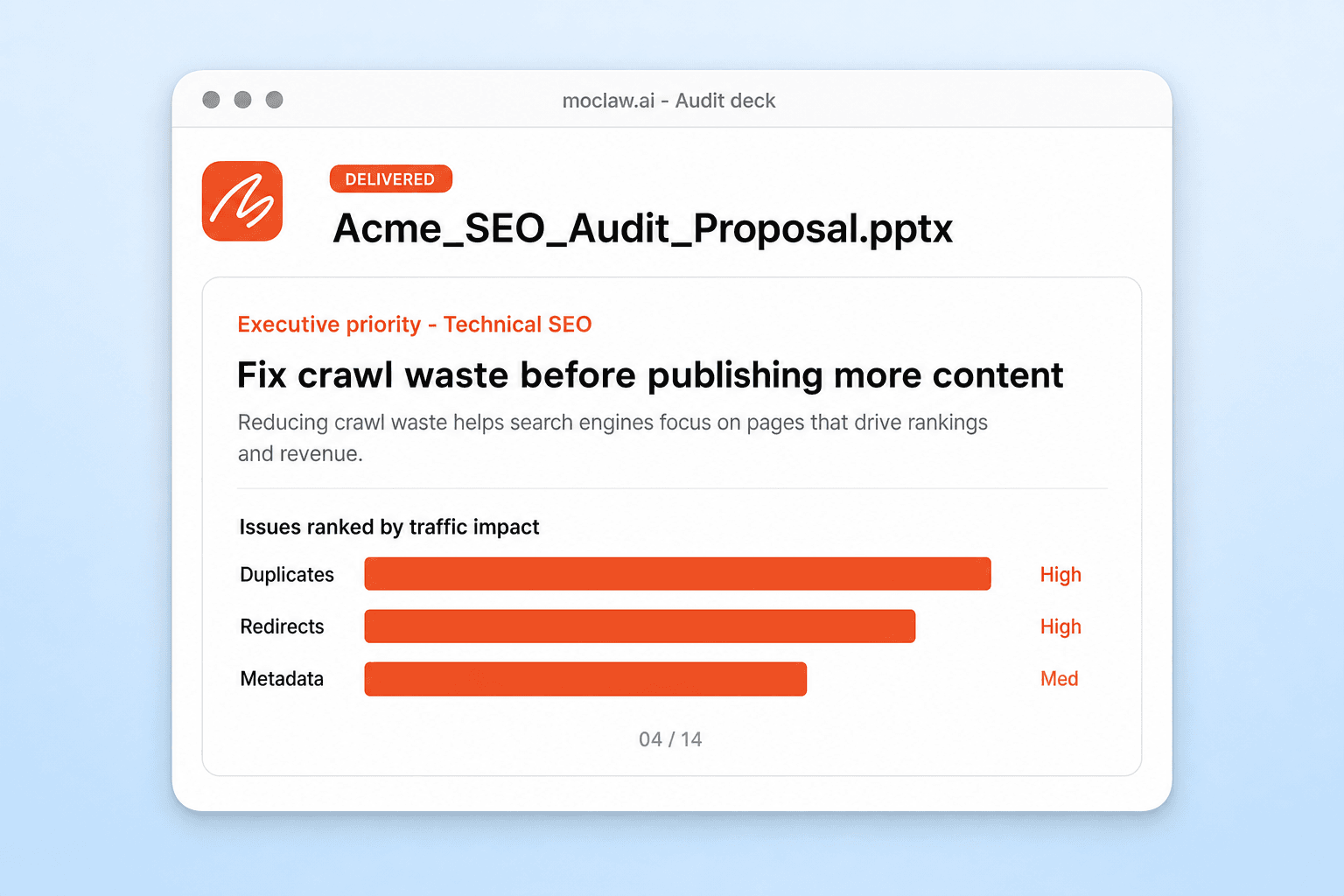
Fourteen slides, deck opens on the priority: fix crawl waste before publishing more content, because duplicate and redirected URLs consume 41% of crawl activity.
The proposal section closes it out with a 90-day plan (month one indexation and redirects, month two architecture and metadata, month three content opportunity) and a retainer slide scoped to those findings. Numbers trace back to rows in site_crawl.csv. Give me your logo and colours and I'll white-label it.
- Fourteen slides, deck opens on the priority: fix crawl waste before publishing more content, because duplicate and redirected URLs consume 41% of crawl activity.
- The proposal section closes it out with a 90-day plan (month one indexation and redirects, month two architecture and metadata, month three content opportunity) and a retainer slide scoped to those findings. Numbers trace back to rows in site_crawl.csv. Give me your logo and colours and I'll white-label it.
How the SEO audit presentation works
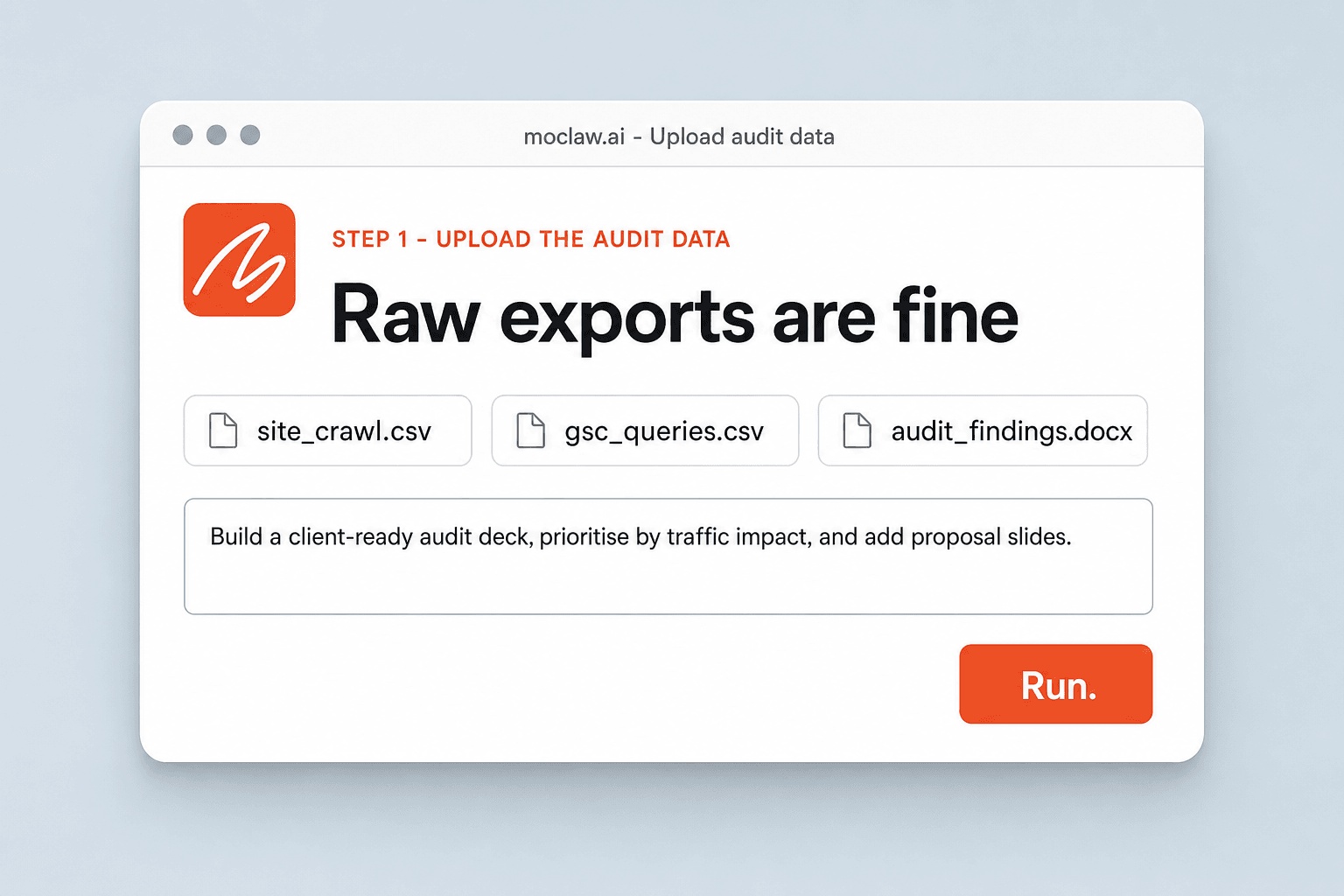
Upload the Audit Data
Crawl exports, Search Console or analytics CSVs, or your written findings doc, in any combination. Raw exports are fine.
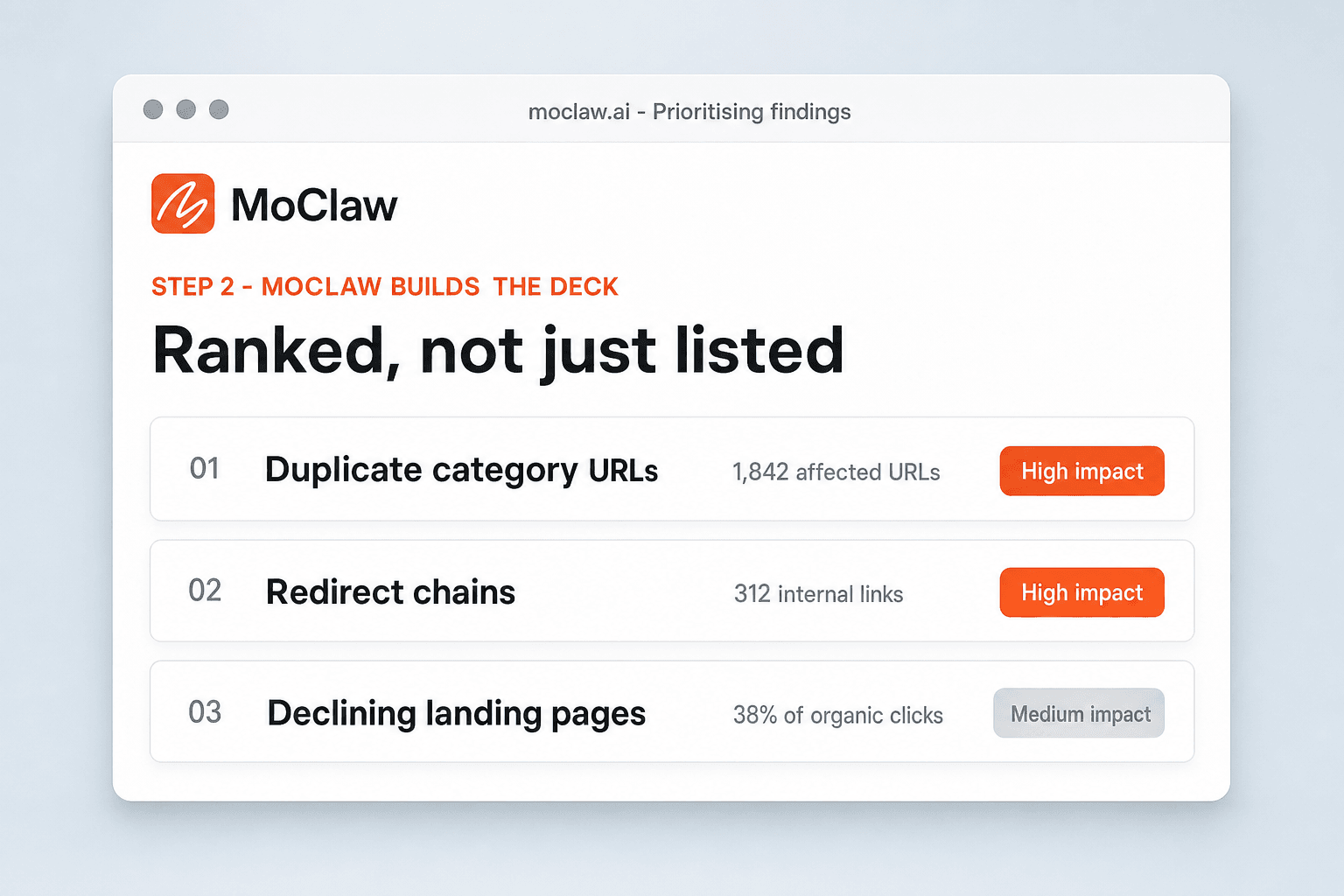
MoClaw Builds the Deck
Issues get grouped and prioritized, impact gets charted, recommendations get phrased for a client, and proposal slides are appended.
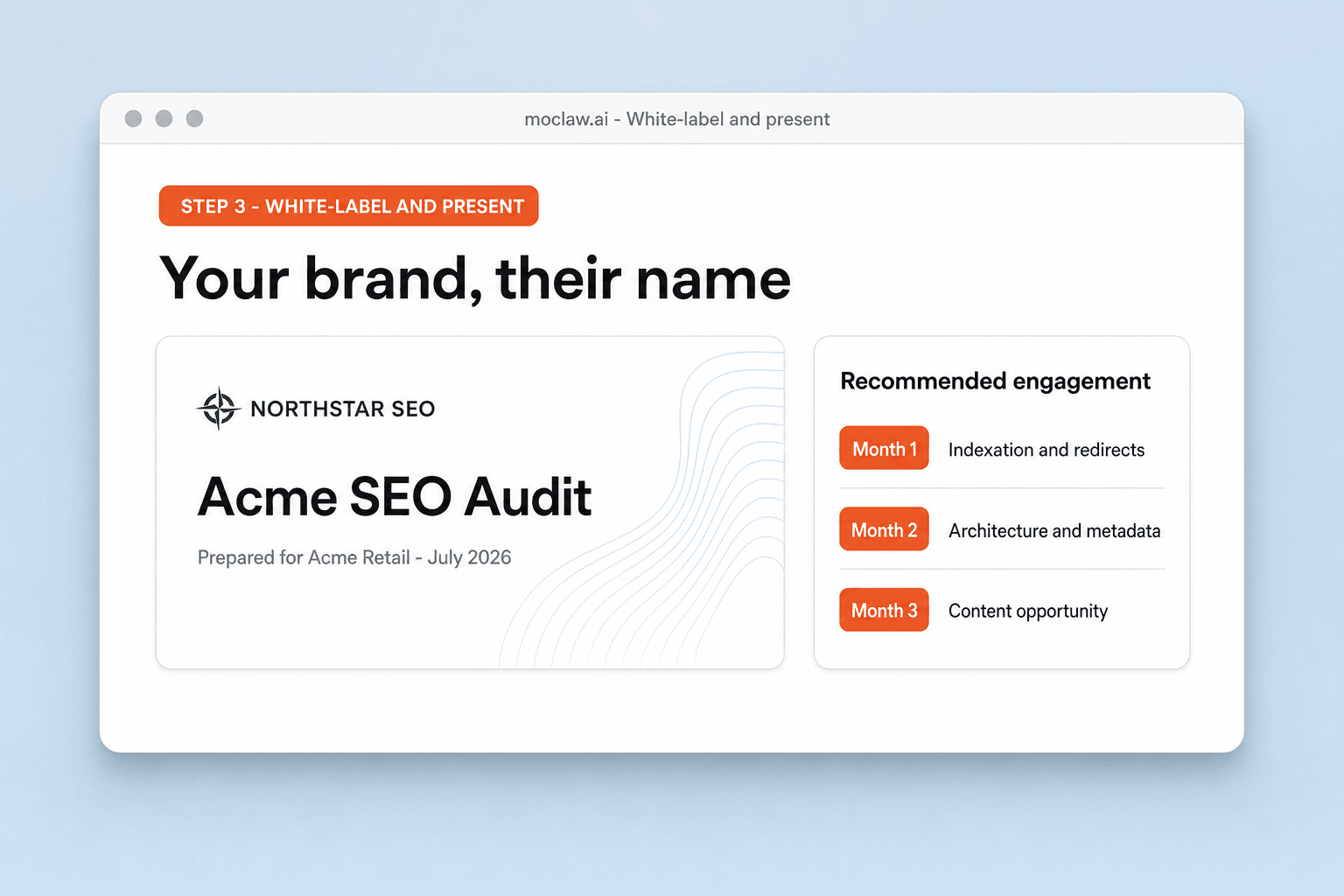
White-Label and Present
Add the client name and your branding, review the story, and export the editable .pptx before the meeting.
What the deck turns your exports into
What your SEO audit presentation sends you
A real example of what MoClaw hands back, shown before you sign up.
SEO audit presentation: MoClaw vs SEO audit templates
See how MoClaw's AI-powered approach differs from traditional tools.
| Feature | Building it after the audit | SEO audit template | MoClaw |
|---|---|---|---|
| Where the deck starts | An empty file on Friday night | An empty outline | Your own export, already read |
| Prioritisation | Your judgment, retyped | Not included | Grouped by impact and effort from the data |
| Charts | Built by hand | Placeholders | Drawn from the export rows |
| Proposal slides | Written separately | Not included | Generated from the same findings |
| Branding | Applied slide by slide | Fixed template style | White-label from the start |
Why build the deck from the audit data?
The analysis is finished. The slide-making is what is standing between you and the meeting.
It Reads the Export, Not Just the Format
MoClaw understands what a crawl export or a Search Console CSV means, so severity grouping and impact framing come from the data rather than from you retyping it into slides.
Templates That Arrive Filled
Every audit template download is an empty outline you still spend a day populating. This one shows up with your client's data already in it.
Audit Friday, Pitch Monday
The gap between finishing the analysis and presenting it shrinks from a weekend of slide-making to a review pass.
Ways to extend your SEO audit presentation
Click one to load it into the box above, ready to run.
SEO audit presentation FAQ
How do I turn an SEO audit into a presentation? ⌄
Upload your crawl export, Search Console data, or findings doc. MoClaw groups the issues by impact, charts them, and builds a client-ready deck with proposal slides. Sign up free to run it and keep editing the result.
What data can I upload? ⌄
Crawl exports, Search Console or analytics CSVs, keyword files, and a written findings doc, in any combination. They can be raw.
What is a technical SEO audit presentation? ⌄
A deck that turns crawl and performance findings into something a client can follow: what is broken, what it costs in traffic, and what fixing it takes.
How is this different from an SEO audit template? ⌄
A template is empty. This deck arrives filled with your own audit data, so your remaining work is reviewing the story rather than populating slides.
Can it include proposal and pricing slides? ⌄
Yes. Scope, timeline, and retainer slides are generated from the same findings, so the audit ends where the sale begins.
Is the presentation white-label? ⌄
Yes. Your agency logo, colours, and contact block, with the client name on the cover.
Is the deck editable? ⌄
Yes. It is a native editable presentation you can adjust in PowerPoint or Google Slides, or change in plain language with MoClaw.
Is there a free way to build one? ⌄
The free tier covers building an audit presentation so you can judge the output before moving to a paid plan.
Integrations
Best integrations for SEO audit presentation
Who it's for
Who uses SEO audit presentation
Related document automation use cases
From our blog
Try SEO Audit Presentation for free
No credit card required