Gemini Spark Review for Inbox Monitoring
Gemini Spark review for inbox monitoring: assess one recurring digest workflow, the checks it still needs, the account limits, and who should try it.
Table of Contents
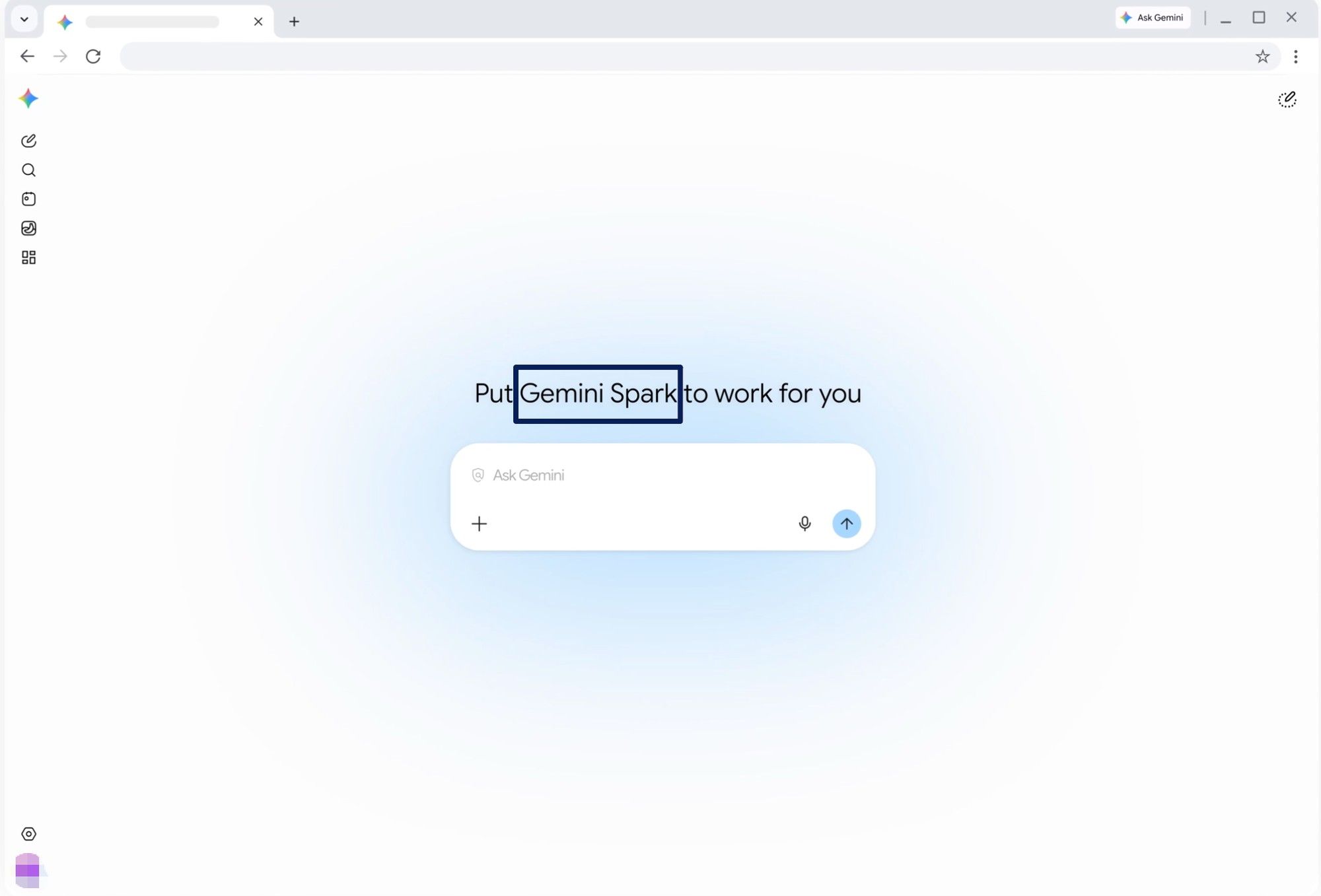
Gemini Spark is a Google AI feature for creating scheduled, recurring tasks such as inbox monitoring, email summaries, and daily digests. Gemini Spark review for inbox monitoring should start with a narrow verdict: Spark looks promising for a recurring email digest if your account supports it, but the workflow still needs source checks, sensitive-email boundaries, and human review before action.
Key Takeaways:
- Spark can search and summarize Gmail, use schedules, and organize a recurring email digest.
- Access currently requires a personal Google Account, Google AI Pro or Ultra, and Keep Activity.
- Work and school accounts are not eligible.
- Schedules can be delayed or skipped by usage and concurrency limits, so "24/7" should not be read as guaranteed uptime.
- The safest first use is a private digest with links back to the original threads, not automatic replies or archiving.
Vera here. For this evidence-led review, I built a 12-message sample: four deadline emails, three duplicate updates, two newsletters, two confirmations, and one correction to an earlier deadline. I did not have live Spark access, so this is a test design, not a performance score. The hard item is the correction that makes yesterday's summary wrong.
Quick Verdict for One Recurring Inbox Check
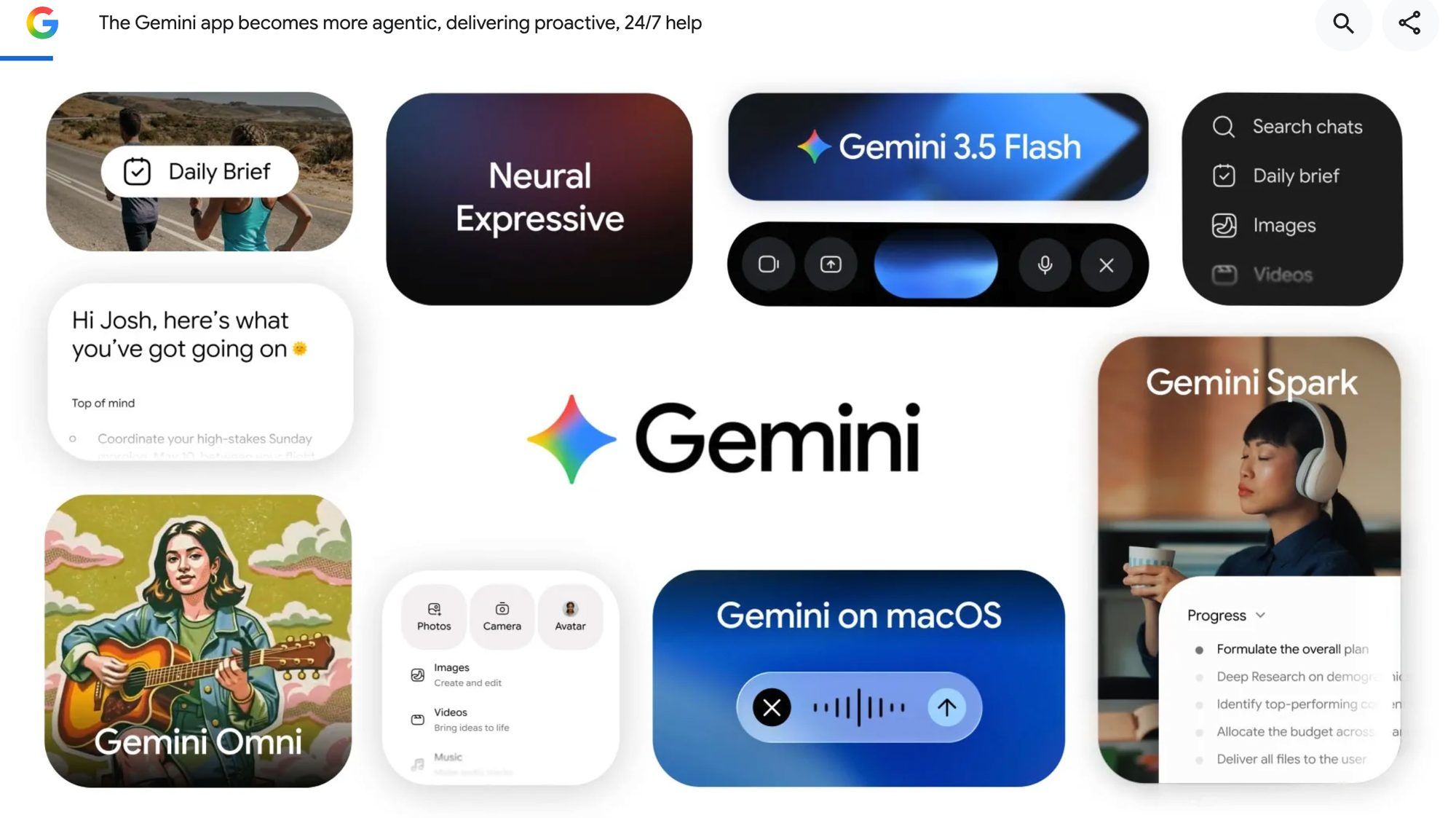
Spark is worth a controlled trial for a supported personal Gmail account that needs a daily list of urgent messages, deadlines, and unresolved requests. Google introduced it as a cloud-based personal agent that works in the background, but reliable monitoring still needs narrow filters, source links, and human review.
It is a poor fit for regulated mailboxes, team queues, or work where one missed email creates contractual risk.
What This Gemini Spark Review Covers
This review covers only Gemini Spark inbox automation for one recurring digest. Pro access and regional availability arrived in stages, so check the account that will run it.
The Inbox Monitoring Scenario
Each morning, find messages from selected people or topics, group duplicate threads, extract deadlines, and produce a digest. Retain sender, subject, received time, requested action, due date, uncertainty, and the original email link.
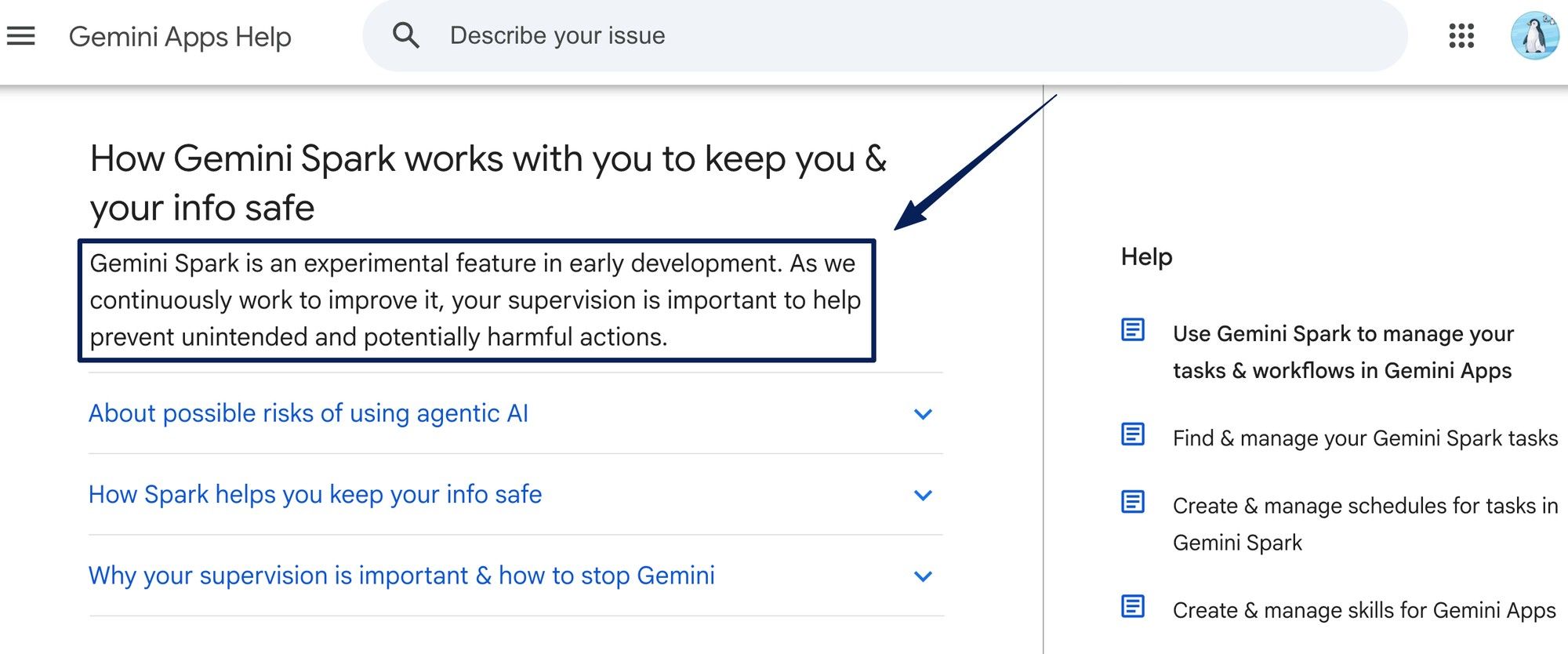
During the trial, send, archive, label, and delete nothing. Spark can search, summarize, draft, reply, and label in Gmail, but it remains experimental and requires supervision.
The Success Criteria
| Check | Pass condition |
|---|---|
| Recall | All four urgent messages appear |
| Conflict handling | The newer correction replaces the stale deadline |
| Deduplication | Three updates become one thread summary |
| Traceability | Every claim links to its source email |
| Restraint | No reply, archive, or deletion occurs |
Run the sample for seven cycles. Record omissions, duplicates, wrong dates, and late runs.
What Spark Can Handle in This Workflow
Spark can use connected Gmail, reusable instructions, and time-based or filtered-email triggers. Schedules support several cadences and Gmail monitors, but fast-moving or time-critical alerts remain a poor fit.
Preserve thread identity while separating action from noise. Define approved senders, excluded newsletters, timezone, format, and uncertainty rules. The output should say "deadline unclear" instead of inventing one.
Where the Workflow Still Needs Human Review
Open every high-priority thread before acting. Check changed dates, attachments, quoted history, and outside context. An email can also contain prompt-injection instructions intended to mislead an agent.
Require review before replies, labels, archiving, or forwarding. Confirmation controls do not guarantee protection from every mistake. The inbox owner still decides whether the digest is complete and any action is appropriate.
The Main Trade-Offs
Spark requires Keep Activity, and Gemini activity can include prompts, files, connected-app information, and visited-site data. Review those settings before exposing client names, contracts, or sensitive attachments.
Usage for Gemini Spark tasks is compute-based, with up to 15 simultaneous tasks and 50 active schedules. Exhausted limits or high traffic can block or delay runs. That makes 24/7 Google AI agent a product direction, not an email SLA.
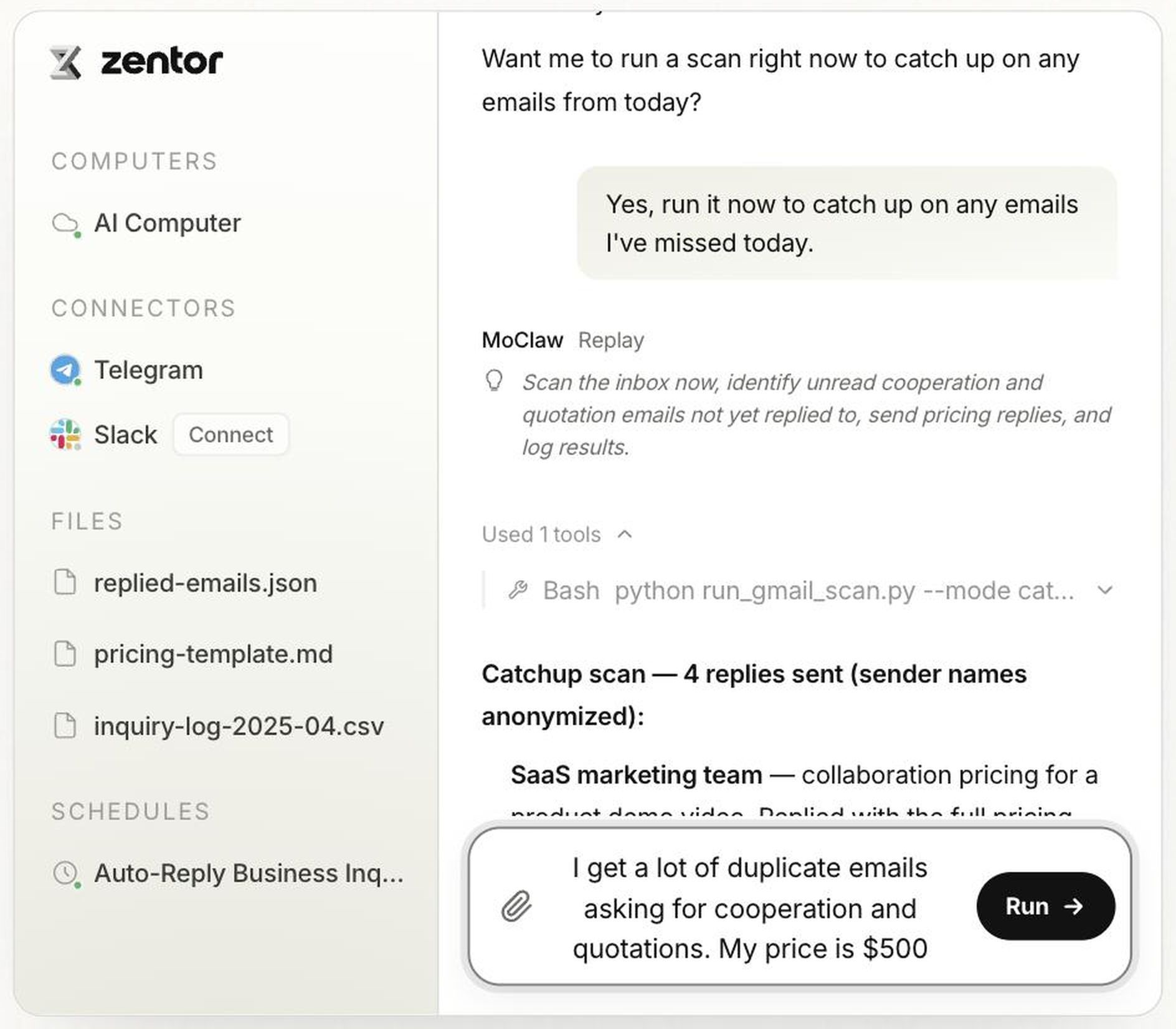
For recurring work across inboxes, files, browsers, and delivery channels, MoClaw's AI task automation workflow shows a separate managed model. Its inbox automation example is not a Spark integration or proof that either option is universally better.
Who Should Try This Workflow
Try it for a personal inbox with recurring, reversible follow-up work when someone can review the digest daily. It suits repeated scanning better than instant response.
Skip it when the mailbox uses a work or school account, needs shared ownership, or carries strict deadlines. Spark requires a personal account, and task threads remain inside the eligible user's Gemini Apps account.
FAQ
Can Gemini Spark run an inbox task on a work or school Google Account? No. Spark currently requires a personal Google Account. Organizations should not route business email into a personal account merely to bypass this boundary.
What happens to a Spark schedule when the feature is turned off? The schedule pauses instead of being deleted. Tasks, threads, schedules, and related files remain, while remote browser and code-execution data are deleted. Review schedules before reactivation because turning Spark on resumes them automatically.
How are Gemini Spark task limits counted? Usage depends on request volume and complexity. Spark permits up to 15 concurrent tasks and 50 active schedules. A run may wait or fail to start when usage or concurrency limits are reached.
Can Spark users delete data from its remote browser or computer? Yes. Spark settings separately delete remote browser data and remote code-execution files. Deleting a task thread does not clear those stores, so sensitive sessions need explicit cleanup.
Can a Gemini Spark task be saved as a reusable Skill? Yes. Spark can create a Skill from task instructions for review and reuse. Current Skill controls support enabling, editing, downloading, and deletion.
Gemini Spark Review for Inbox Monitoring
Gemini Spark looks useful for a narrow recurring email digest when the account supports it, and the task is kept review-first. The strongest test is not "let Spark manage my inbox." It is one controlled workflow: scan unread messages, preserve source threads, separate noise, flag risk, draft a digest, and stop before action. That is where Gemini Spark can prove whether it saves attention without turning inbox automation into an unchecked assistant.
Review note: Checked September 7, 2026 from current Google materials. This is an evidence-led review, not a hands-on performance verdict.
Continue Reading
More Guide
Turn a YouTube Video to Notes: course2md

How to Opt Out of Mistral AI Training

What Is M3E Canvas? Sketch UIs, Get AI Prompts
MiniMax M3 Free Ended: What to Use Instead
MarkItDown: When Your Markdown Comes Back Thin
Whisper-1 Deprecated: What Actually Breaks
The MoClaw editorial team writes about workflow automation, AI agents, and the tools we build. Default byline for industry overviews, listicles, and collaborative pieces.
Ready to put this into practice?
MoClaw runs browser tasks, research, and schedules automatically. Try it free.
References: Google — The next evolution of the Gemini app · Gemini Apps Help · Gemini Apps Help · Gemini Apps Help · Gemini Apps Help · Gemini Apps Help · Gemini Apps Help