Fix Gamma Export to PowerPoint
Upload the PPTX that <a href="/blog/ai-agent-use-cases-2026-guide">came out of Gamma</a> looking flattened and get the same deck back with real text boxes, live charts, and clean layouts.
Runs on managed cloud. No scripts, no Zapier.
This is a repair, not a regeneration. The design was already approved, so I should keep the content and the order exactly and only rebuild the objects that did not survive the export: flattened text, bitmap charts, and drifted frames.
Used 1 tools
Read Q4-2025-growth-plan.pptx
16 slides. 14 slides carry a full-slide bitmap. 3 charts are images. 0 native text boxes found. Masters inconsistent across slides 4 to 14.
That matches what you saw: the export flattened almost everything. I'll read the text back off each slide, put it into real text boxes at the same positions, rebuild the three charts as native chart objects with editable data, and snap the layouts back to a consistent master.
Used 1 tools
Write Rebuilding text boxes, charts and masters across 16 slides
312 text boxes restored. 3 charts rebuilt as native objects with data tables. 1 table rebuilt. Margins normalized on 11 slides.
Same deck, same order, nothing redesigned. What changed:
312 lines of text are editable again, in place.
The three regional charts are live PowerPoint charts, so next quarter you edit the numbers instead of remaking the graphic.
Slide 14 now lines up with slide 4, because the masters and margins were normalized.
The repair summary is in the file notes if you want to see exactly what was touched.
- Same deck, same order, nothing redesigned. What changed:
- 312 lines of text are editable again, in place.
- The three regional charts are live PowerPoint charts, so next quarter you edit the numbers instead of remaking the graphic.
- Slide 14 now lines up with slide 4, because the masters and margins were normalized.
How the Gamma to PowerPoint converter works
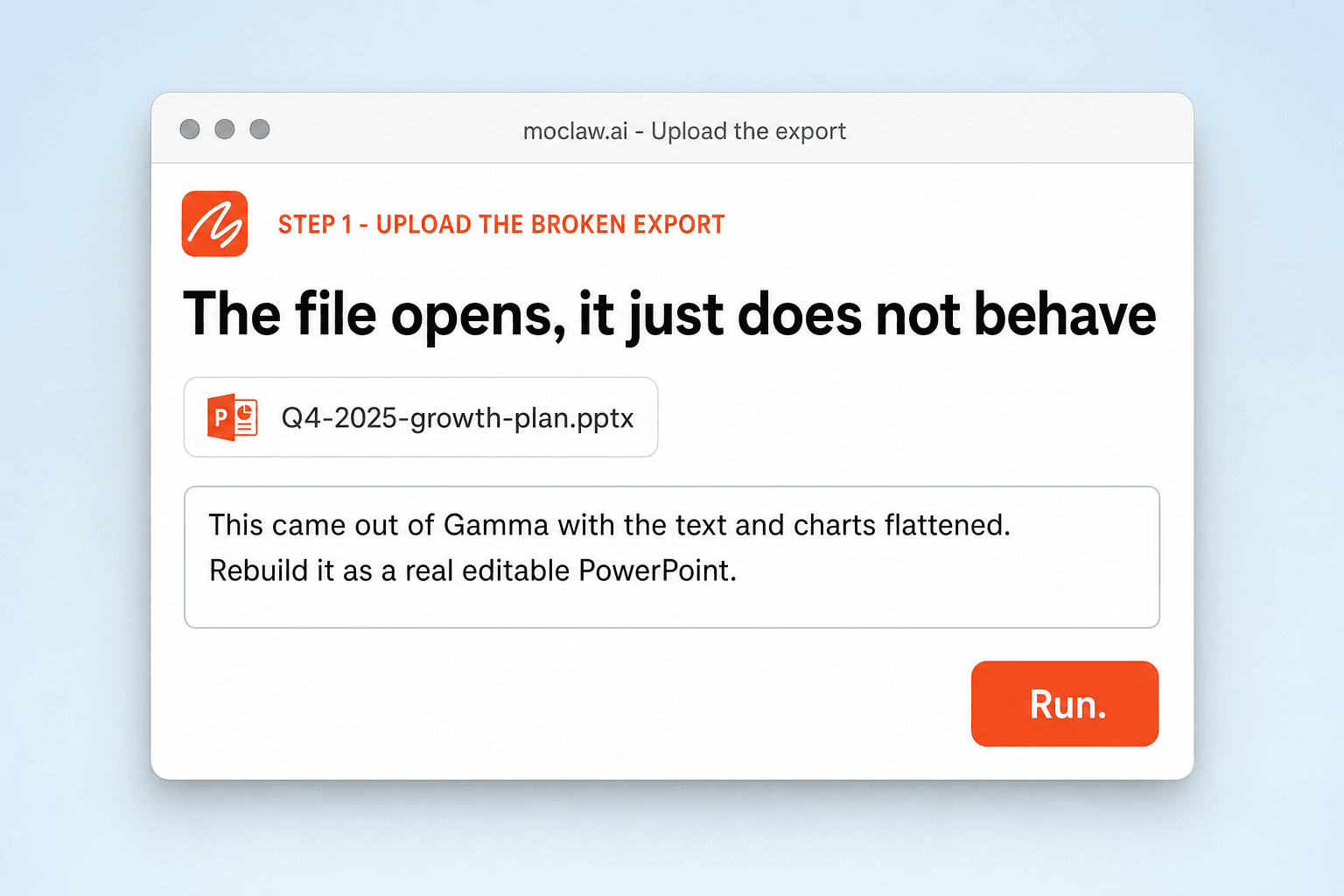
Upload the Broken Export
Attach the PPTX that came out of Gamma, or another web slide tool, looking wrong. It opens fine, it just does not behave like PowerPoint.
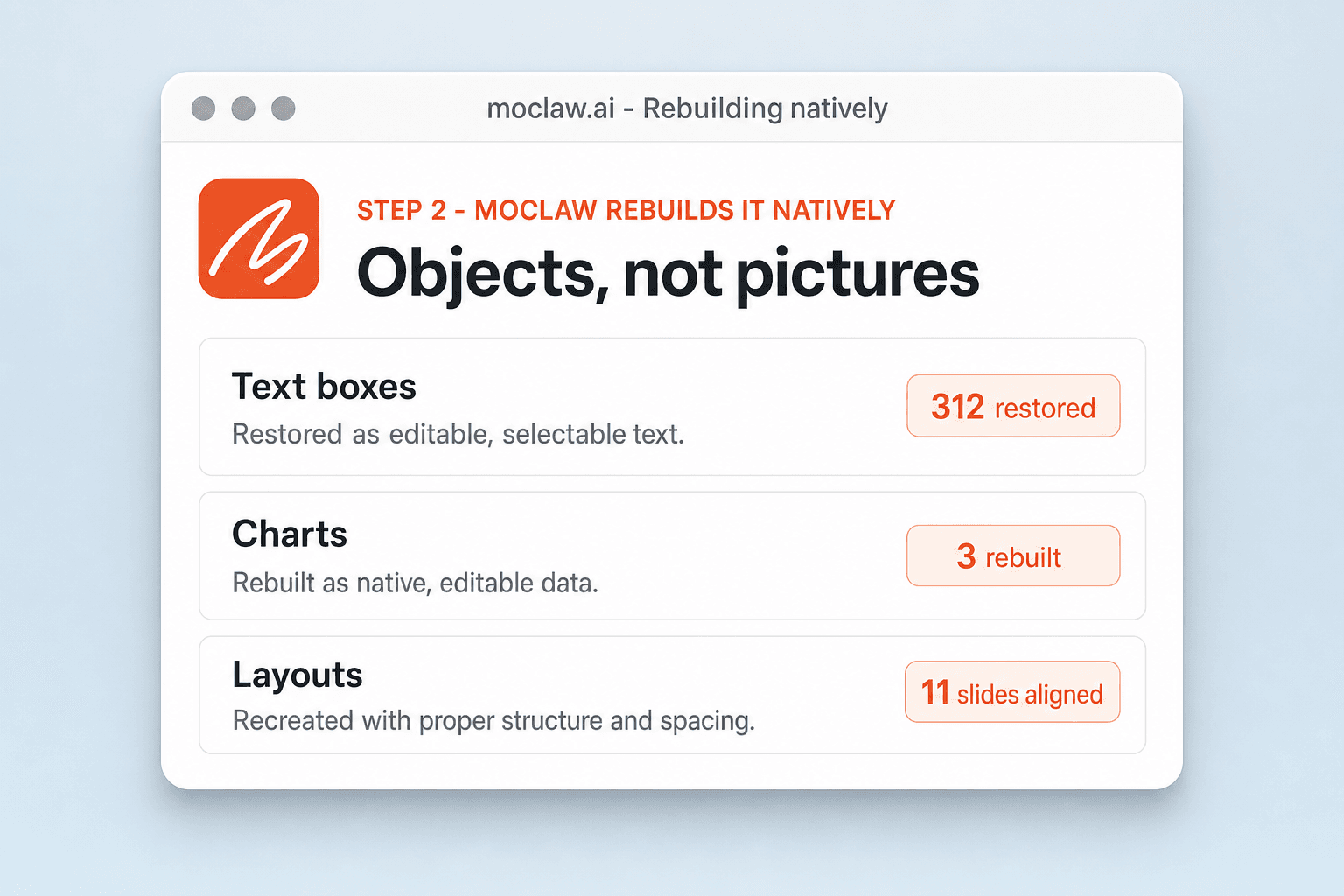
MoClaw Rebuilds It Natively
Text becomes real text boxes, bitmap charts become live chart objects with editable data, and layouts return to consistent masters.
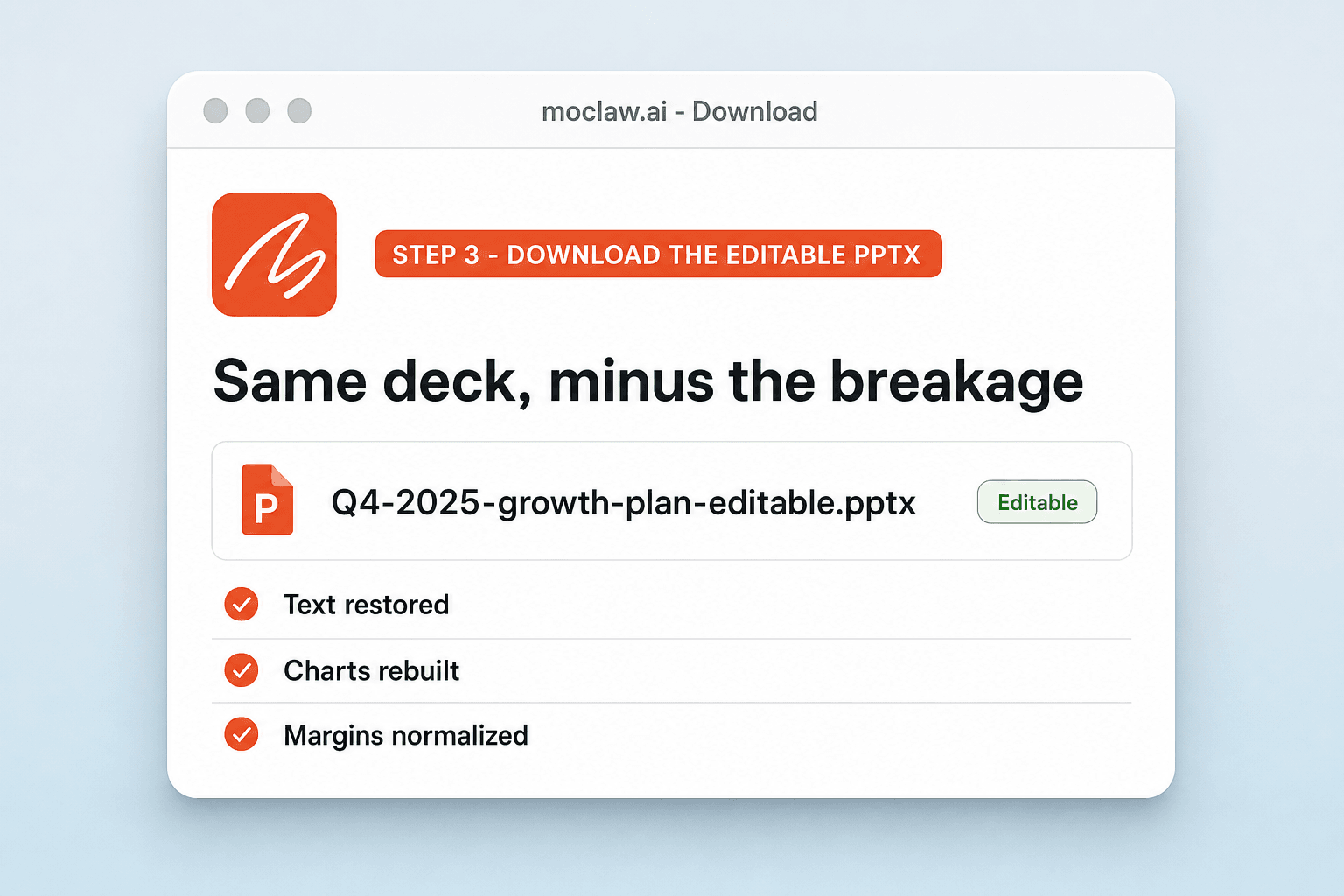
Download the Editable PPTX
You get the same deck back as a clean PowerPoint file, plus a summary of exactly what was repaired.
What gets repaired
What your Gamma to PowerPoint converter sends you
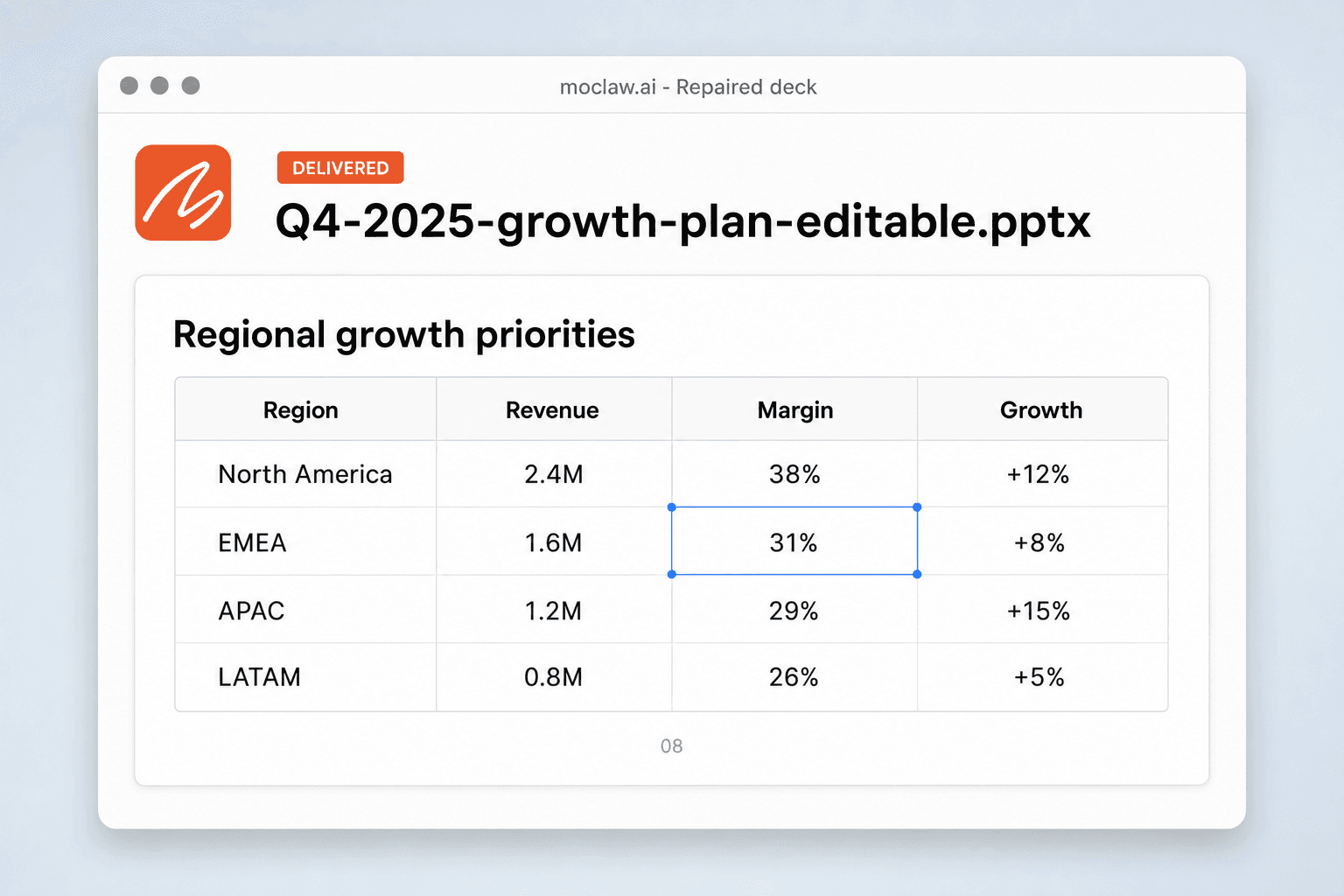
A real example of what MoClaw hands back, shown before you sign up.
Gamma to PowerPoint converter: MoClaw vs rebuilding it by hand
See how MoClaw's AI-powered approach differs from traditional tools.
| Feature | Rebuilding by hand | Generic file converter | MoClaw |
|---|---|---|---|
| Text | Retyped slide by slide | Left as an image | Read back into real text boxes in place |
| Charts | Rebuilt from scratch | Still a picture | Native chart objects with editable data |
| Layout consistency | Fixed one slide at a time | Untouched | Masters and margins normalized across the deck |
| Design | Drifts as you rebuild | Preserved but frozen | Preserved and editable |
| Time for a 16-slide deck | Most of an afternoon | Instant and useless | Minutes, with a repair summary |
Why Gamma exports break in PowerPoint
The file opens. Its text, charts, and layouts just do not behave like native PowerPoint objects.
Web Cards Become Flat Objects
Parts of a web-first slide design get flattened on export. What arrives in PowerPoint is a picture of your deck rather than the deck itself, and MoClaw rebuilds those parts as native objects.
Style Repair, Not File Recovery
This is for decks that open normally but arrive with drifted text, dead charts, or inconsistent spacing. It is not corrupted-file recovery.
Editable Means Editable
The result is built for continued work in PowerPoint: change the copy, update the data, restyle a section, hand it to a colleague who will do the same.
Ways to extend your Gamma to PowerPoint converter
Click one to load it into the box above, ready to run.
Gamma to PowerPoint converter FAQ
Why does my Gamma export look broken in PowerPoint? ⌄
Web-first slide tools often flatten text and charts into images on export, so the file opens but nothing behaves like a PowerPoint object. MoClaw rebuilds those parts as a real, editable PPTX.
How do I fix a Gamma export so it is editable? ⌄
Upload the broken export. You get back a PowerPoint with editable text boxes, live charts, and clean spacing, plus a summary of what was repaired.
Do the charts become real, editable charts? ⌄
Yes. Flattened chart images are rebuilt as native PowerPoint chart objects with the underlying data, so you can change a number instead of remaking the graphic.
Will my fonts and spacing be restored? ⌄
Yes. The layout is rebuilt so fonts, spacing, and alignment are consistent across the deck rather than drifting from slide to slide.
Does it fix Beautiful.ai or Canva exports too? ⌄
Yes. Those tools produce the same class of export problem, and the same repair applies.
Is this the same as repairing a corrupted file? ⌄
No. This is for decks that open normally but arrive flattened or misaligned. Corrupted-file recovery is a different problem.
How long does it take? ⌄
Minutes for a typical deck, and you get the repaired file plus a list of what changed.
Is there a free way to fix a Gamma export? ⌄
The free tier covers a fix so you can check the result before moving to a paid plan for higher volumes.
Integrations
Best integrations for Gamma to PowerPoint converter
Who it's for
Who uses Gamma to PowerPoint converter
Related document automation use cases
From our blog
Try Fix Gamma Export to PowerPoint for free
No credit card required