Translate PowerPoint Online
Translate every slide, chart label, and speaker note into the language you need, and get <a href="/blog/ai-agent-use-cases-2026-guide">back the same deck</a> with the layout still intact.
Runs on managed cloud. No scripts, no Zapier.
The thing that breaks translated decks is length. Japanese runs shorter here and German would run longer, either way the text boxes need reflowing rather than overflowing. Chart labels, footers and notes are text too, so they have to go in the same pass or the deck comes back half in each language.
Used 1 tools
Read Board_Update.pptx
18 slides. 214 text runs, 6 charts with axis and series labels, 12 slides with speaker notes, footers on every slide.
Found 214 text runs plus chart labels, footers, and notes on 12 slides. Translating all of it in one pass so nothing comes back mixed, and refitting each text box afterwards.
Used 1 tools
Write Translating slides, chart labels, footers and notes into Japanese
18 slides translated. 6 charts relabelled. 12 note pages translated. 9 text boxes reflowed to fit, layout unchanged.
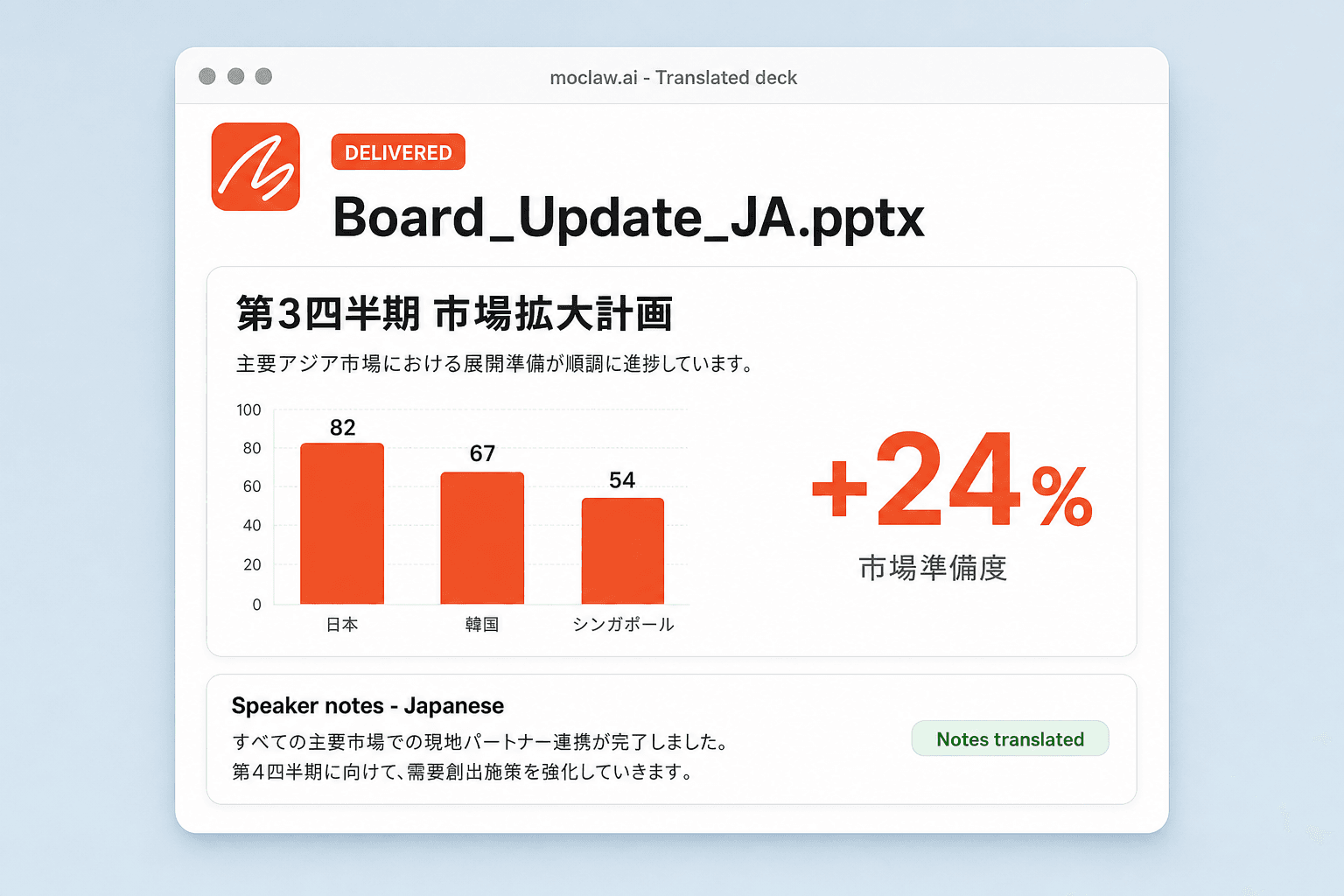
Eighteen slides, same design. Slide 8 now reads 第3四半期 市場拡大計画 over the same readiness chart, with 日本 82, 韓国 67, シンガポール 54 on the relabelled axis and the confidential footer translated as well.
Speaker notes came across too, so there is something to present from rather than just display. The file is a native PPTX with live text boxes, so a local colleague can polish a term without rebuilding anything. Want Spanish and French from the same source?
- Eighteen slides, same design. Slide 8 now reads 第3四半期 市場拡大計画 over the same readiness chart, with 日本 82, 韓国 67, シンガポール 54 on the relabelled axis and the confidential footer translated as well.
- Speaker notes came across too, so there is something to present from rather than just display. The file is a native PPTX with live text boxes, so a local colleague can polish a term without rebuilding anything. Want Spanish and French from the same source?
How the PowerPoint translator works
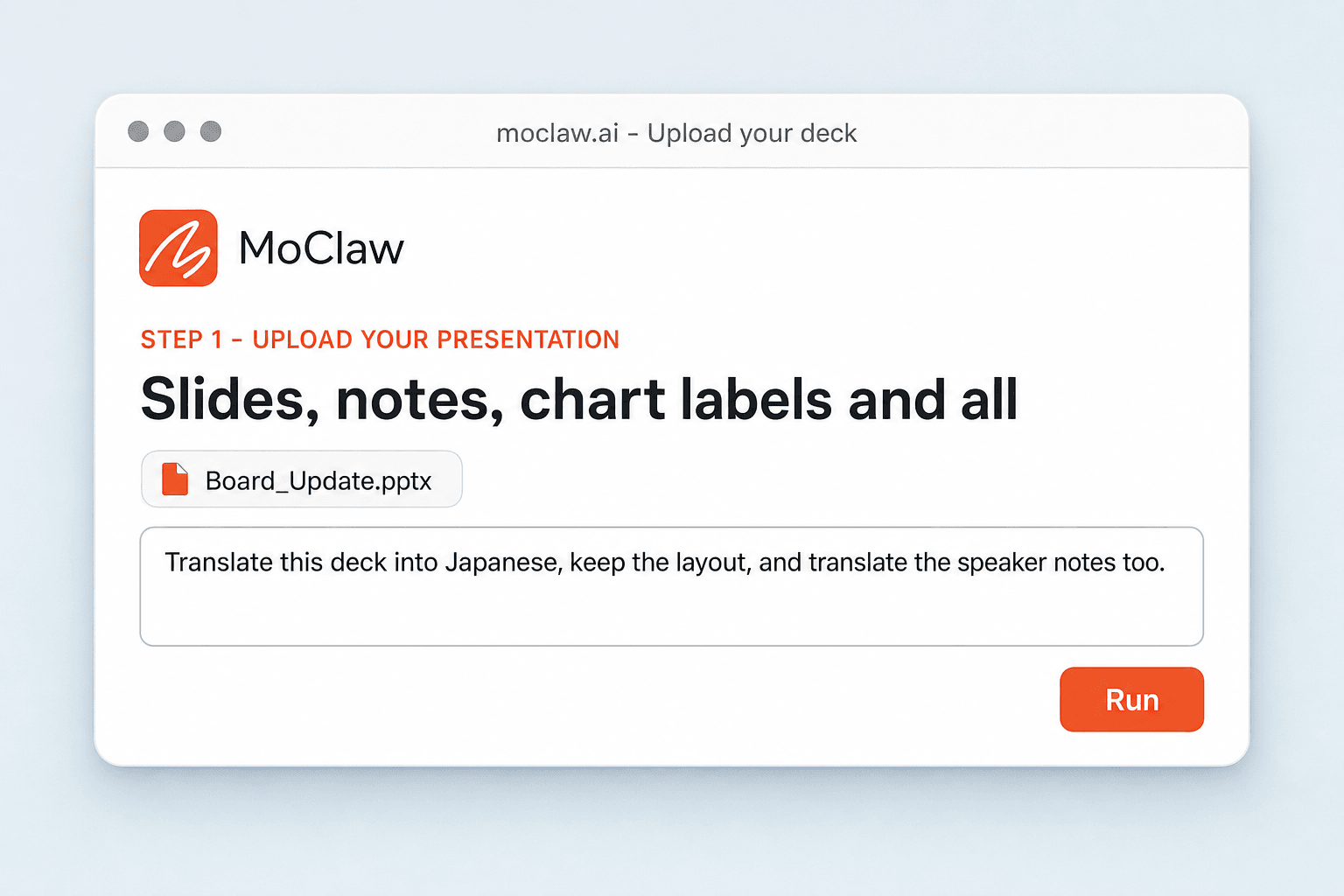
Upload Your Presentation
Drop in a .pptx, or a PDF if that is what you have. Every slide, note, and chart label is read, not just the headline text.
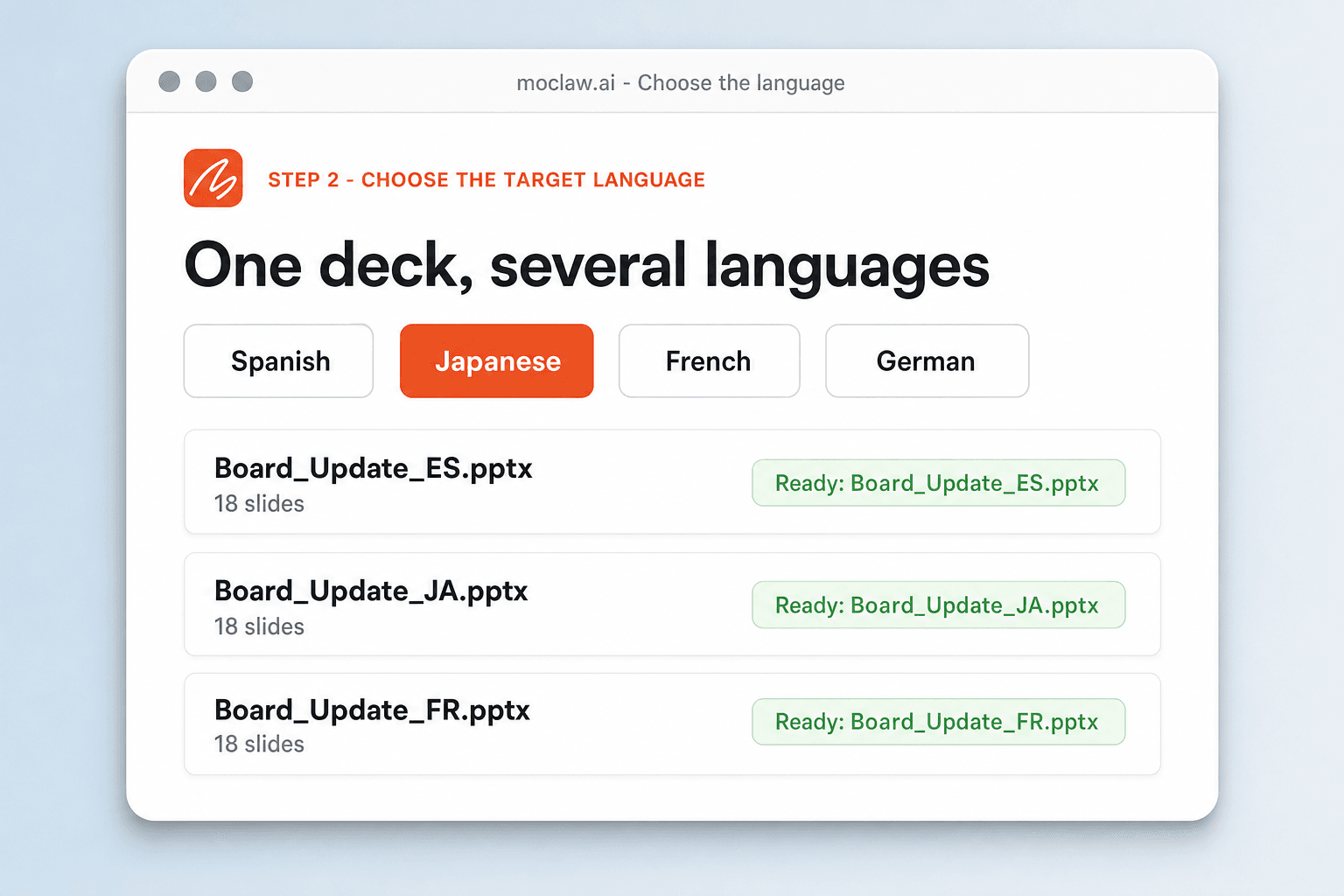
Choose the Target Language
Pick one language or several, and set the tone if it matters: formal for a client board, plain for training material.
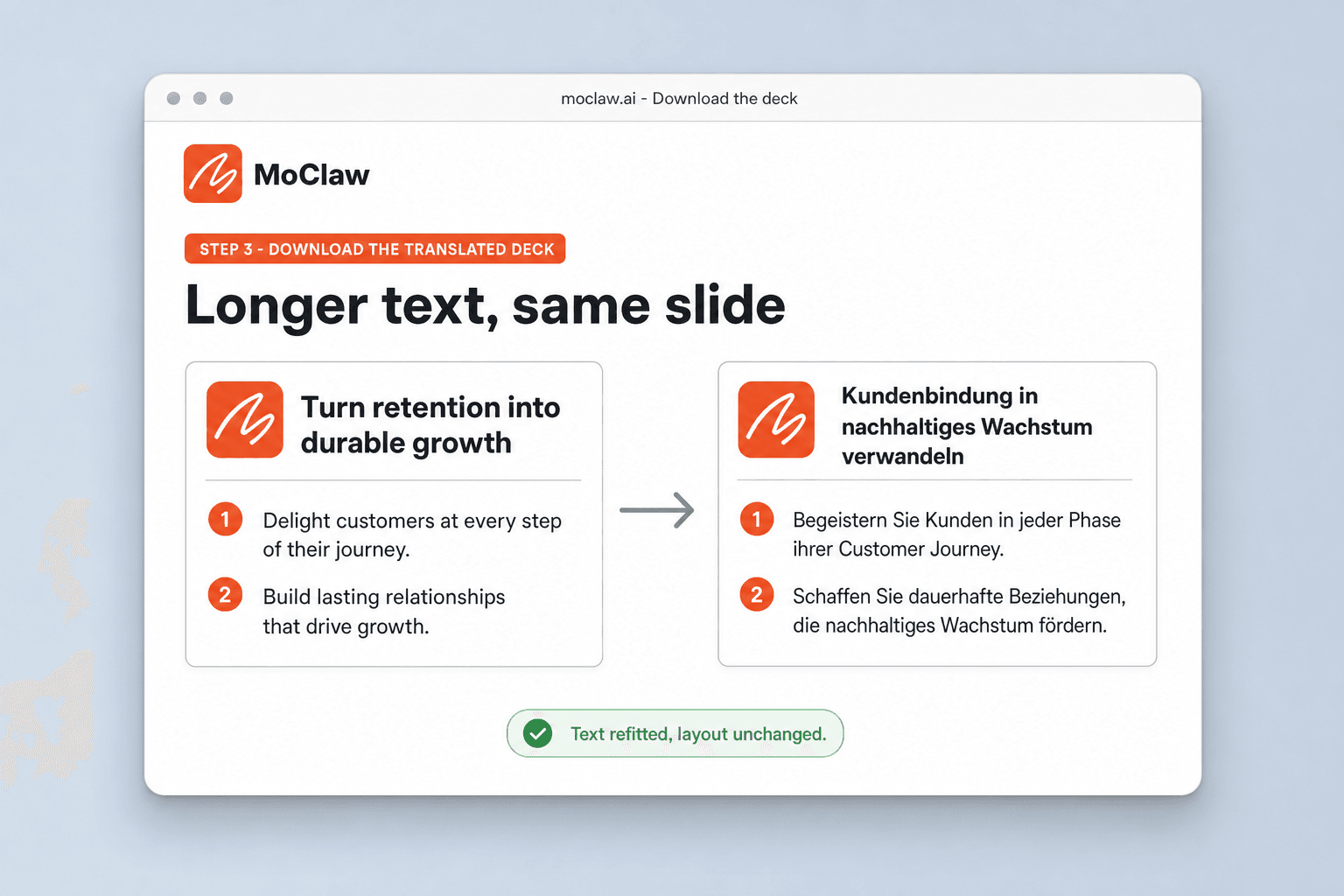
Download the Translated Deck
You get an editable PowerPoint with the layout intact, plus a translated speaker script if you asked for one.
What gets translated
What your PowerPoint translator sends you
A real example of what MoClaw hands back, shown before you sign up.
PowerPoint translator: MoClaw vs generic document translators
See how MoClaw's AI-powered approach differs from traditional tools.
| Feature | Translating it by hand | Generic translator | MoClaw |
|---|---|---|---|
| Layout after translation | Fixed slide by slide | Text overflows the boxes | Text boxes reflowed, design preserved |
| Chart labels | Edited one at a time | Left in the source language | Translated with the slide |
| Speaker notes | Usually skipped | Not touched | Translated, plus an optional script |
| Several languages | Repeat the whole job | One run each, inconsistent | One upload, one file per language |
| Editability | Full | Often flattened | Native .pptx with live text boxes |
Why translating a deck is a design problem, not a text problem
Longer sentences, mixed-language charts, and missing presenter context are what make a translated deck feel unfinished.
Why Generic Translators Break Your Deck
They swap the text and ignore the design, so longer sentences overflow their boxes, fonts fall back to defaults, and charts stay in the original language. MoClaw treats the deck as a design, not a text file.
Translation Plus the Materials Around It
A deck alone is half the job. You can get the translated presentation, a speaker script, and a summary handout in the target language from one upload.
Minutes, Not a Vendor Cycle
Agency translation of a deck takes days and a purchase order. Upload it, pick the language, and review the result over coffee.
Ways to extend your PowerPoint translator
Click one to load it into the box above, ready to run.
PowerPoint translator FAQ
How do I translate a PowerPoint without losing formatting? ⌄
Upload the deck and pick a language. The text is translated and each text box is refitted, so fonts, charts, and spacing come back in place instead of overflowing.
Can a generic translator keep the design? ⌄
Text-only translators handle words and ignore layout, which is why translated decks come back with overflowing boxes and untranslated charts. Here the deck is treated as a design.
Does it translate speaker notes too? ⌄
Yes. Slides and notes are translated in one pass, so nothing arrives half in one language and half in another.
What languages are supported? ⌄
All major languages. Upload the deck, pick the language you need, and ask for several at once if you are rolling out to more than one market.
Will the translated PowerPoint still be editable? ⌄
Yes. It is a native .pptx with live text boxes, so you or a local colleague can fix a term without rebuilding a slide.
Can I translate a PDF into a translated PowerPoint? ⌄
Yes. The PDF is converted into an editable presentation and translated in the same run.
How long does it take? ⌄
Minutes, even for a long deck with notes on most slides.
Is there a free way to translate a PowerPoint? ⌄
The free tier covers a translation so you can check the output before moving to a paid plan for higher volumes and team features.
Integrations
Best integrations for PowerPoint translator
Who it's for
Who uses PowerPoint translator
Related document automation use cases
From our blog
Try Translate PowerPoint Online for free
No credit card required