PDF to PPT with AI
Turn a <a href="/blog/ai-agent-use-cases-2026-guide">PDF into a native</a> PowerPoint with editable text, real tables, and live charts, either page for page or distilled into a shorter deck.
Runs on managed cloud. No scripts, no Zapier.
The failure mode here is a converter that pastes each page in as a picture. I need to pull the actual text and table data out of the PDF, decide which pages carry the argument, and then build slides out of native objects.
Used 1 tools
Read Q3-Market-Report.pdf
24 pages, plain text with 4 tables and 3 figures. Key figures: revenue 6.0M up 12% QoQ, APAC 1.2M at plus 15%, average margin 31%.
Twenty-four pages of prose, about ten slides of argument. Regional performance is the finding worth leading with, so that becomes an early slide with the revenue table beside it rather than three paragraphs.
Used 1 tools
Write Rebuilding as native objects: text boxes, tables, charts
10 slides. 38 editable text boxes, 4 live tables, 3 native charts, 0 page images.
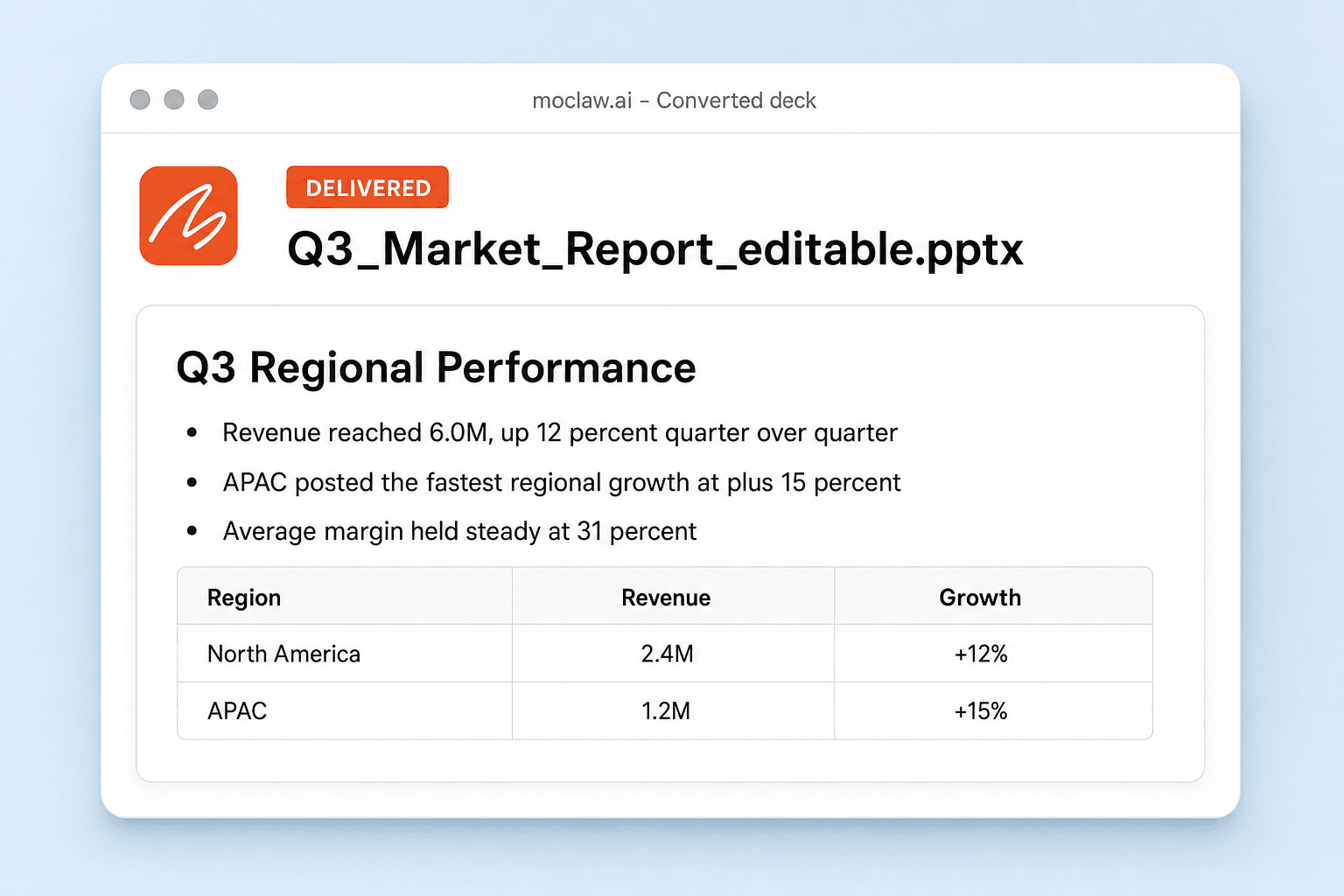
Ten slides from twenty-four pages. Slide 3 reads "APAC led Q3 growth" with the regional table underneath: North America 2.4M at plus 12%, APAC 1.2M at plus 15%.
Everything is a native PowerPoint object. Click any sentence and you can retype it, and the charts carry their data so next quarter is an edit rather than a rebuild. Want the faithful page-by-page version instead? Say so and I'll produce that from the same PDF.
- Ten slides from twenty-four pages. Slide 3 reads "APAC led Q3 growth" with the regional table underneath: North America 2.4M at plus 12%, APAC 1.2M at plus 15%.
- Everything is a native PowerPoint object. Click any sentence and you can retype it, and the charts carry their data so next quarter is an edit rather than a rebuild. Want the faithful page-by-page version instead? Say so and I'll produce that from the same PDF.
How the PDF to PPT converter works
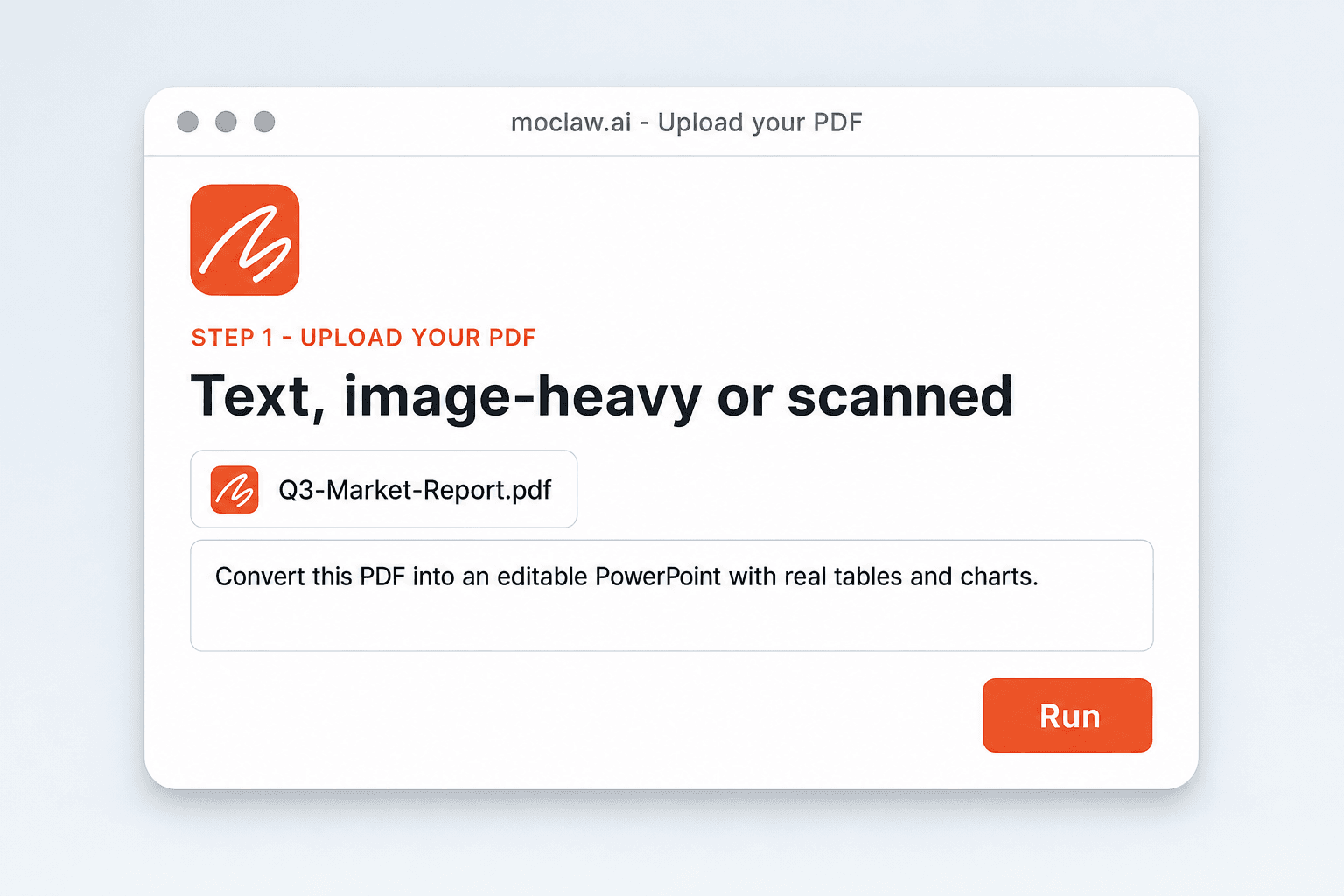
Upload Your PDF
Any PDF works: text-based, image-heavy, or scanned. Long documents are fine, and nothing has to be cleaned up first.
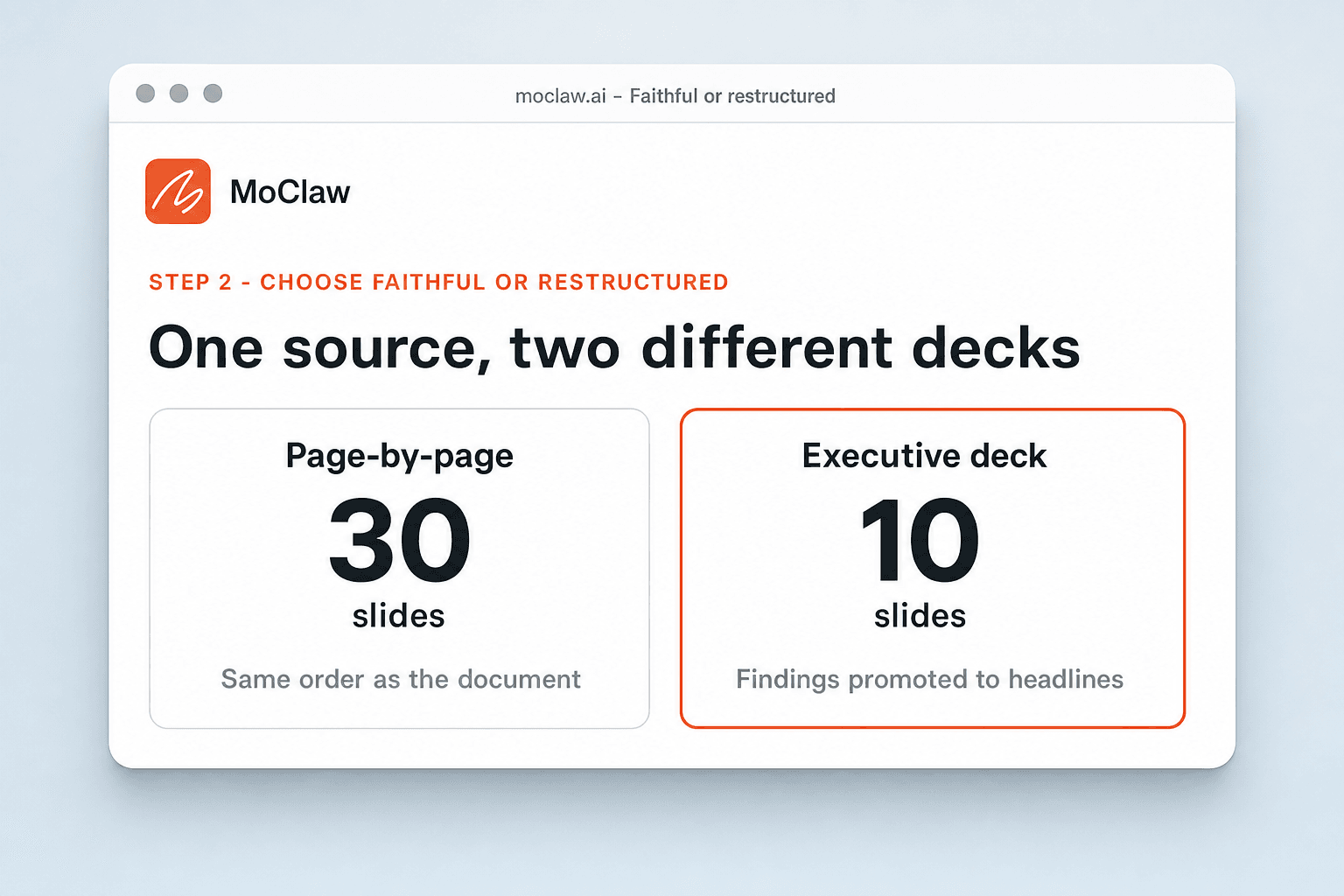
Choose Faithful or Restructured
Keep the original page structure, or ask MoClaw to distill it into a shorter deck with the key points promoted to headlines.
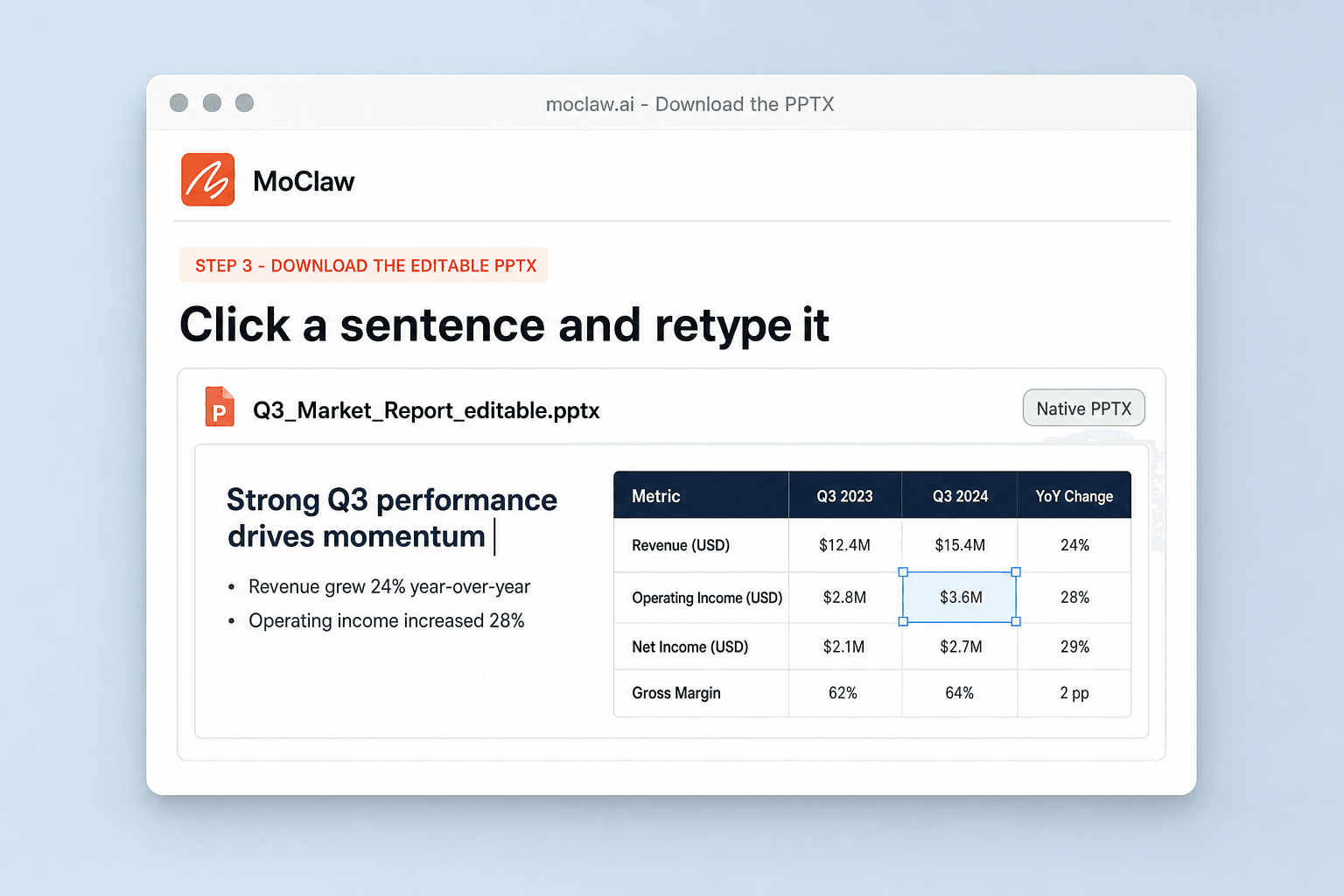
Download the Editable PPTX
You get a native PowerPoint with live text, tables, and charts that opens cleanly in PowerPoint and Google Slides.
What comes back as a real object
What your PDF to PPT converter sends you
A real example of what MoClaw hands back, shown before you sign up.
PDF to PPT converter: MoClaw vs free PDF to PPT converters
See how MoClaw's AI-powered approach differs from traditional tools.
| Feature | Rebuilding by hand | Free PDF to PPT tool | MoClaw |
|---|---|---|---|
| What lands on the slide | Retyped text | One flat page image | Native text boxes, tables, and charts |
| Long documents | You choose what to cut | One slide per page | Faithful or distilled, your call |
| Tables and figures | Rebuilt manually | Flattened | Rebuilt with the data behind them |
| Scanned PDFs | Retyped | Embedded as pictures | Read first, then rebuilt as text |
| After conversion | Keep editing by hand | The tool is finished | Ask for a shorter section or a new slide |
Why use PDF to PowerPoint AI?
The difference shows up after the file conversion is over.
A Converter That Understands the Content
Format converters move pixels between file types. MoClaw reads the document, so it can keep your structure faithfully or reshape it into a presentation, whichever you ask for.
The Editability Test
Open the output and click any sentence. If you can retype it, the conversion worked. That single test is where most free tools fail, and it is the whole point of this one.
Free to Try, Fast to Verify
Sign up free, upload the PDF, and inspect the result yourself in minutes rather than trusting a marketing claim.
Ways to extend your PDF to PPT converter
Click one to load it into the box above, ready to run.
PDF to PPT converter FAQ
How do I convert a PDF to PPT? ⌄
Upload the PDF and say whether you want it faithful or distilled. MoClaw reads the content and rebuilds it as an editable PowerPoint instead of pasting each page in as a picture. Sign up free to run it and keep editing the deck.
How do I convert PDF to PPT for free? ⌄
The free tier covers a conversion so you can judge the output quality. Higher volumes and team features are on the paid plans.
Will the converted slides be editable? ⌄
Yes. You get real text boxes, native tables, and live charts that open cleanly in PowerPoint and Google Slides.
Does the formatting survive the conversion? ⌄
The structure is kept and a clean layout is rebuilt around it. Because pages are not screenshotted, the result reads like a deck rather than a scan of a document.
Can it convert a scanned PDF to PowerPoint? ⌄
Yes. Scanned and image-only PDFs are read first, so the text comes across as editable slide content rather than an embedded picture.
What happens with a very long PDF? ⌄
It gets distilled. A 40-page PDF becomes the slides that carry the argument, with findings promoted to headlines, unless you ask for page-by-page.
Can I convert the PDF to Google Slides instead? ⌄
Yes. The same source can come back as a native .pptx or as a deck you import straight into Google Slides.
How long does it take? ⌄
Minutes for a typical report, including the pass that decides what belongs on each slide.
Integrations
Best integrations for PDF to PPT converter
Who it's for
Who uses PDF to PPT converter
Related document automation use cases
From our blog
Try PDF to PPT with AI for free
No credit card required