Document to PowerPoint with AI
Upload one document or several and get back a single structured, editable <a href="/blog/ai-agent-use-cases-2026-guide">presentation with the findings</a> promoted to headlines and the numbers drawn as charts.
Runs on managed cloud. No scripts, no Zapier.
Three files that overlap, so the risk is stapling them together instead of merging them. I should read all three first, find where they agree and disagree, and let the conclusion drive the slide order rather than the file order.
Used 1 tools
Read strategy-report.pdf, revenue.xlsx, project-notes.docx
31 pages, 4 sheets, 9 pages of notes. Overlap: all three discuss segment performance. Conflict: notes describe churn the report calls a seasonal dip.
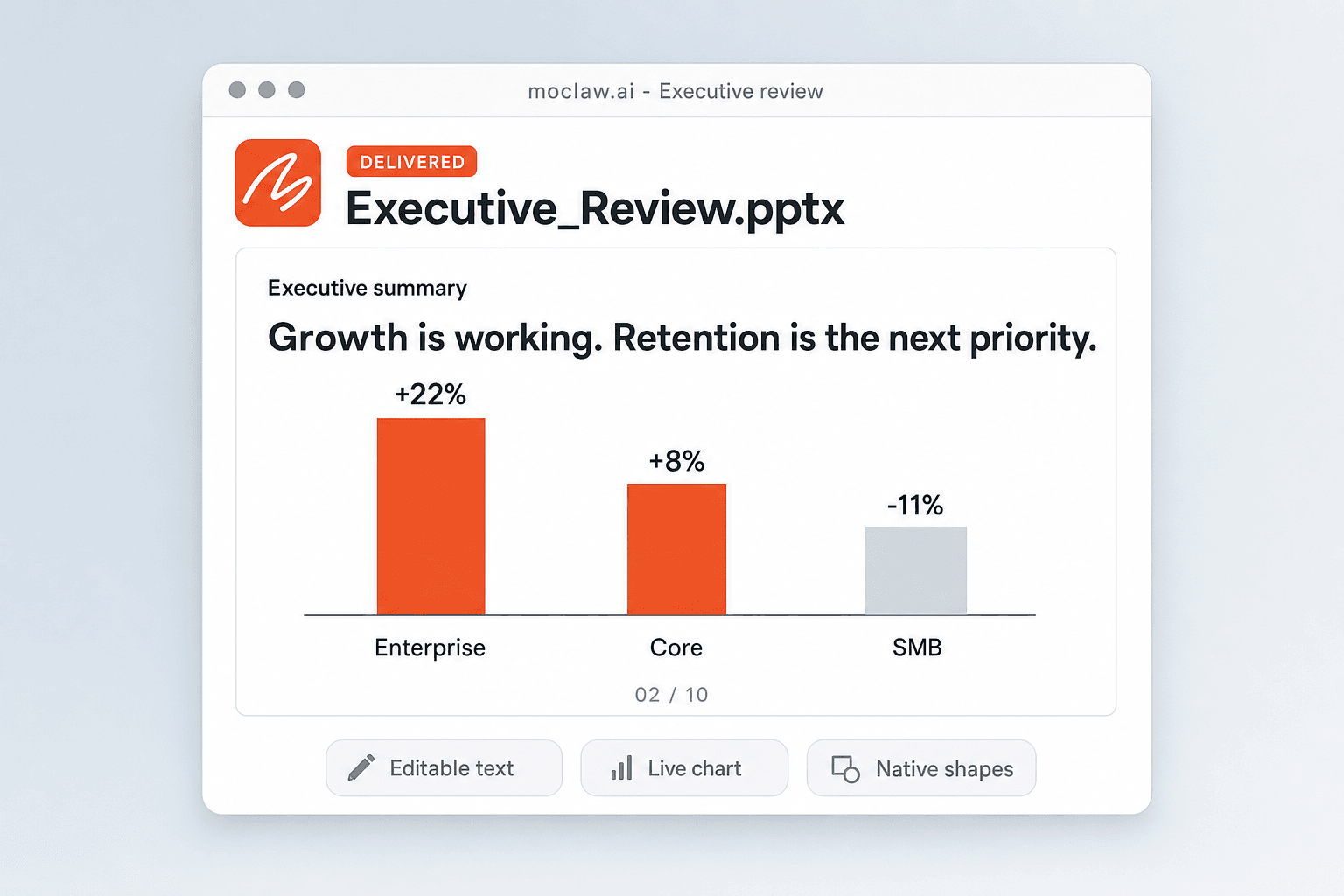
All three sources point at the same conclusion: growth is working and retention is the constraint. Enterprise is up 22%, core up 8%, SMB down 11%. I'll lead with that and put the seasonal-dip disagreement in the notes rather than on a slide.
Used 1 tools
Write Building 10 slides with a segment growth chart from revenue.xlsx
10 slides. 2 live charts, native text boxes, speaker notes on 8 slides.
Deck is ready. Slide 2 is the executive summary: "Growth is working. Retention is the next priority." with the segment chart underneath, built from your spreadsheet rather than redrawn by hand.
The file is a native .pptx, so text boxes and charts stay editable in PowerPoint and Google Slides. Tell me to shorten a section or change the emphasis and I'll update it here.
- Deck is ready. Slide 2 is the executive summary: "Growth is working. Retention is the next priority." with the segment chart underneath, built from your spreadsheet rather than redrawn by hand.
- The file is a native .pptx, so text boxes and charts stay editable in PowerPoint and Google Slides. Tell me to shorten a section or change the emphasis and I'll update it here.
How the AI document to PowerPoint converter works
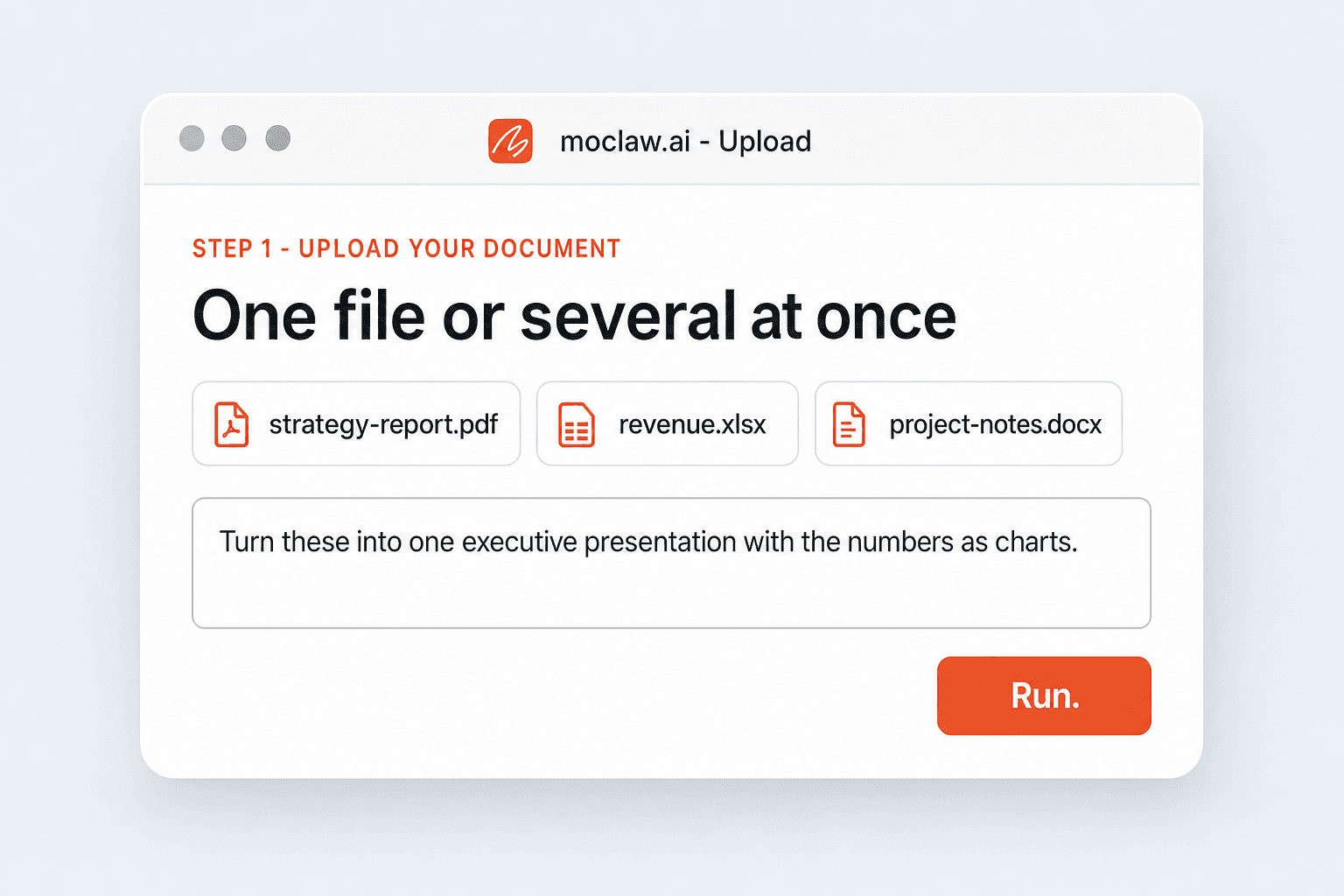
Upload Your Document
One file or several at once. Word, PDF, Google Docs, Excel, plain notes, and scanned files all work as a source.
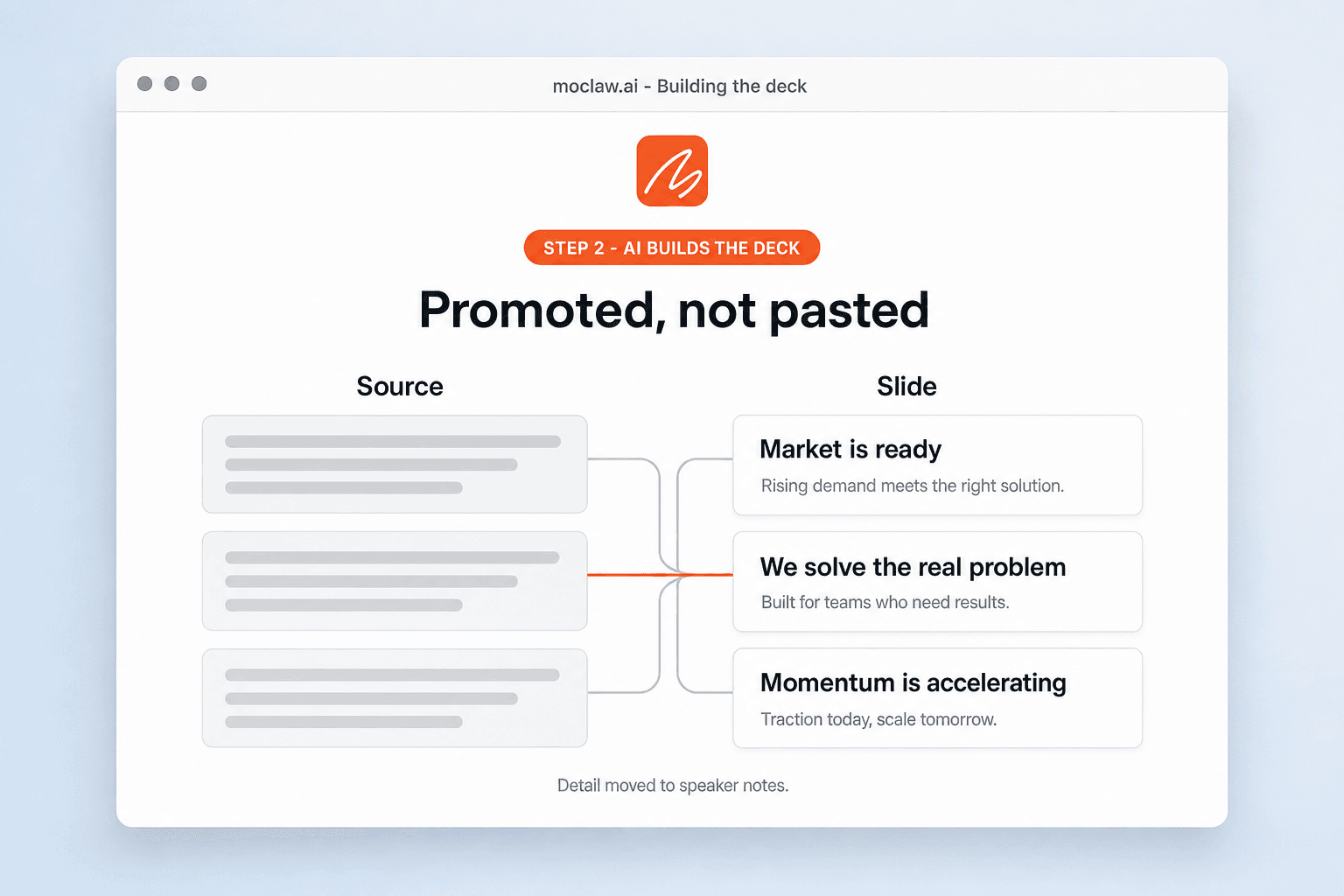
AI Builds the Deck
Content is extracted, reconciled across files, and organized into slide logic, with the key points as headlines and the data as charts.
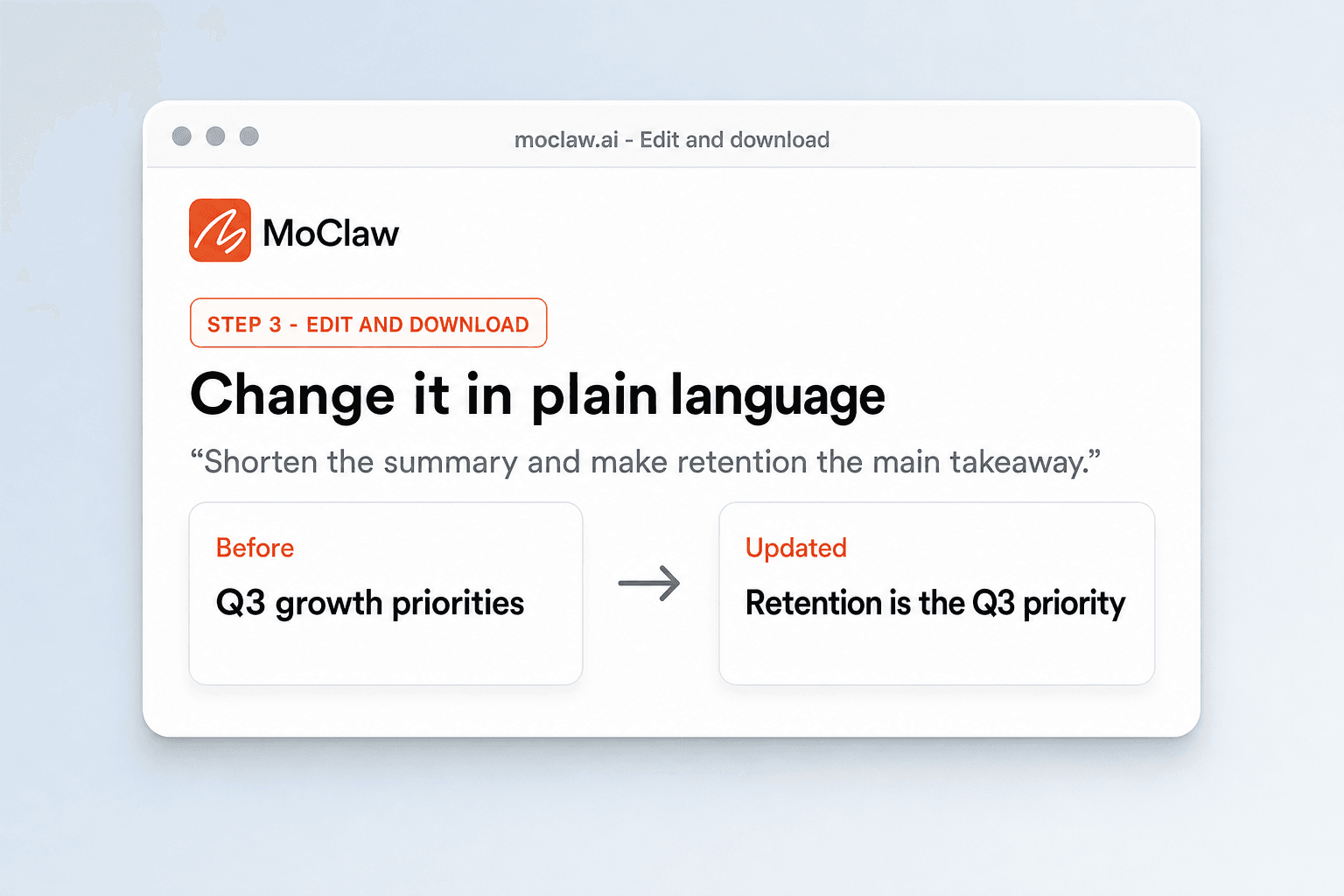
Edit and Download
Adjust anything in plain language, then download a fully editable .pptx that opens cleanly in PowerPoint and Google Slides.
What you can turn into a deck
What your AI document to PowerPoint converter sends you
A real example of what MoClaw hands back, shown before you sign up.
AI document to PowerPoint converter: MoClaw vs file converters
See how MoClaw's AI-powered approach differs from traditional tools.
| Feature | Copy and paste by hand | File converter | MoClaw |
|---|---|---|---|
| What happens to the content | Moved slide by slide | Reflowed into text boxes | Read, then restructured into slide logic |
| Several source files | Merged by you | One file at a time | Read together and merged into one deck |
| Numbers | Charts rebuilt manually | Pasted as text or images | Drawn as live charts |
| Long documents | You decide what to cut | 30 pages become 30 crowded slides | Findings promoted, detail moved to notes |
| After the first draft | Edit every slide | Convert again | Describe the change and the deck updates |
Why use AI to convert a document to PowerPoint?
A converter changes the file format. The work is deciding what belongs on a slide.
An Agent, Not a File Converter
Converters change formats and stop. MoClaw reads the content, so it can restructure, summarize, merge several documents, and keep editing with you after the first draft.
Start With Your Own Material
Upload the documents you already have and add a short instruction. There is no template to fill in first and no content to retype.
Minutes, Not an Afternoon
The document-to-deck loop that costs half a day by hand runs while you get coffee, and the judgment calls are the only part left for you.
Ways to extend your AI document to PowerPoint converter
Click one to load it into the box above, ready to run.
AI document to PowerPoint converter FAQ
What file types can I convert to PowerPoint? ⌄
Word, PDF, Google Docs, Excel, plain text notes, and scanned files. You can upload several at once and get one combined deck rather than one deck per file.
How do I convert a document to PowerPoint with AI? ⌄
Upload the file and say what you want. MoClaw reads the content, organizes the key points into slides, and returns an editable PowerPoint. Sign up free to run it and keep editing the deck in the same conversation.
Will the converted PowerPoint be editable? ⌄
Yes, fully. The output is a native .pptx with real text boxes, native tables, and live charts that open cleanly in Microsoft PowerPoint and Google Slides.
Can I convert a PDF or a Word file to PowerPoint too? ⌄
Yes. PDF, Word, Google Docs, spreadsheets, and notes all work, and several of them can be merged into a single deck in one run.
Can I convert several documents into one PowerPoint? ⌄
Yes. All the files are read before anything is built, so a report, a spreadsheet, and your notes become one coherent deck instead of three stapled files.
How long does it take? ⌄
Minutes. The work that takes half an afternoon by hand runs in the background while you do something else.
Can I edit the PowerPoint after MoClaw generates it? ⌄
Yes, both ways. Tell MoClaw what to change and the deck updates in the conversation, and the exported .pptx stays fully editable in PowerPoint and Google Slides.
Is the document to PowerPoint converter free? ⌄
The free tier covers the conversion so you can judge the output quality. Higher volumes and team features are on the paid plans.
Integrations
Best integrations for AI document to PowerPoint converter
Who it's for
Who uses AI document to PowerPoint converter
Related document automation use cases
From our blog
Try Document to PowerPoint with AI for free
No credit card required