PowerPoint Translator
PowerPoint translator / ppt translator: translate a PowerPoint presentation (PPT or PPTX) to another language while keeping slide layout, then download the file.
Runs on managed cloud. No scripts, no Zapier.
Need to open the uploaded PPTX, walk every slide text box and notes, translate to Spanish, then rebuild a downloadable deck that keeps the original layout.
Used 3 tools
Read Reading Q3-Roadmap.pptx
12 slides found. Titles, bullets, and speaker notes collected. Layout: title + body on most slides; 2 slides have two-column layouts.
Write Translating slide text and notes to Spanish
Spanish pass complete. Titles shortened where Spanish ran long. Bullet structure preserved on all 12 slides.
Write Building translated PPTX
Wrote Q3-Roadmap-ES.pptx with original slide masters and shapes retained.
Done. Spanish PowerPoint is ready.
- File: Q3-Roadmap-ES.pptx
- Slides: 12
- Layout: kept
- Speaker notes: translated
Open it in PowerPoint or Google Slides, then ask if you want a shorter wording pass.
- Done. Spanish PowerPoint is ready.
- File: **Q3-Roadmap-ES.pptx**
- Slides: 12
- Layout: kept
Try follow-up prompts
How the translate powerpoint works
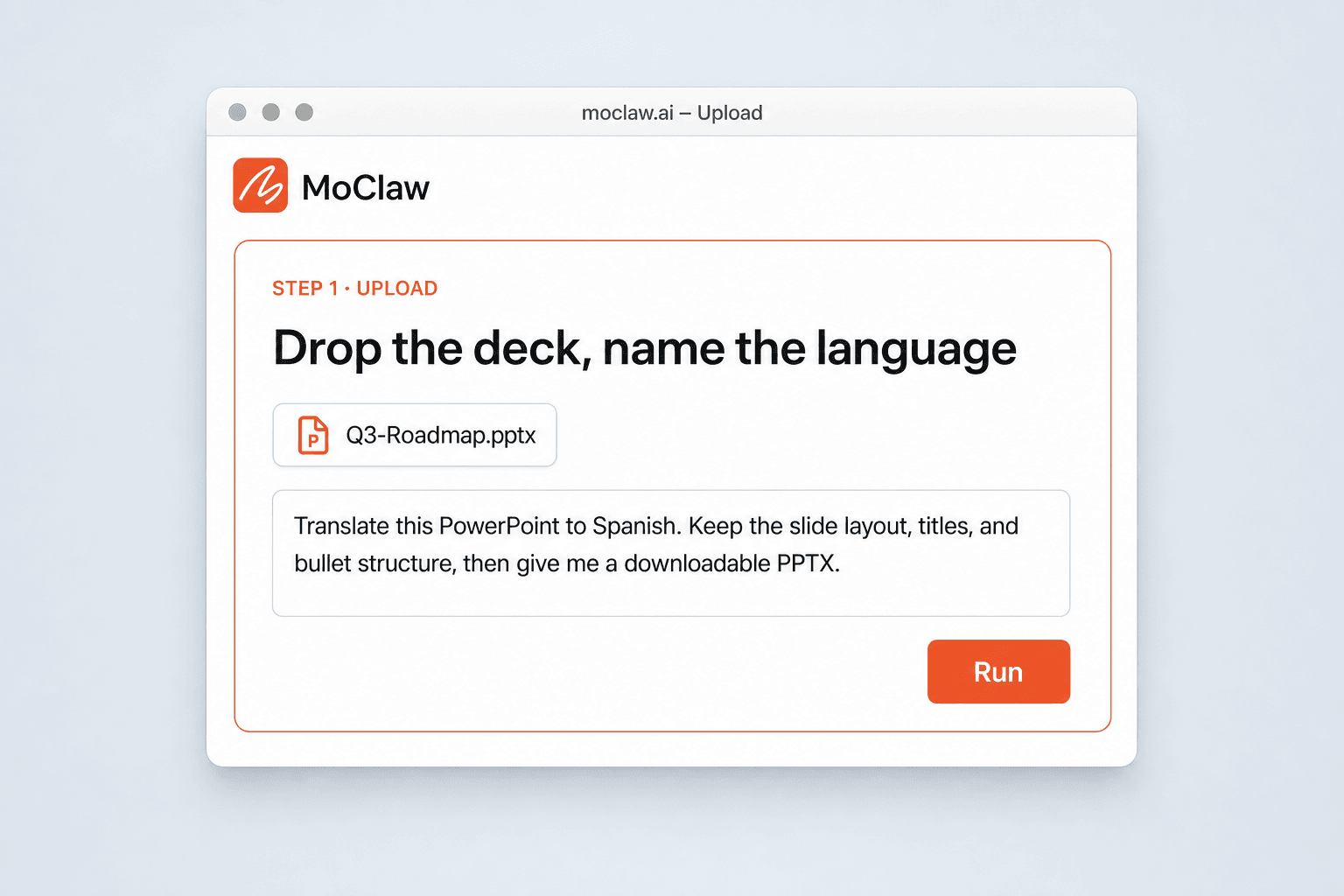
Drop the deck and name the target language
Upload the PPT or PPTX and say the language you need. Plain English is enough — no per-slide setup.
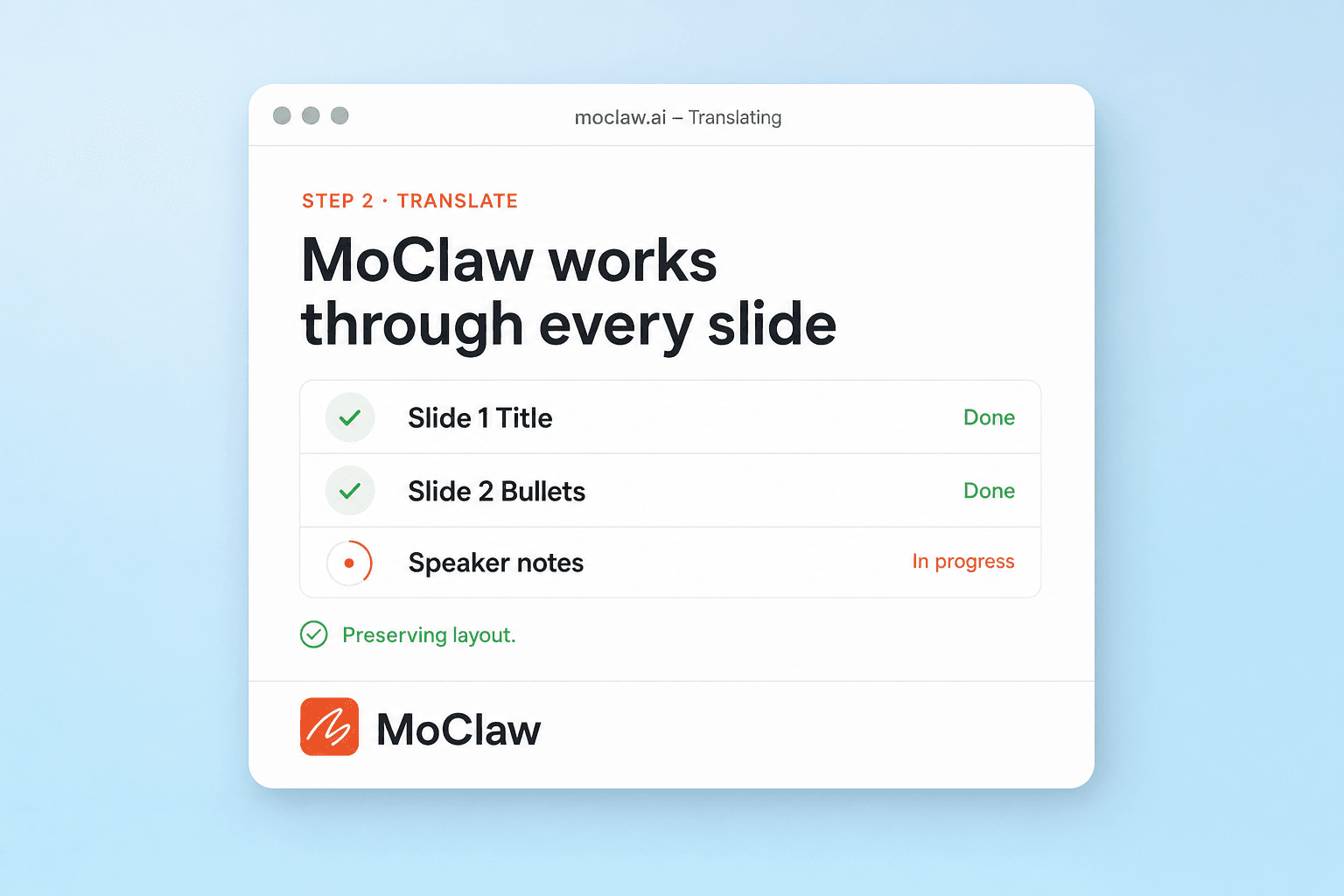
MoClaw translates the slides and keeps the structure
It works through titles, body text, and notes, aiming to preserve the layout you already designed.
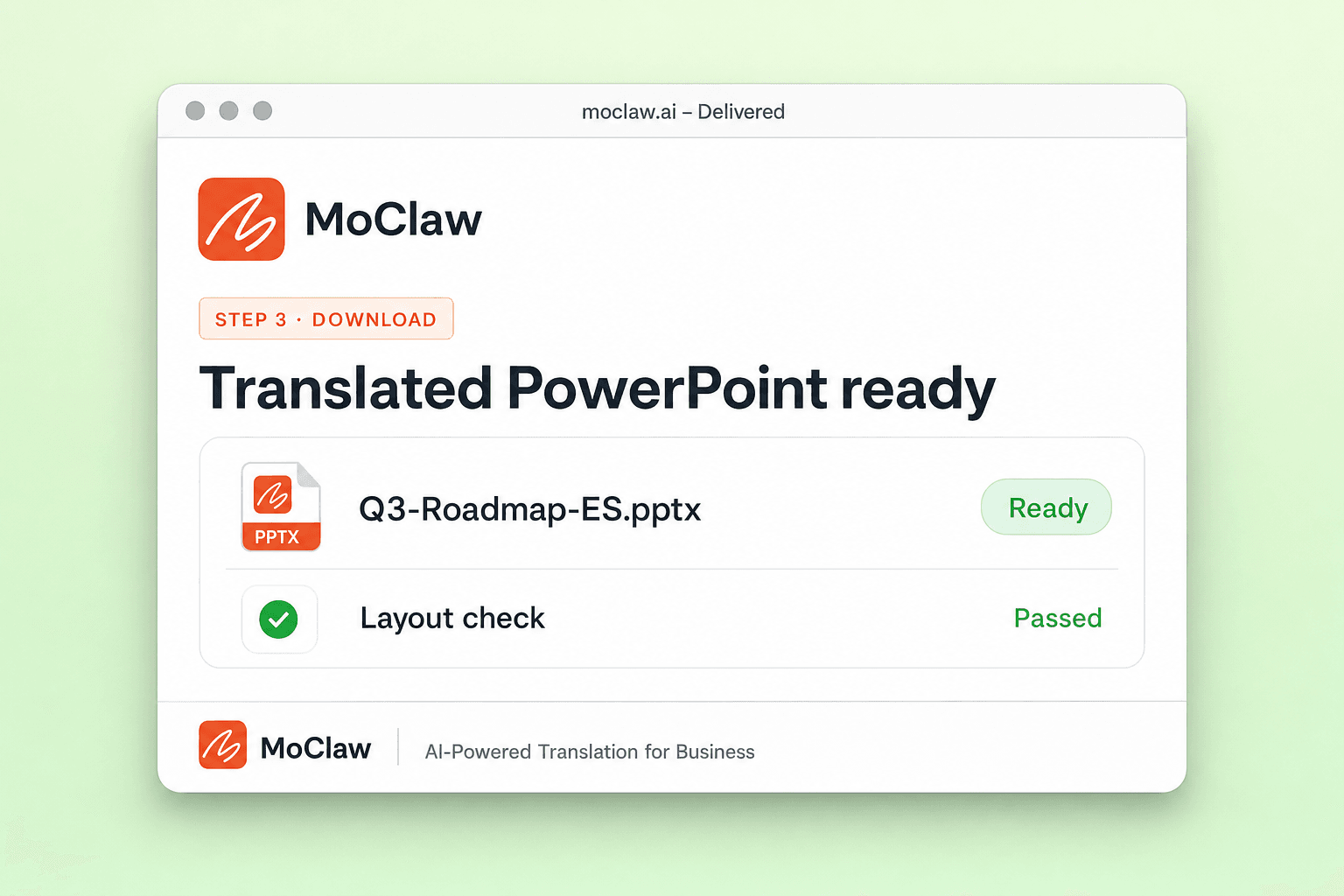
Download the translated PowerPoint
Get a file you can open in PowerPoint or Google Slides, then ask for another language or a wording pass if needed.
What you can translate
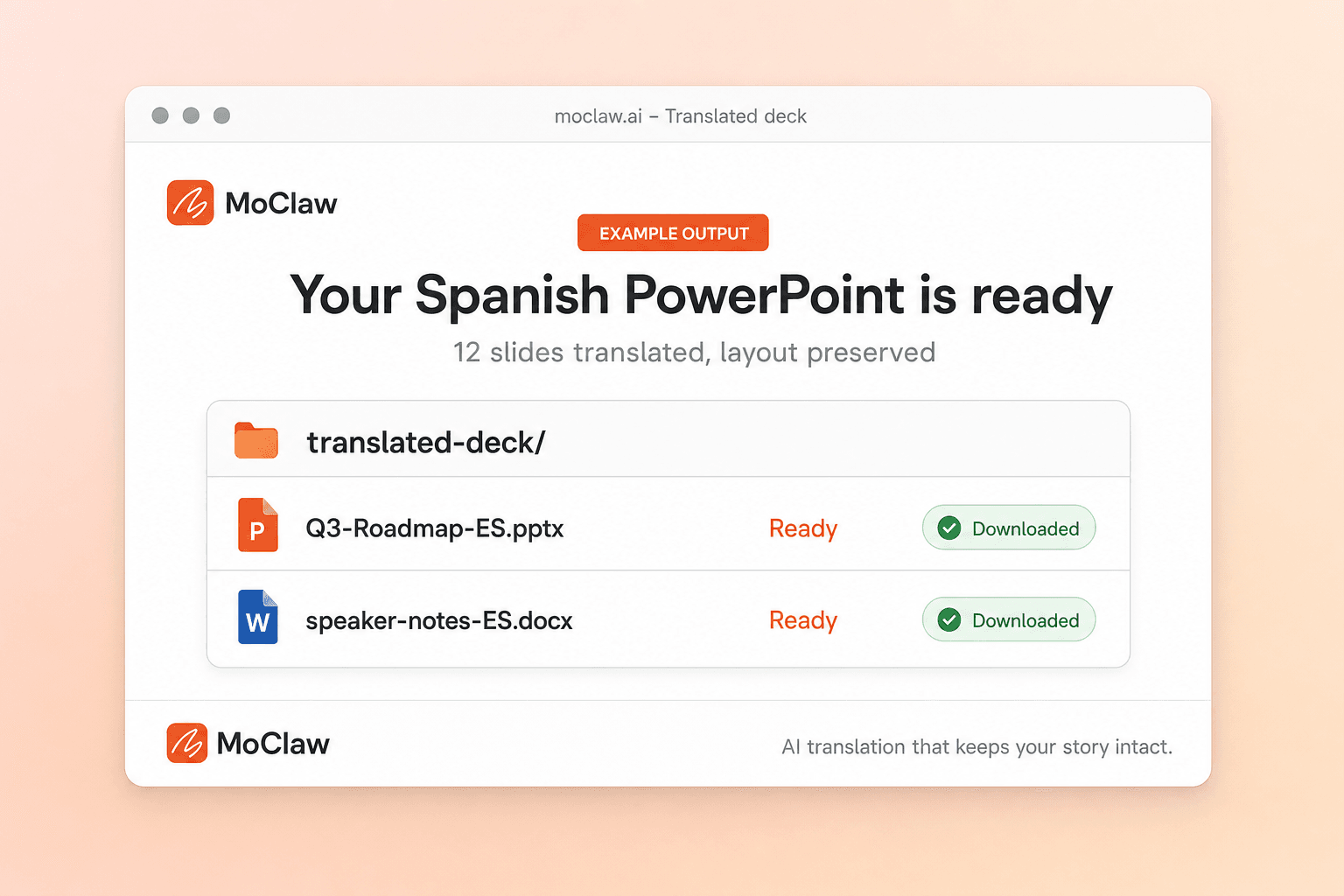
What your translate powerpoint sends you
A real example of what MoClaw hands back, shown before you sign up.
translate powerpoint: MoClaw vs SlideSpeak
See how MoClaw's AI-powered approach differs from traditional tools.
| Feature | Microsoft Copilot / Translator | DeepL / SlideSpeak | MoClaw |
|---|---|---|---|
| Where you work | Inside PowerPoint / Microsoft 365 | Dedicated translator site or app | MoClaw chat — translate then keep working |
| Whole-deck translation | Built-in when Copilot/Translator is available | Upload and download a translated file | Upload the deck, name the language, download |
| Follow-up edits | Stay in Office after translate | Usually leave the translator when done | Same thread: tighten copy, second language, export |
| Best when | You already live in Microsoft 365 | You only need a one-shot file translation | Translation is part of a longer agent workflow |
Why translate the PowerPoint in MoClaw?
You already have the deck. The pain is getting every slide into another language without redrawing the file.
Whole-deck pass, not slide-by-slide paste
Describe the target language once. MoClaw works through the whole presentation file instead of making you copy text boxes into a translator.
Stay in the same agent thread
After you translate a PowerPoint presentation, ask for shorter bullets, bilingual notes, or a second language without starting over in another tool.
Download a real PPTX
The output is a presentation file you can open, edit, and send — not a screenshot dump.
Ways to extend your translate powerpoint
Click one to load it into the box above, ready to run.
translate powerpoint FAQ
How do I translate a PowerPoint with MoClaw? ⌄
Upload the PPT or PPTX, say the target language, and MoClaw returns a translated deck you can download. You can ask for a second language or a wording polish in the same thread.
Will the slide layout stay intact? ⌄
MoClaw aims to keep titles, bullets, and overall structure. Complex SmartArt or heavily nested text boxes may still need a quick visual check before you present.
How is this different from Microsoft Copilot or Translator in PowerPoint? ⌄
Those tools live inside Office. MoClaw is an agent workflow: translate the file, then continue with edits, exports, or follow-up languages without switching products.
How is this different from DeepL or SlideSpeak? ⌄
DeepL and SlideSpeak are strong document translators. MoClaw is useful when translation is one step in a longer job — for example translate, then shorten speaker notes, or produce a Spanish and English pair.
What file types work? ⌄
PPT and PPTX. If you only have a PDF of slides, say so — MoClaw can discuss a path, but a real PowerPoint file is the cleanest input.
Can I translate to Spanish or other languages? ⌄
Yes. Name the language in the request. High-demand pairs like English to Spanish are common; other languages work the same way.
Integrations
Best integrations for translate powerpoint
Who it's for
Who uses translate powerpoint
Related document automation use cases
See also
From our blog
Try PowerPoint Translator for free
No credit card required